ASSIGNMENT: A POUR SHOT
THE POUR SHOT
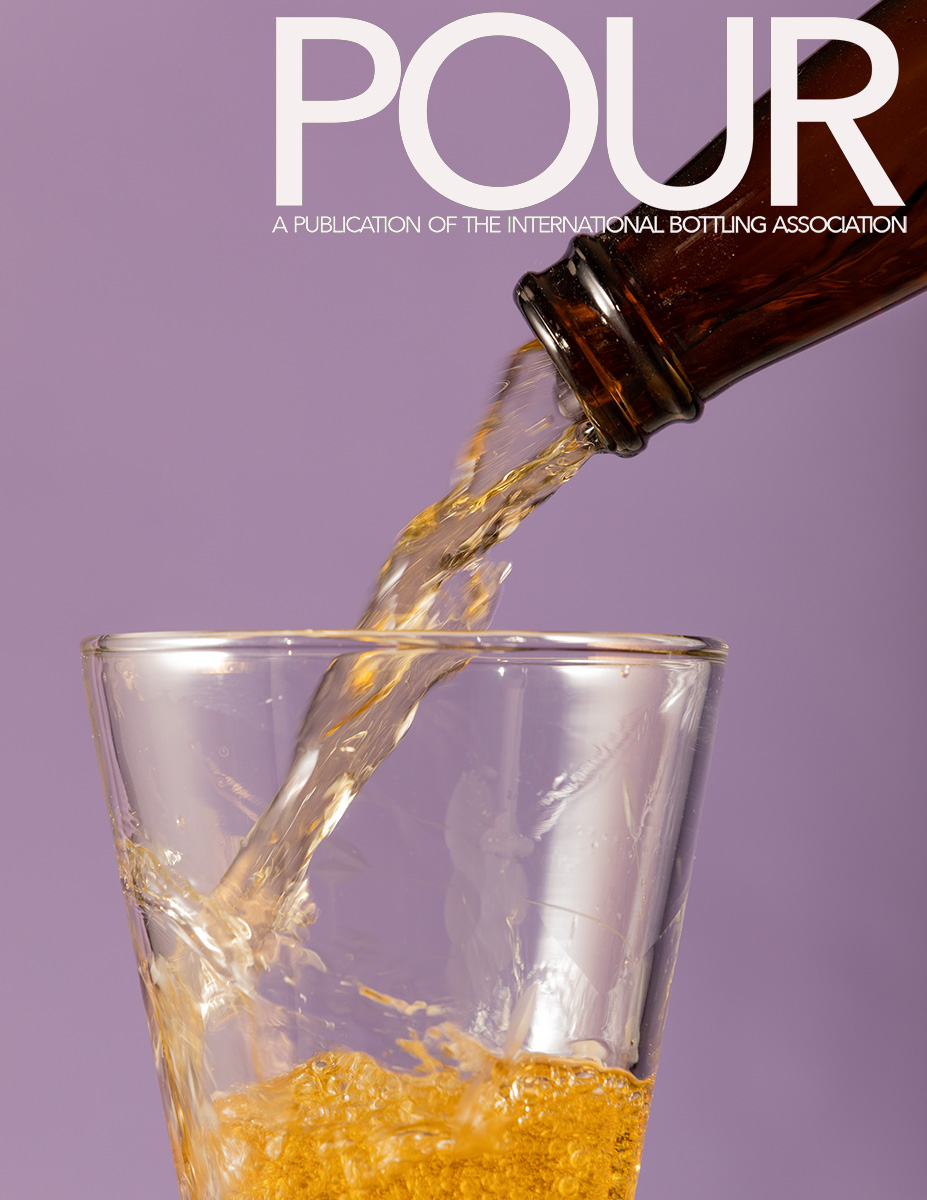
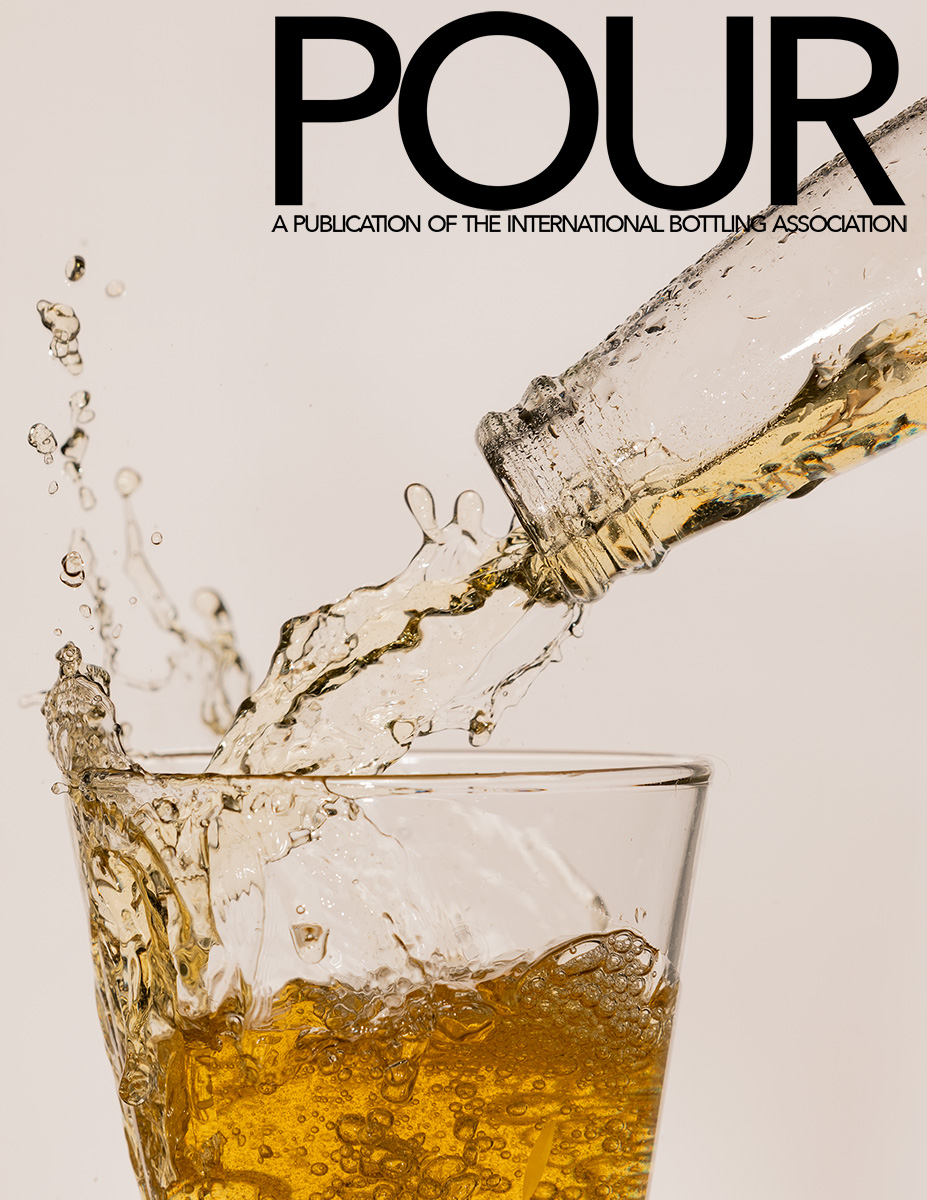
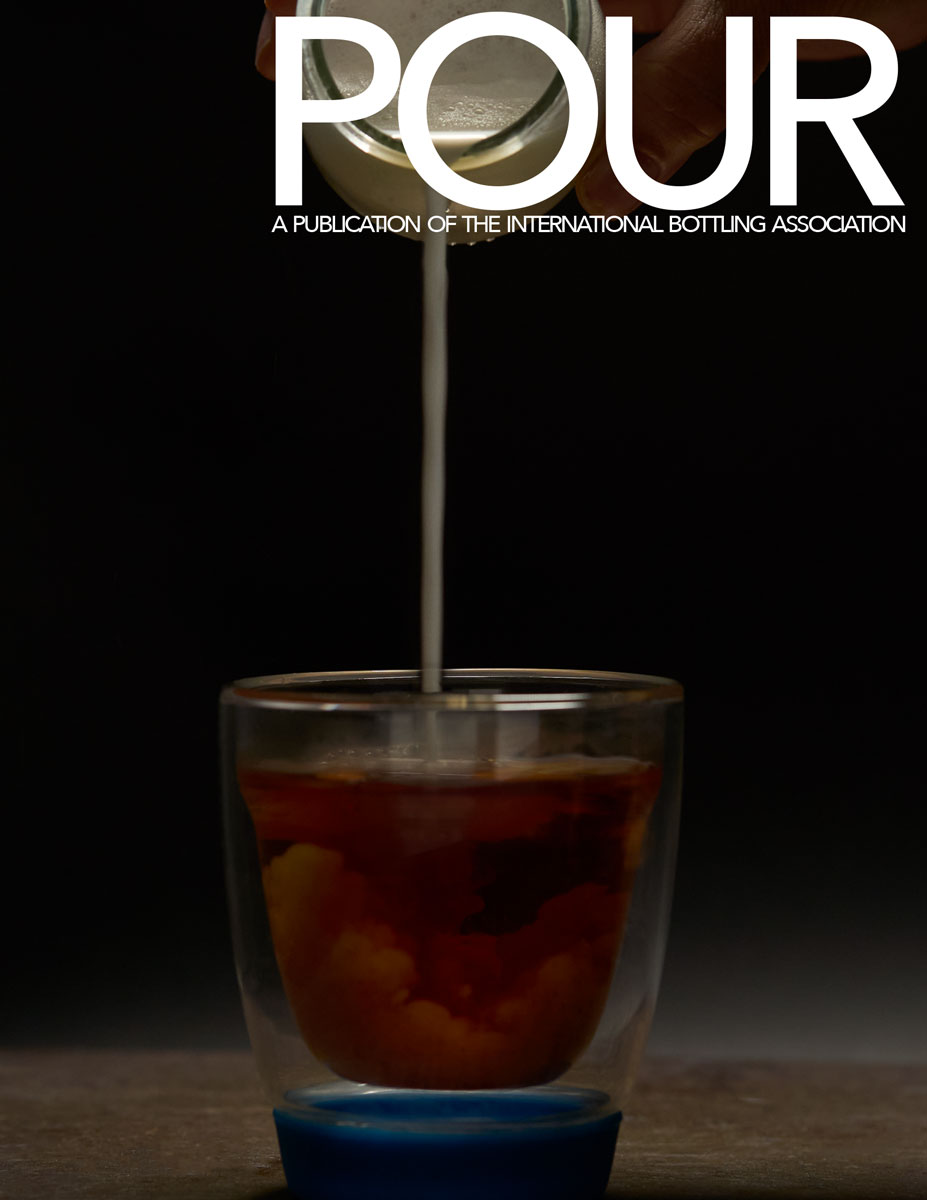
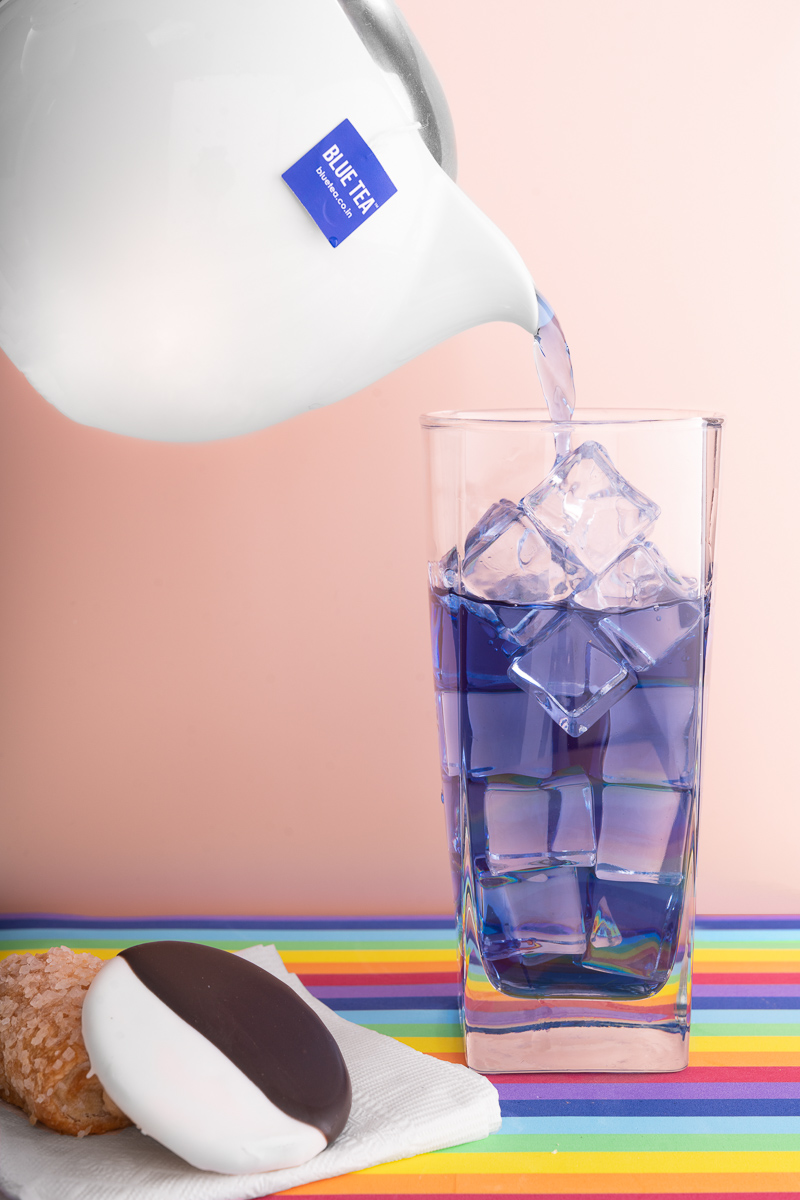
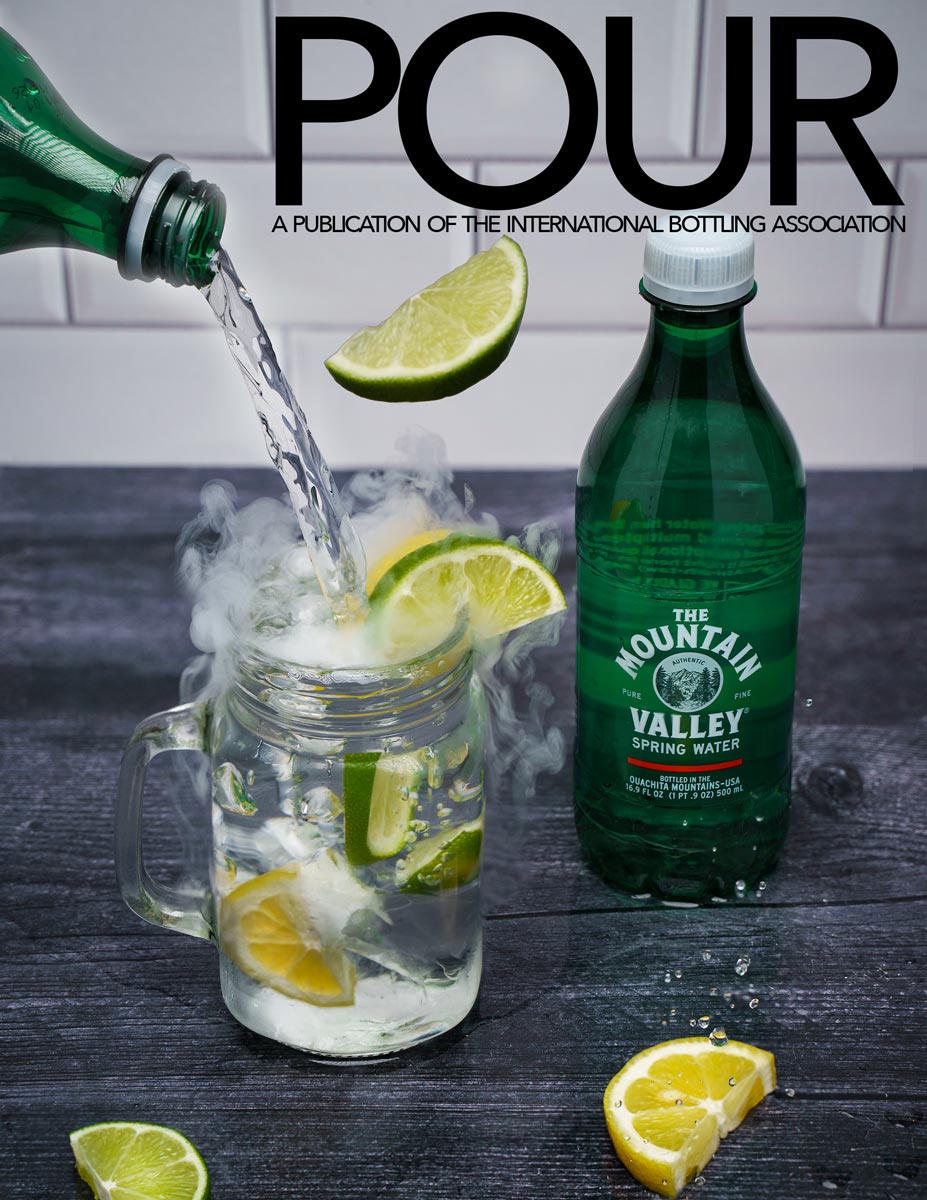
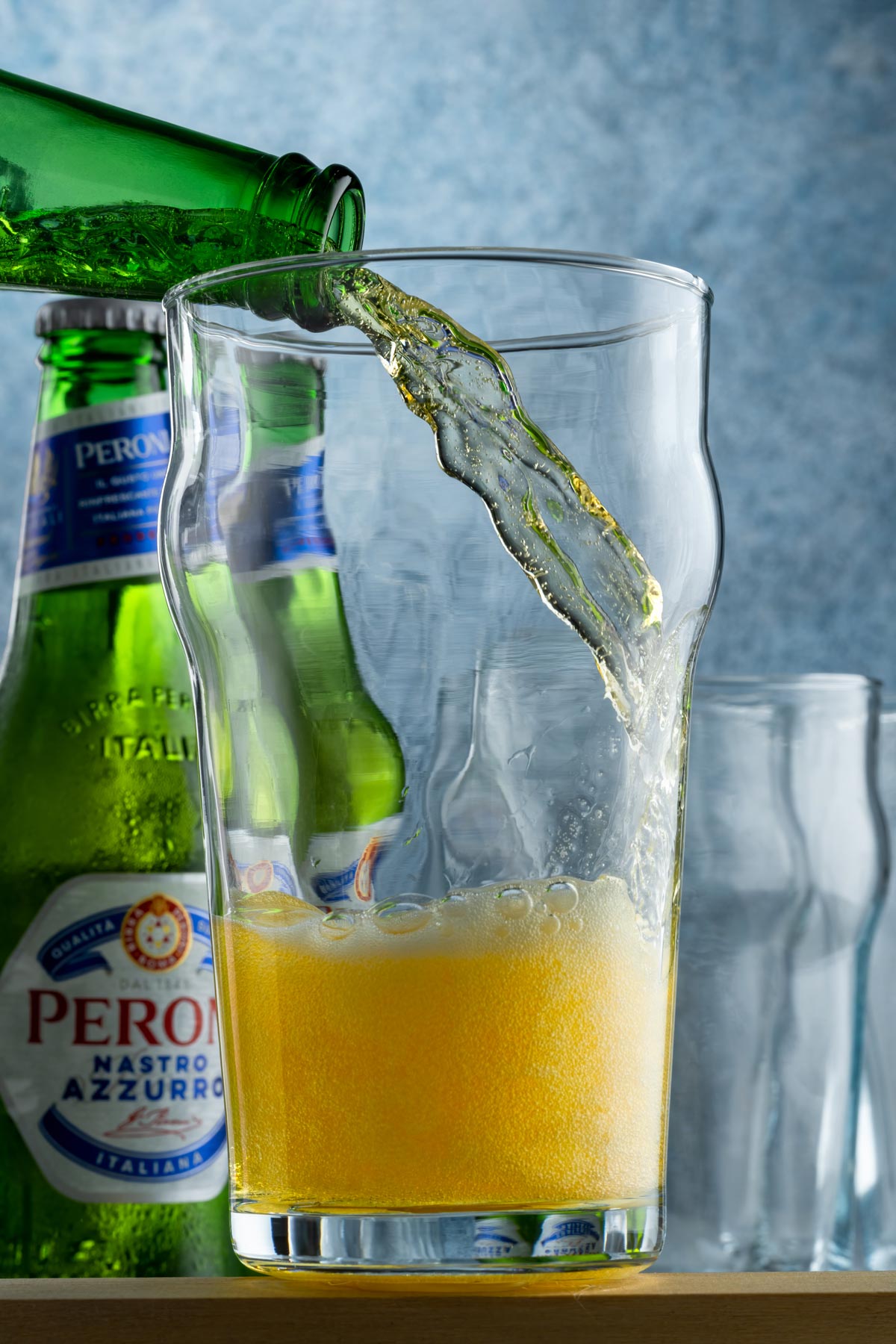
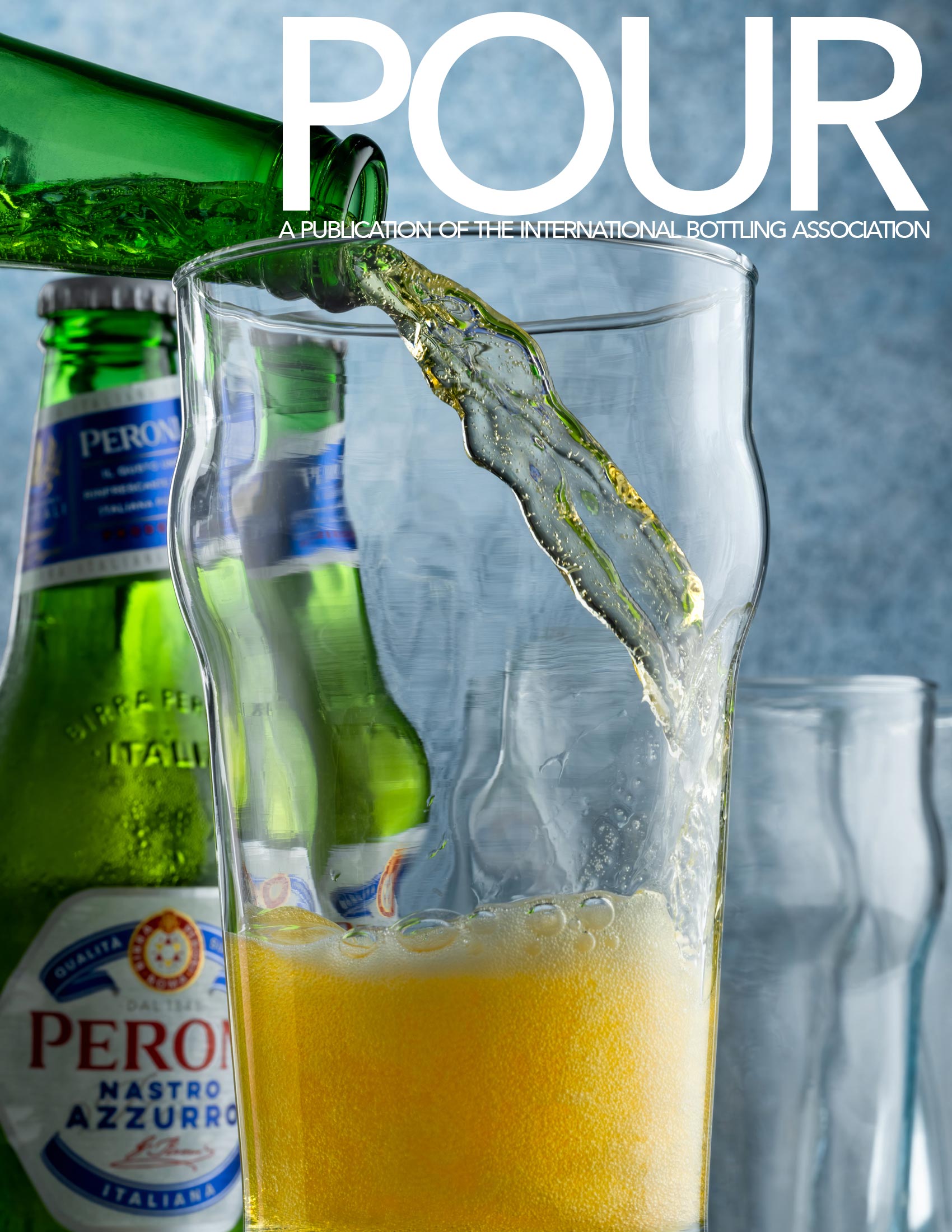
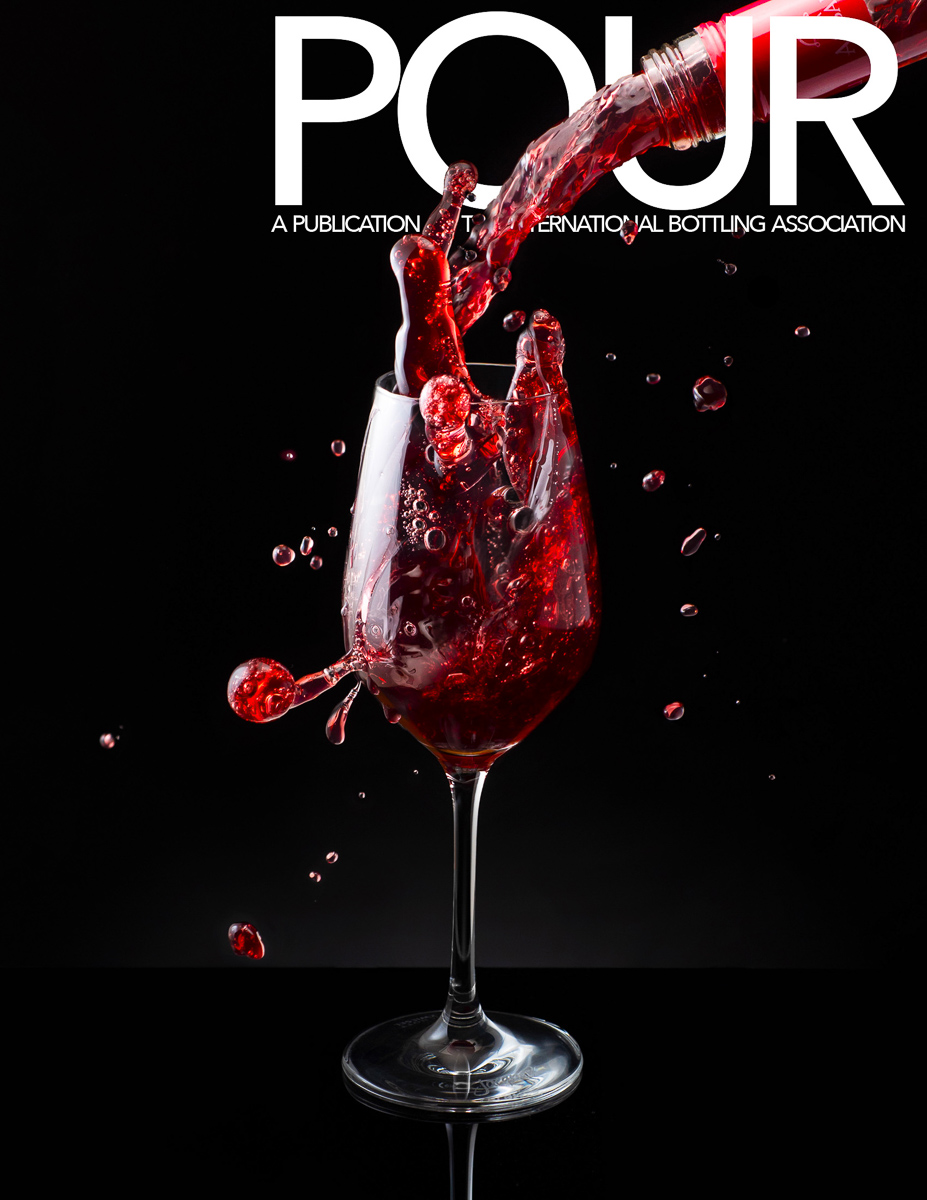
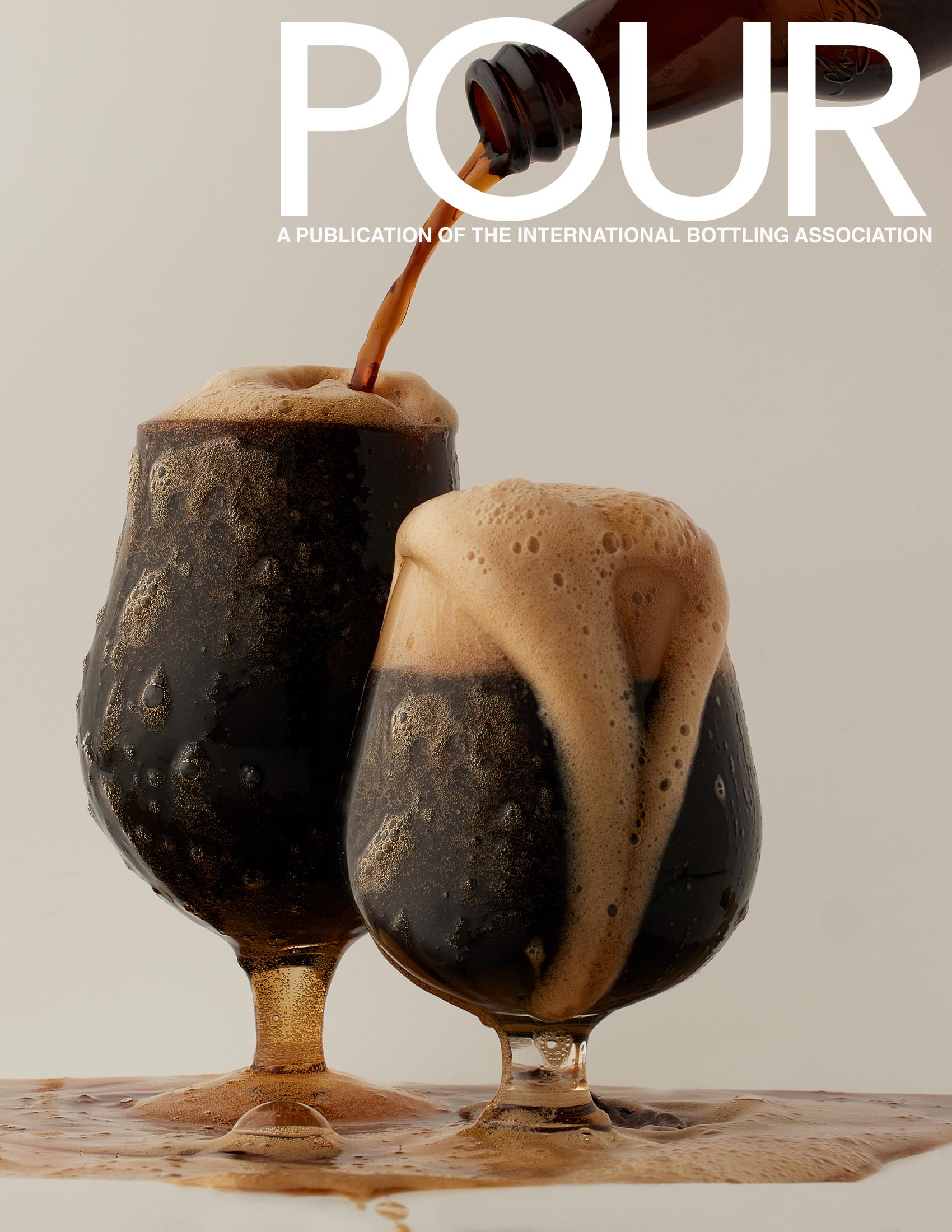
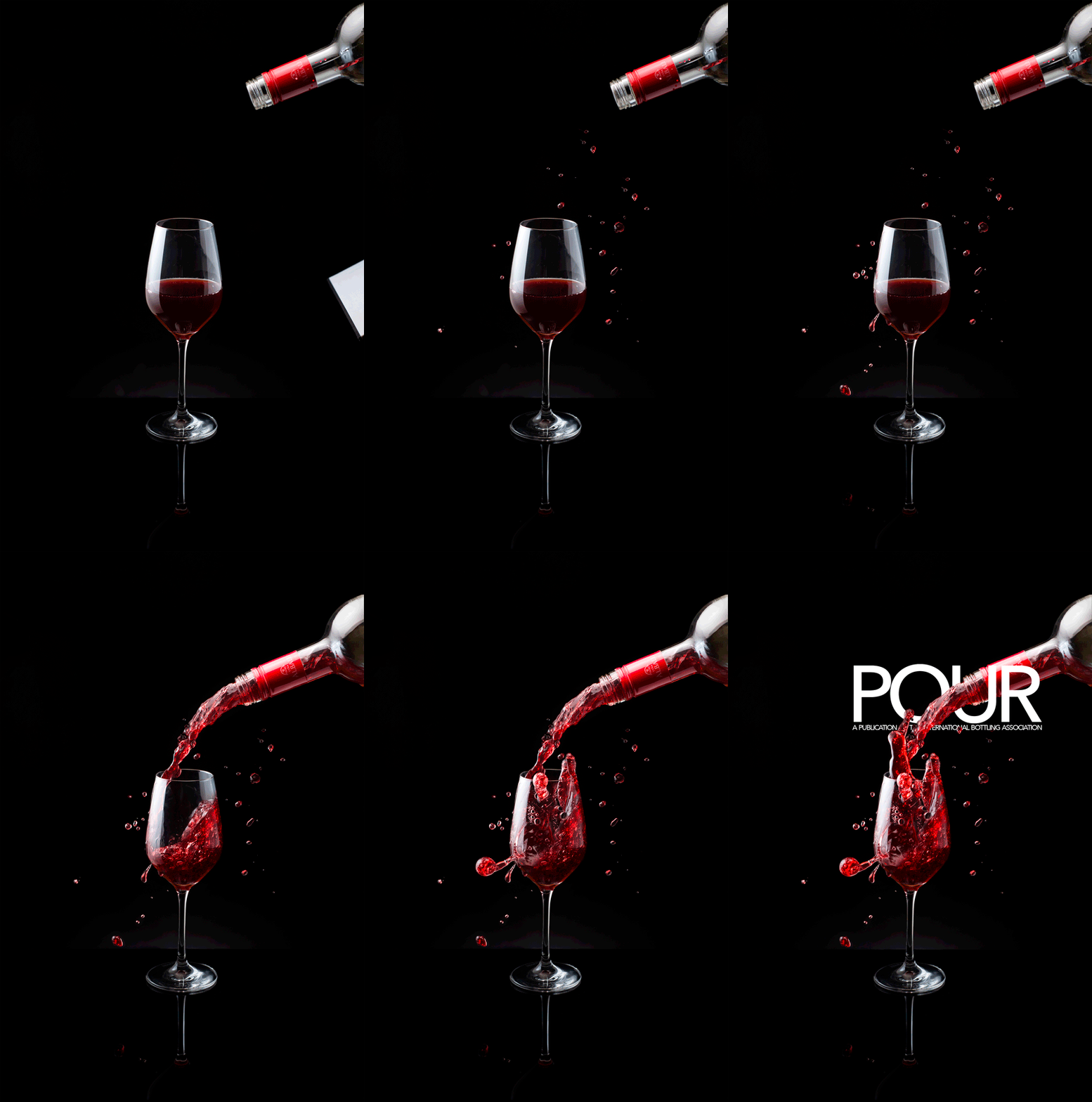
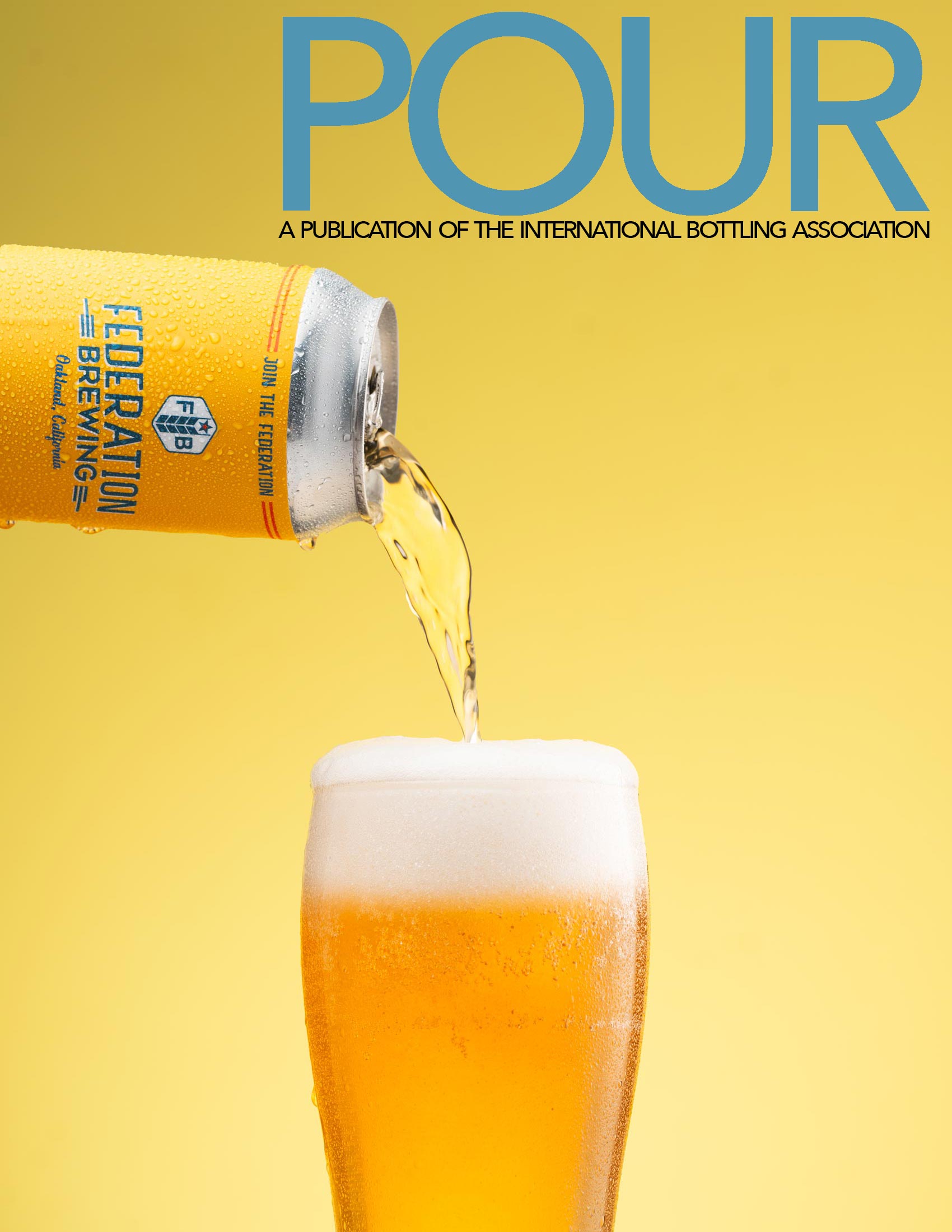
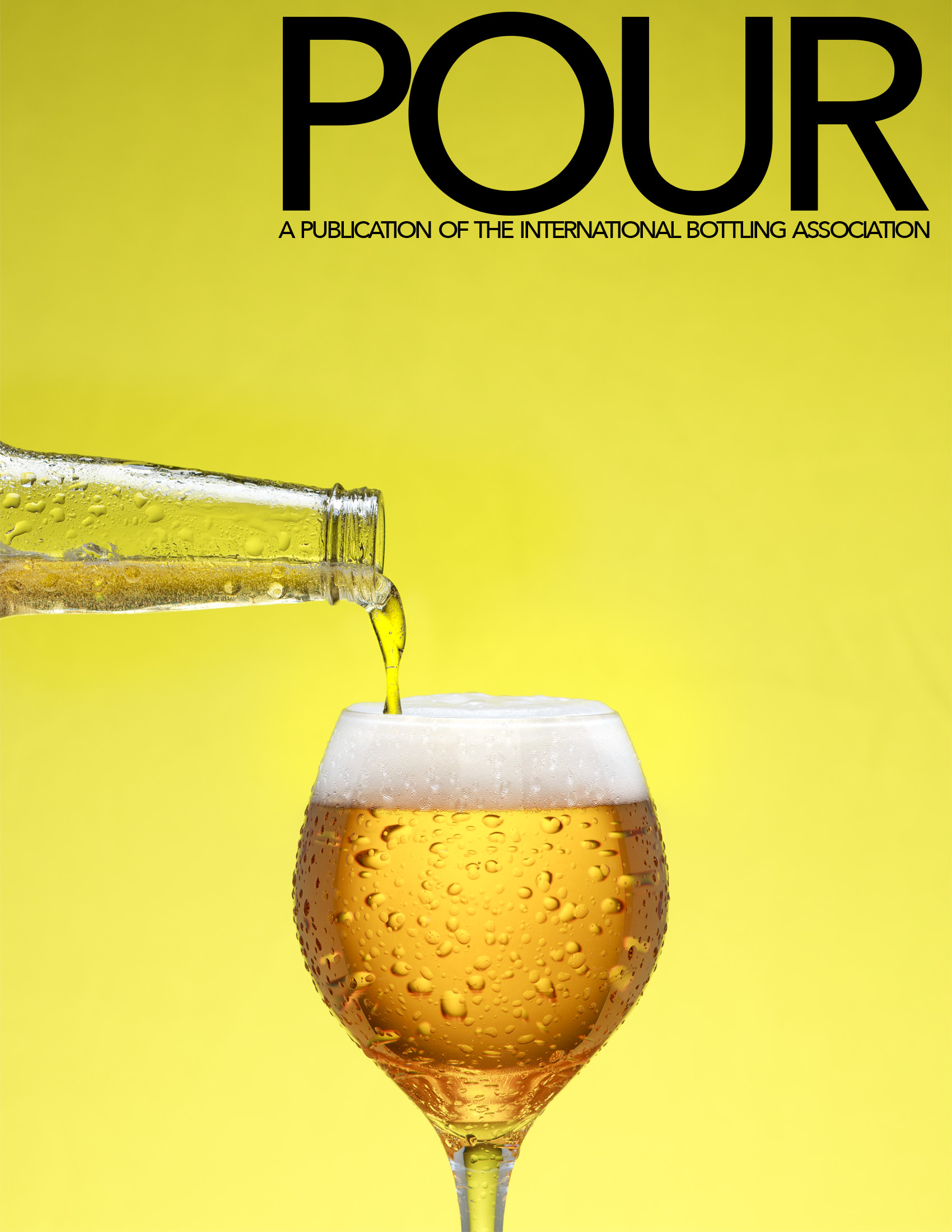
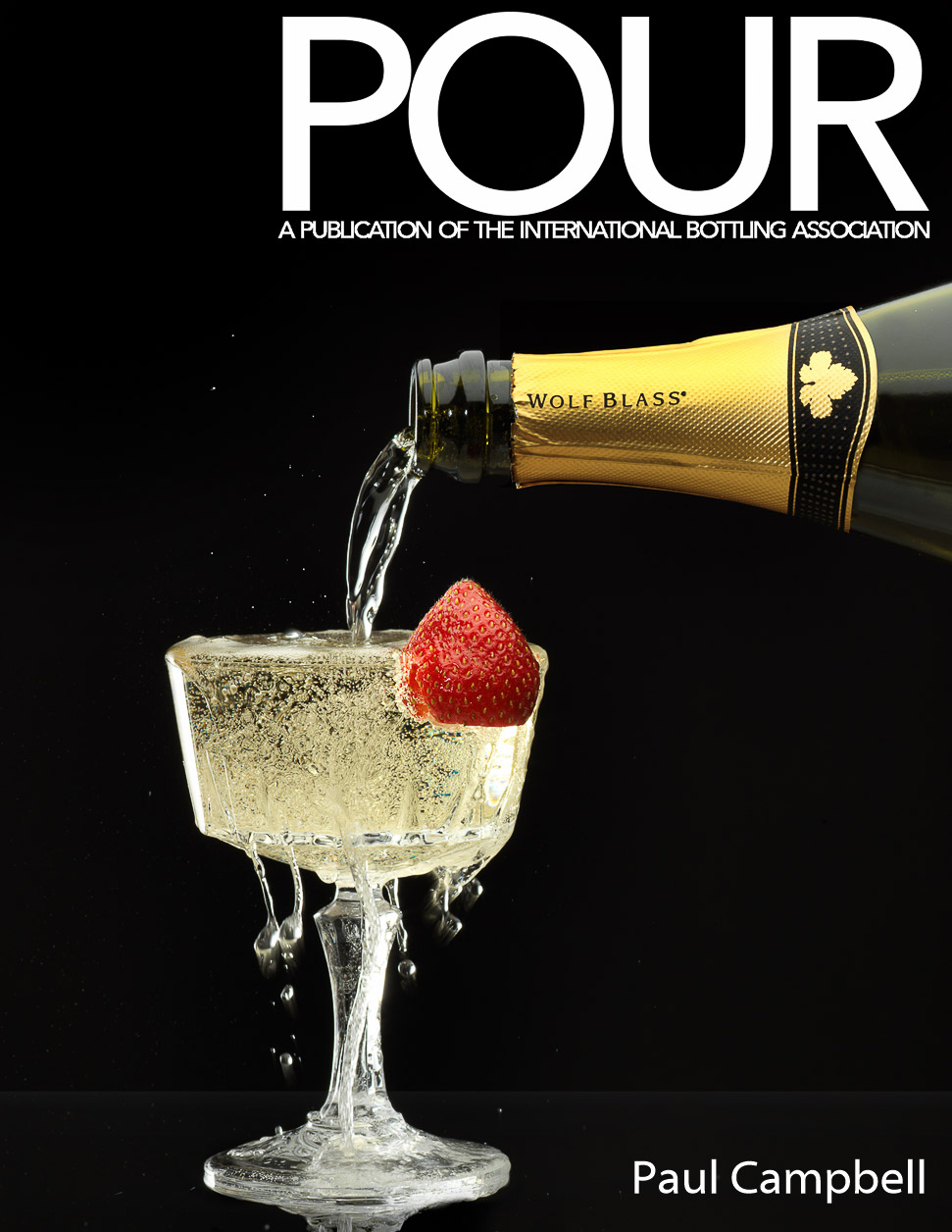
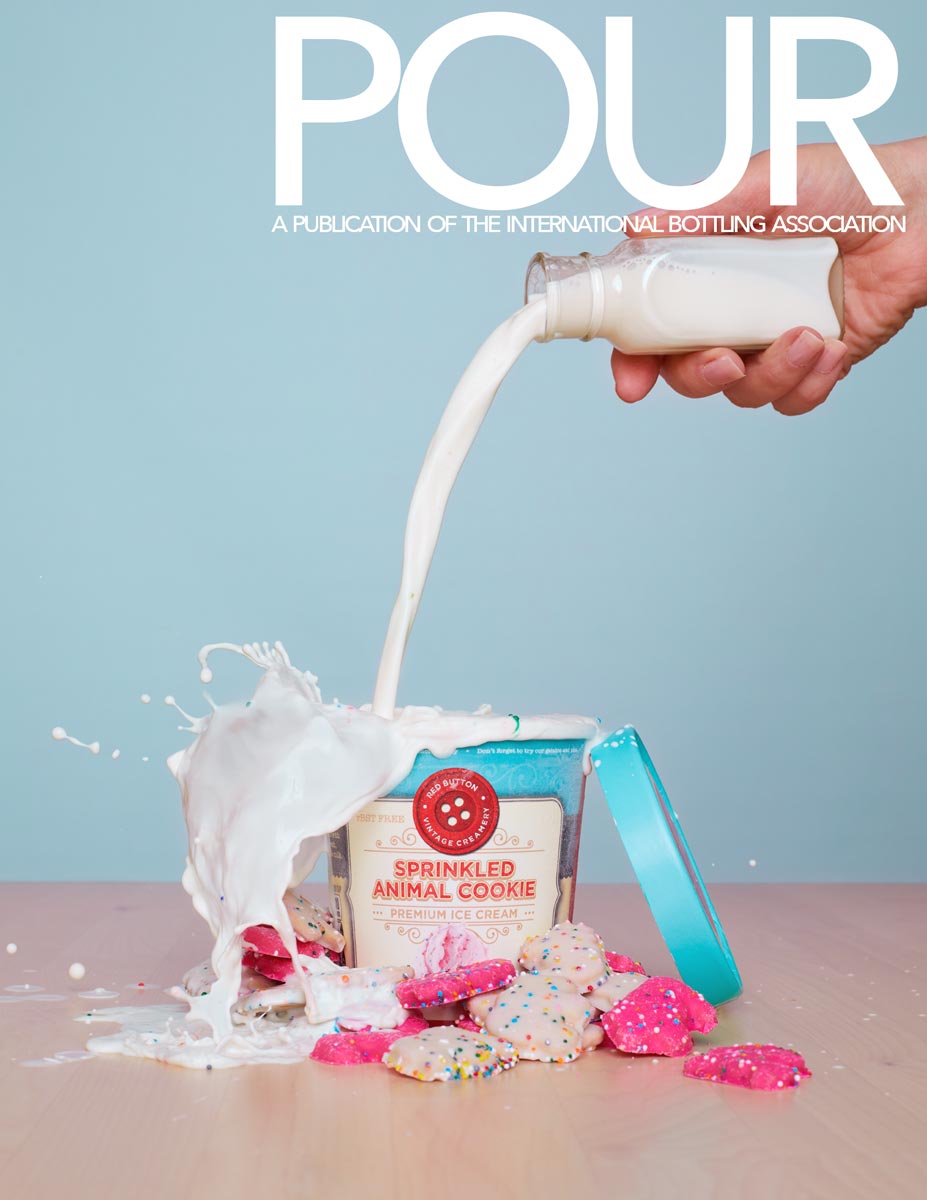
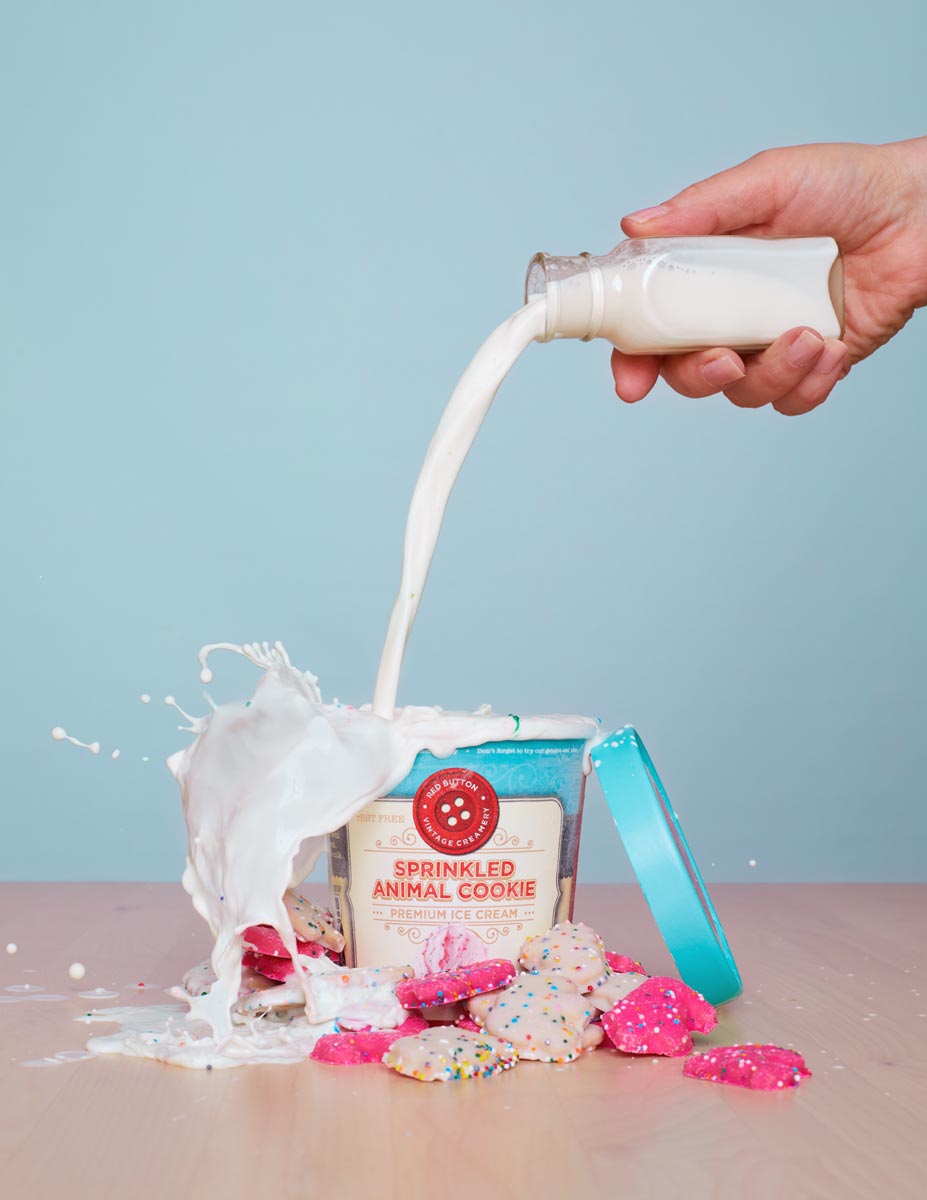
You can use beer, or wine, or lemonade, or root beer, or ginger ale… Whatever you want to pour. The brief: A close-up of a pour shot… it can be from oblique to the camera to straight over top. It must show an interesting ‘splash’ or something interesting in the glass as it is pouring in. Props include a bottle to pour from, a can, or a container, and a glass/goblet/container to be poured into.
We must see the color of the liquid being poured.
- We must see the pour into the container.
- The background must remain uncluttered.
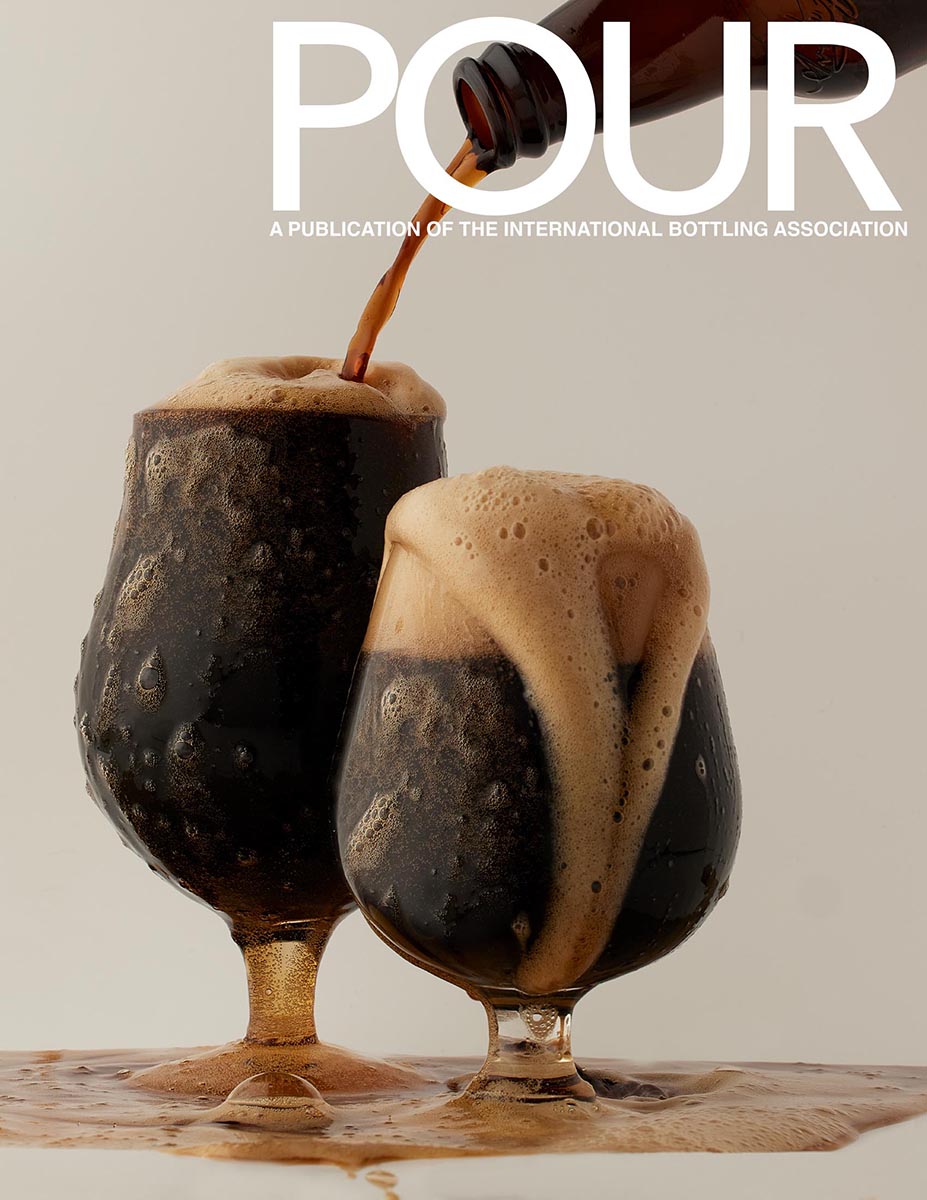
- The masthead of the magazine must be easily seen.
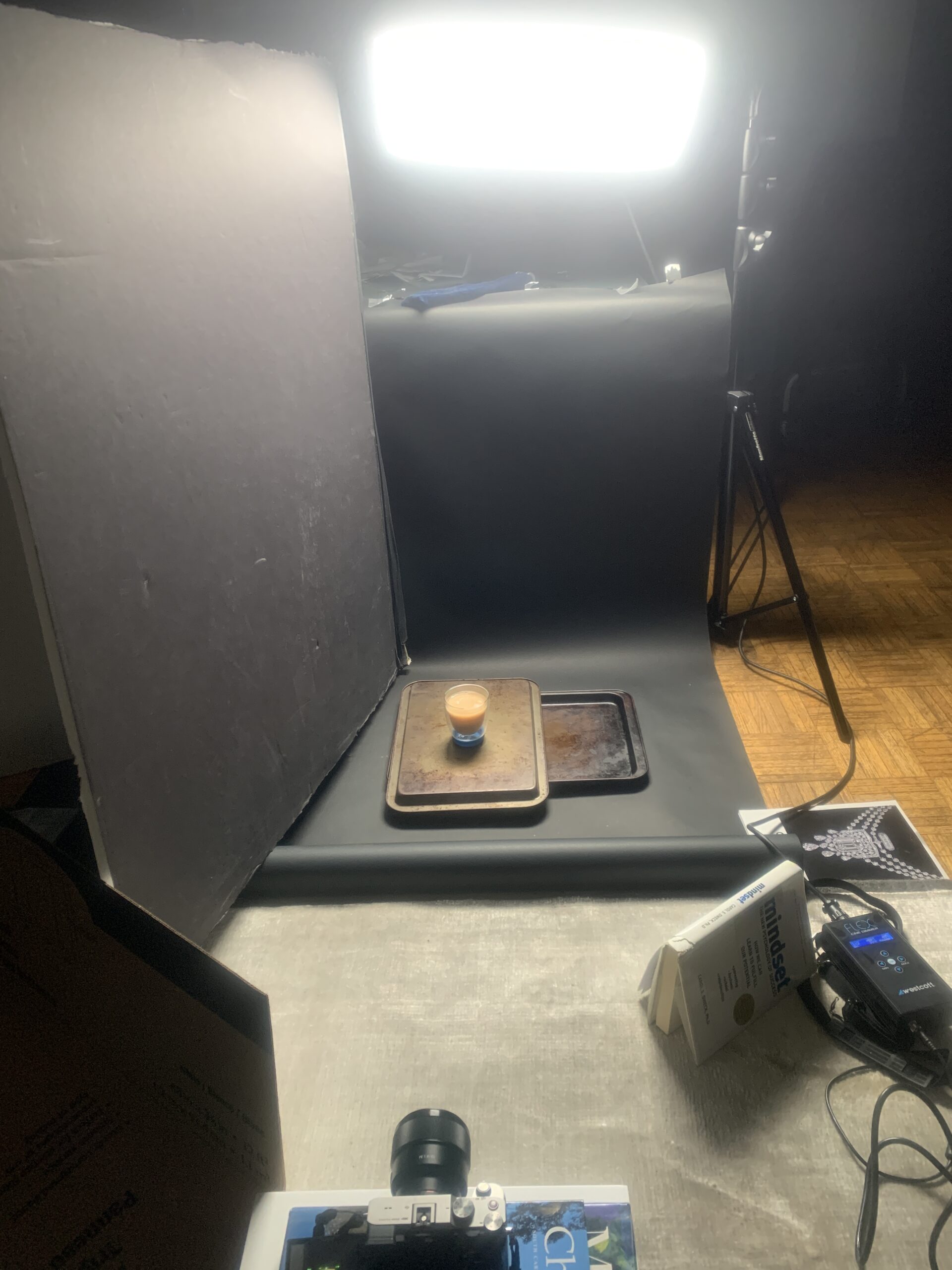
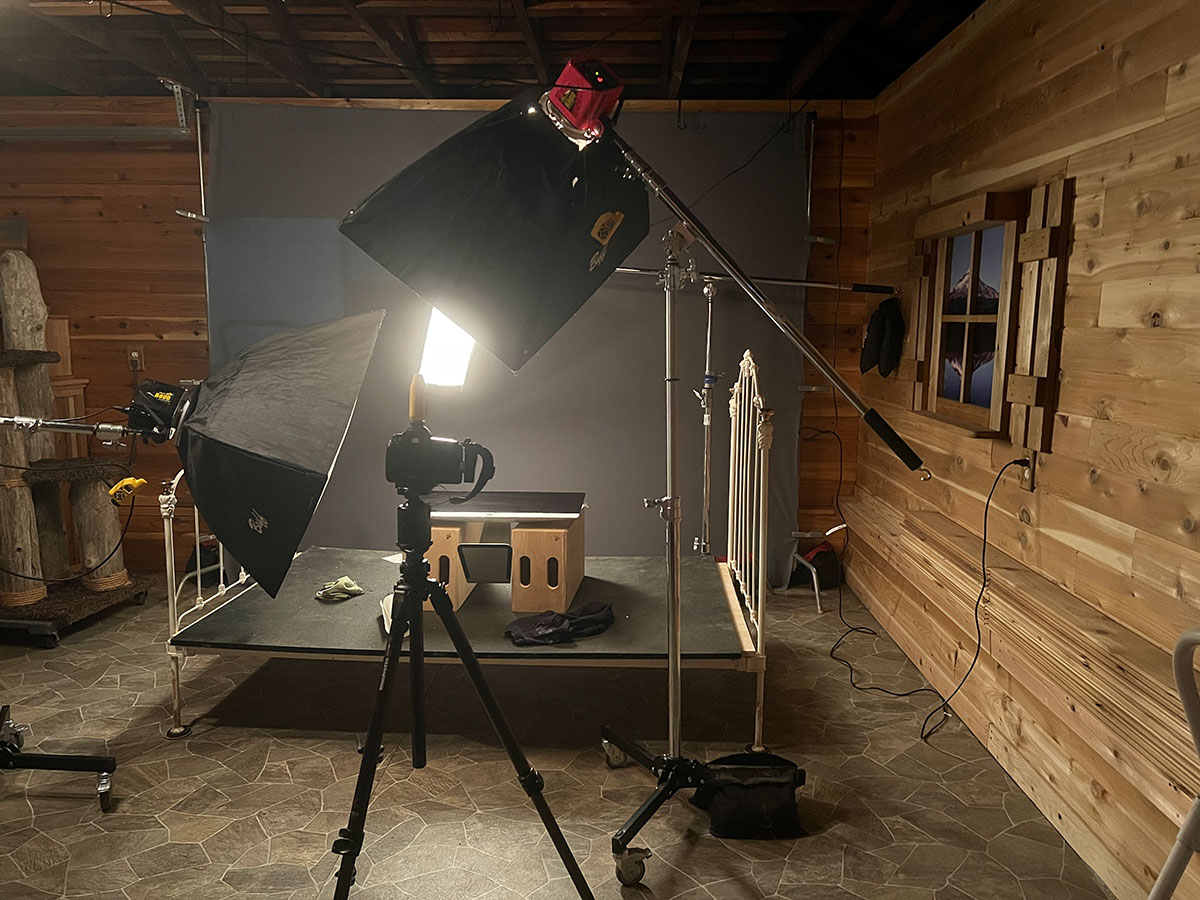
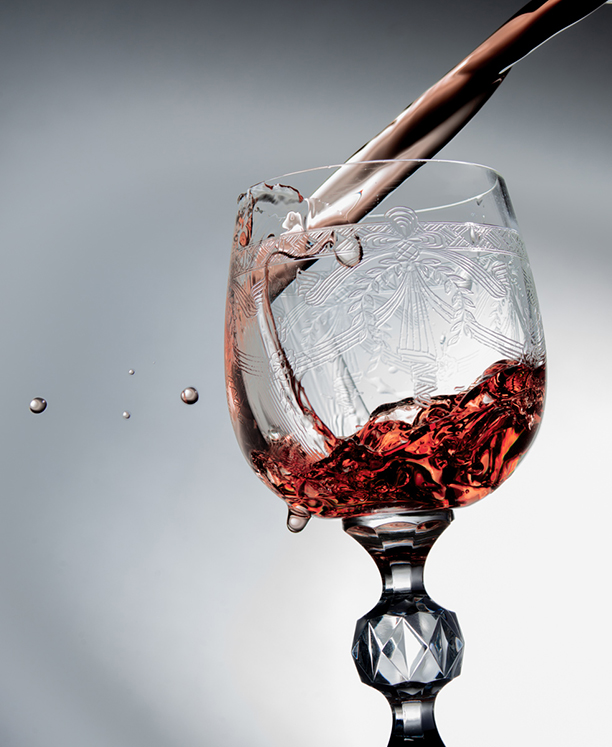
Lighting Cues: Often to light something pouring, we need some backlight. Liquid rarely looks good when it is front-lit. We lose the liquidity of it, as well as the inherent color – or at least the perceived color of it – with front light. Whether window or strobe, make sure the light is coming through the liquid.
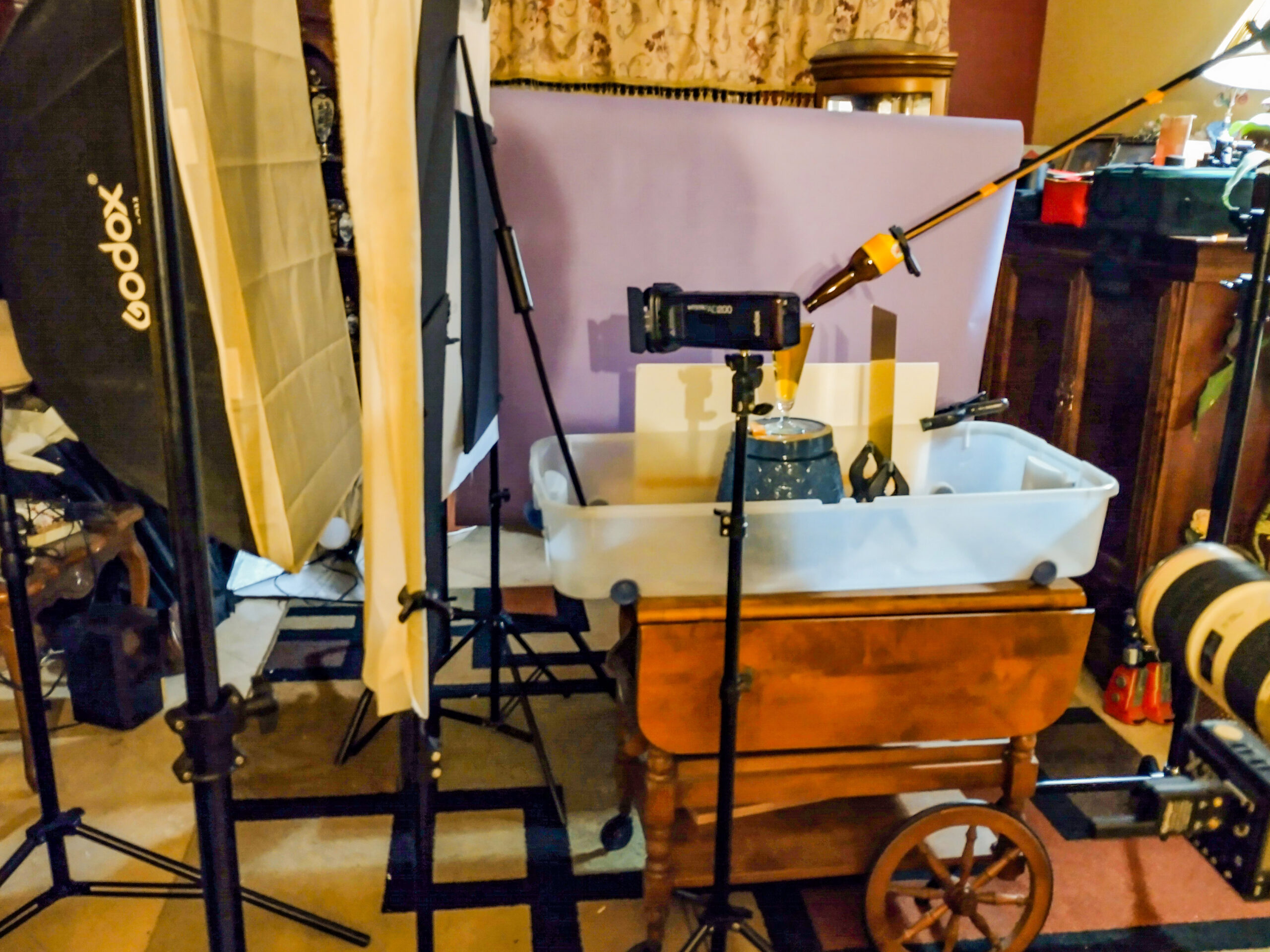
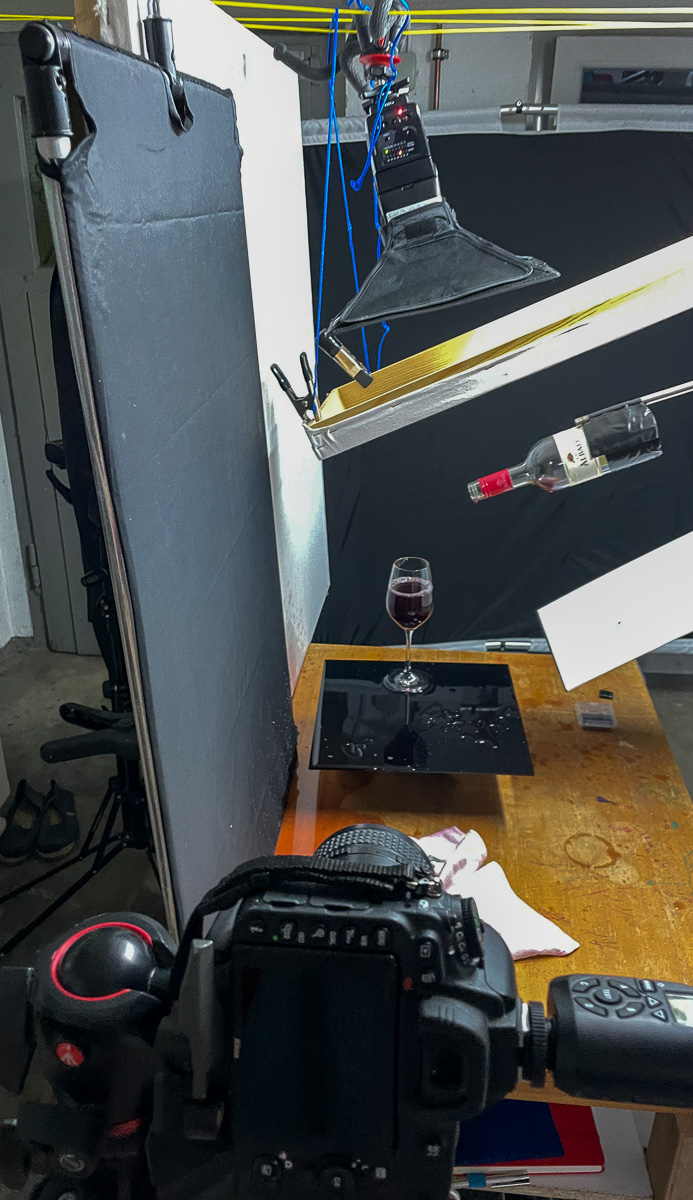
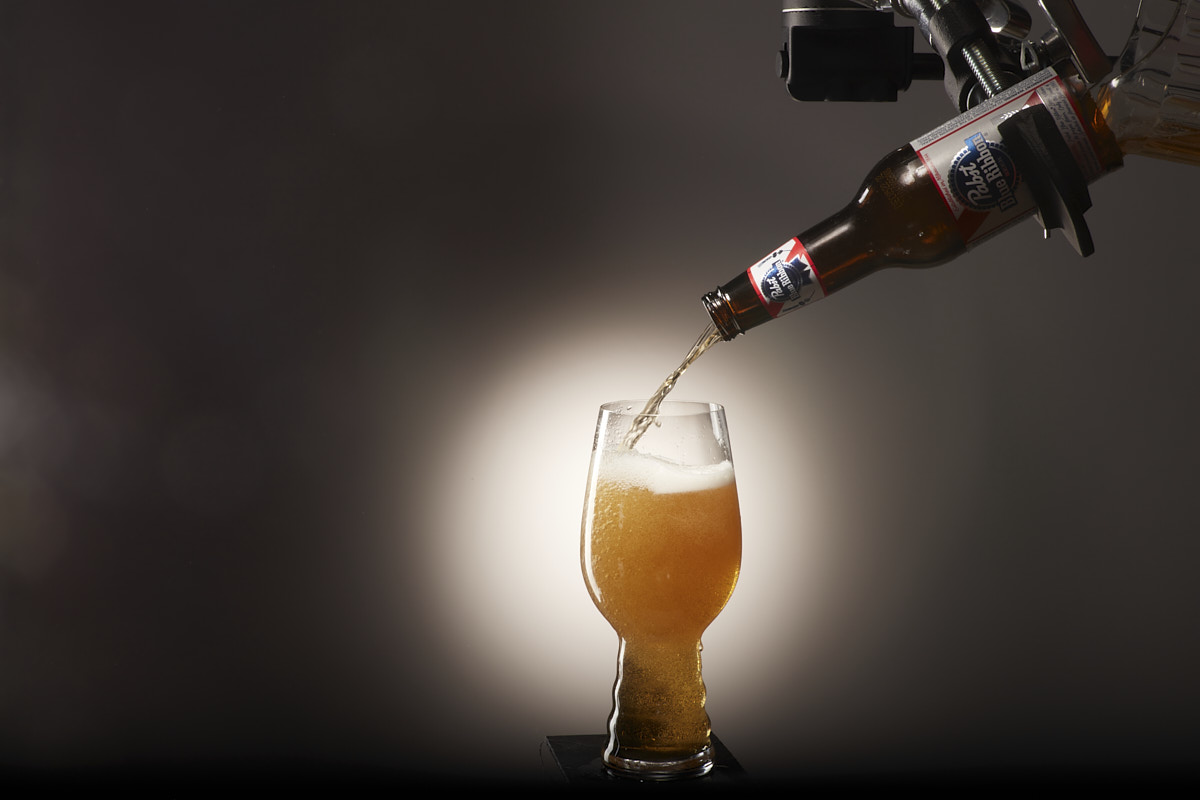
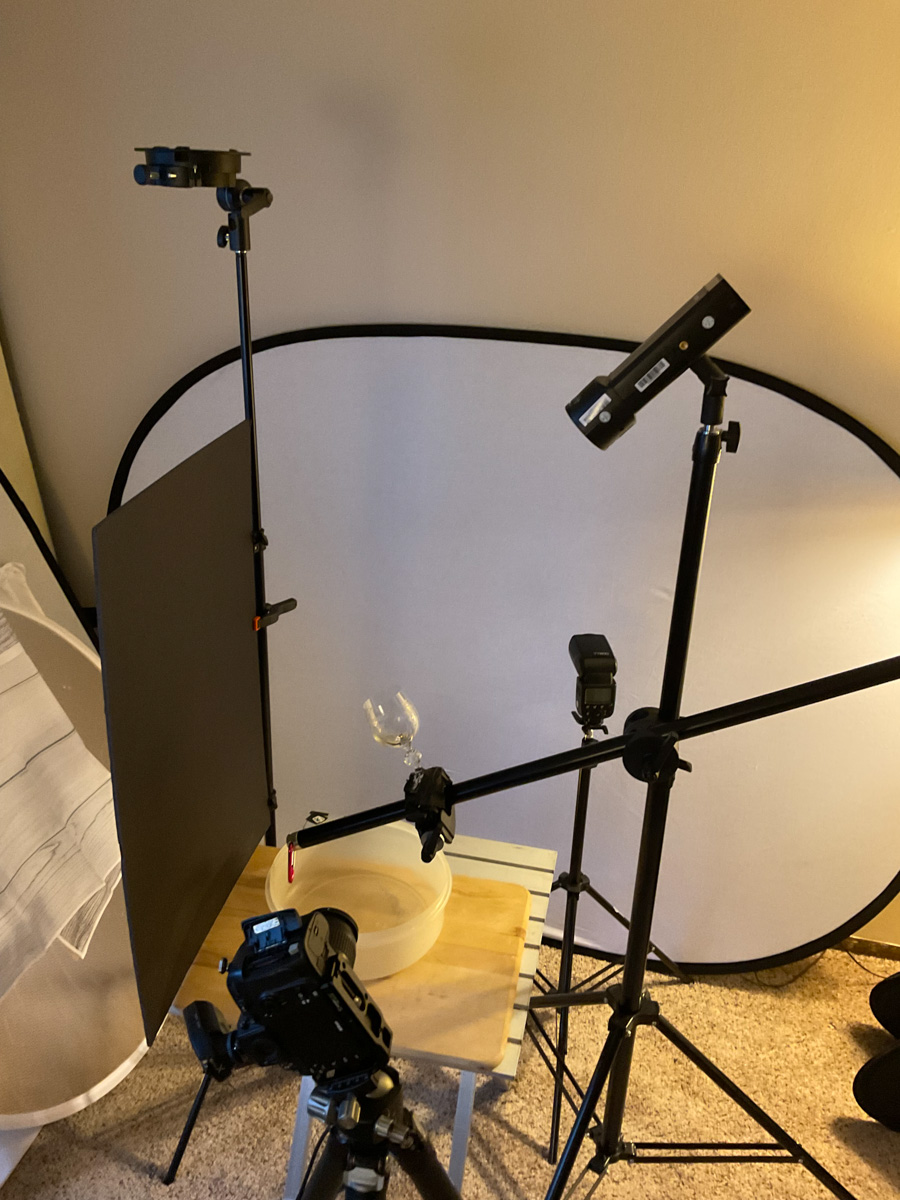
Shooting Cues: One way to get a perfect pour is to mount a bottle with no bottom on it. Take a wine bottle and cut off the bottom of it with a glass cutter. Be very careful to do this without having a sharp edge that can cut your hands. Put some masking or gaffers tape along the sharp edge if you have no way to dull it. Mount the bottle with the spout coming into the frame at the exact point you want it to be, and pour the liquid in from the backside of the open bottle.
You can use Gaffers tape to mount the bottle to a stand or boom if you wish… be creative. If mounting a bottle or can is not going to work, then you must have something to cue you for the pour to make sure the can or bottle is not too close to the glass or out of the frame. I do want to see the vessel pouring as well as what it is being poured into.
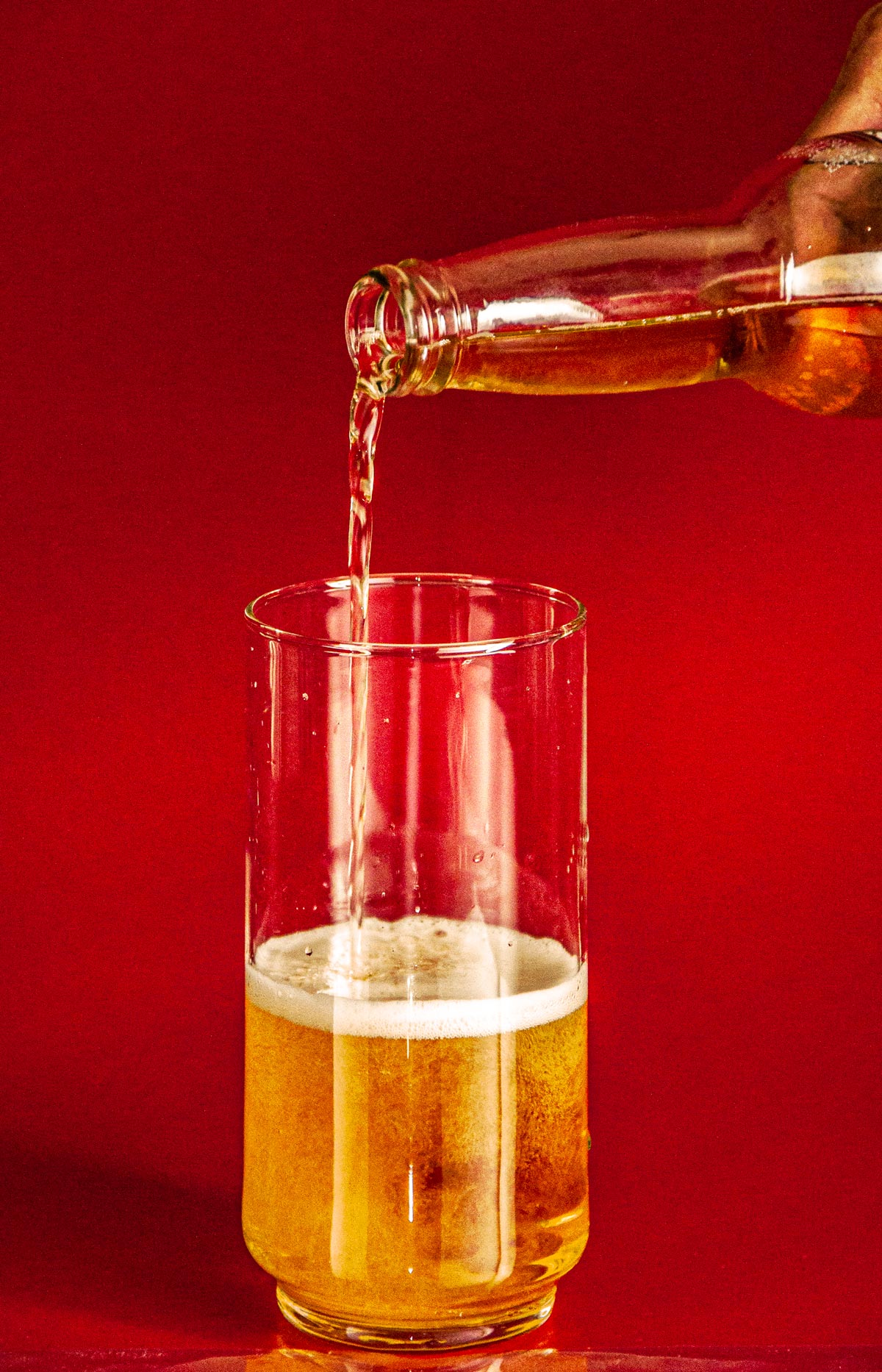
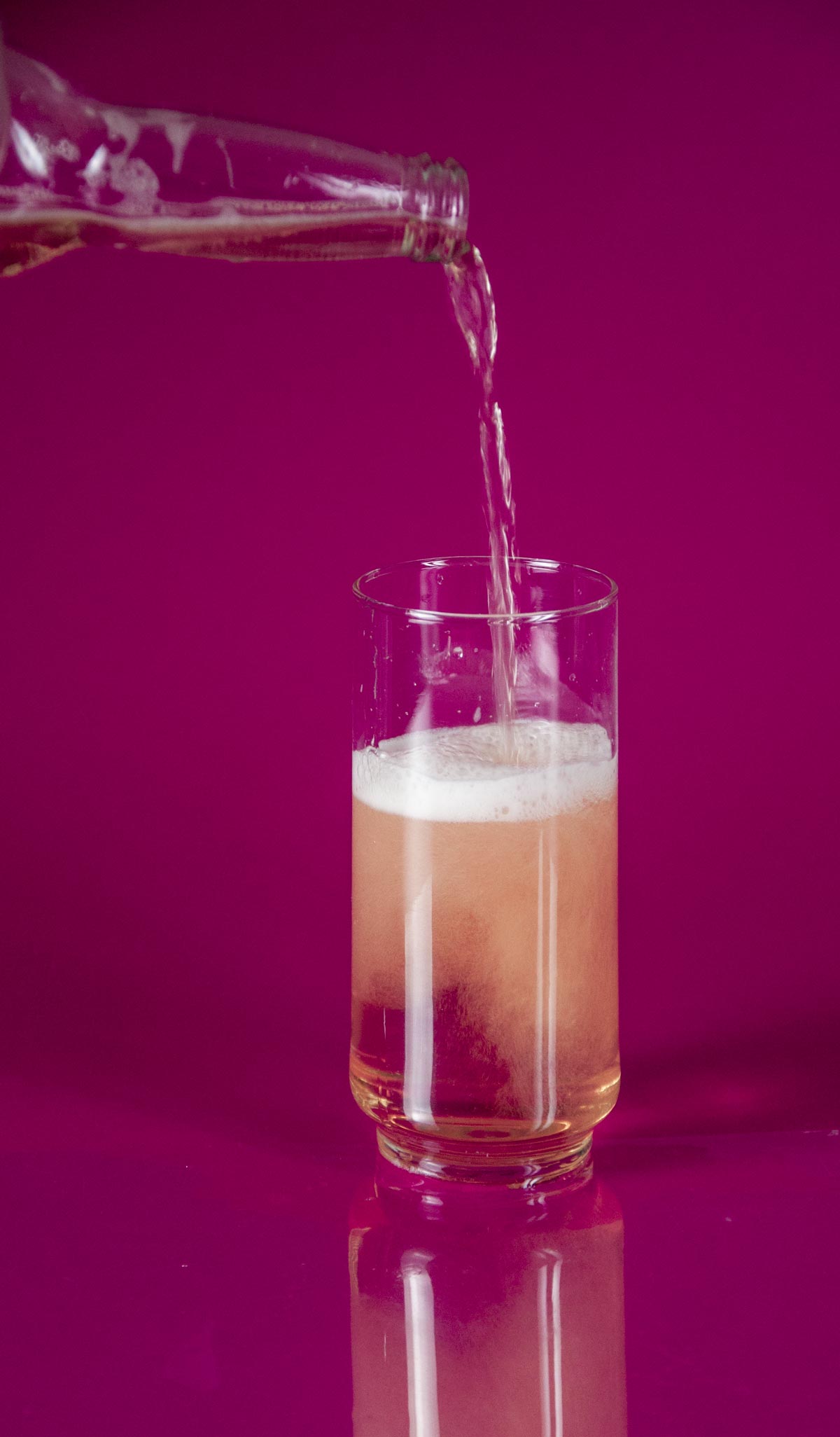
Here is a whole page of beer shots for you to examine. Notice the lighting. Here is a page of wine pouring shots as well. And for the non-alcoholic approach, here is soda being poured as well.
Do not copy. Look, see and learn… then do something fantastic. It will be going on the cover of a magazine.
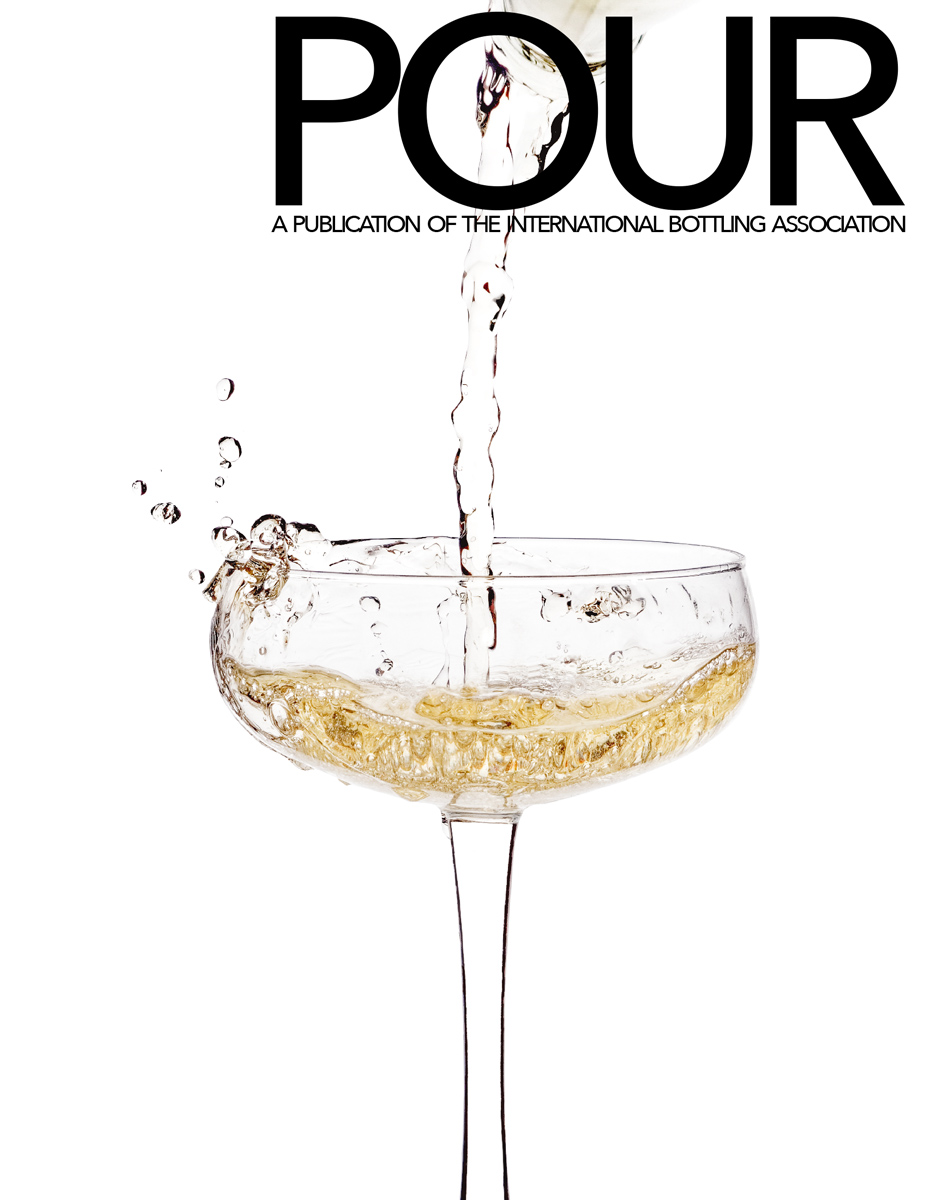
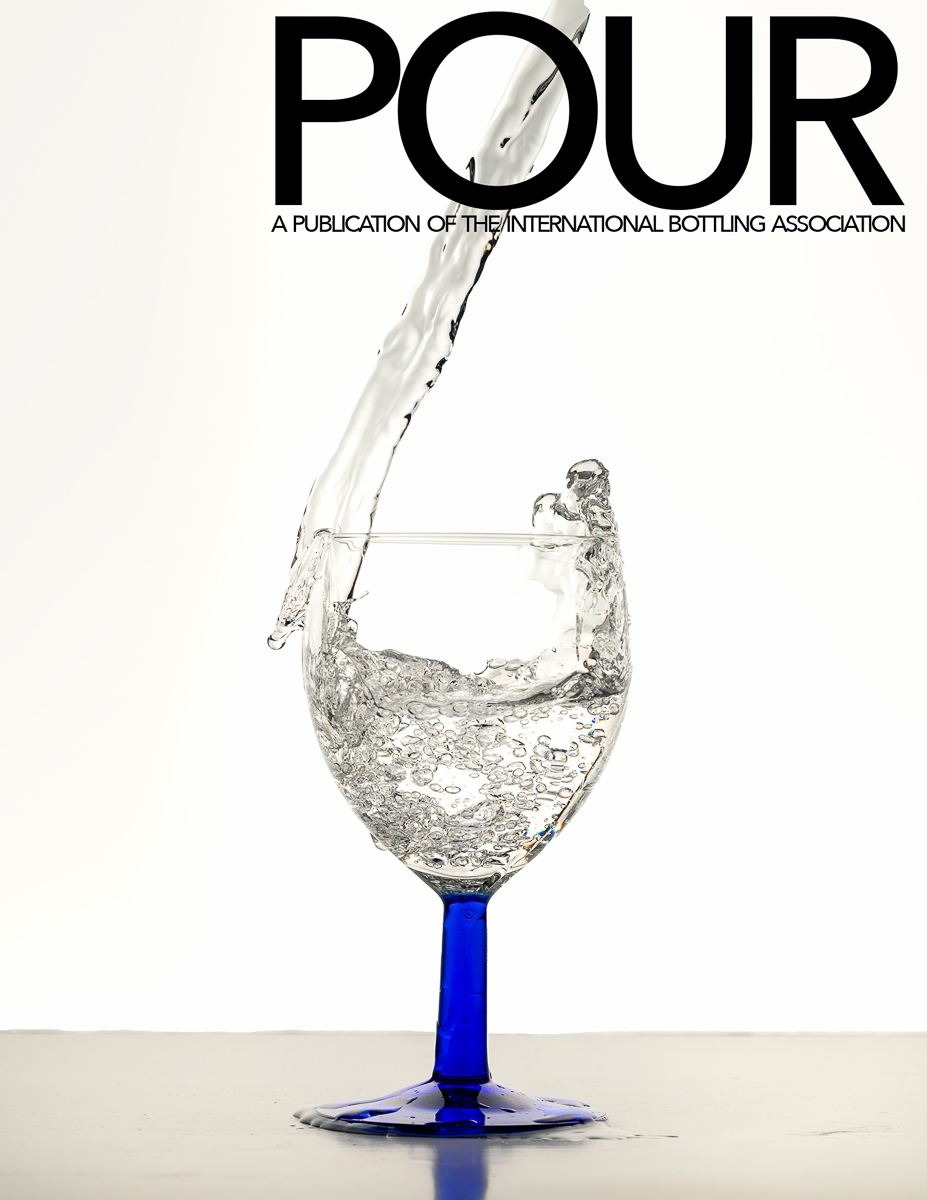
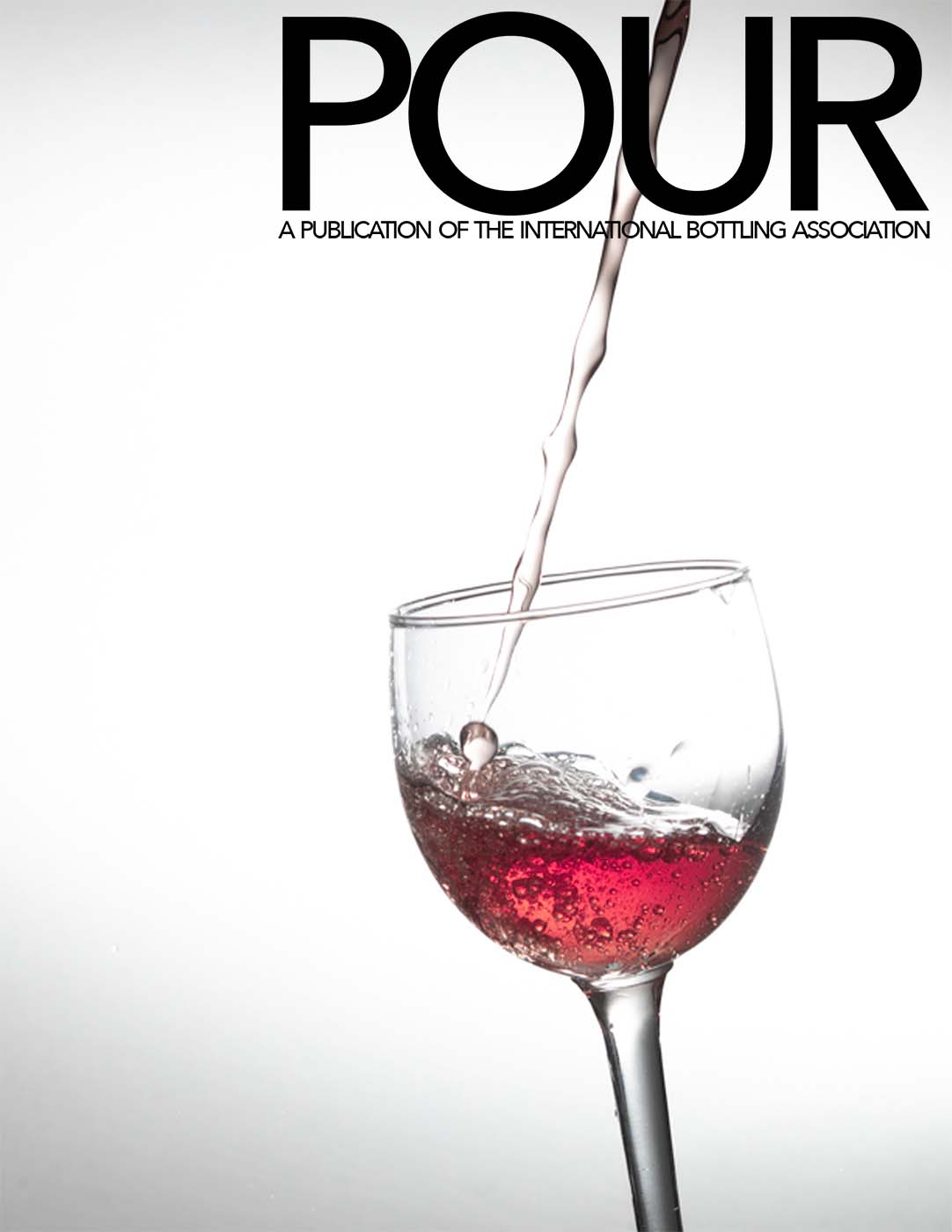
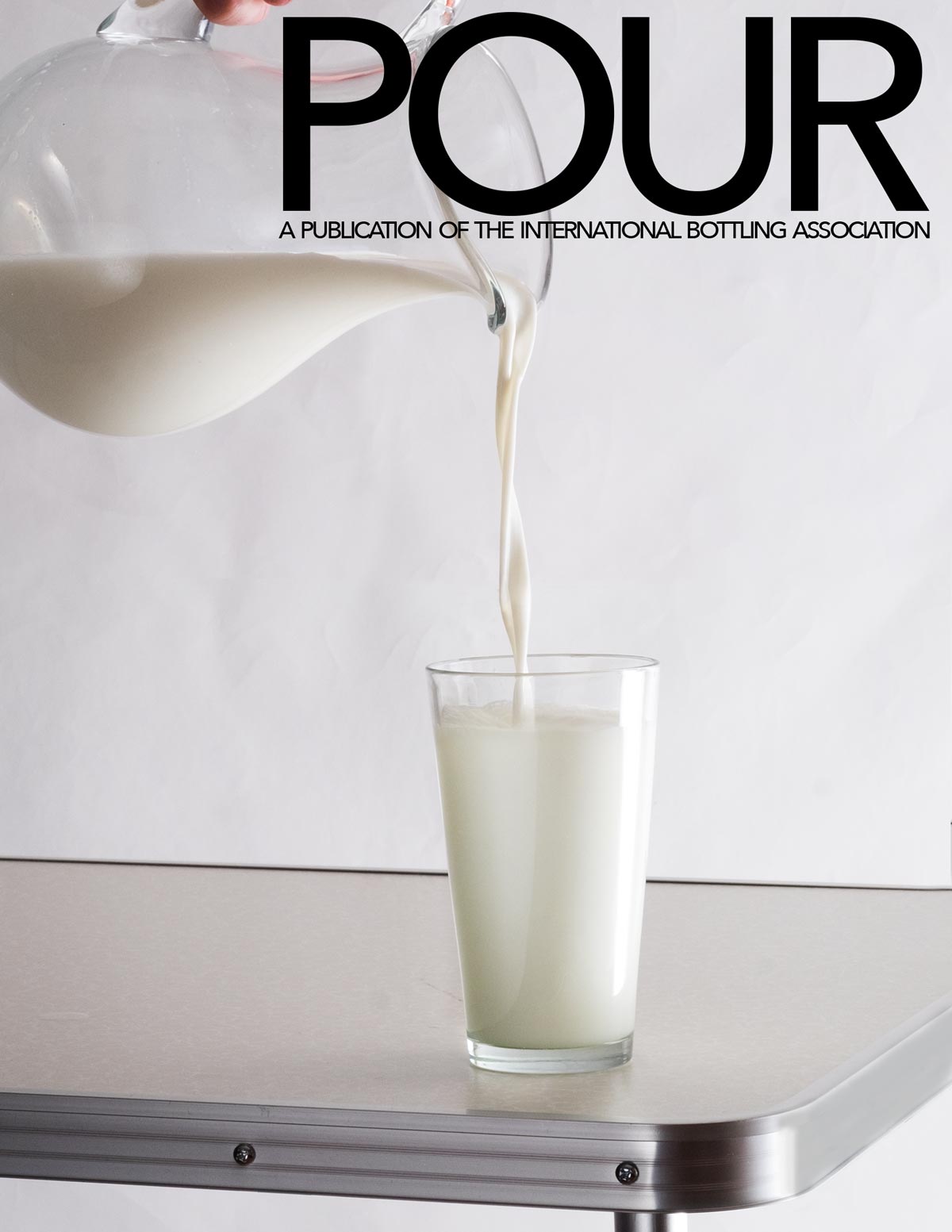
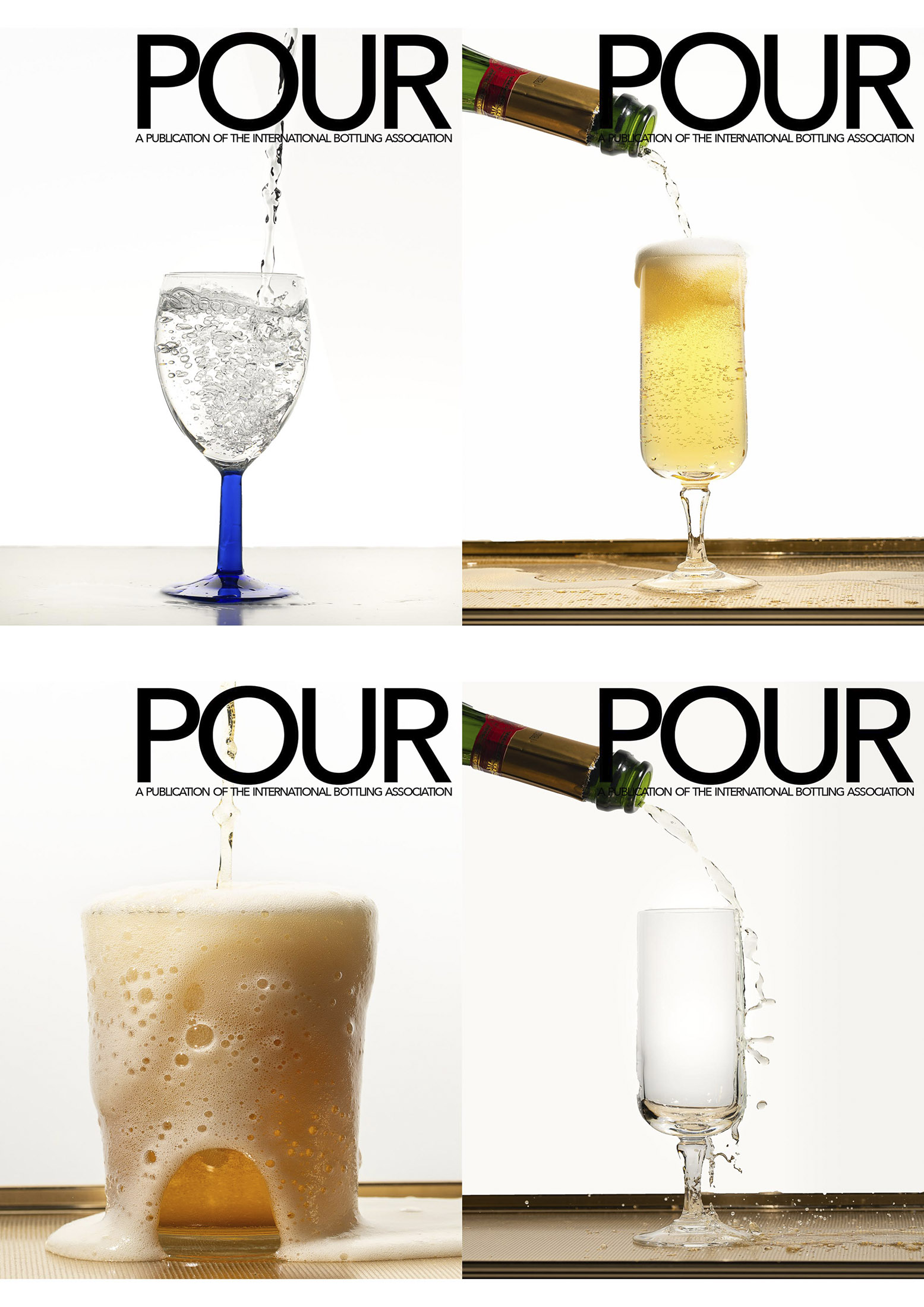
The layout is included here. POUR-COVER.psd NOTE: IMPORTANT.
POUR-COVER.psd
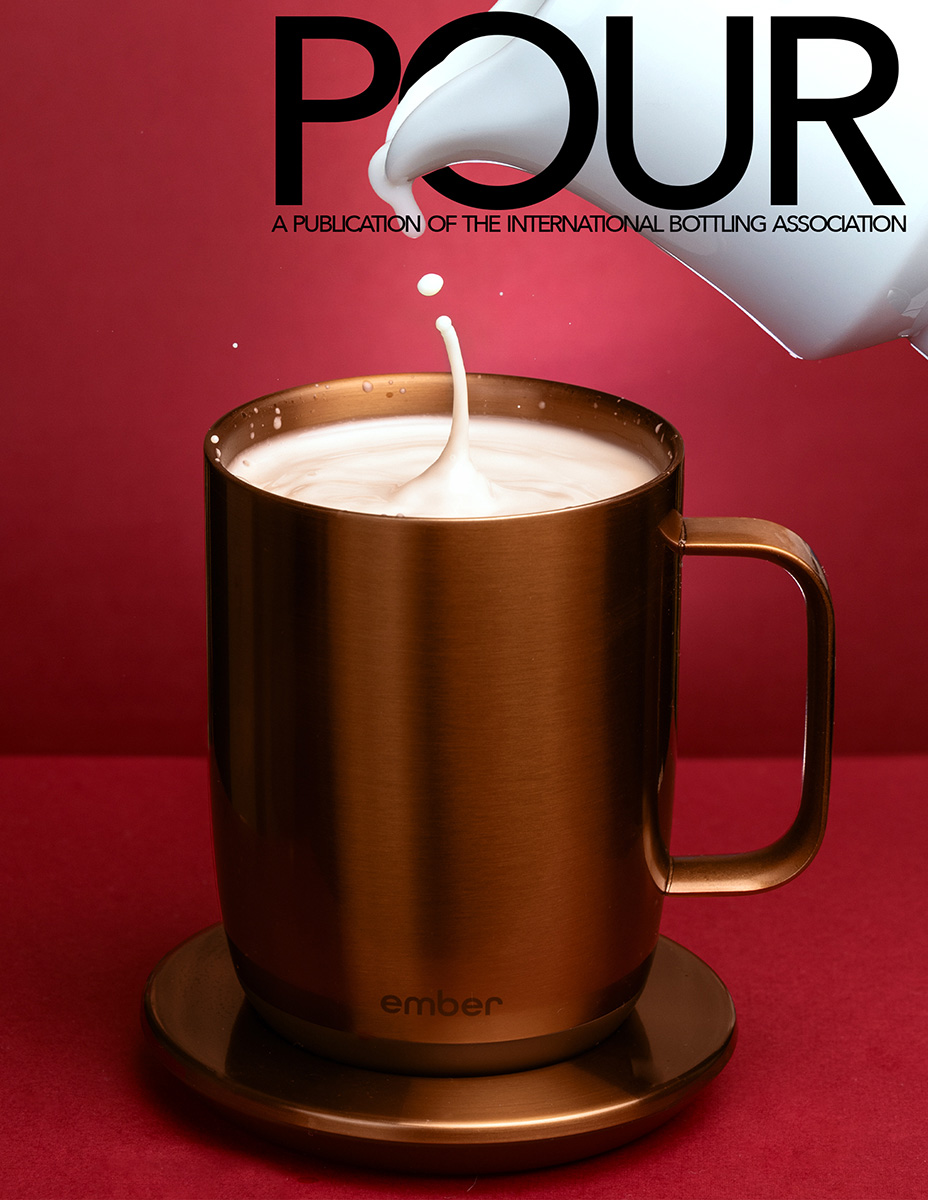
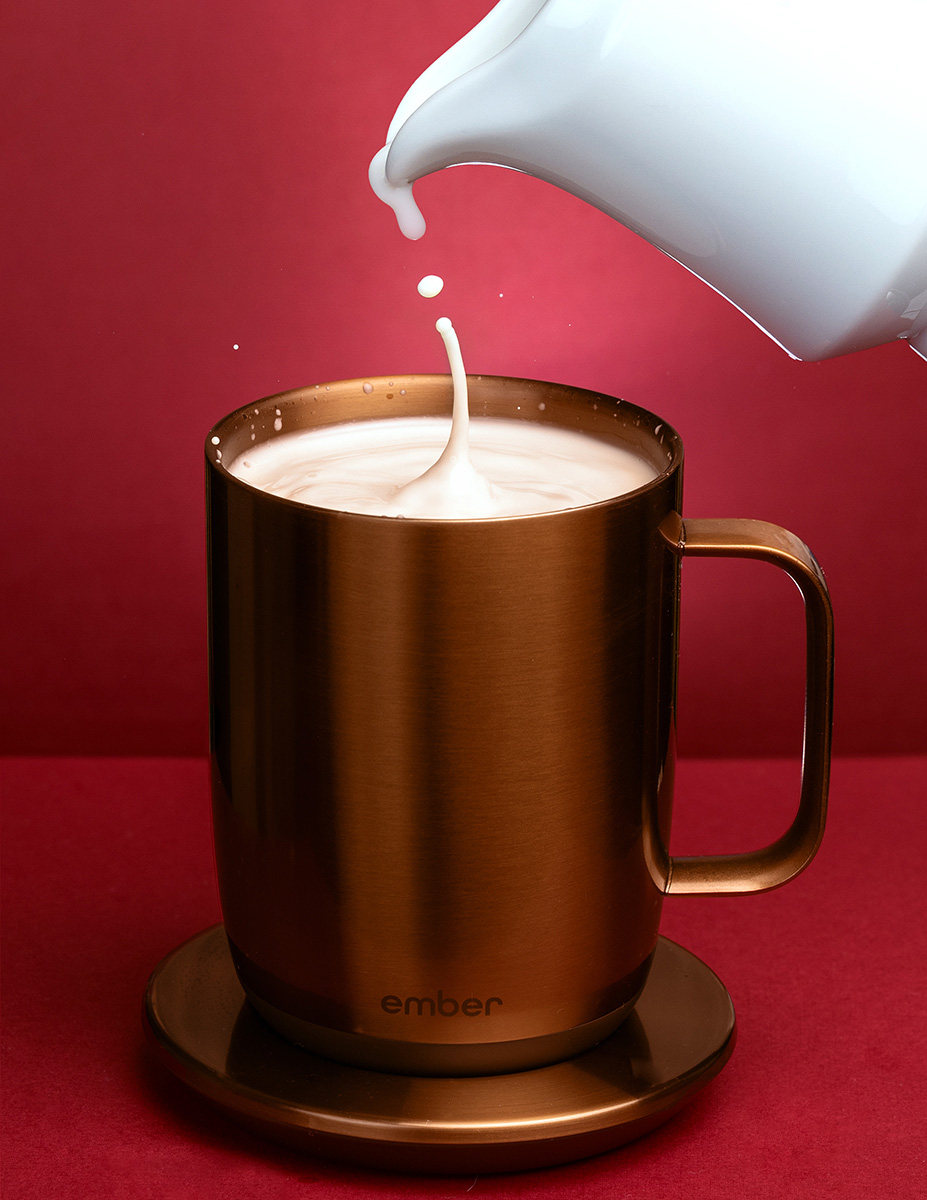
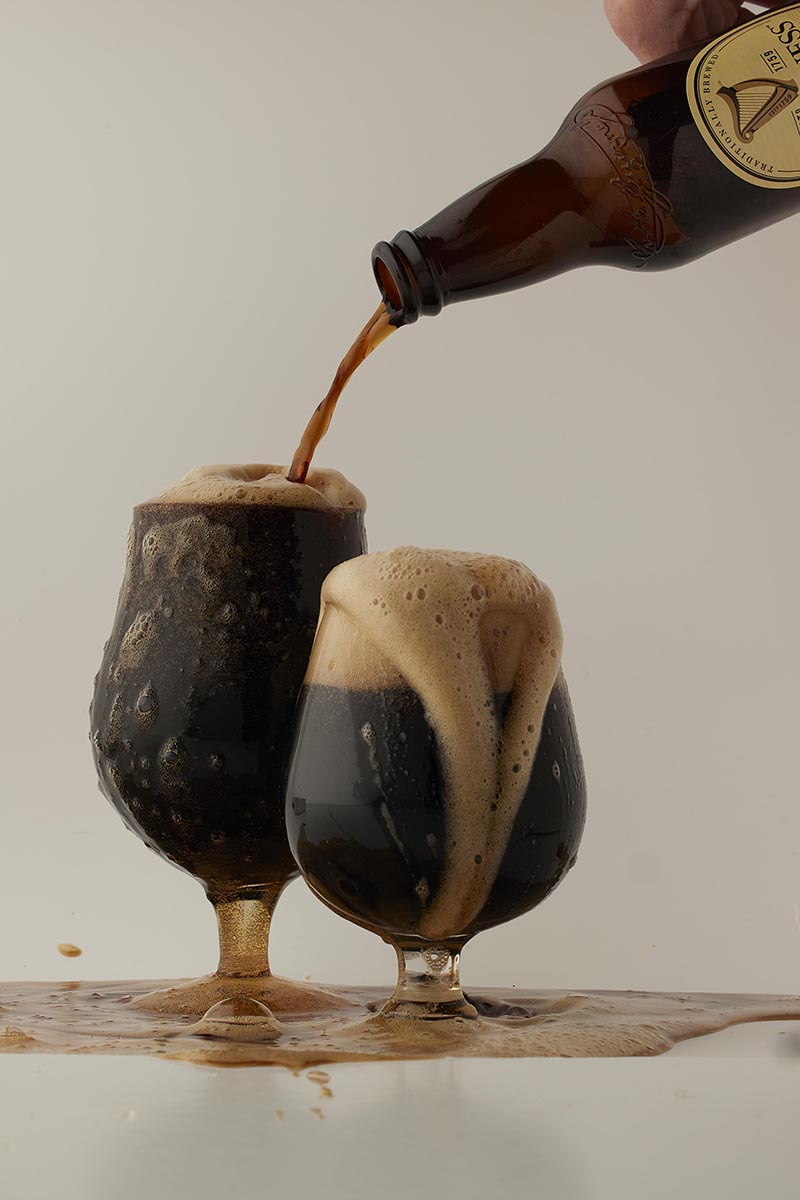
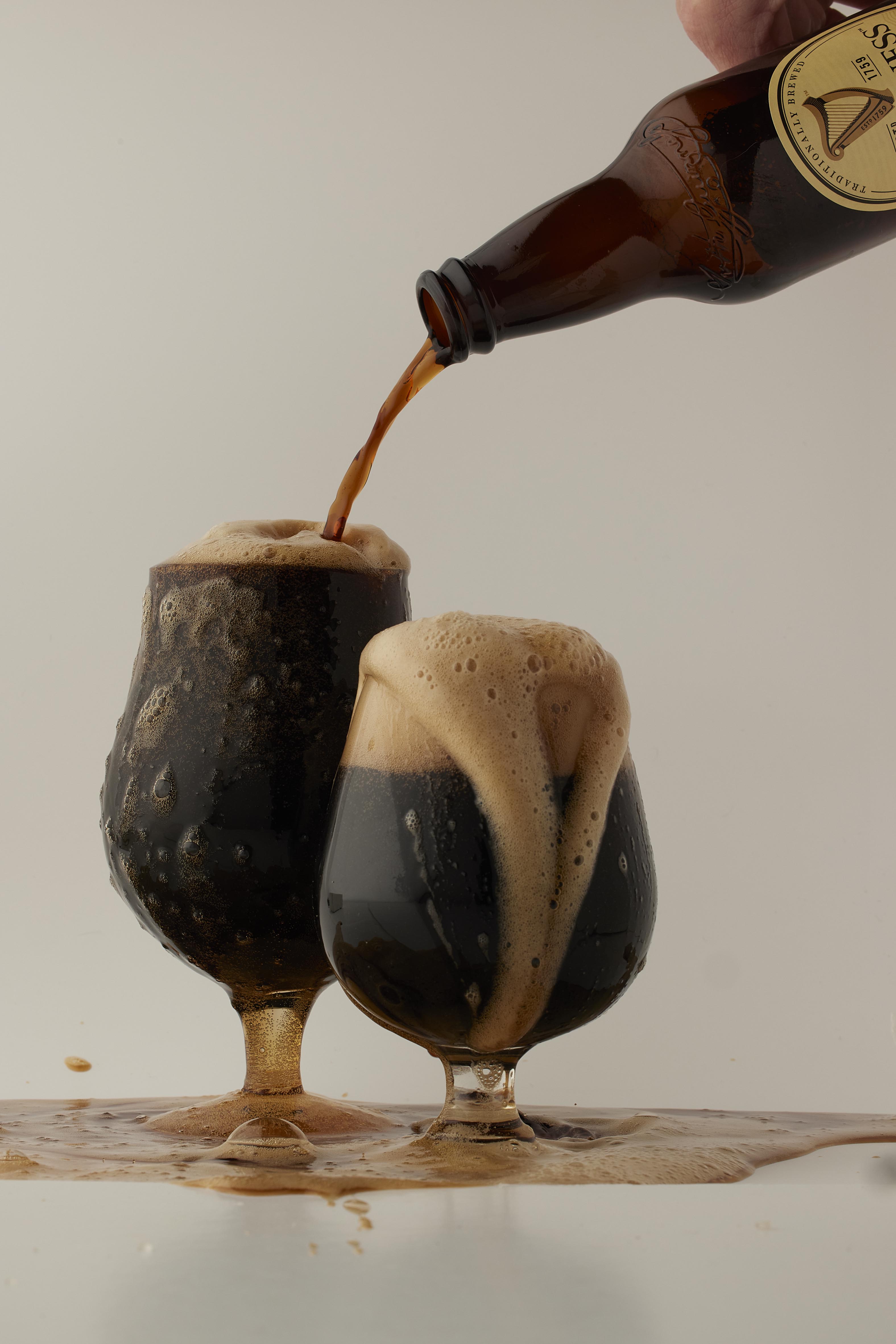
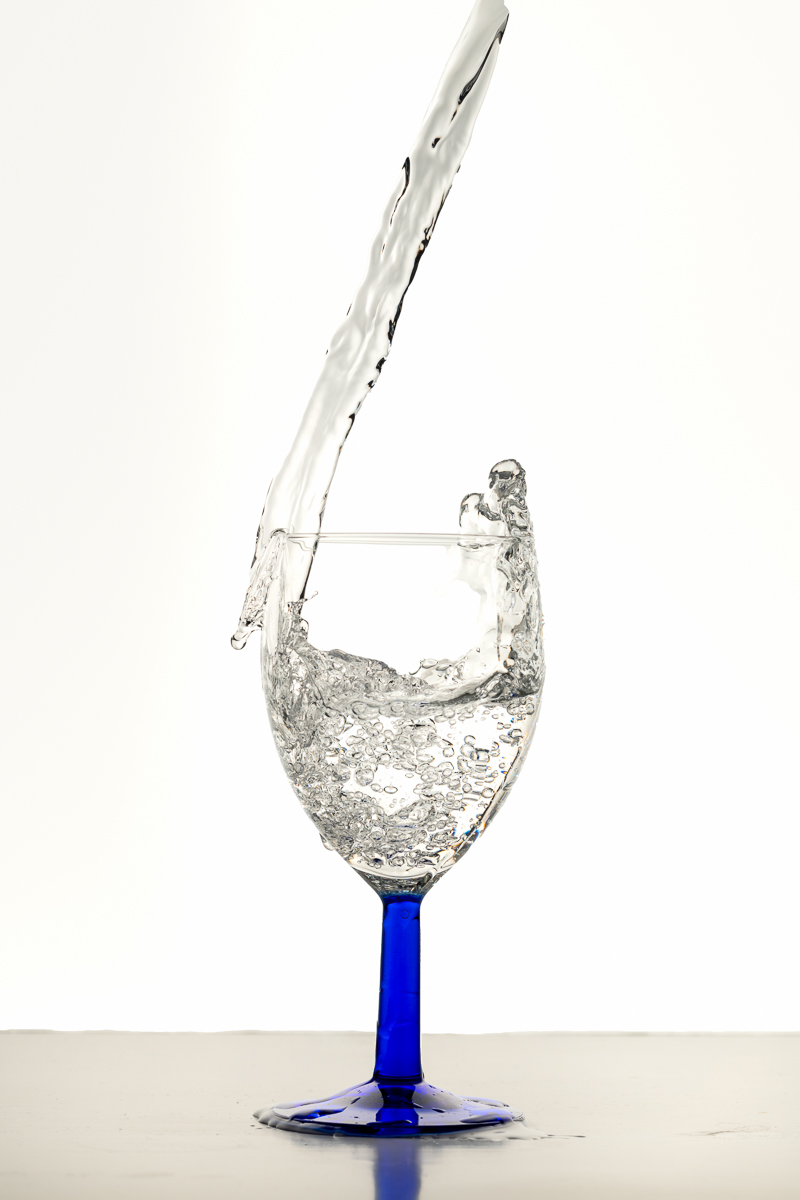
PLEASE UPLOAD THE LAYOUT SHOT AND THE ORIGINAL SHOT WITHOUT LAYOUT.
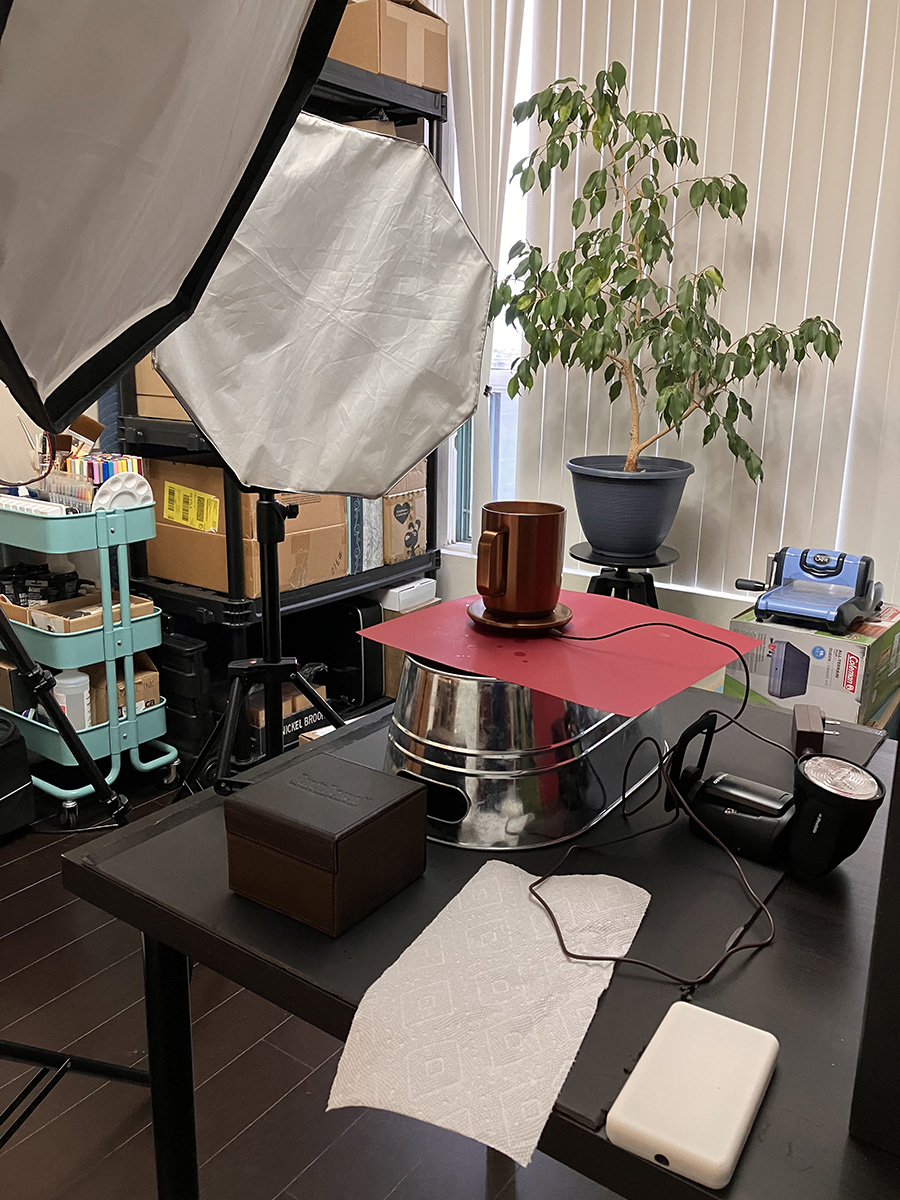
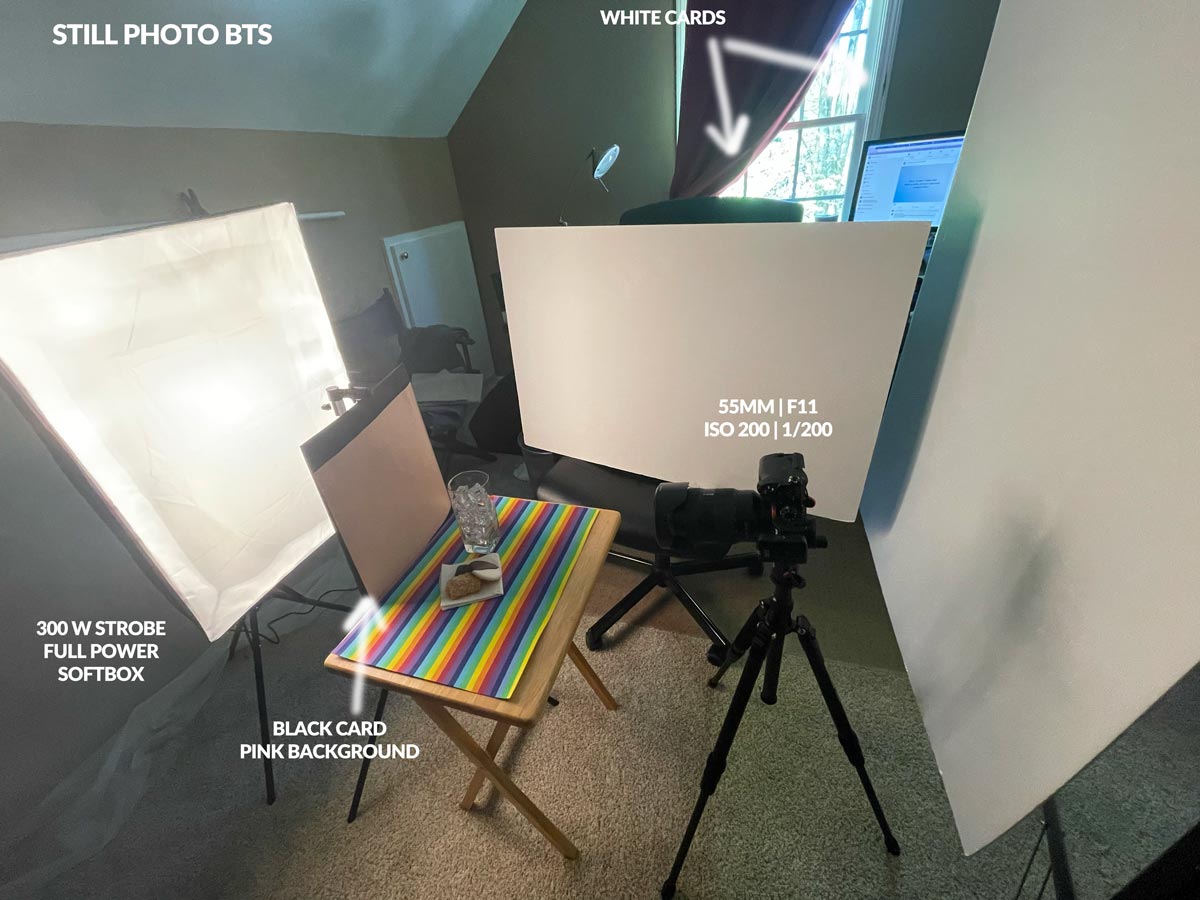
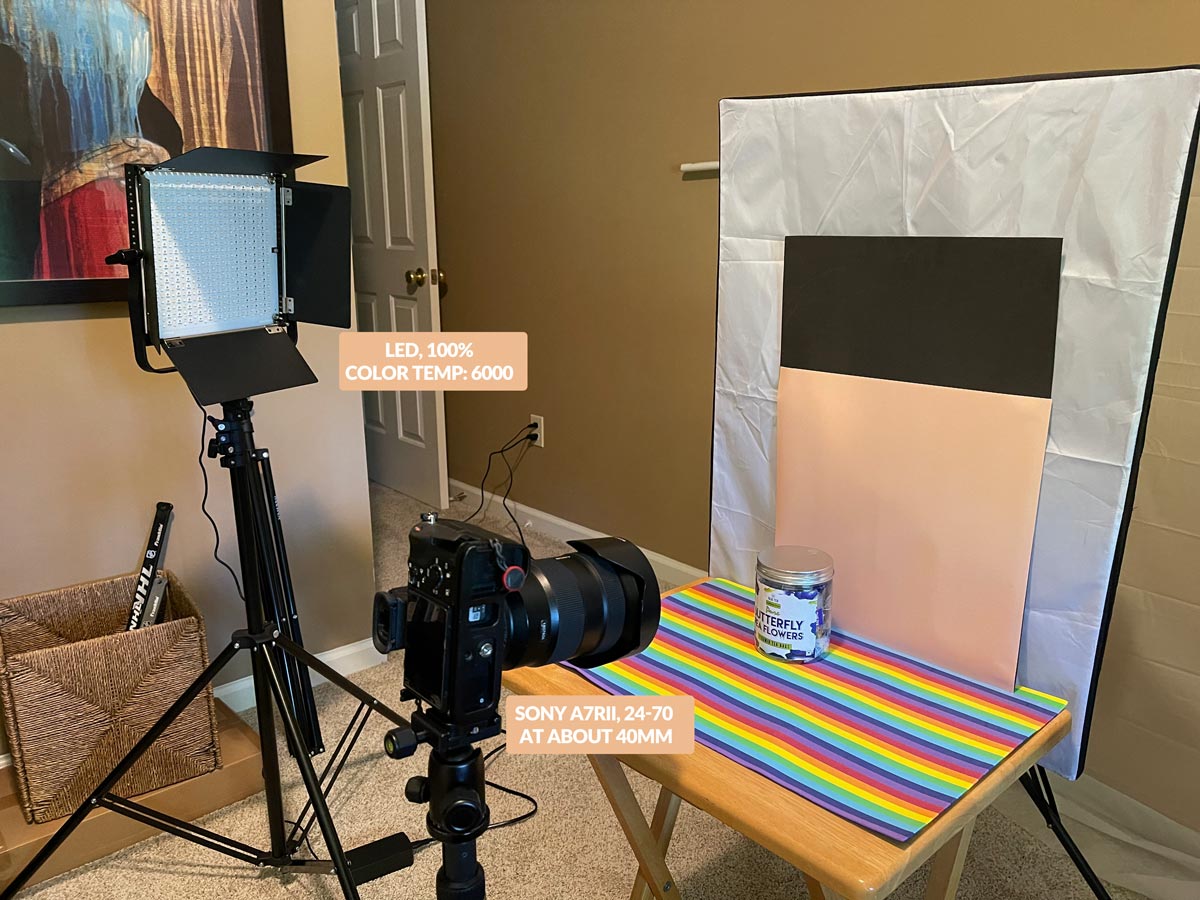
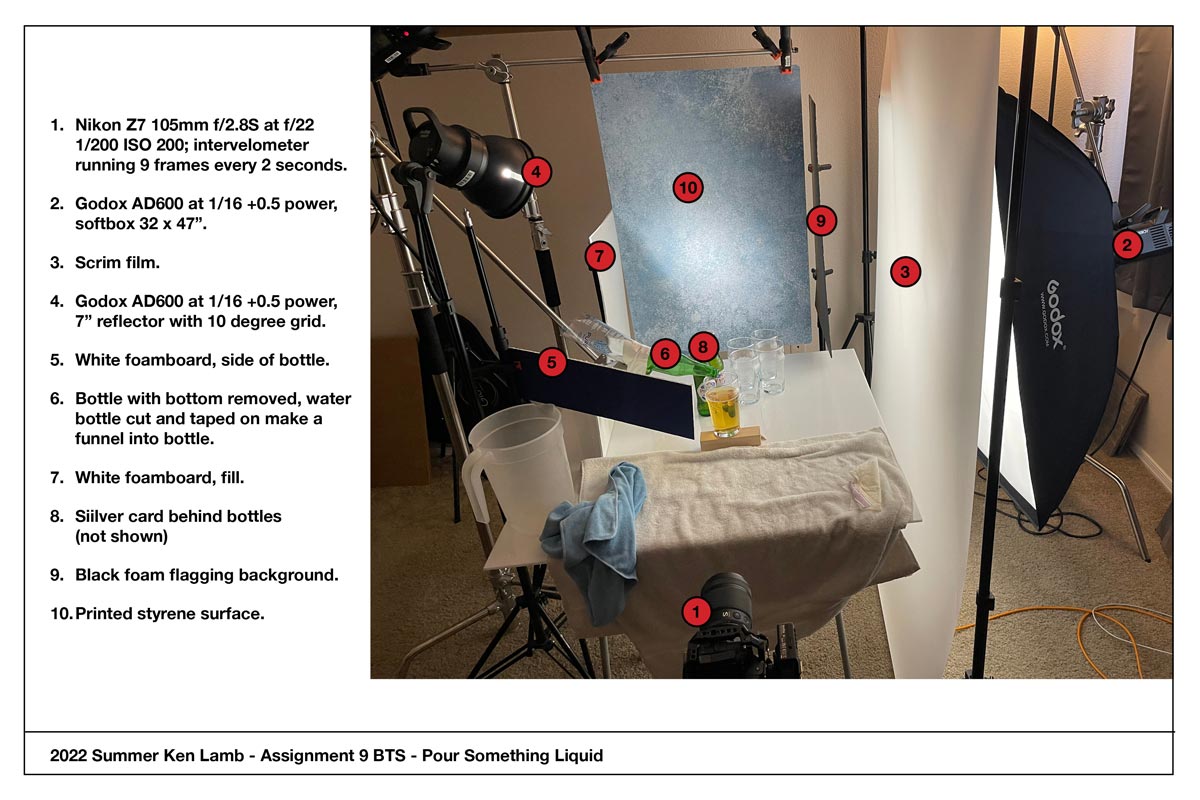
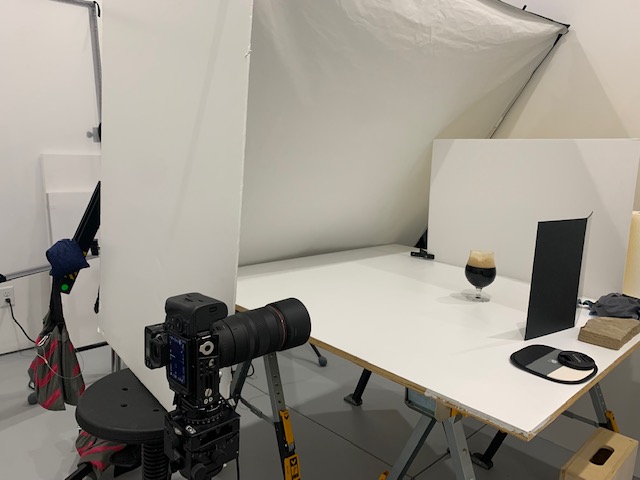
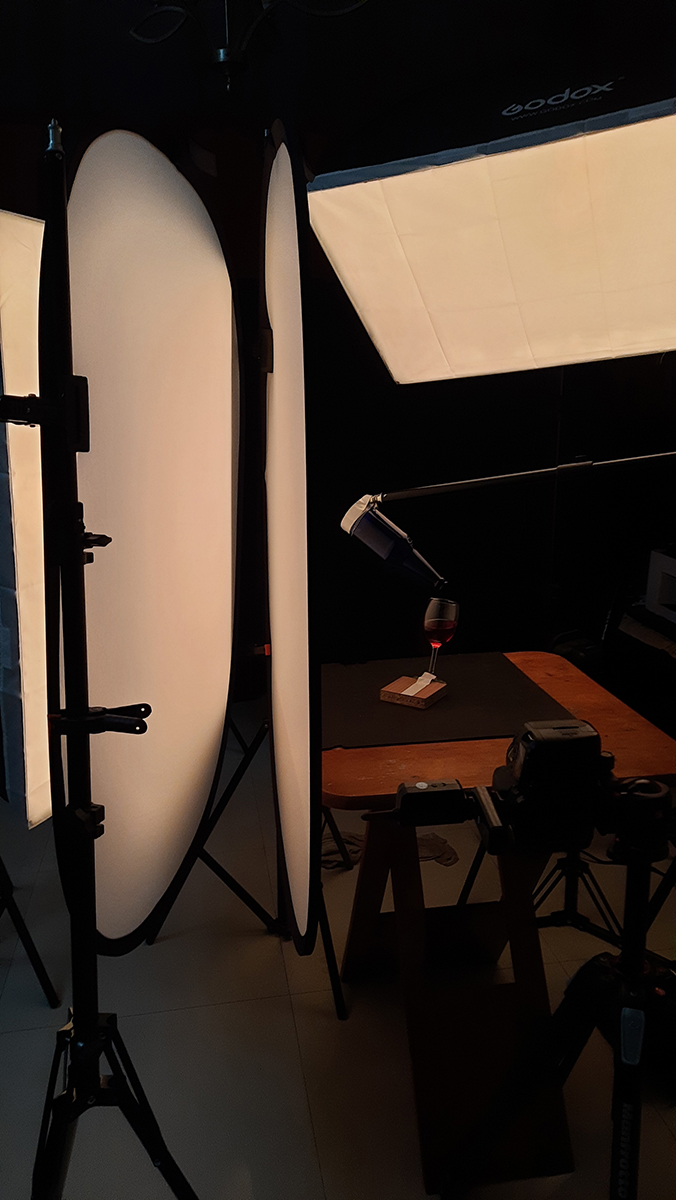
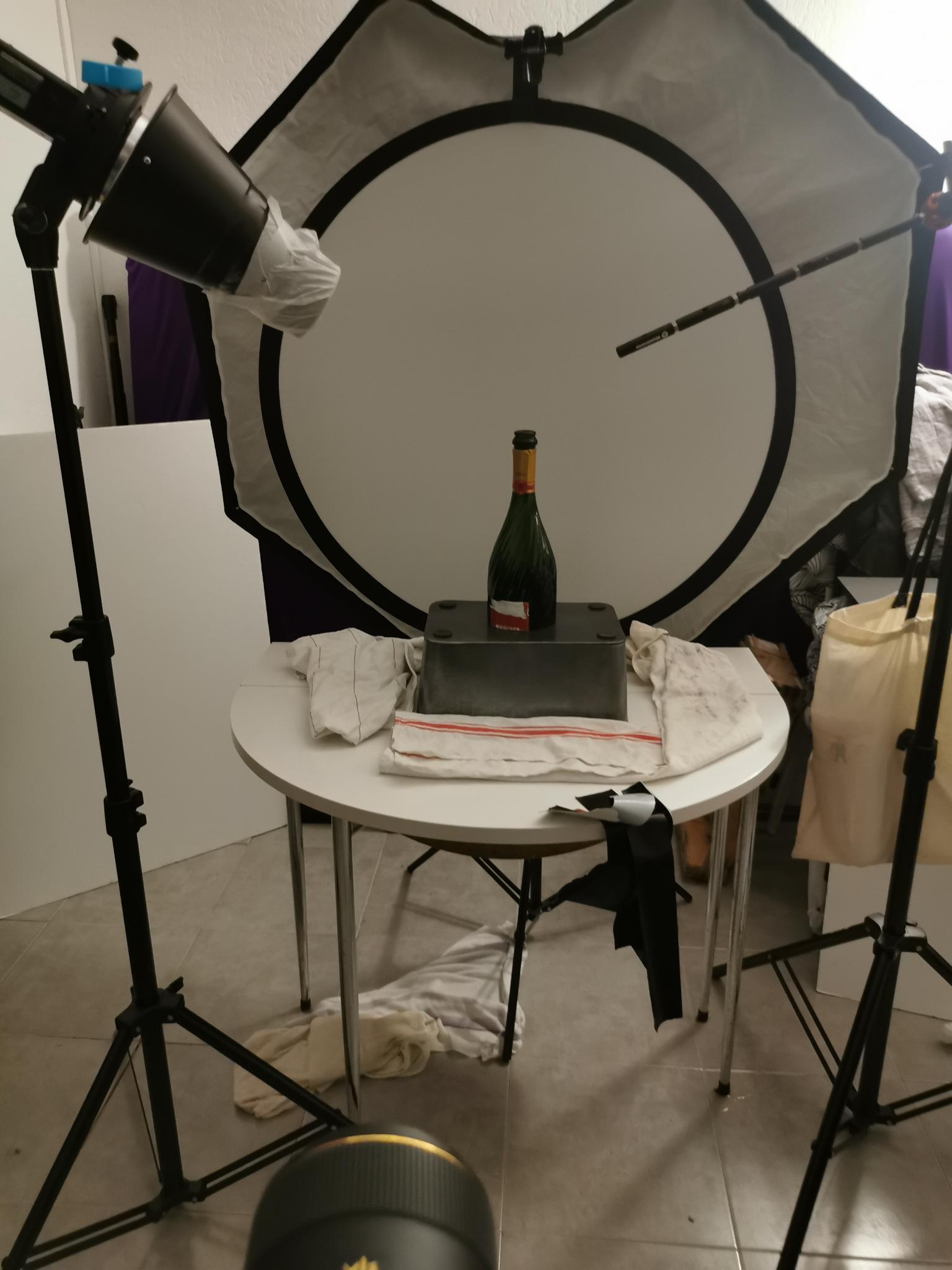
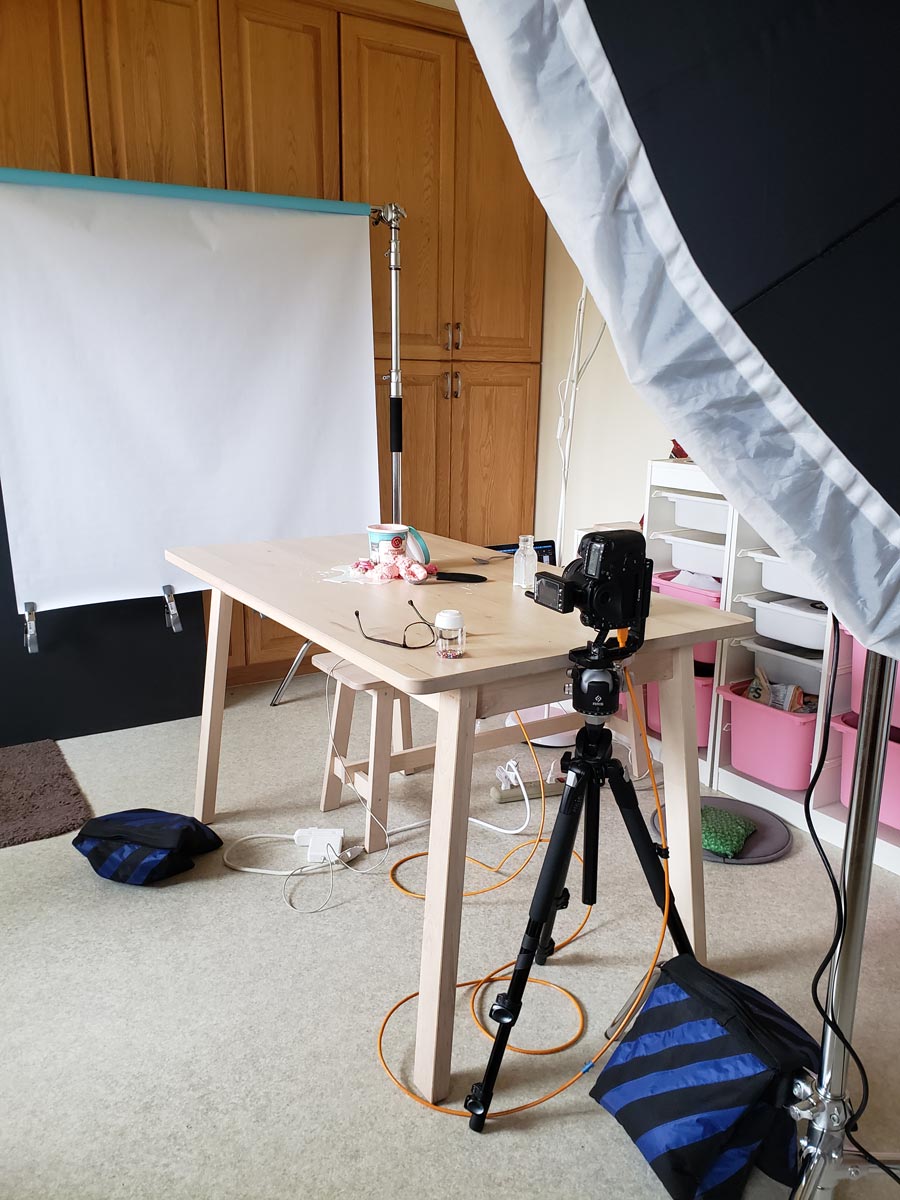
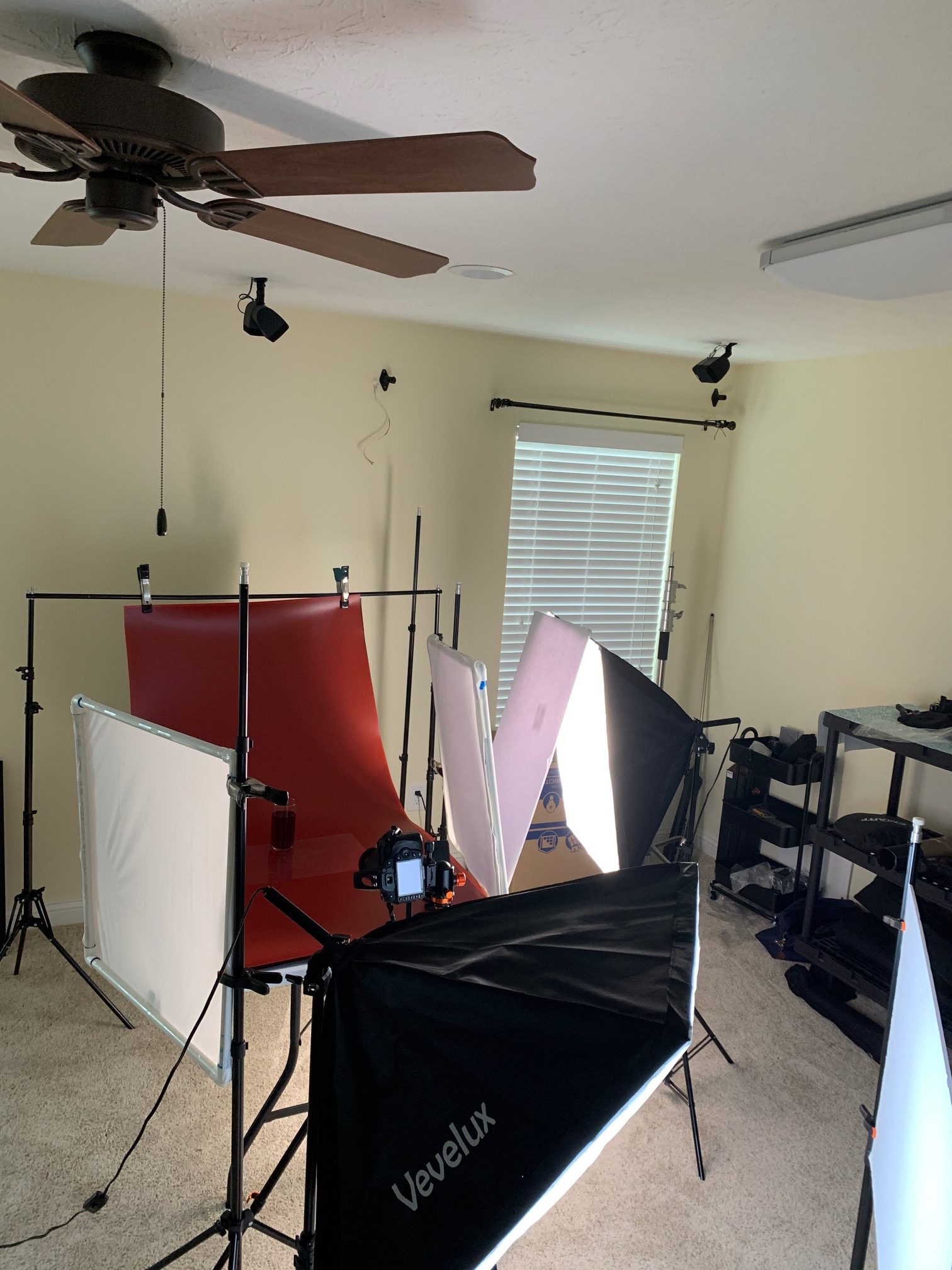
And a BTS shot as well, of course.
IMPORTANT VIDEOS
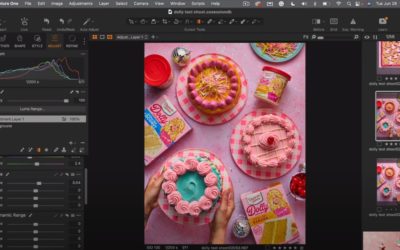
THREE INTERESTING POST PROCESSING VIDEOS FOR YOU
THREE INTERESTING POST PROCESSING VIDEOS FOR YOU
VIDEO
PHOTOGRAPHIC INFO
PHOTOGRAPHIC INFO
APRIL 2023
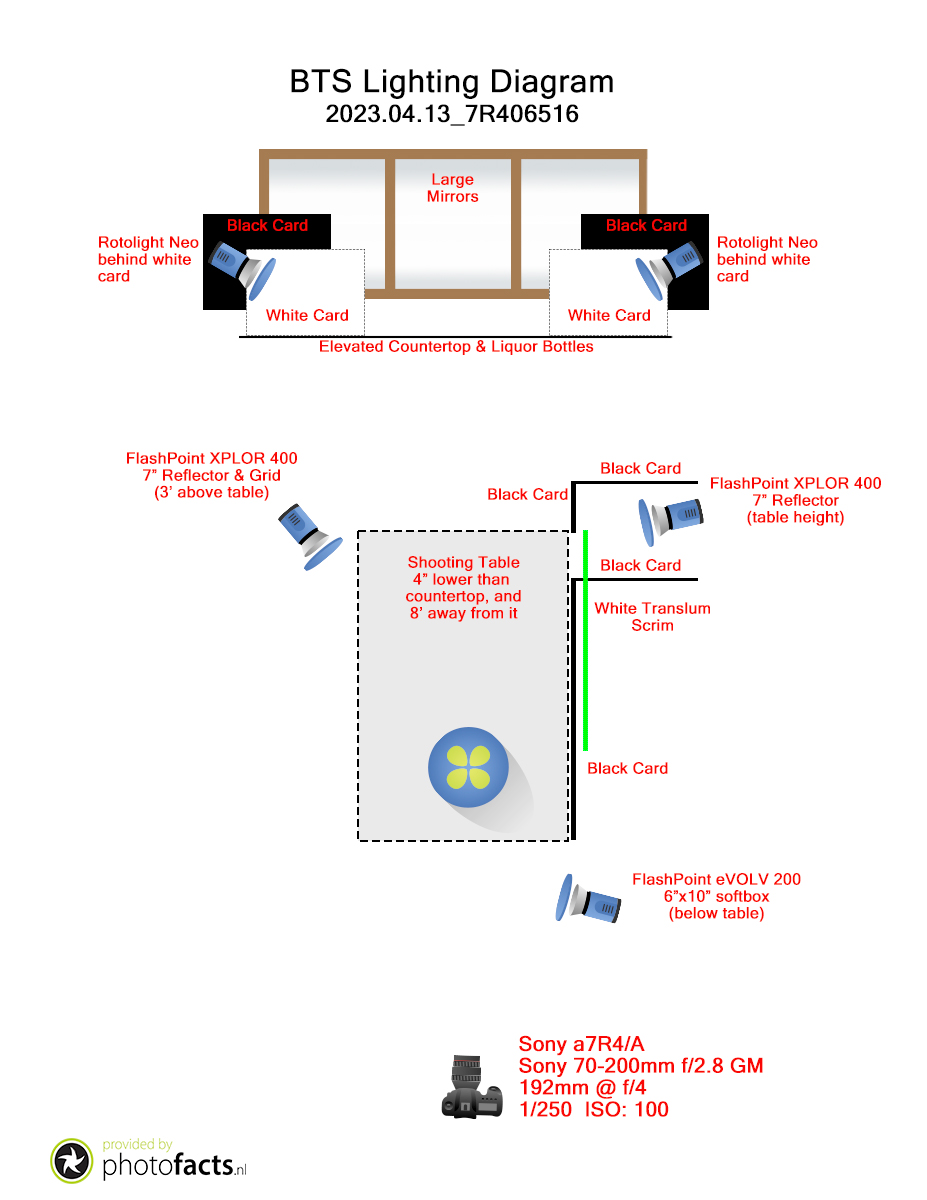
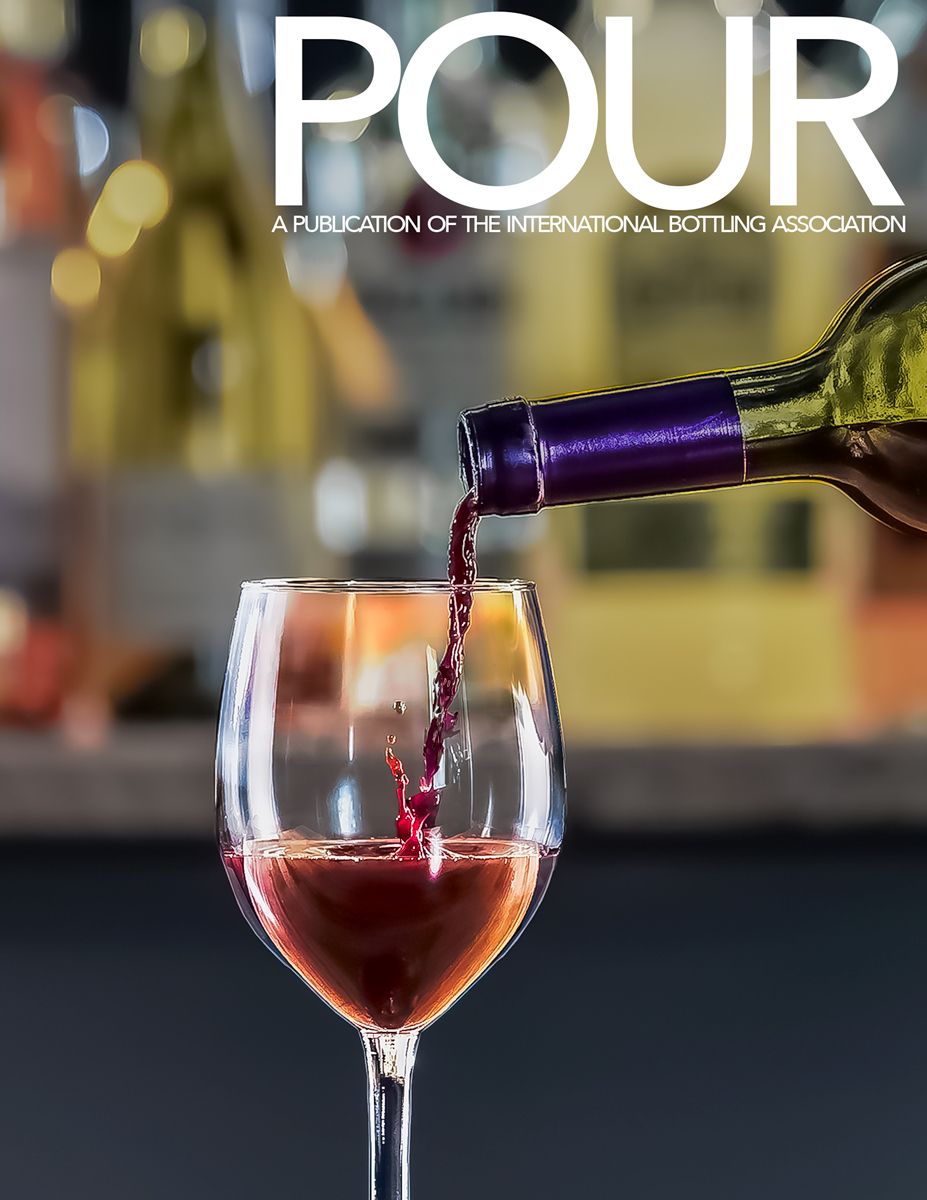
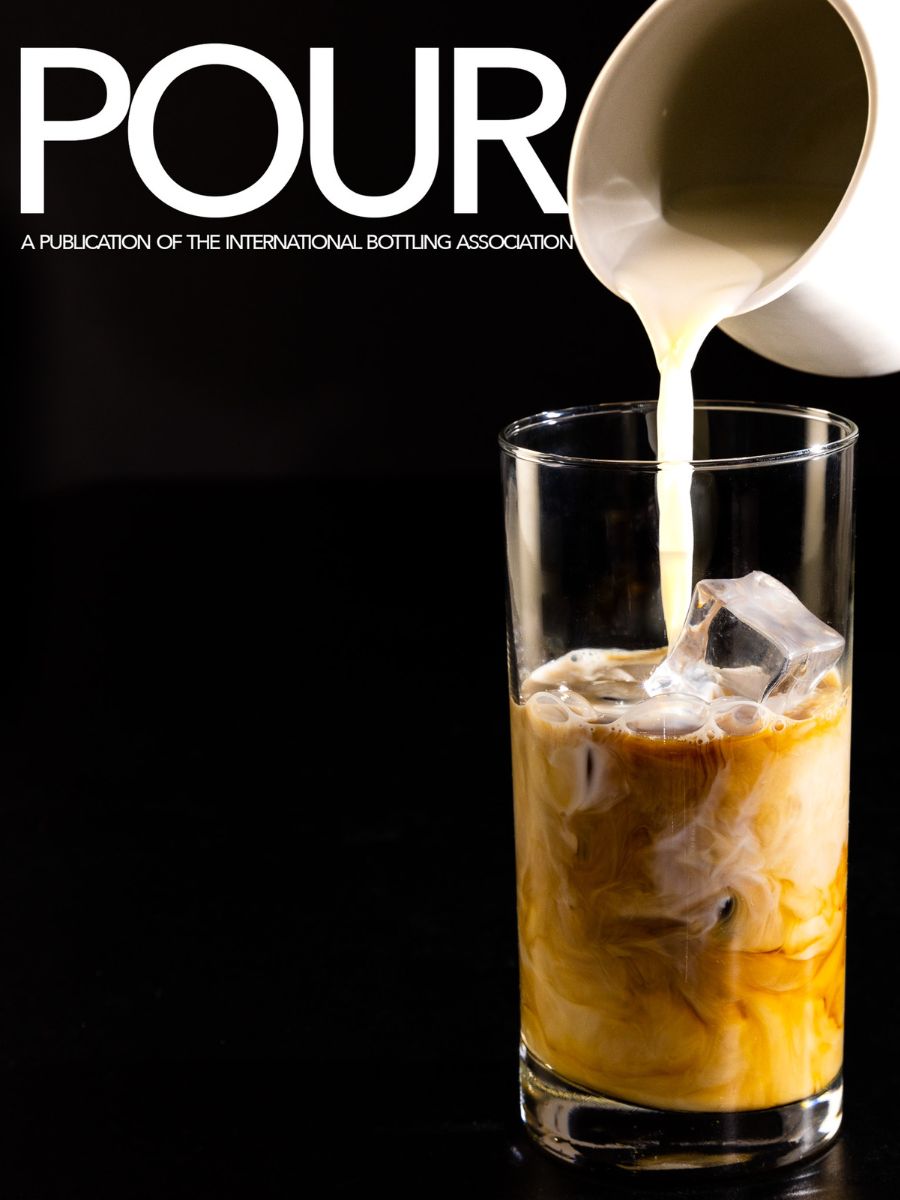
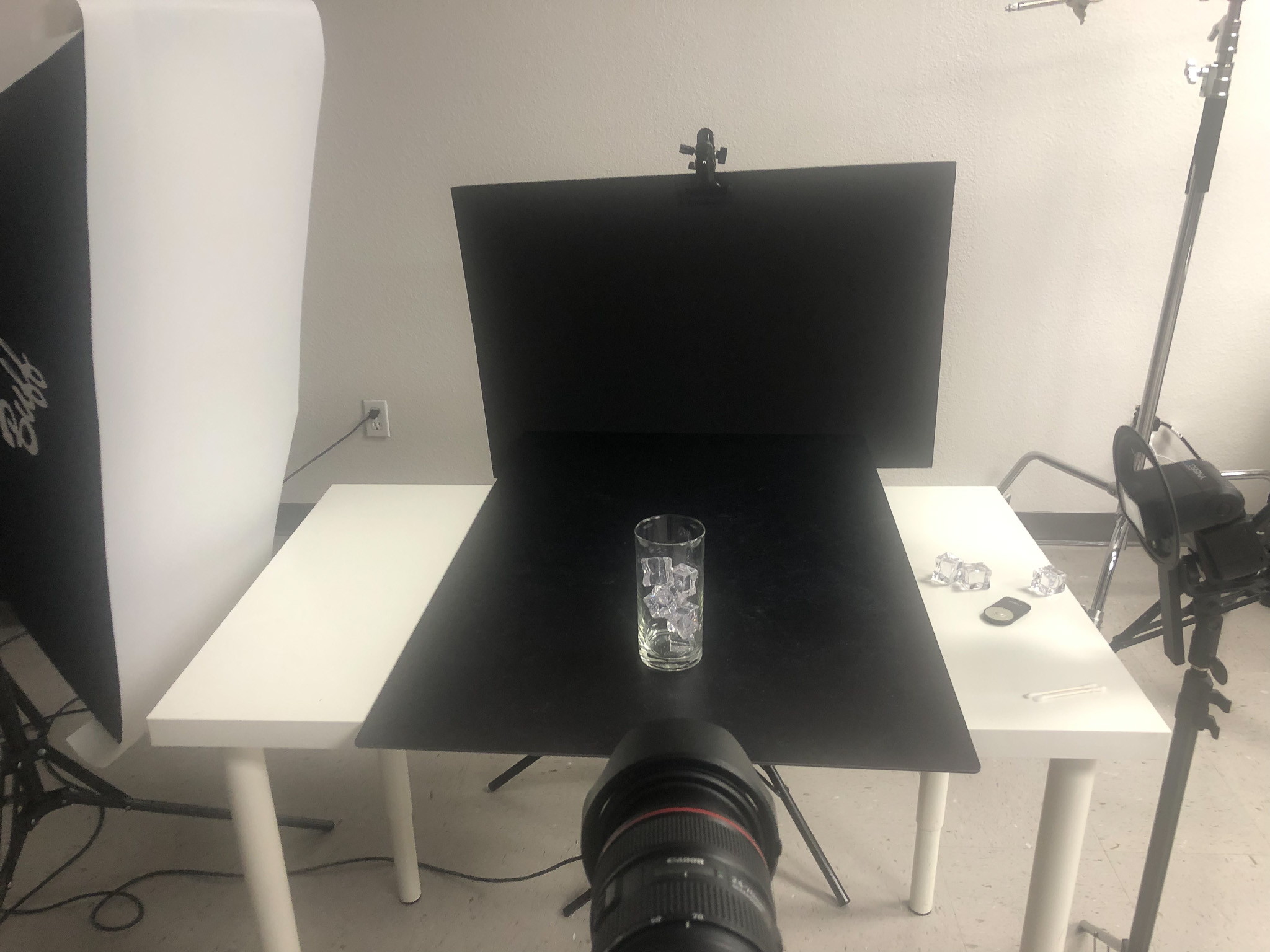
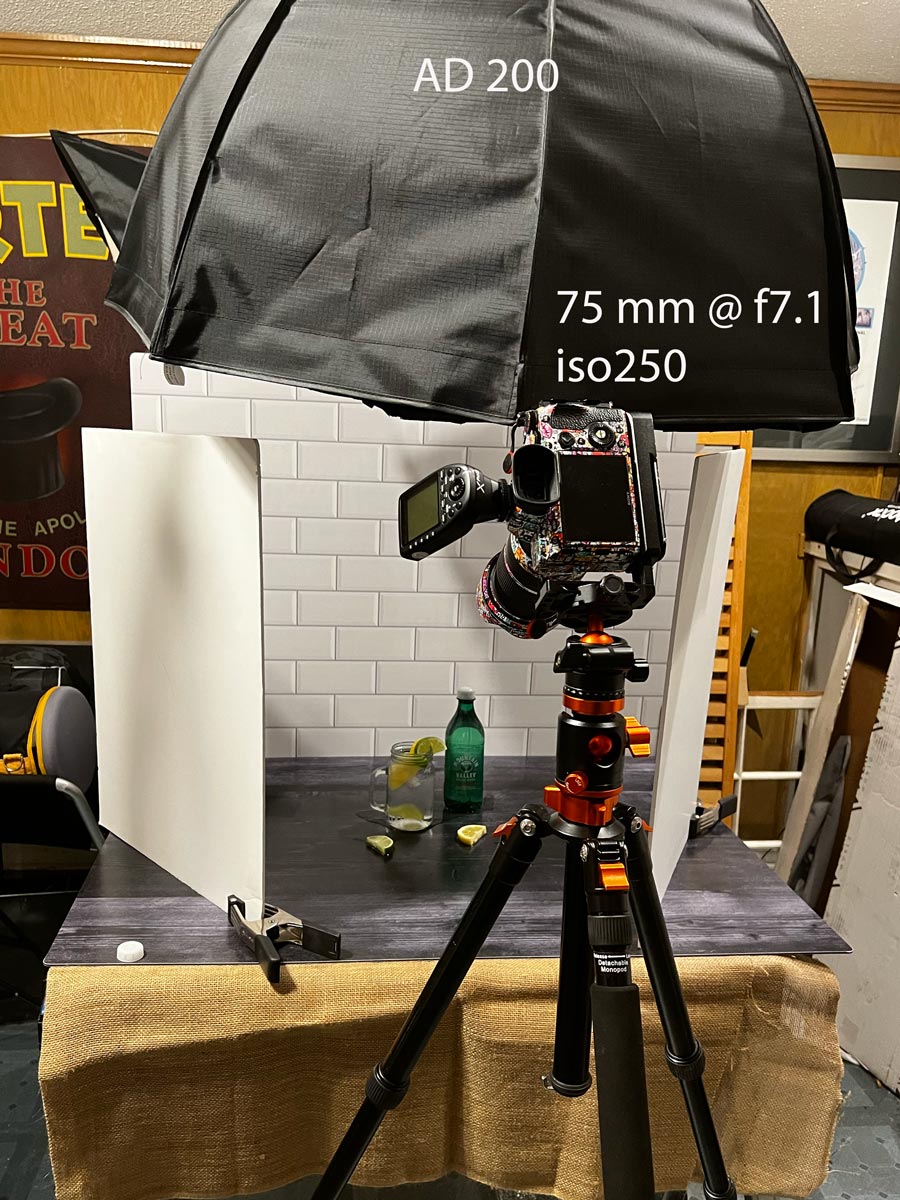
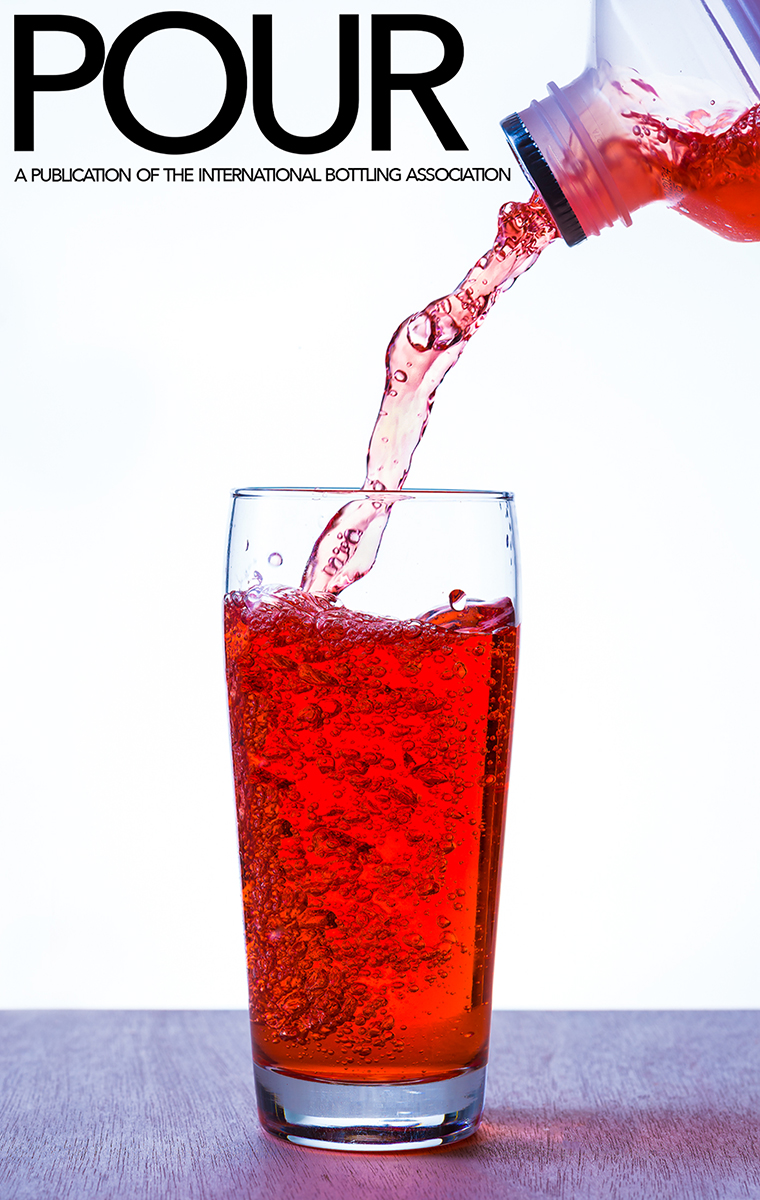
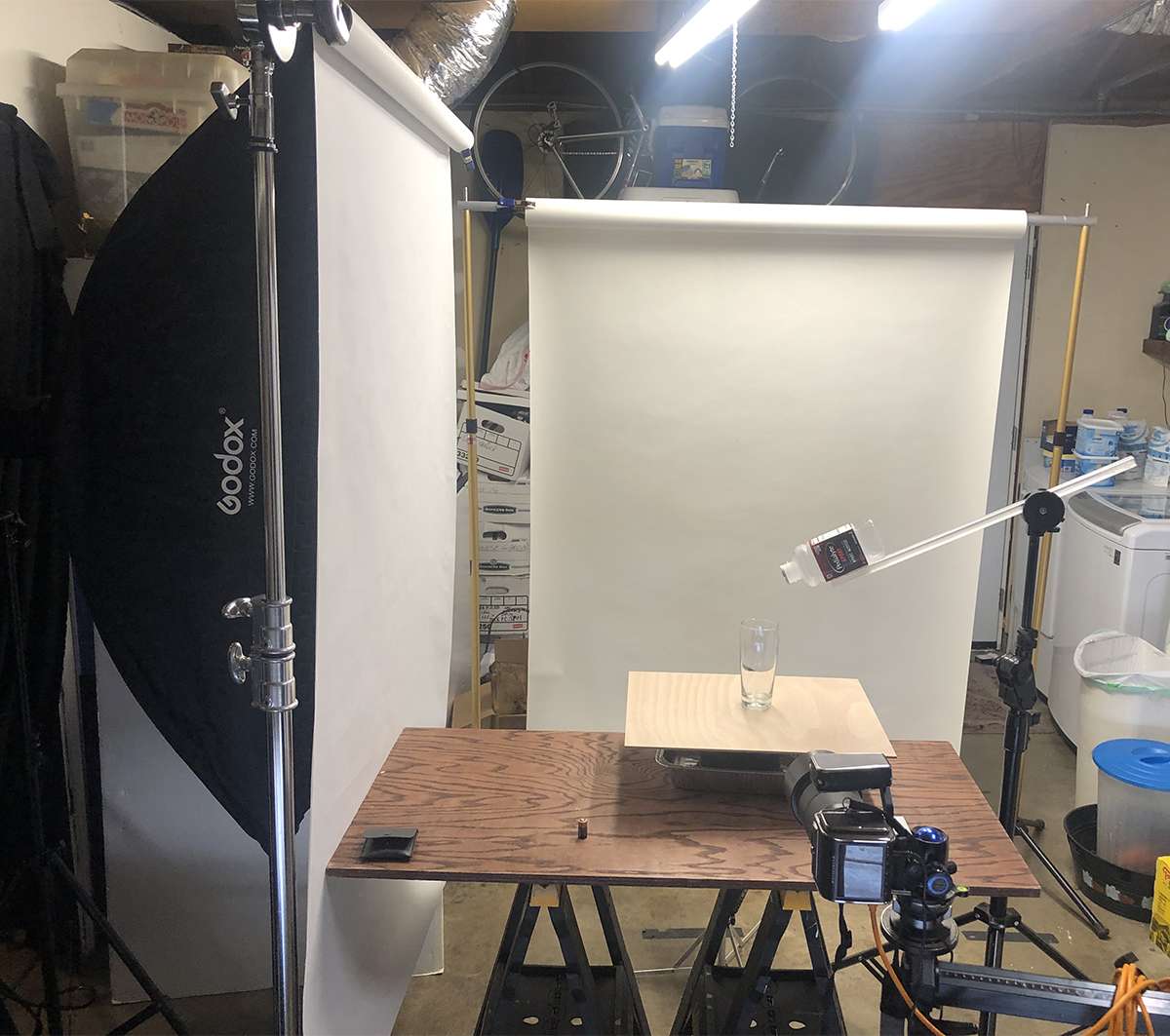
OCTOBER 2020
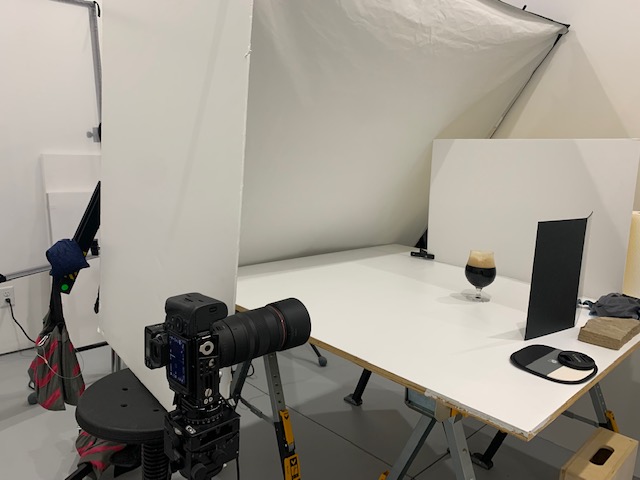

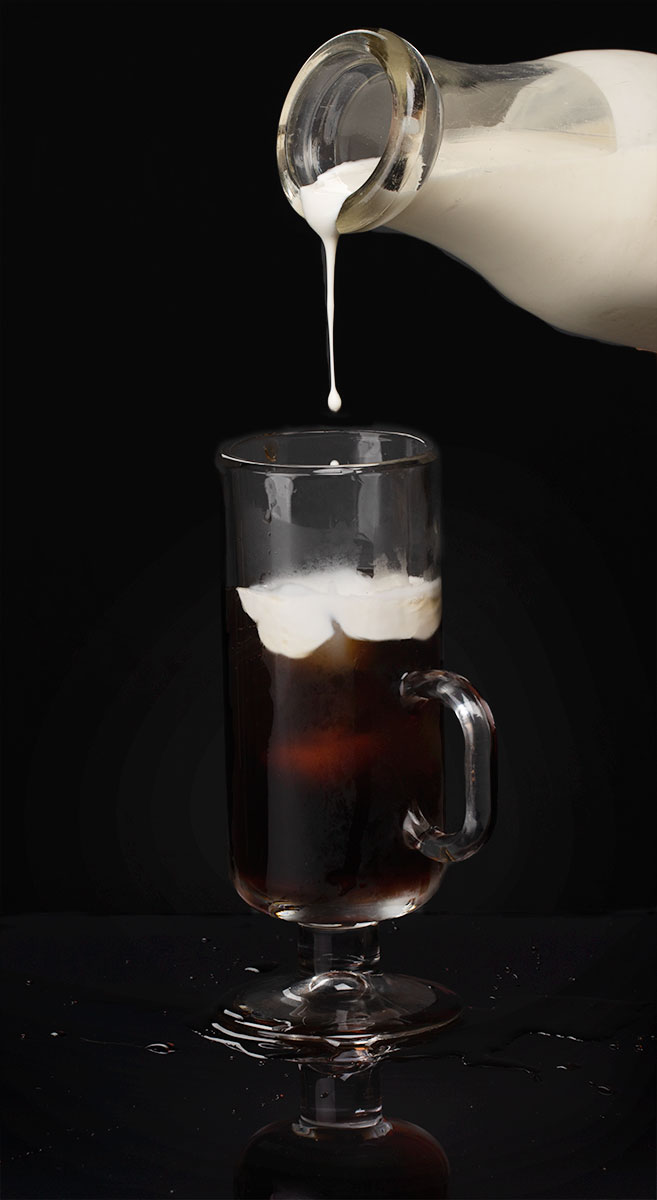
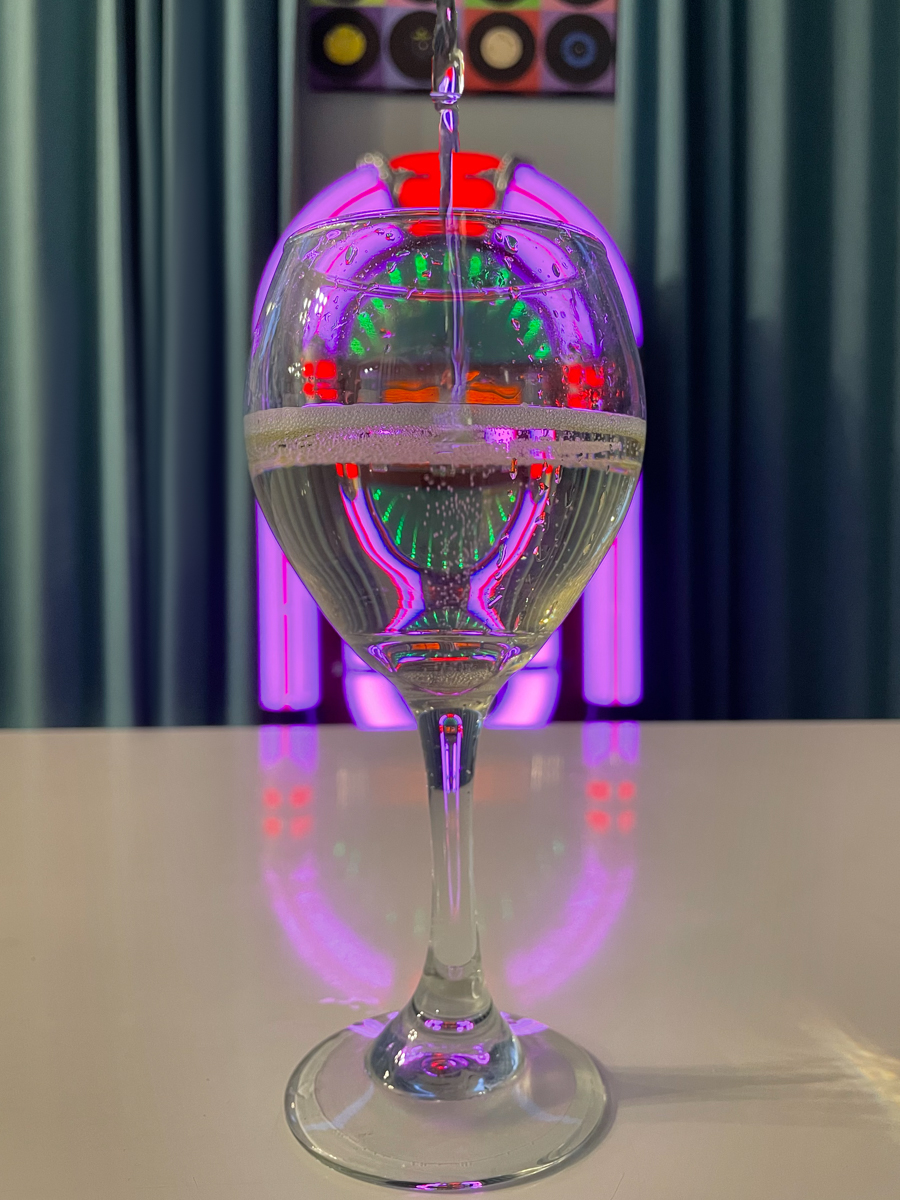
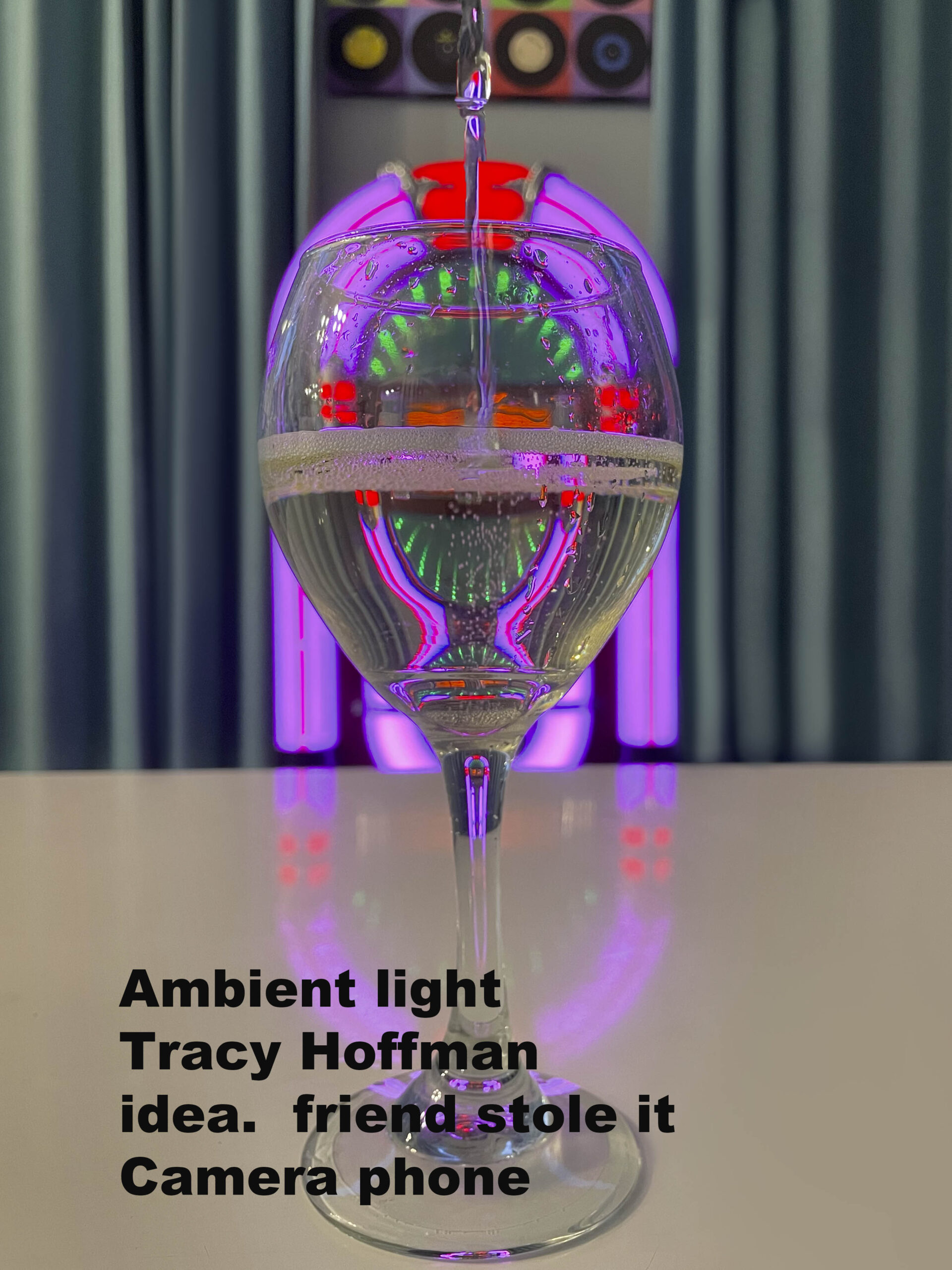
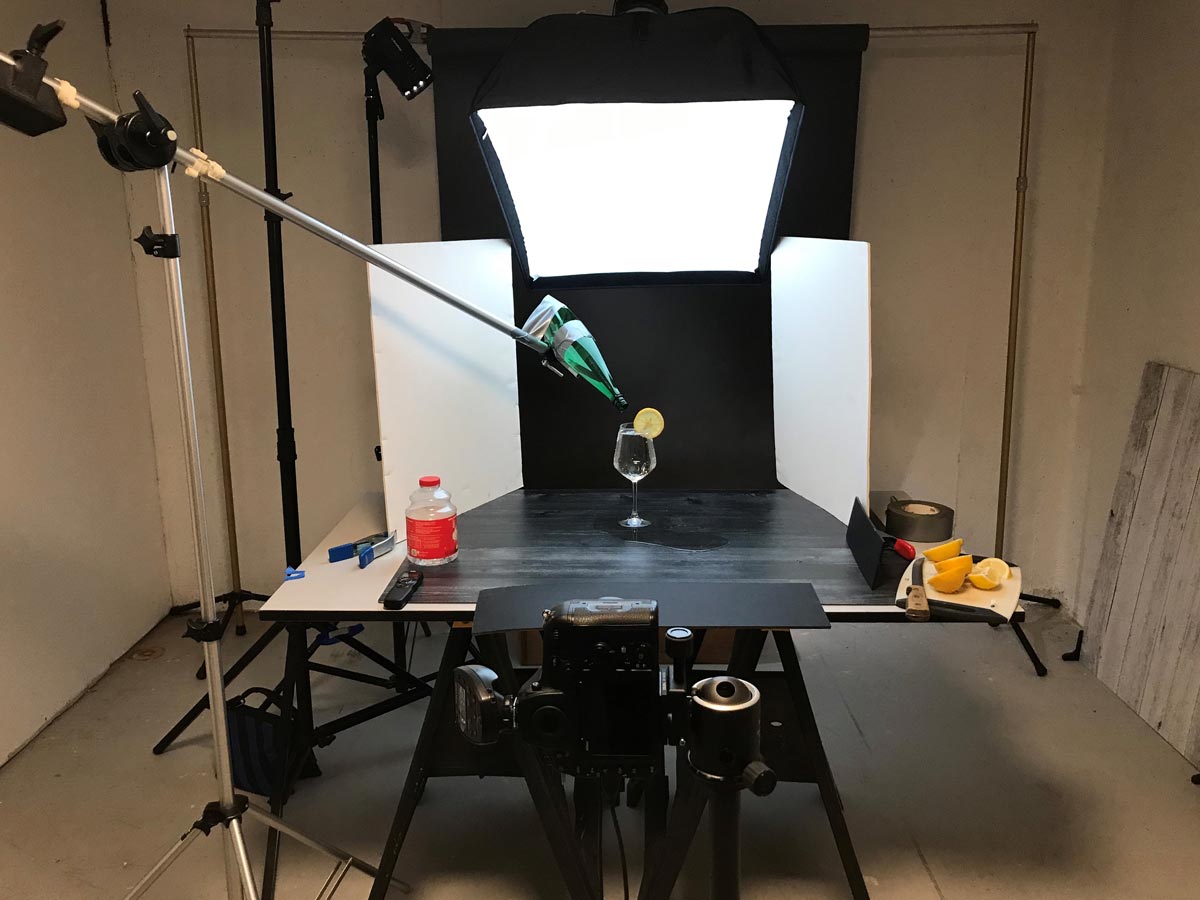
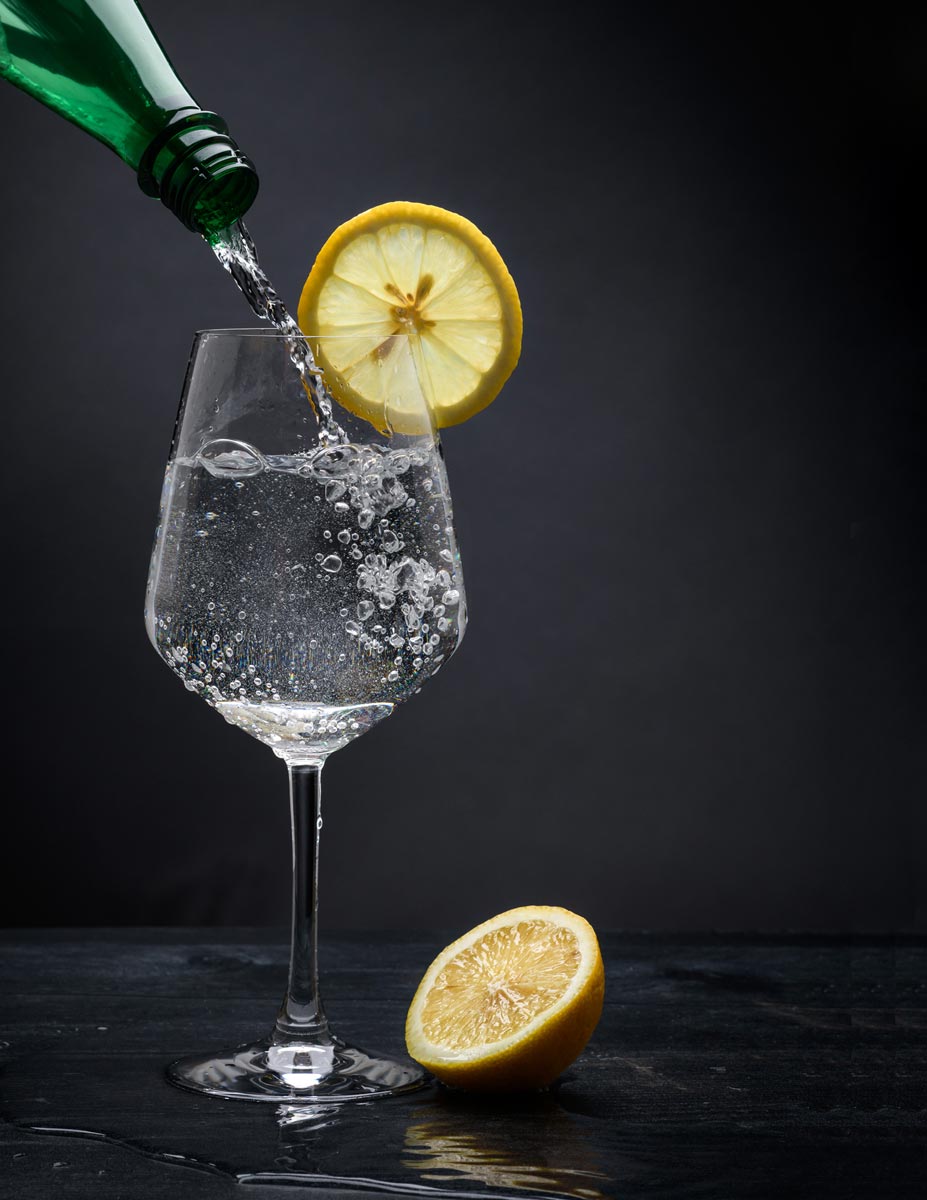
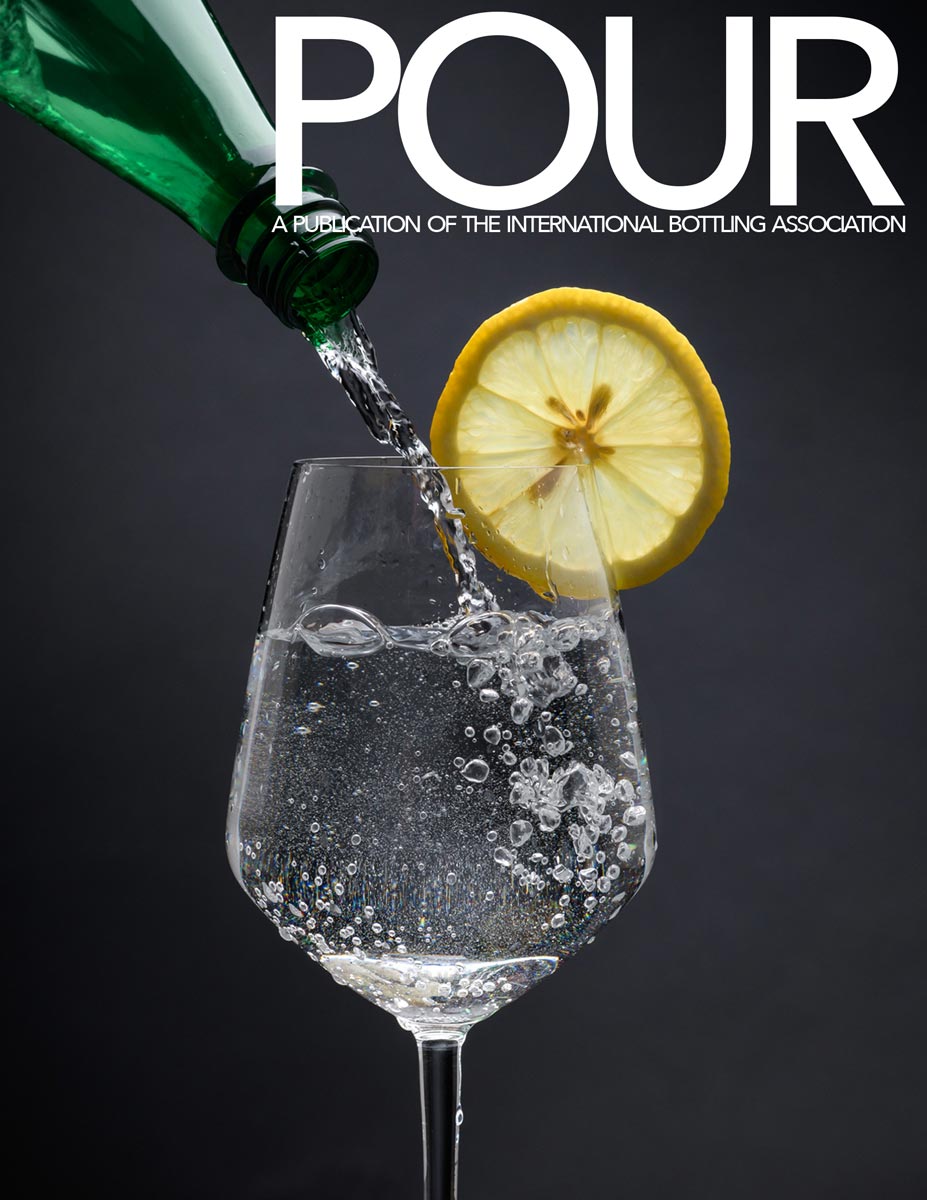
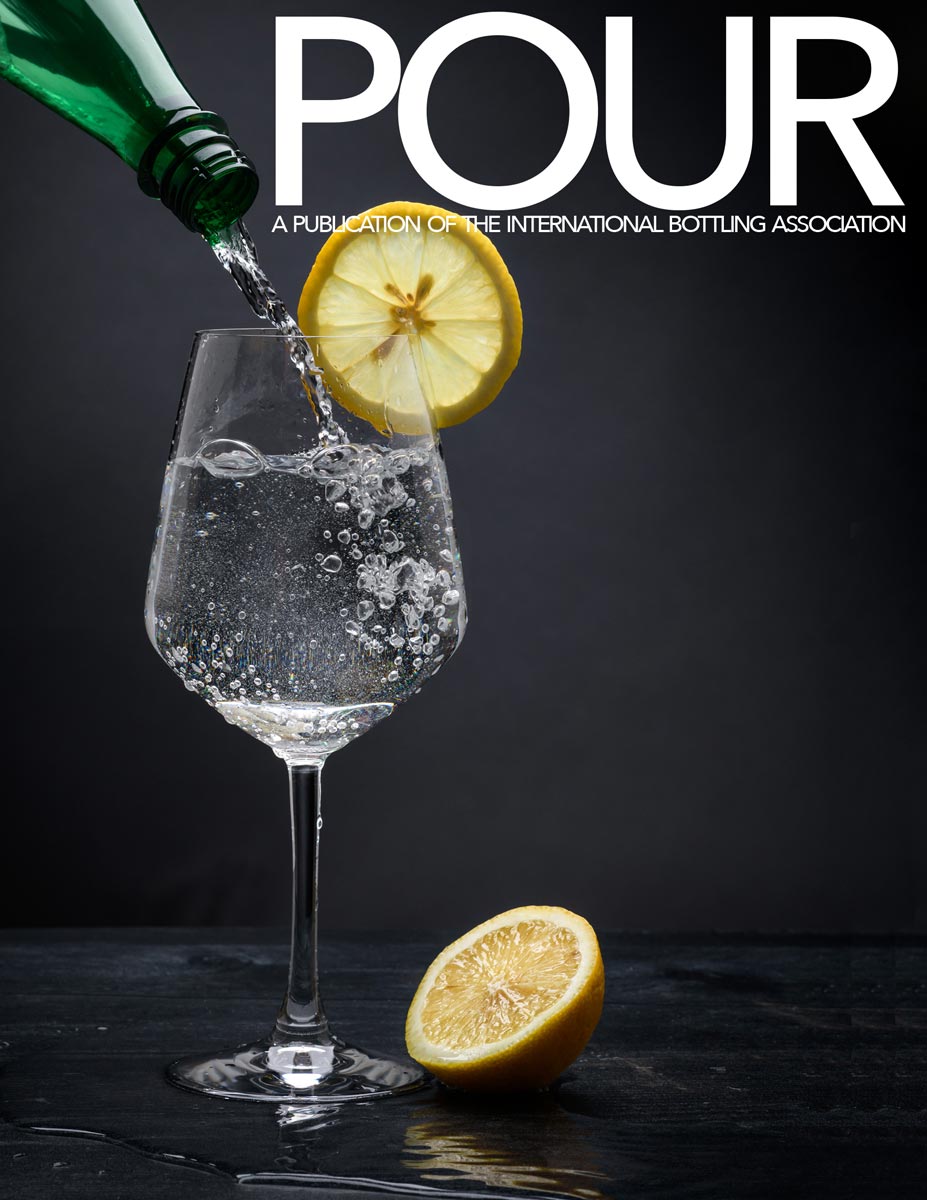
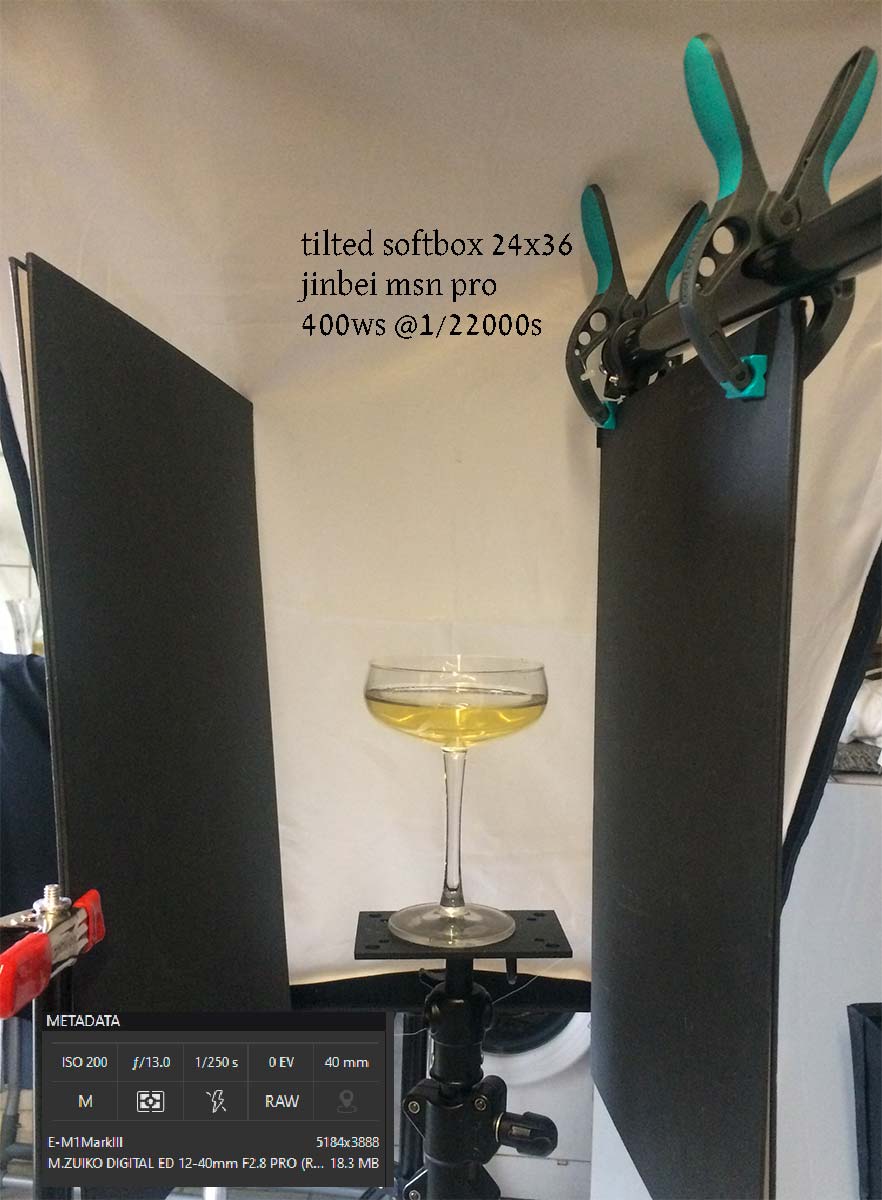
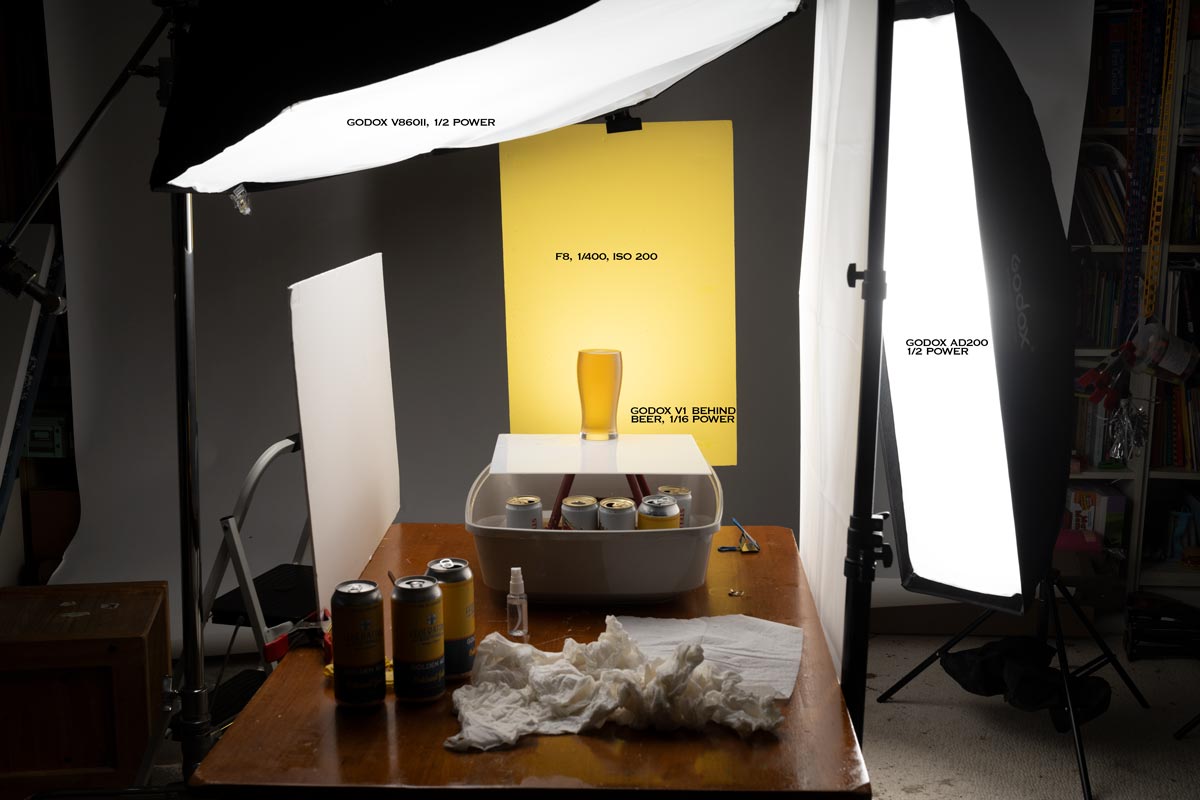
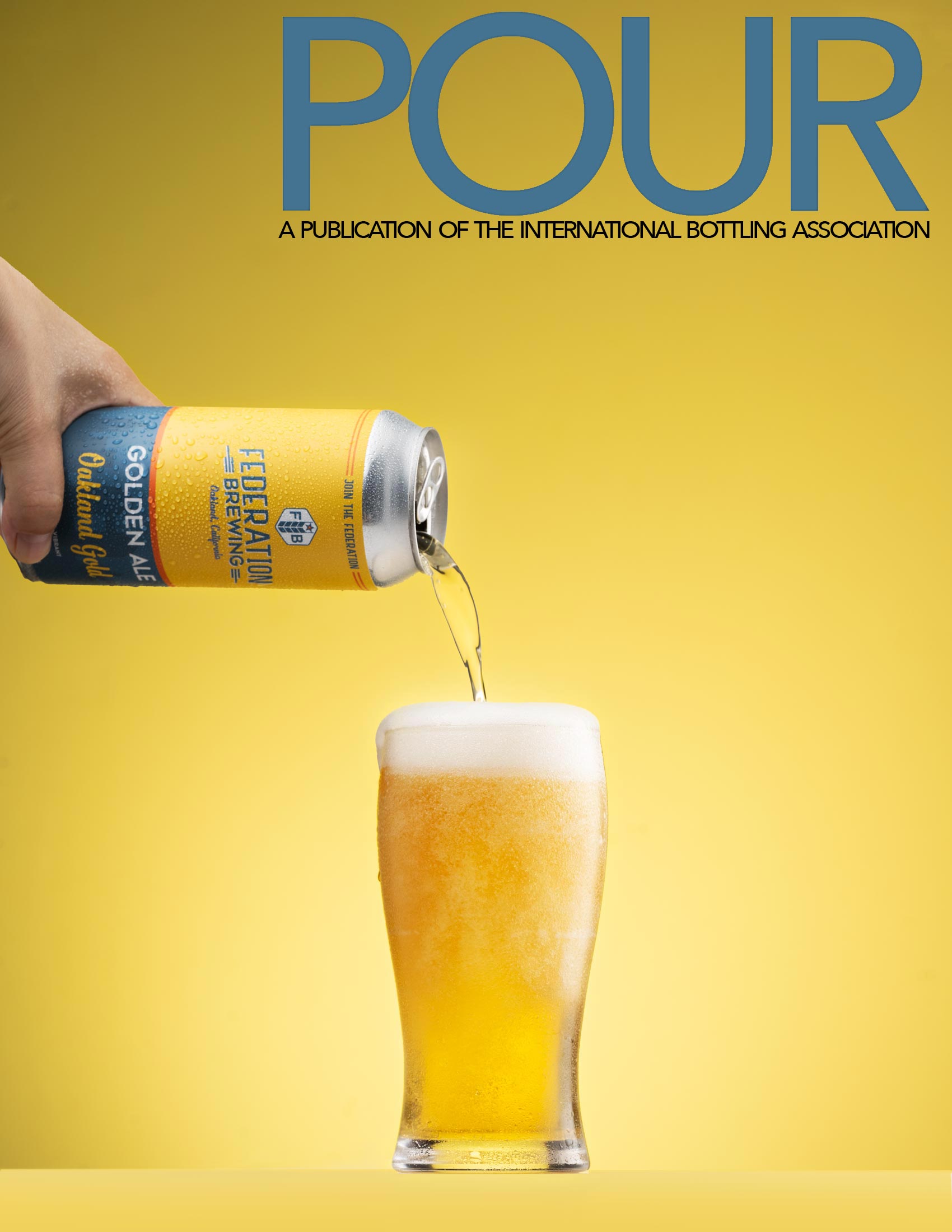
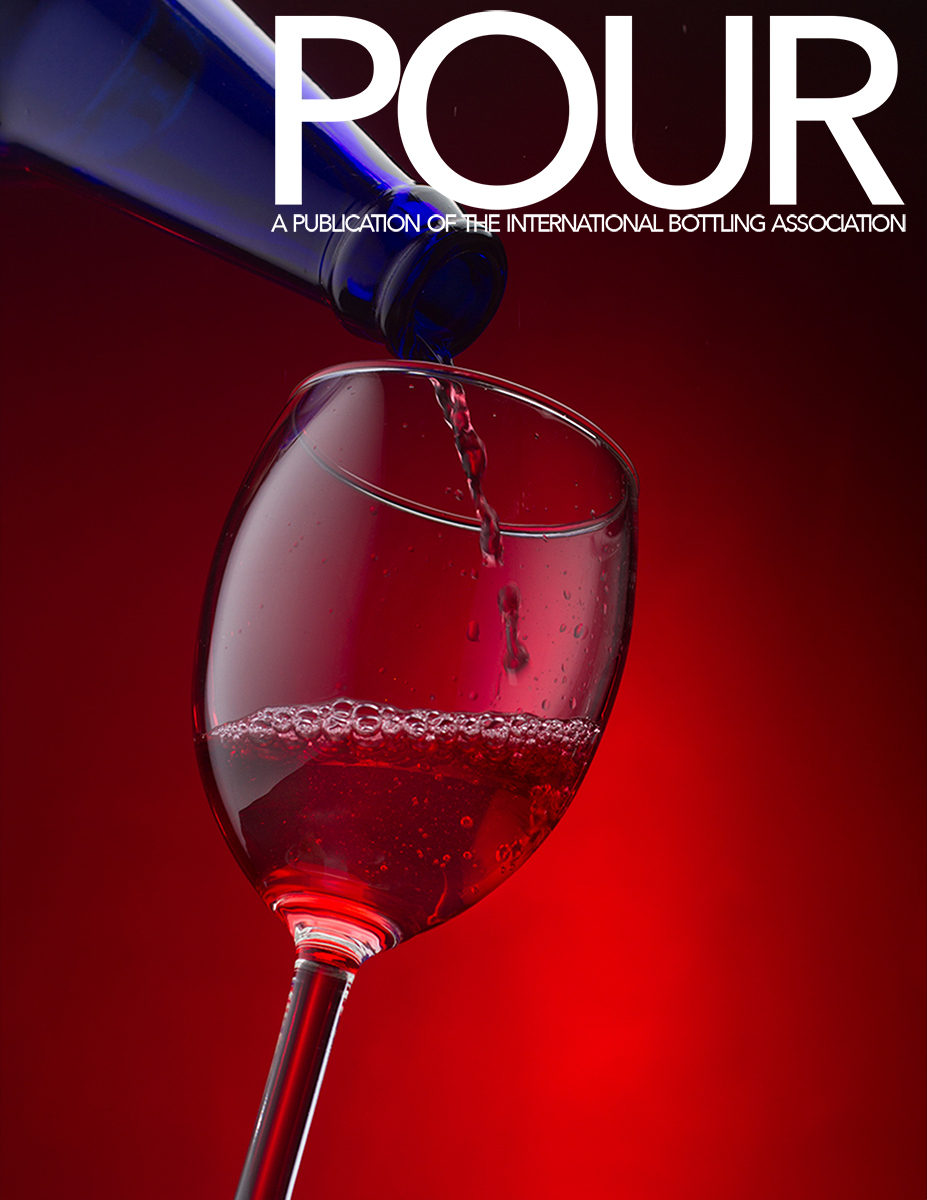
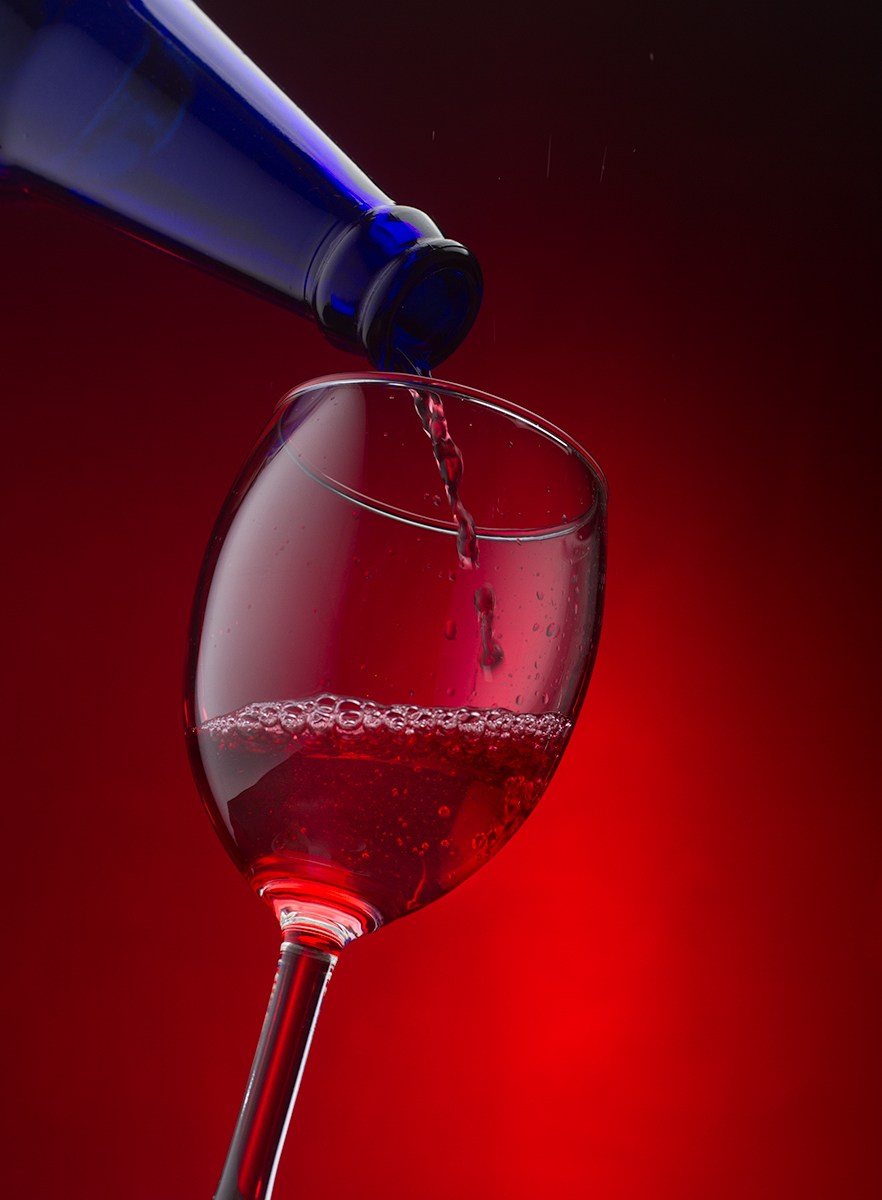
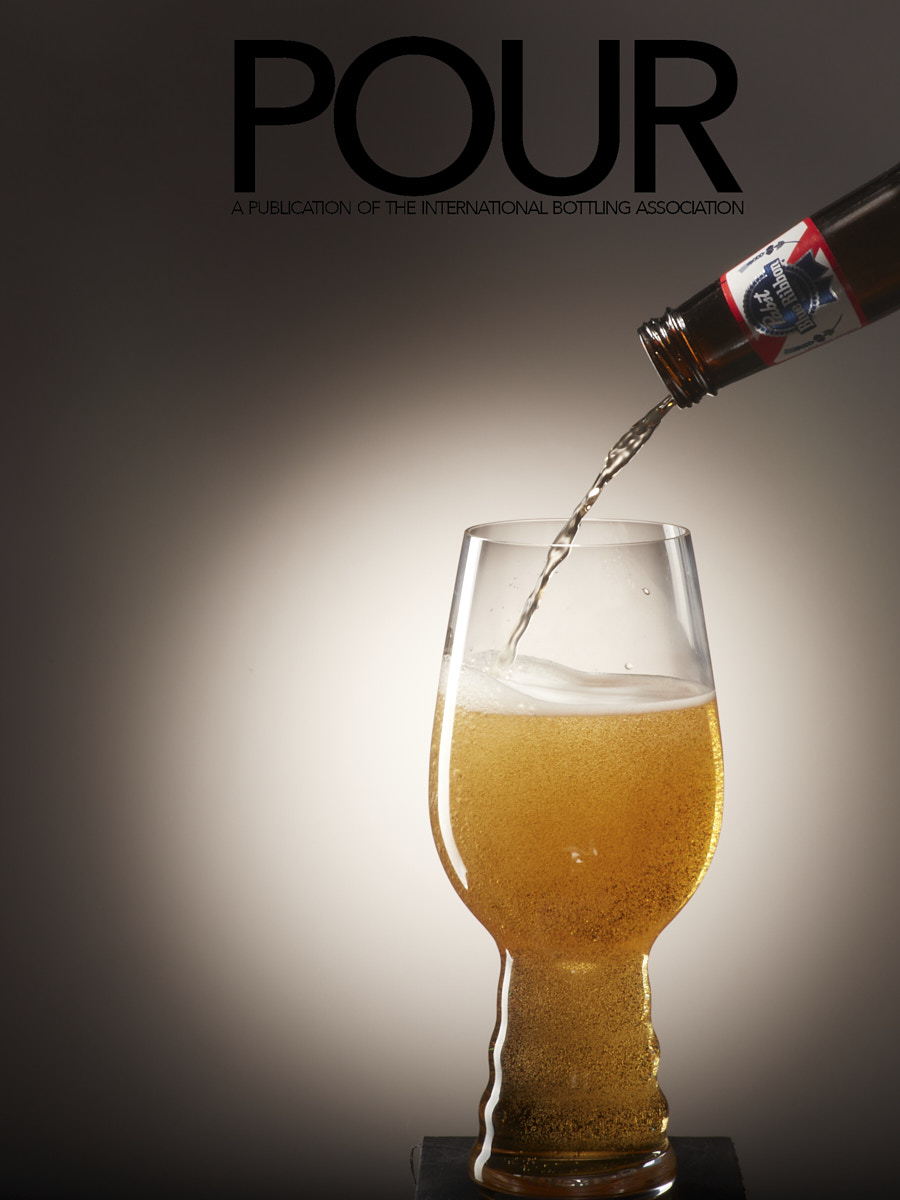
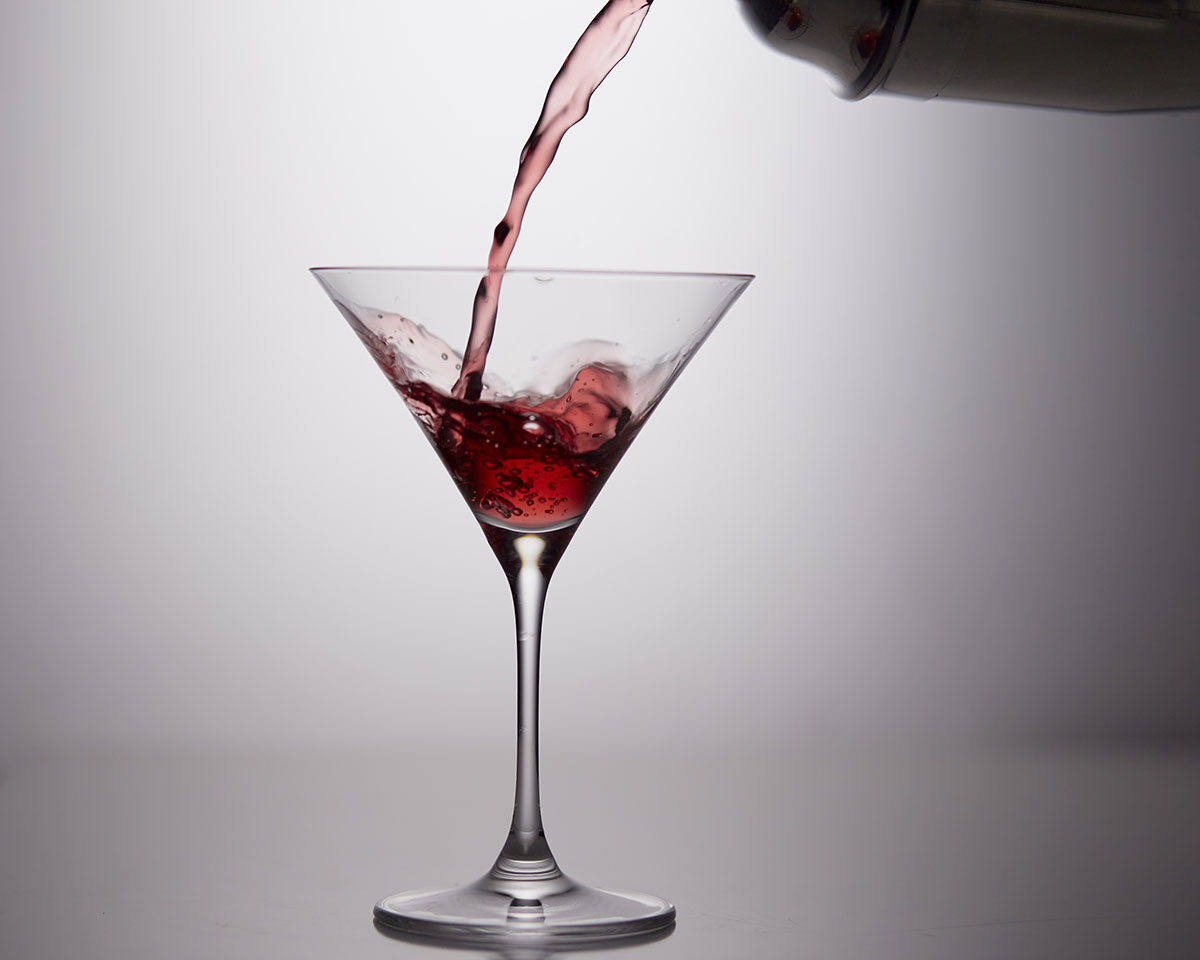
PREVIOUS STUDENT WORK FOR INSPIRATION
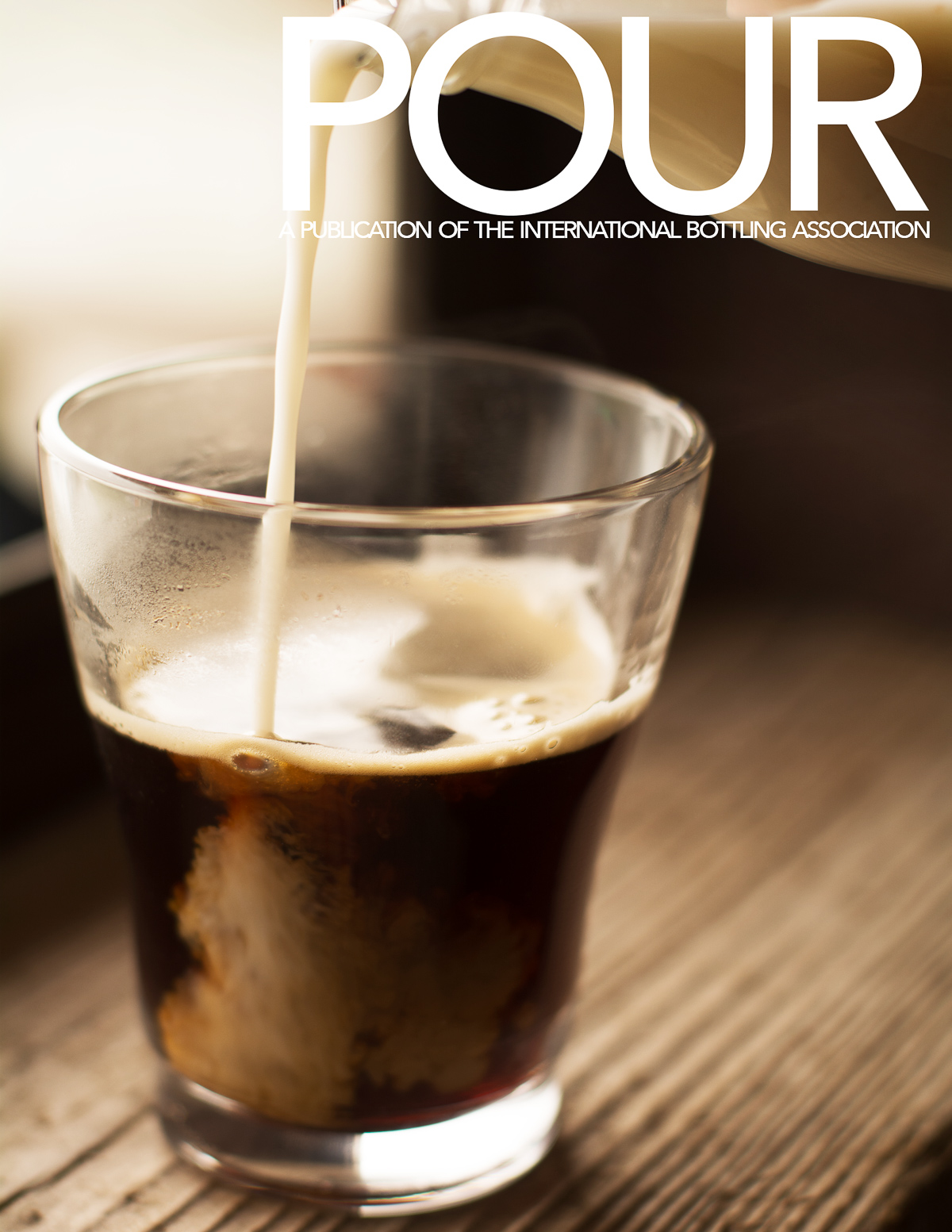
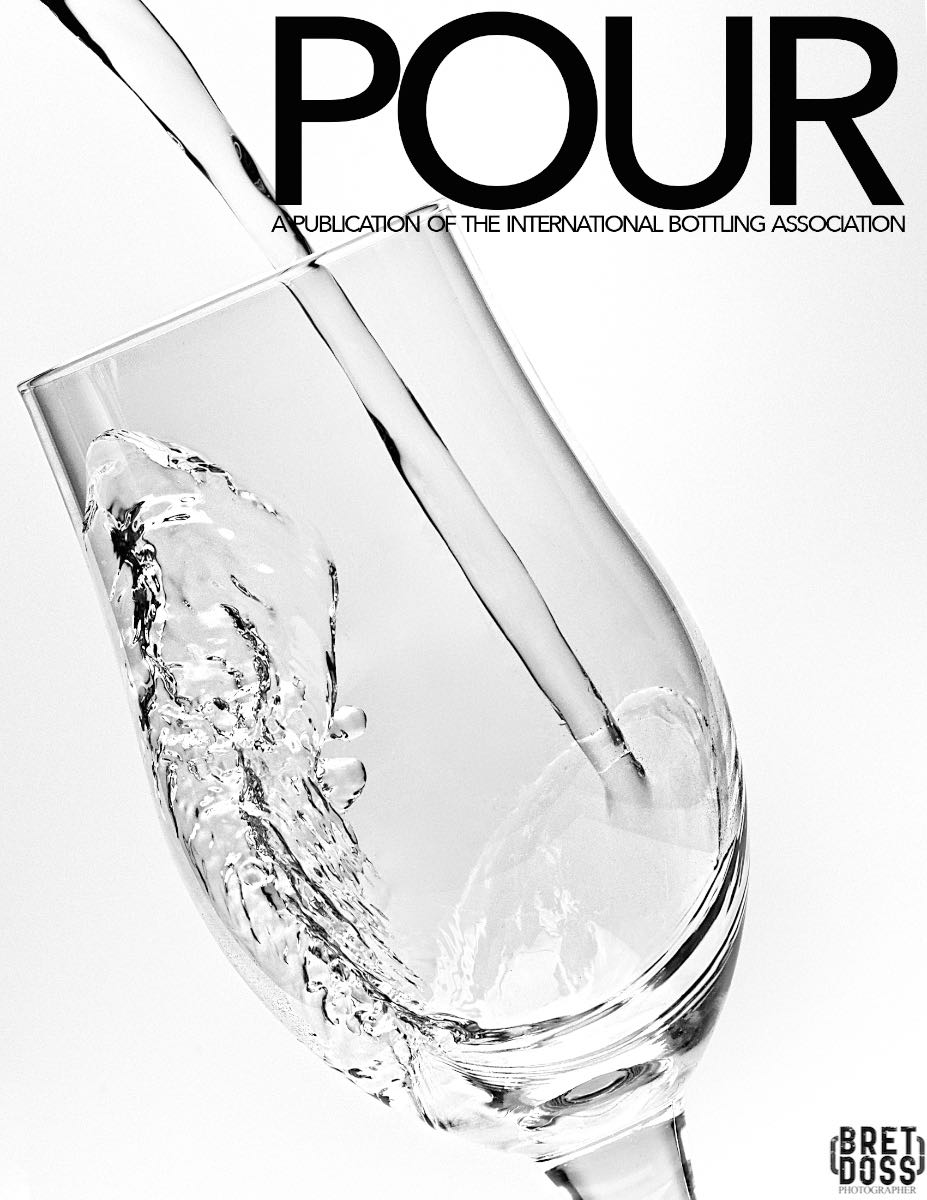
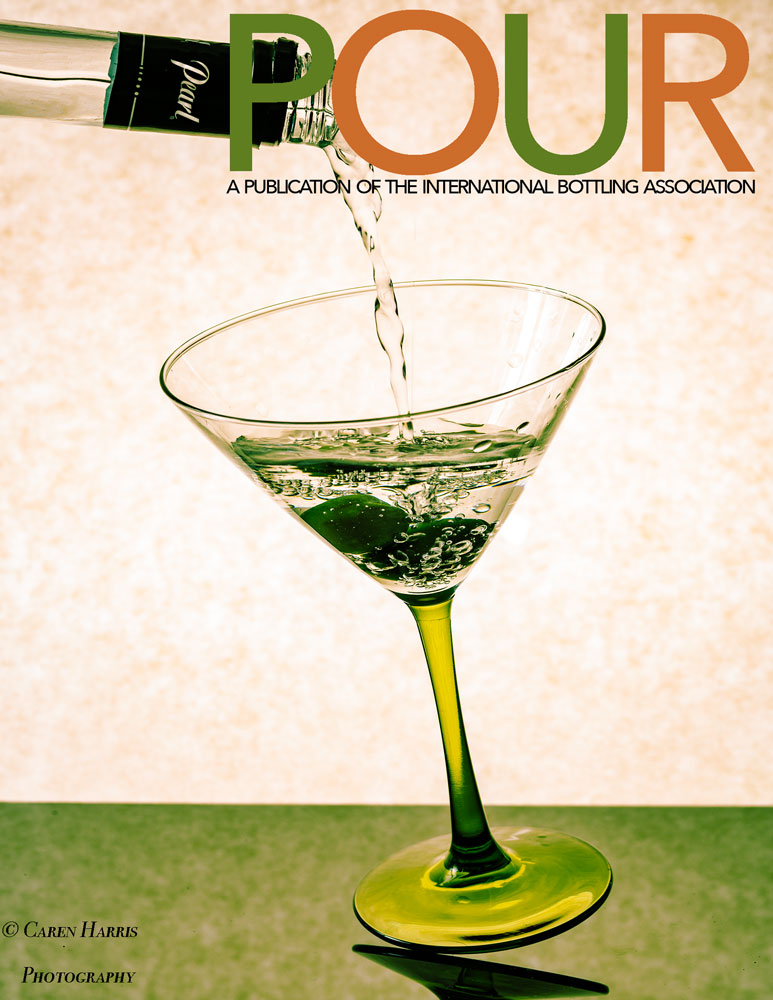



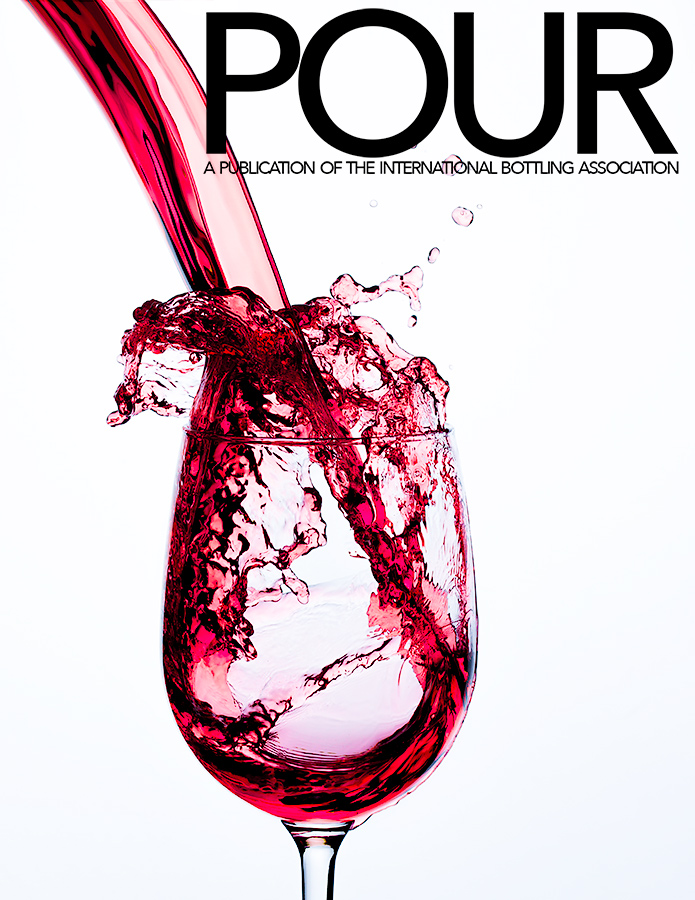

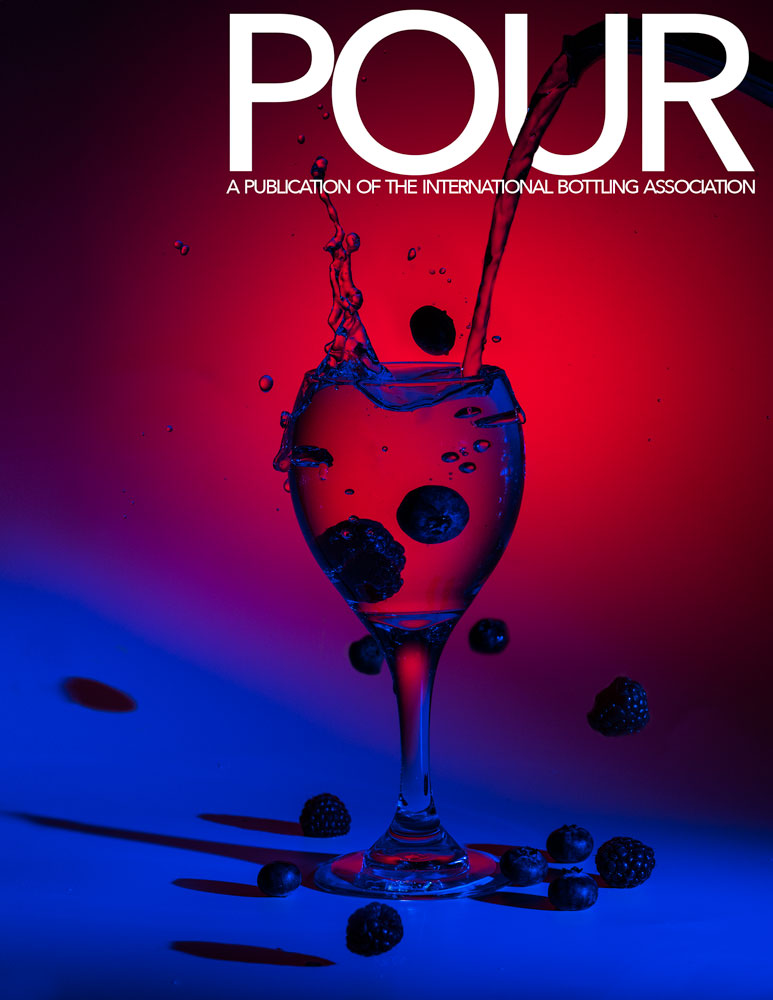

APRIL 2022
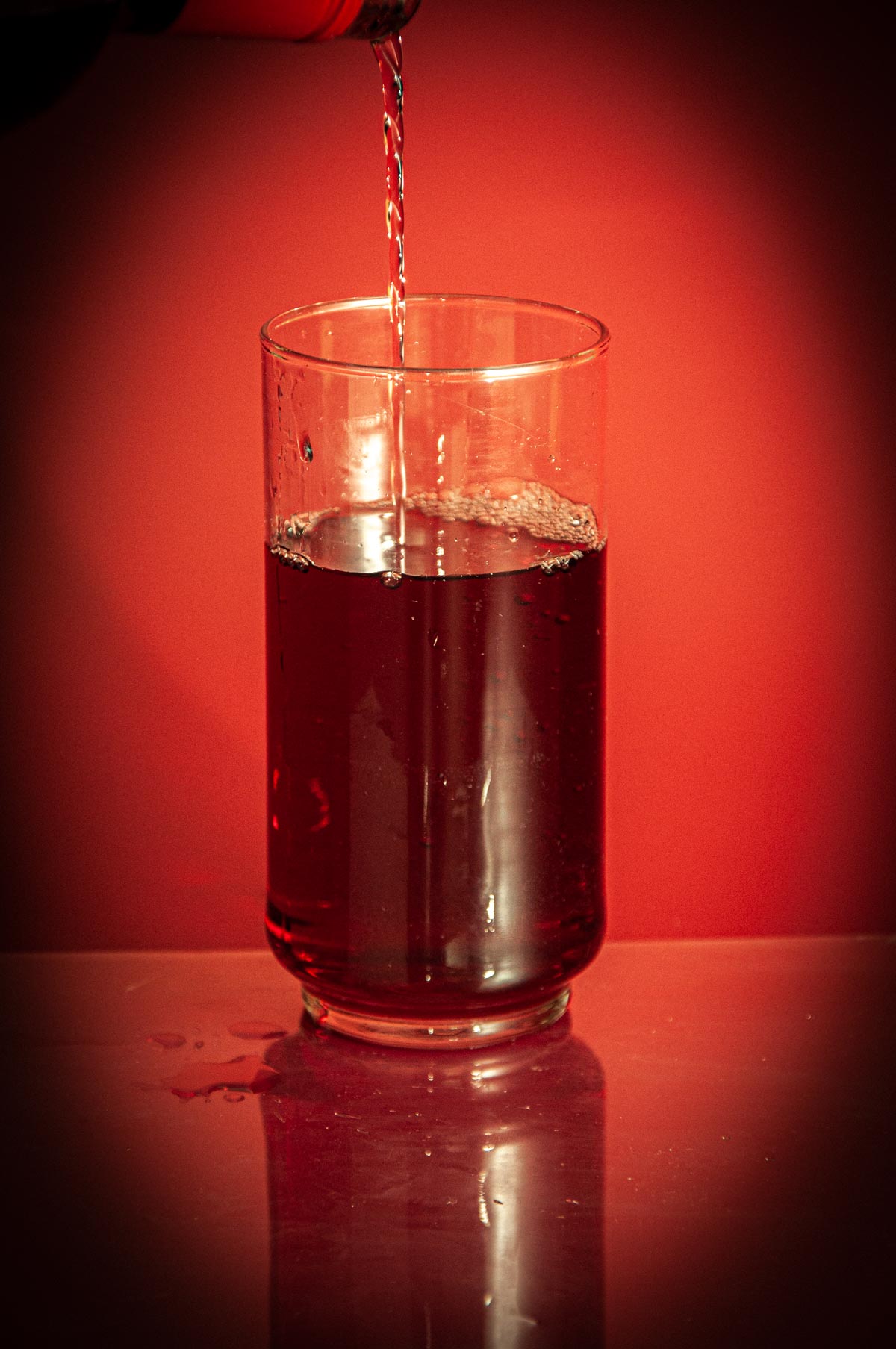

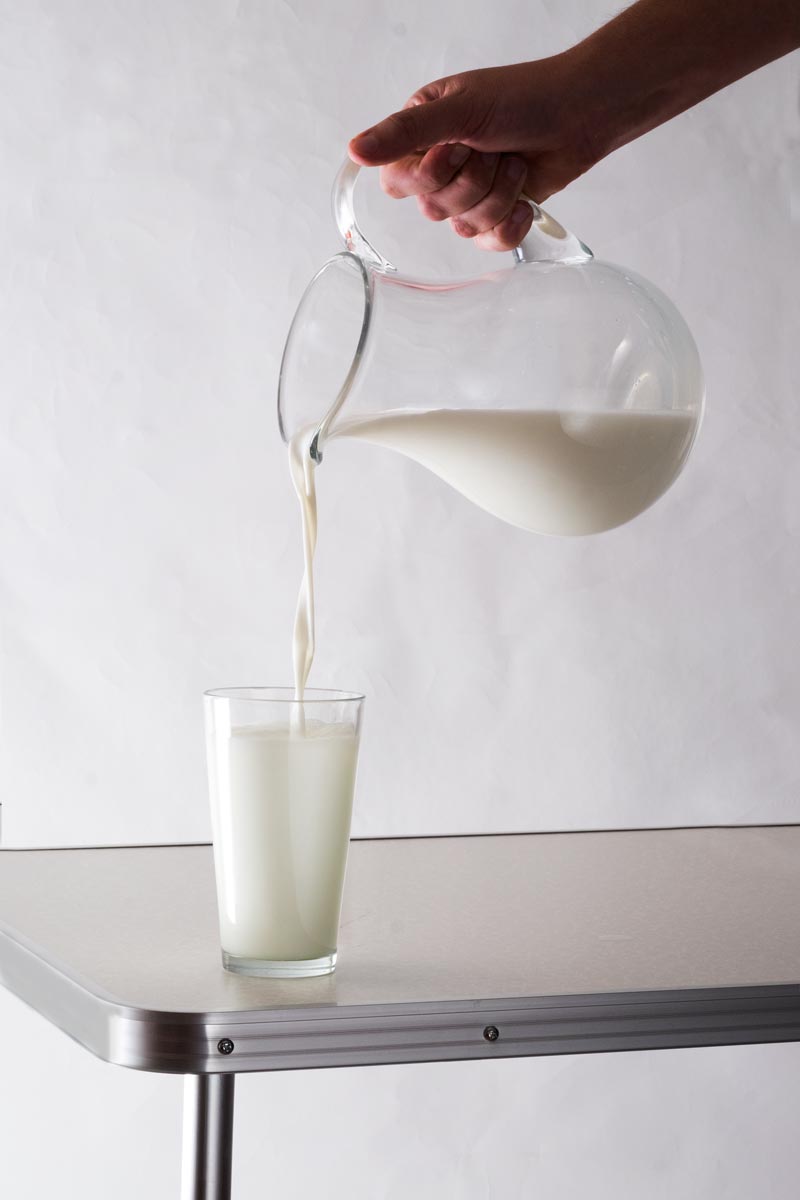
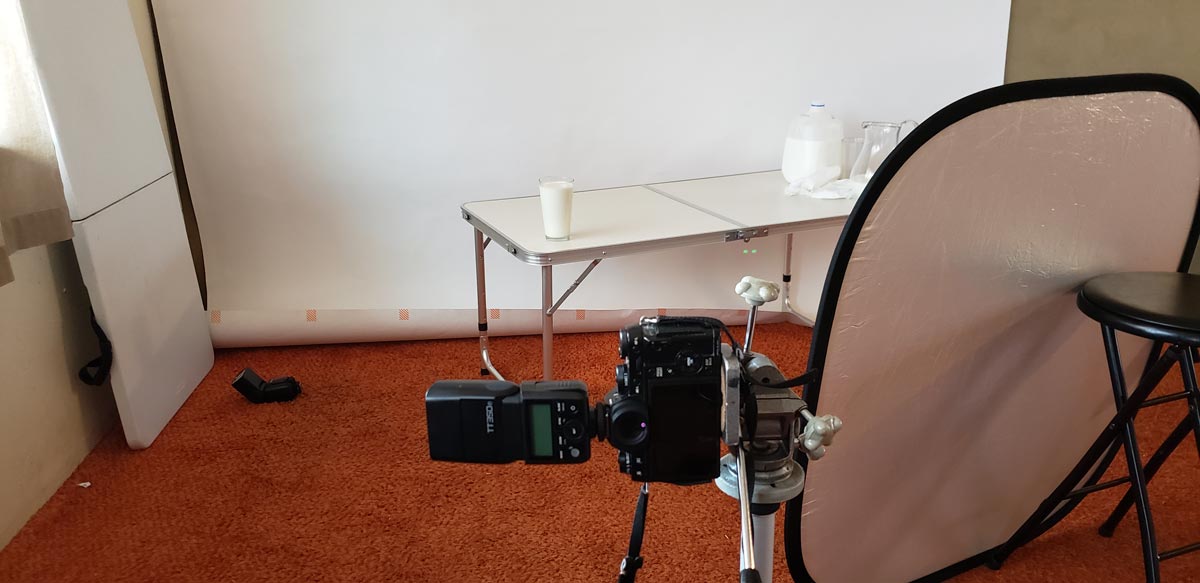
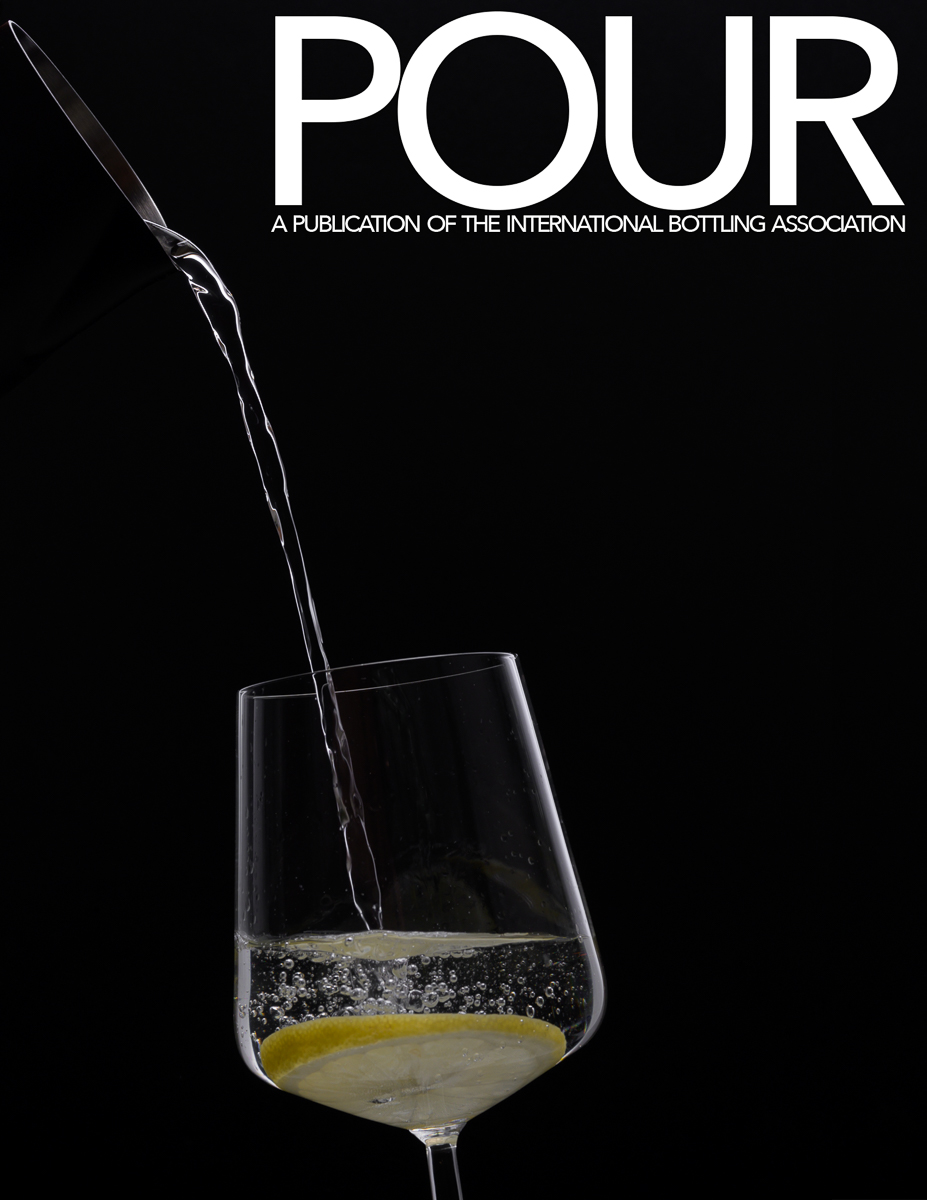
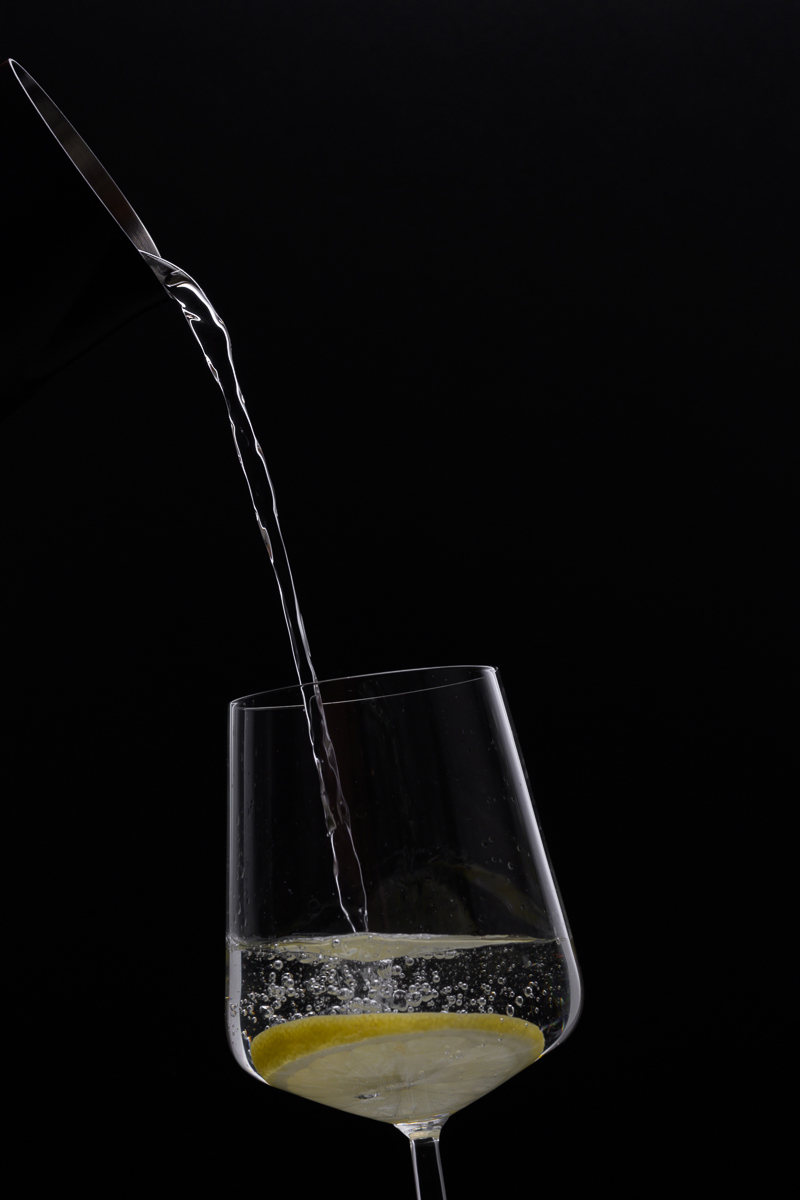
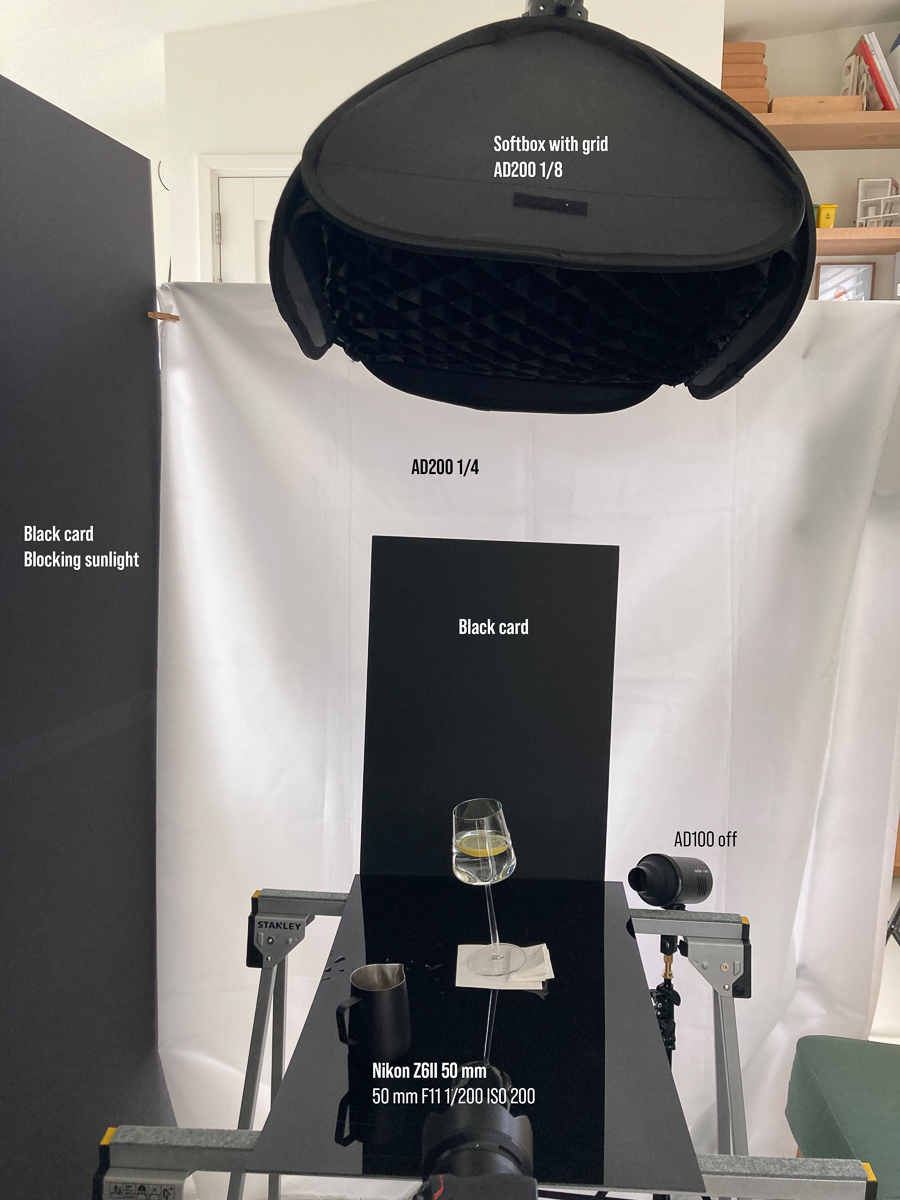
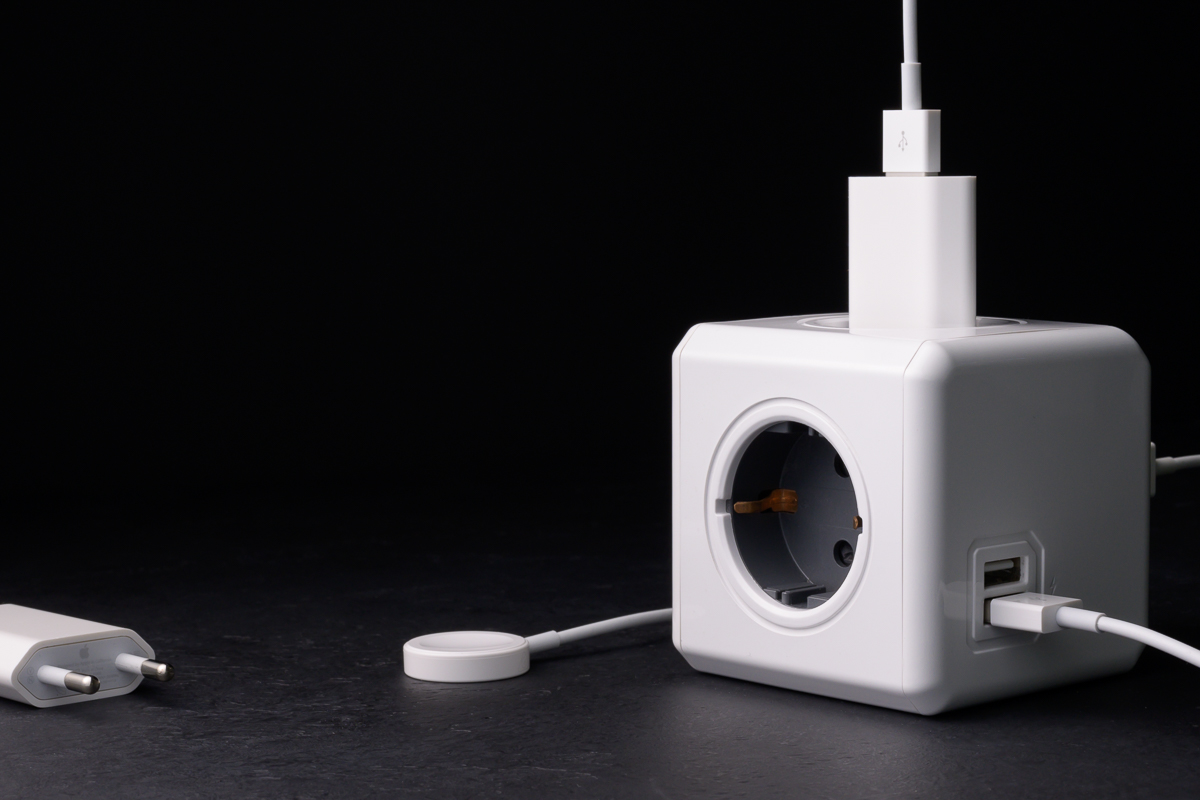
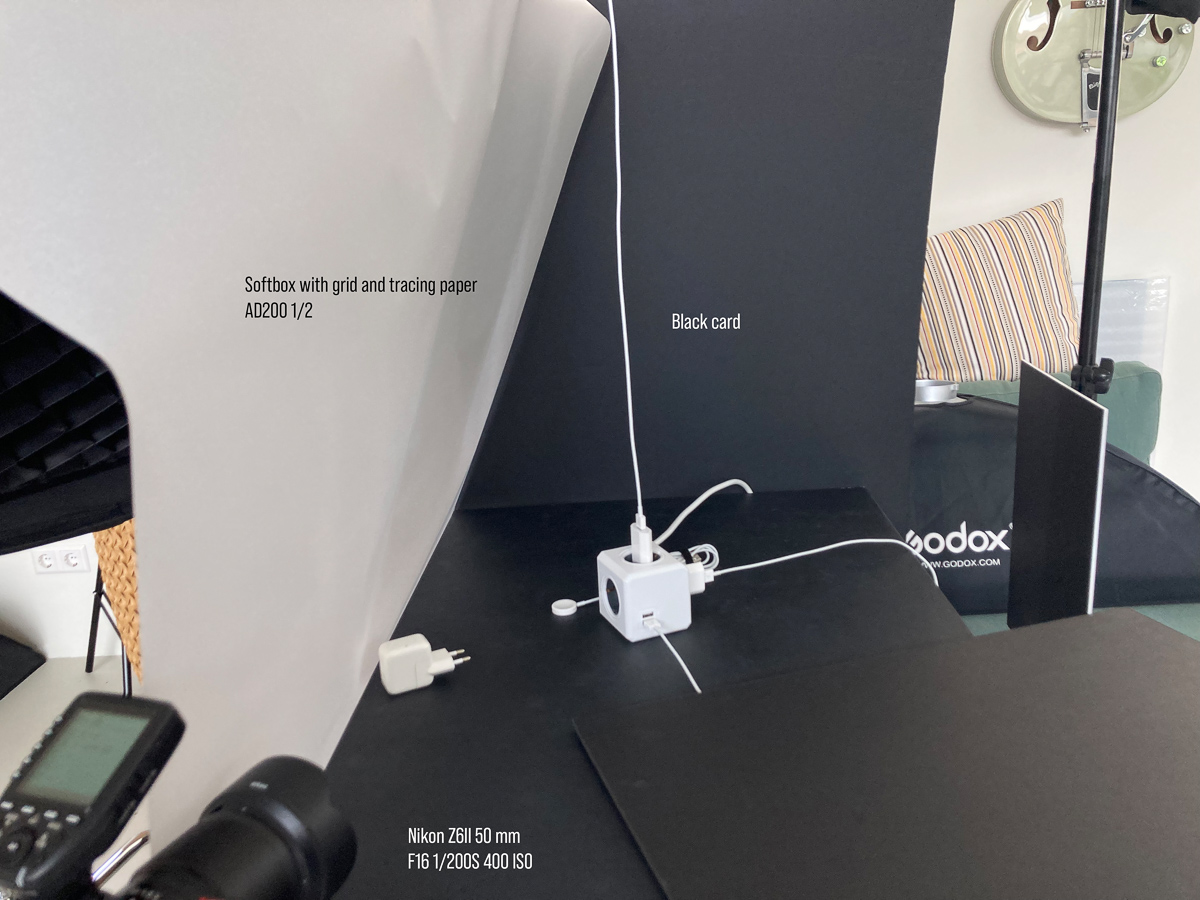
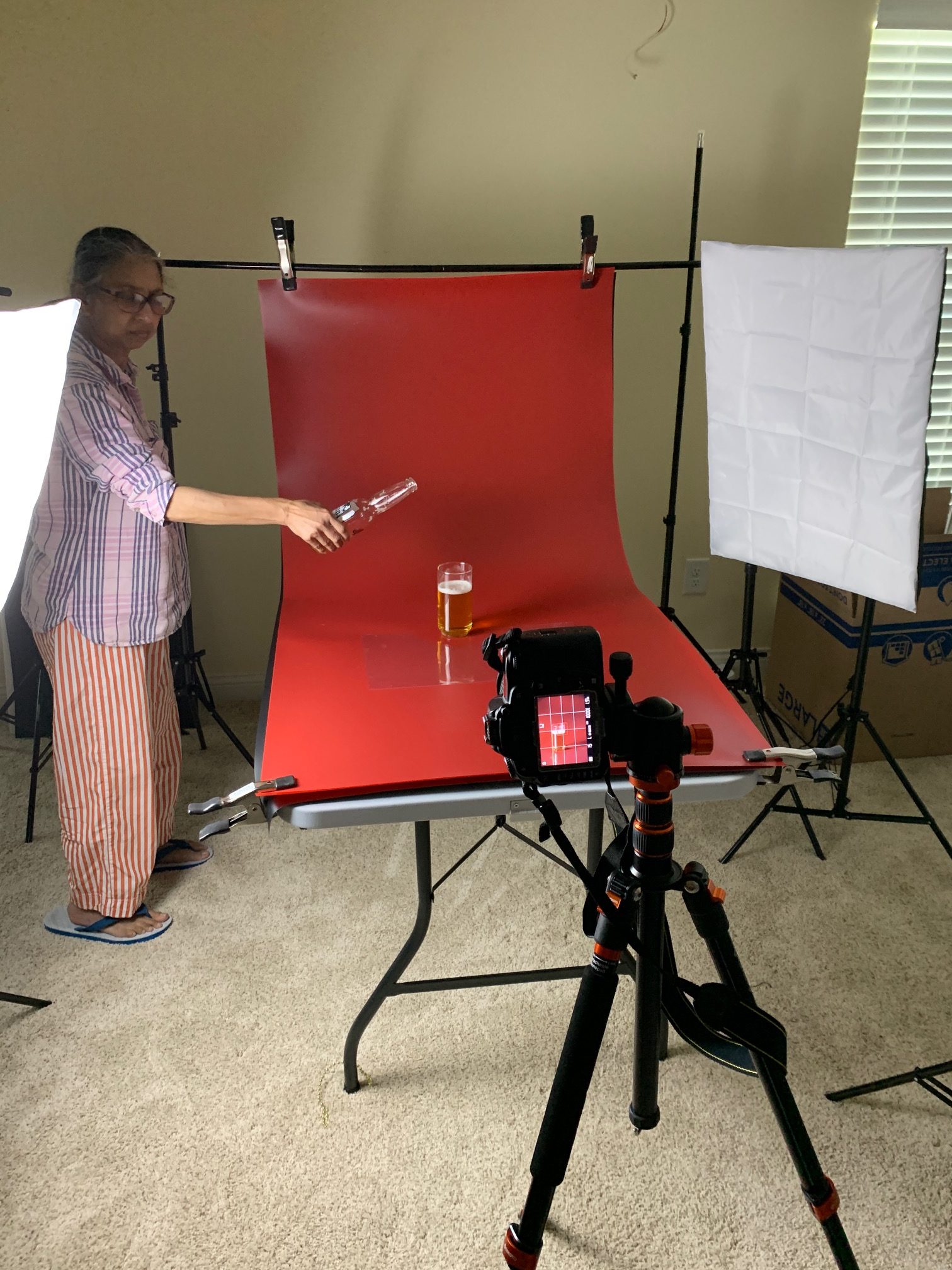
Color Grading with Gradient Masks
This is a handy little method for adding some great color grading to your images. Color is one way we can use to evoke emotion, engagement, and help tell our story. They have been using this in the cinema for decades. You will recognize it when you look for it....
COMPOSITION WITH STEVE McCURRY
Simple stuff, but great to see it in action. https://www.youtube.com/watch?v=7ZVyNjKSr0M
Working with Non-Models
Friends, family, and strangers sometimes need a little guidance. (Although I am not sure what the posing a girl sitting on a stove thing was about... ??) https://www.youtube.com/watch?v=A6CjUUjVUPo
EMBRACING SHADOWS: IN PHOTOGRAPHY AND IN LIFE
A really wonderful video by Sean Tucker. He explains the "cinematic" look to photographs. https://www.youtube.com/watch?v=lBAFTR2lScY&t=1033s
STILL LIFE PHOTO OF BREAD
With some nice lighting effects (also shows the difference between a gridded softbox and a non-gridded softbox. https://www.youtube.com/watch?v=BFPAS5v_WB0
STILL LIFE LIGHTING IDEA FOR BLACK BACKGROUND
A good blend of lighting and Photoshop for you. https://www.youtube.com/watch?v=-Aa7Hi60WW4
Photoshop Film Effects
Interesting tips for making a filmic look to your digital files. https://www.youtube.com/watch?v=gj4rZwJXjYg
THREE PHOTOGRAPHERS TO GET TO KNOW
I want to do a lot more of these. Watch for them along the way. https://www.youtube.com/watch?v=XqYIlJYMWm0
Planning and Shooting an Editorial Portrait
With Sean Tucker. https://www.youtube.com/watch?v=F_c30pHg2Hs&t=857s
Editorial Portraiture with Sean Tucker
https://www.youtube.com/watch?v=94Ji1R-ZkKE&list=PLEFt6fCaFwEfEsqs4zlOBPMGjkk3QKEvP
Editorial Photo with Joel Grimes
https://www.youtube.com/watch?v=qt7ajMAiQaQ&list=PLRx40hOLszNl5F0Maa1BAV-Uh-L5IfUKK
The Editorial Portrait Part One
https://www.youtube.com/watch?v=T7OPDKT-1lw