ASSIGNMENT: A POUR SHOT
THE POUR SHOT
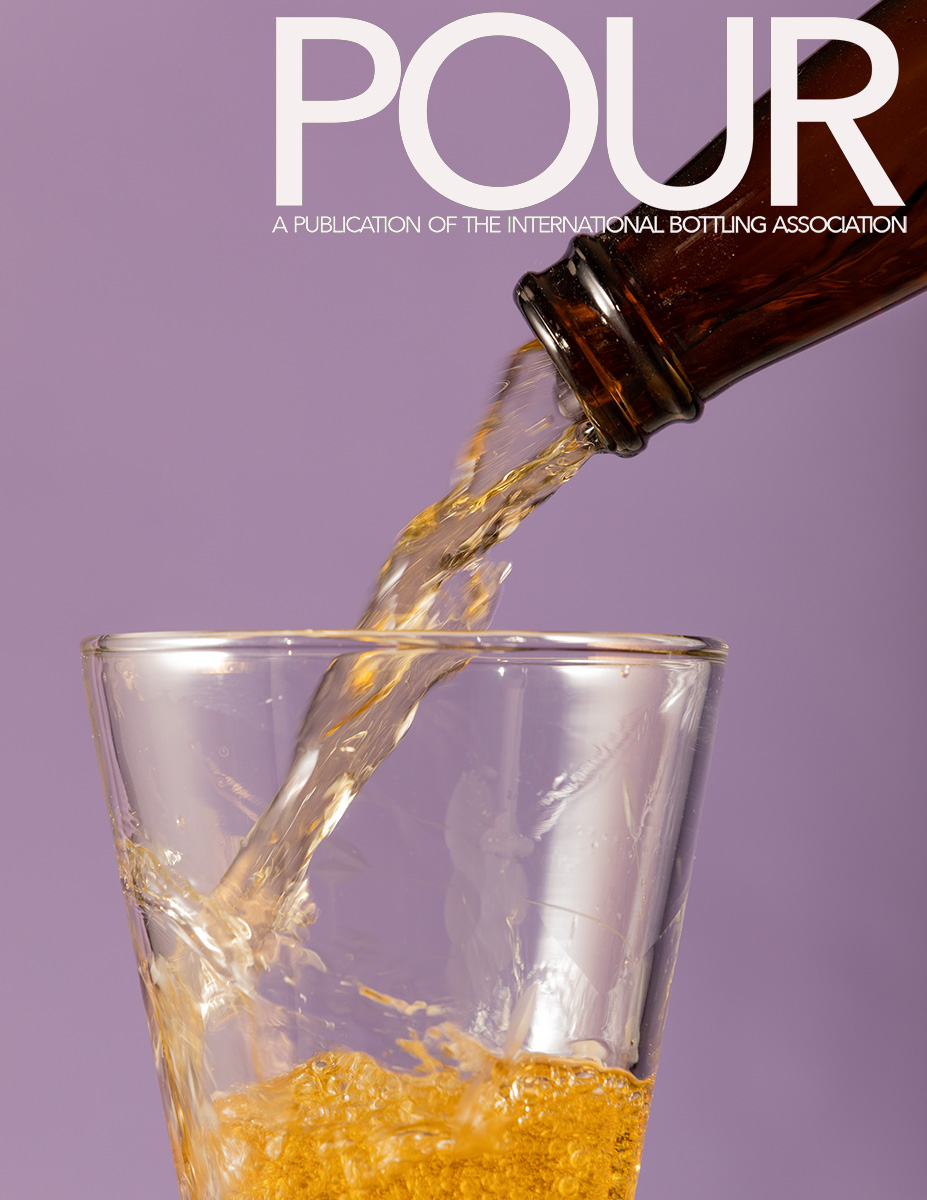
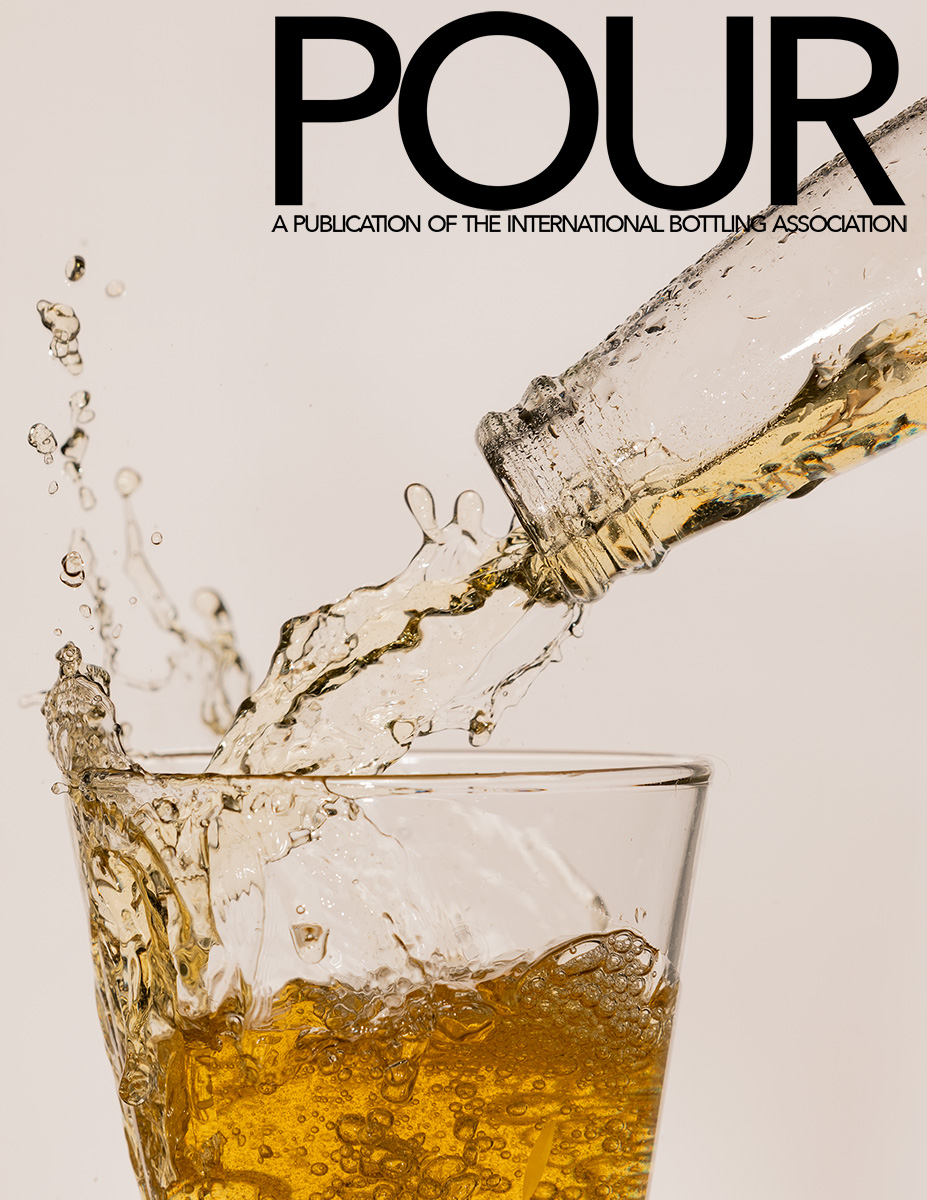
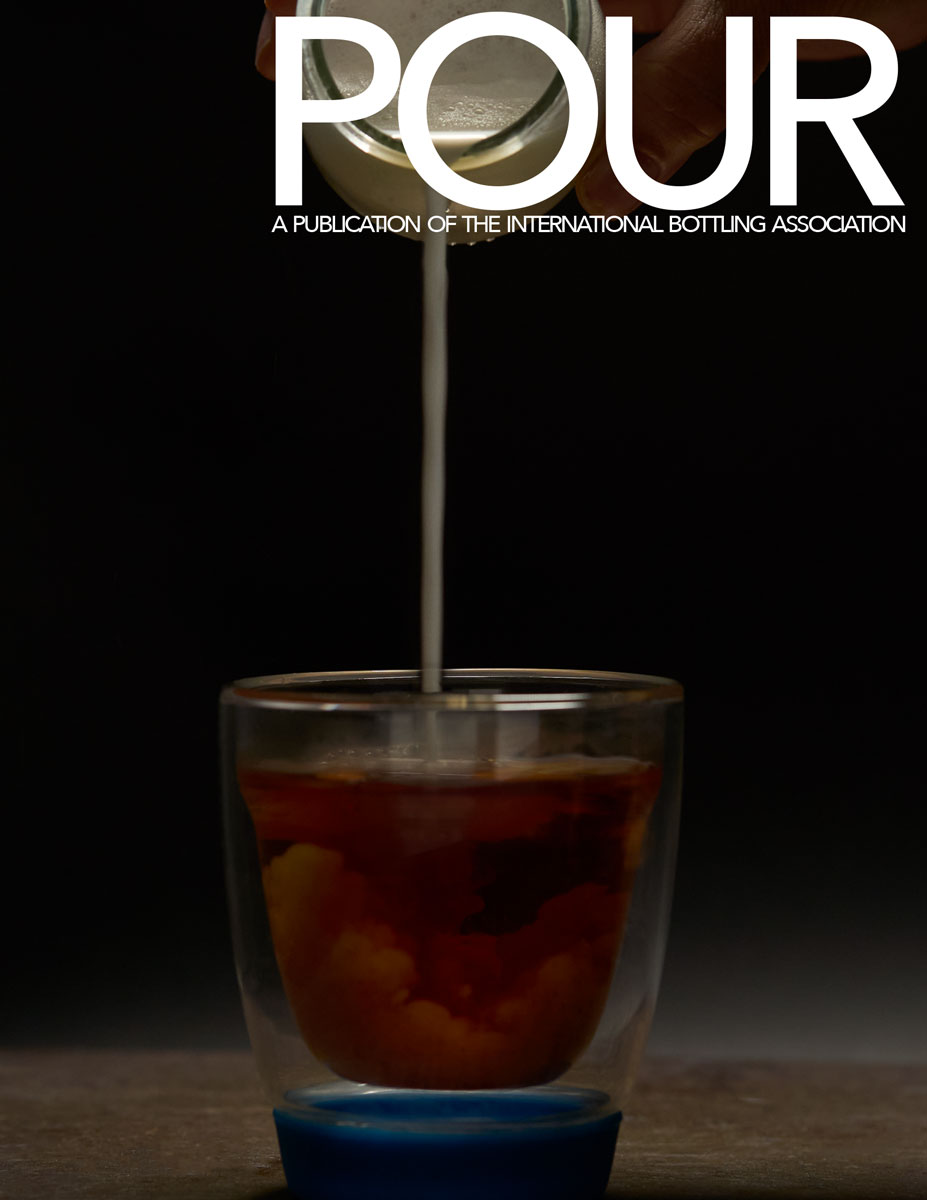
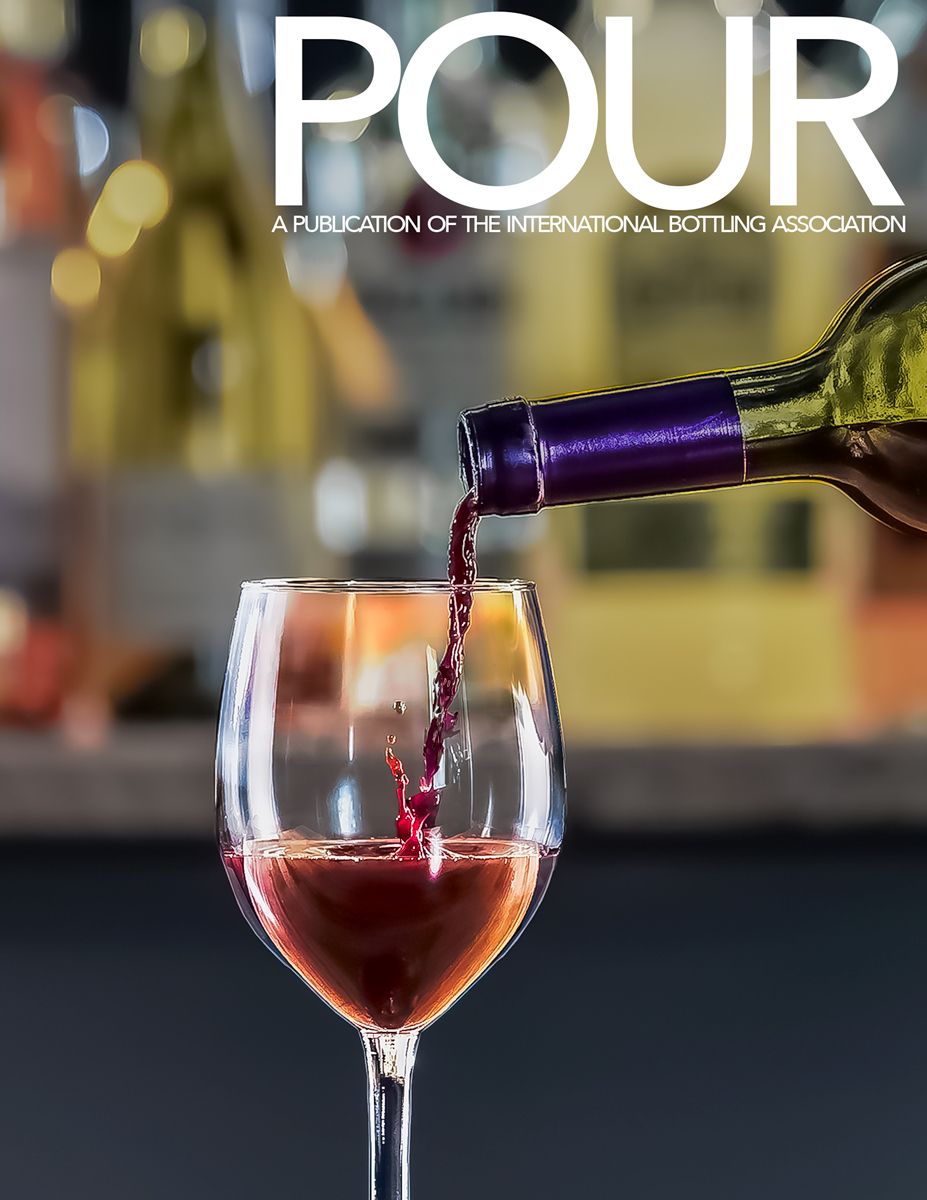
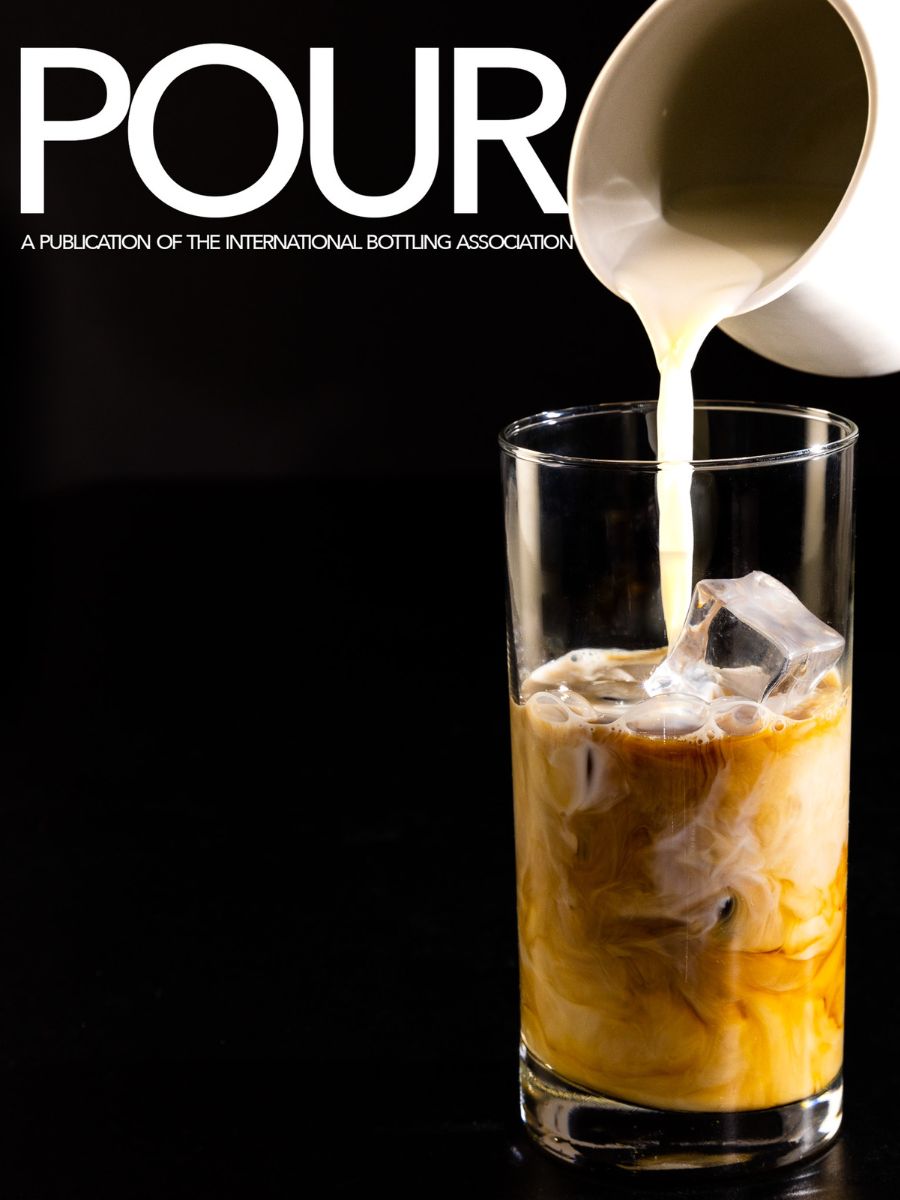
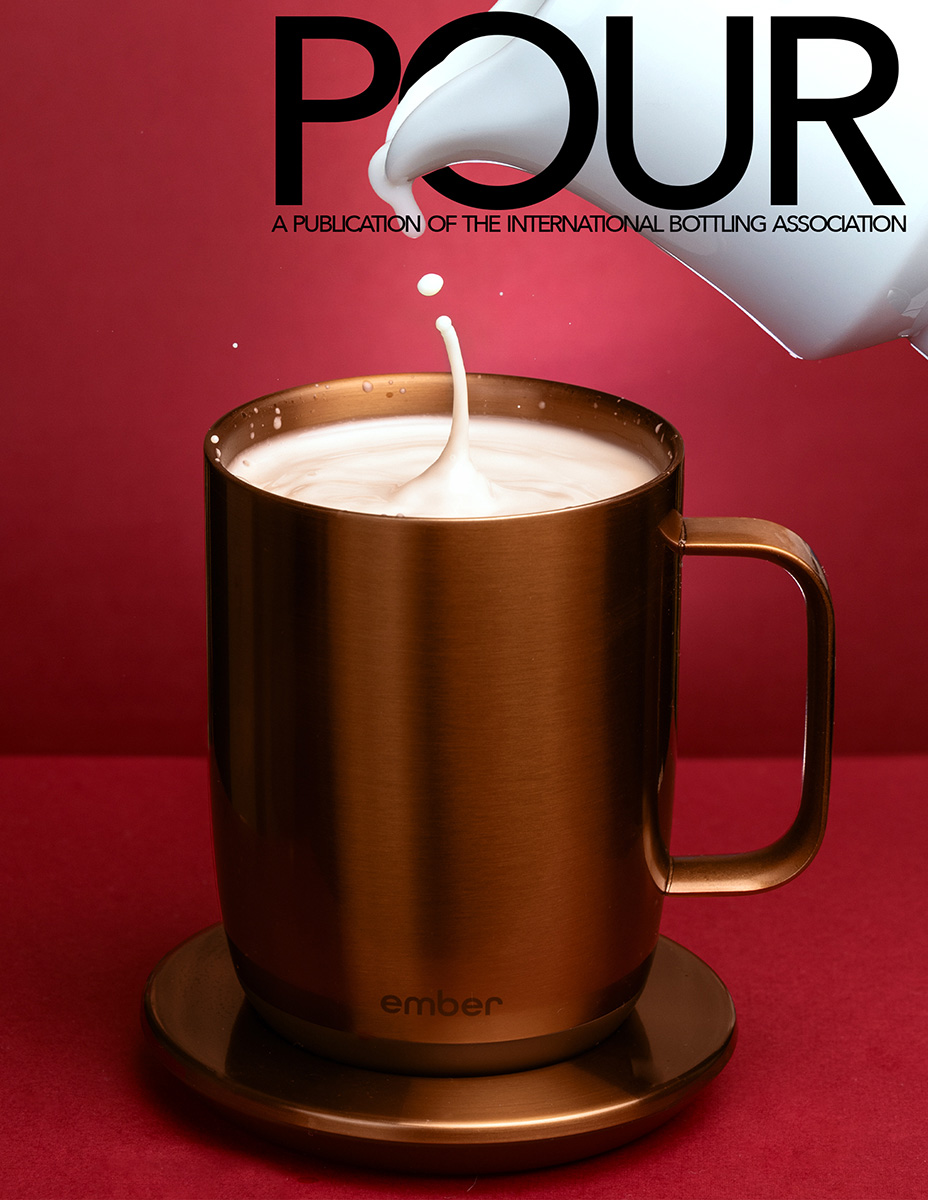
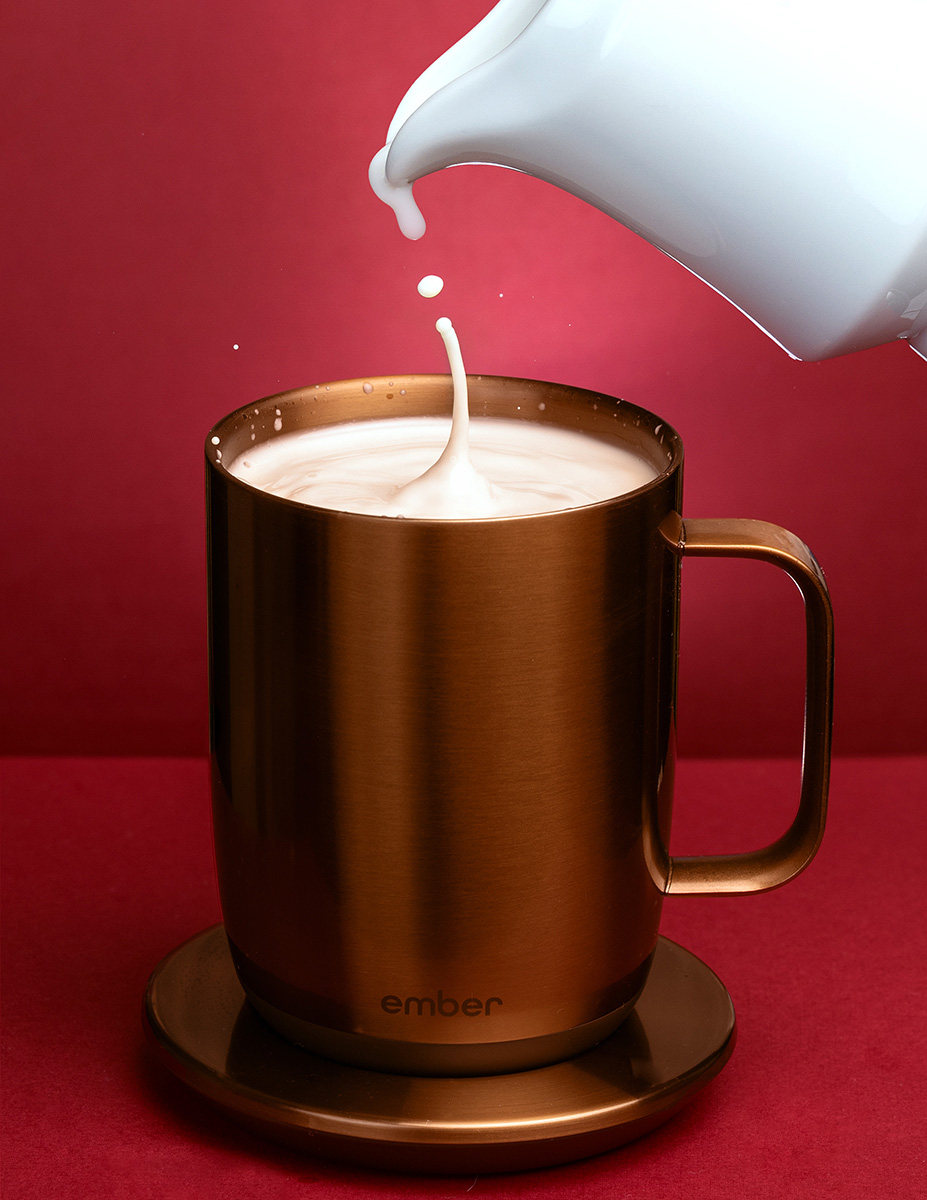
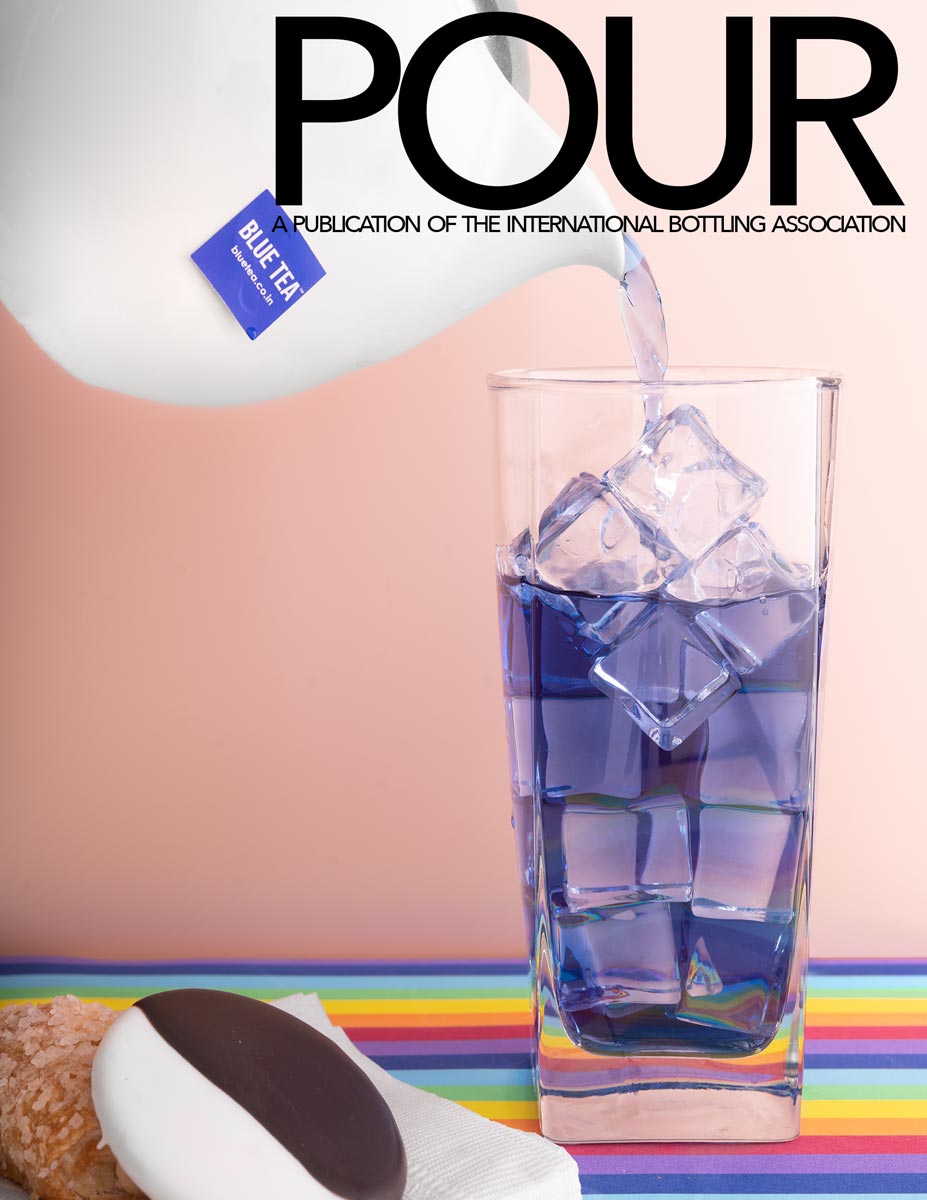
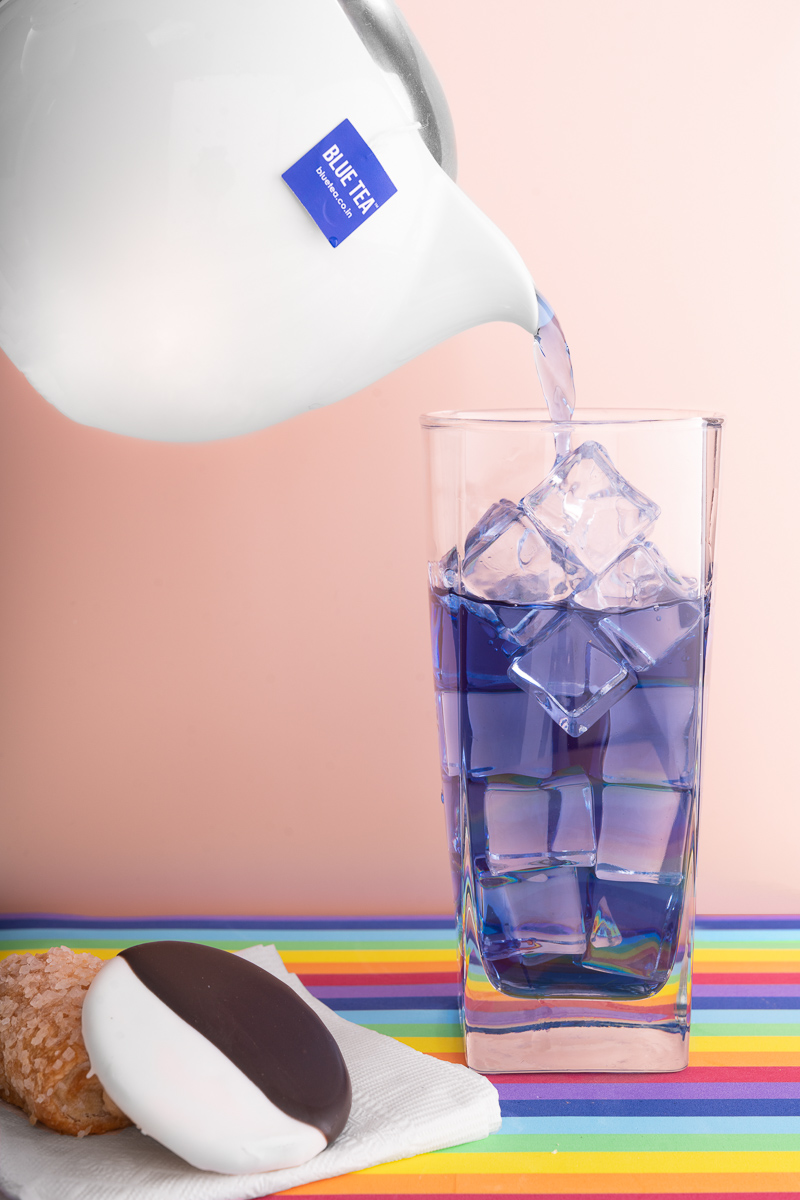
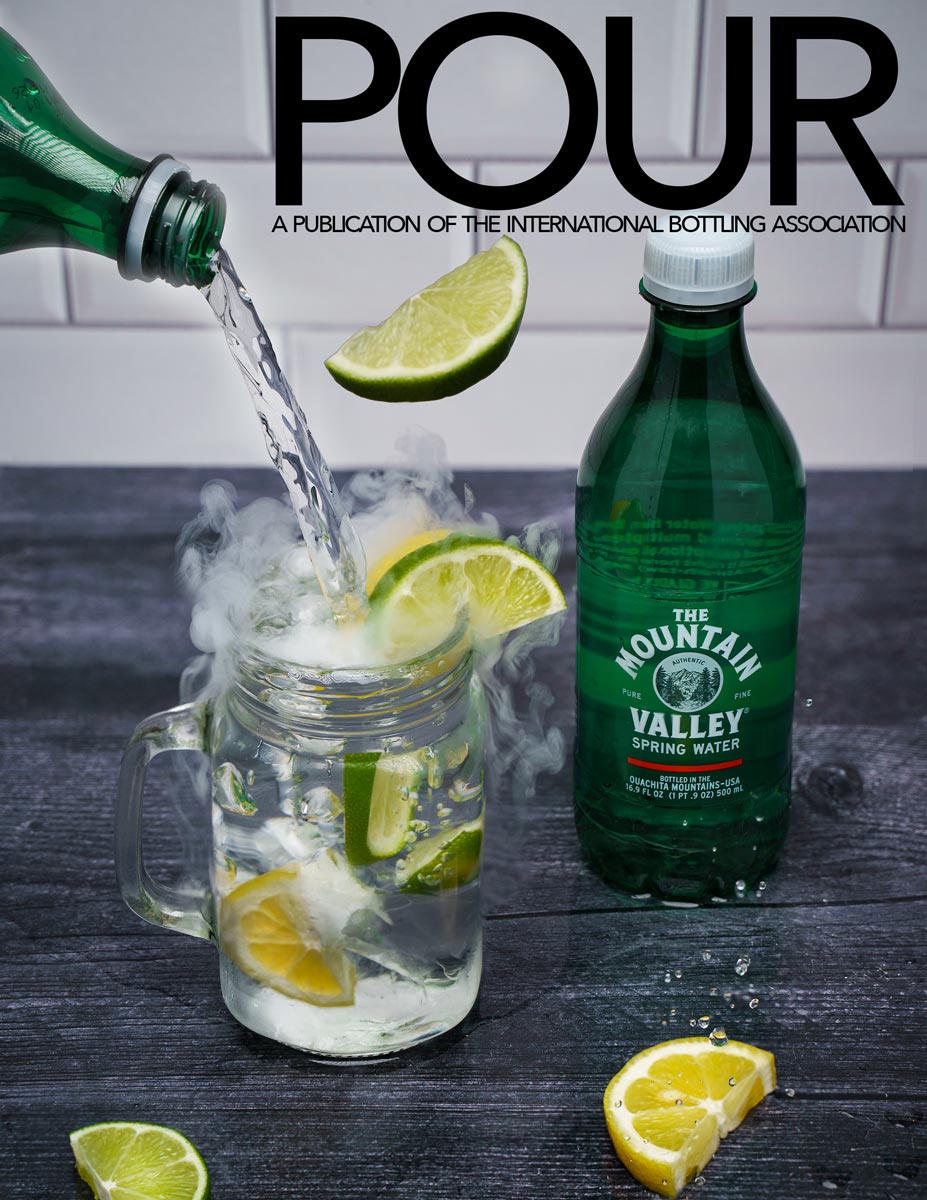
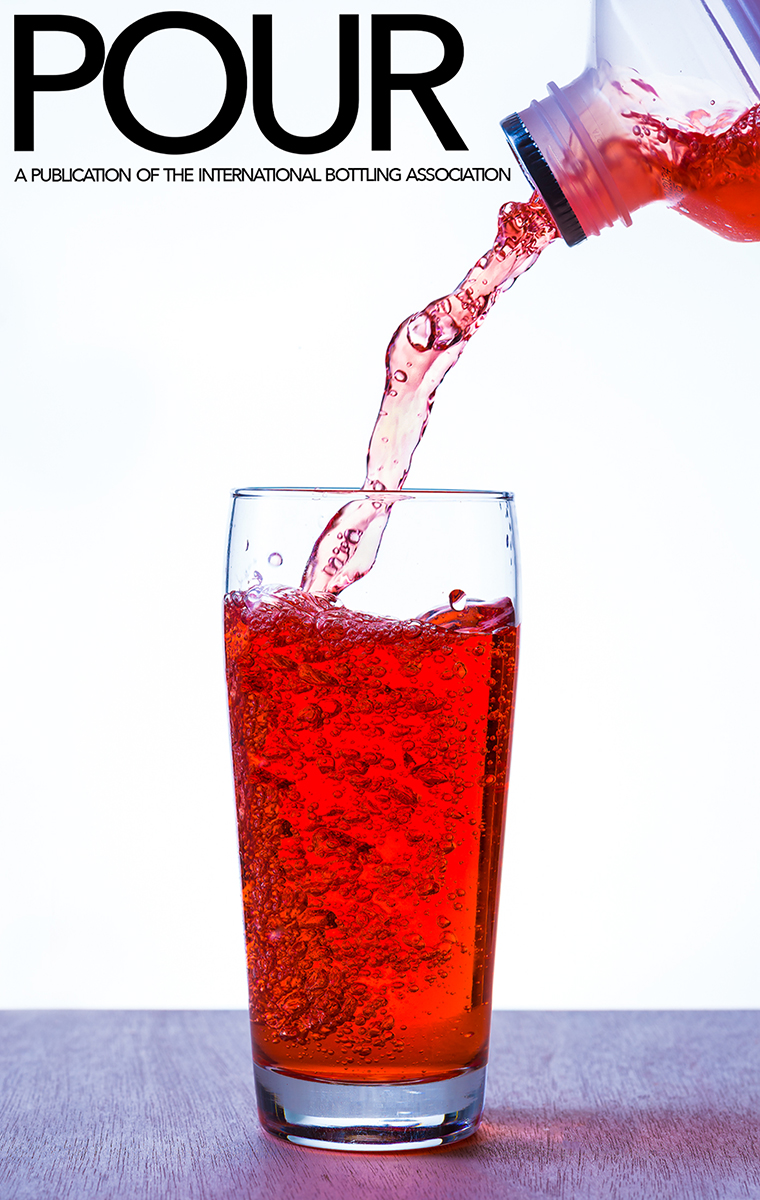
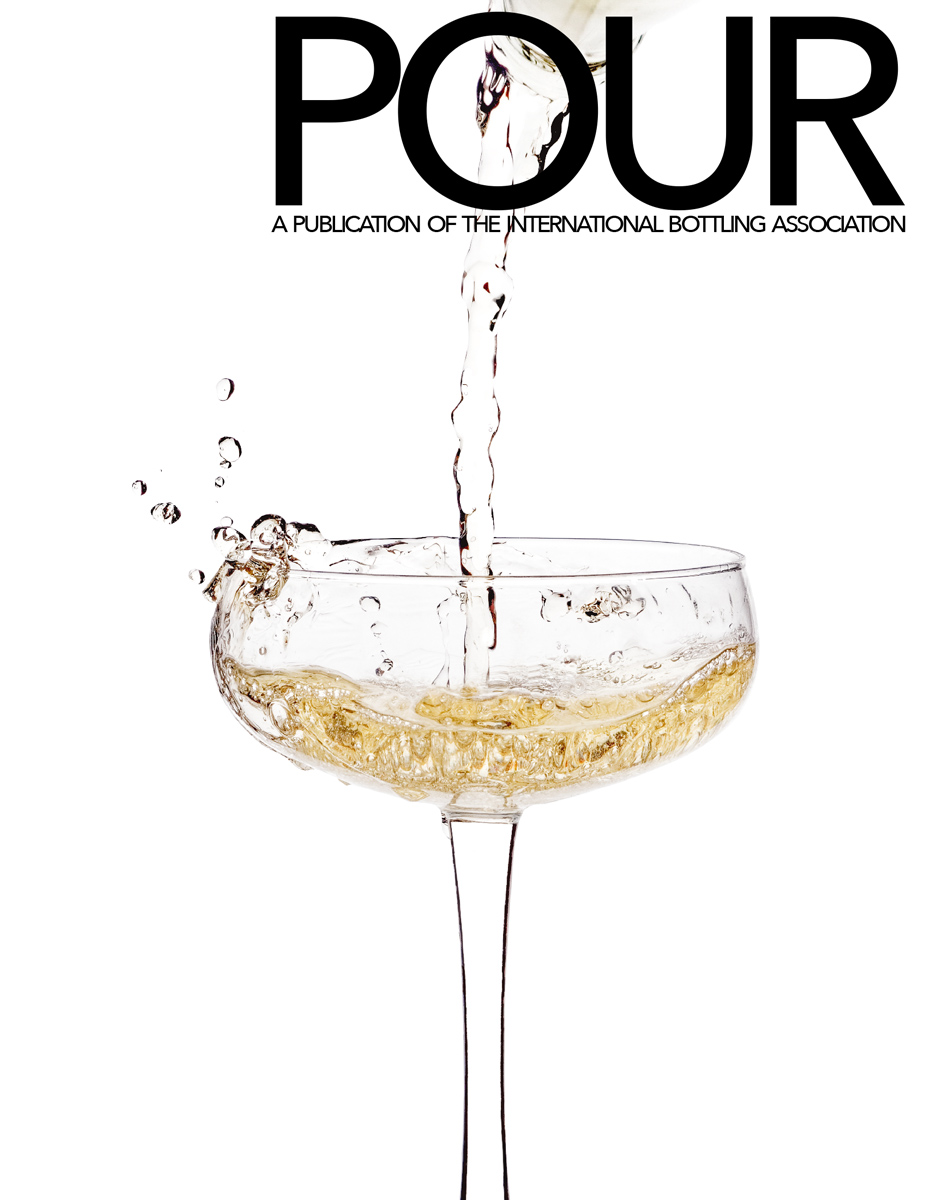
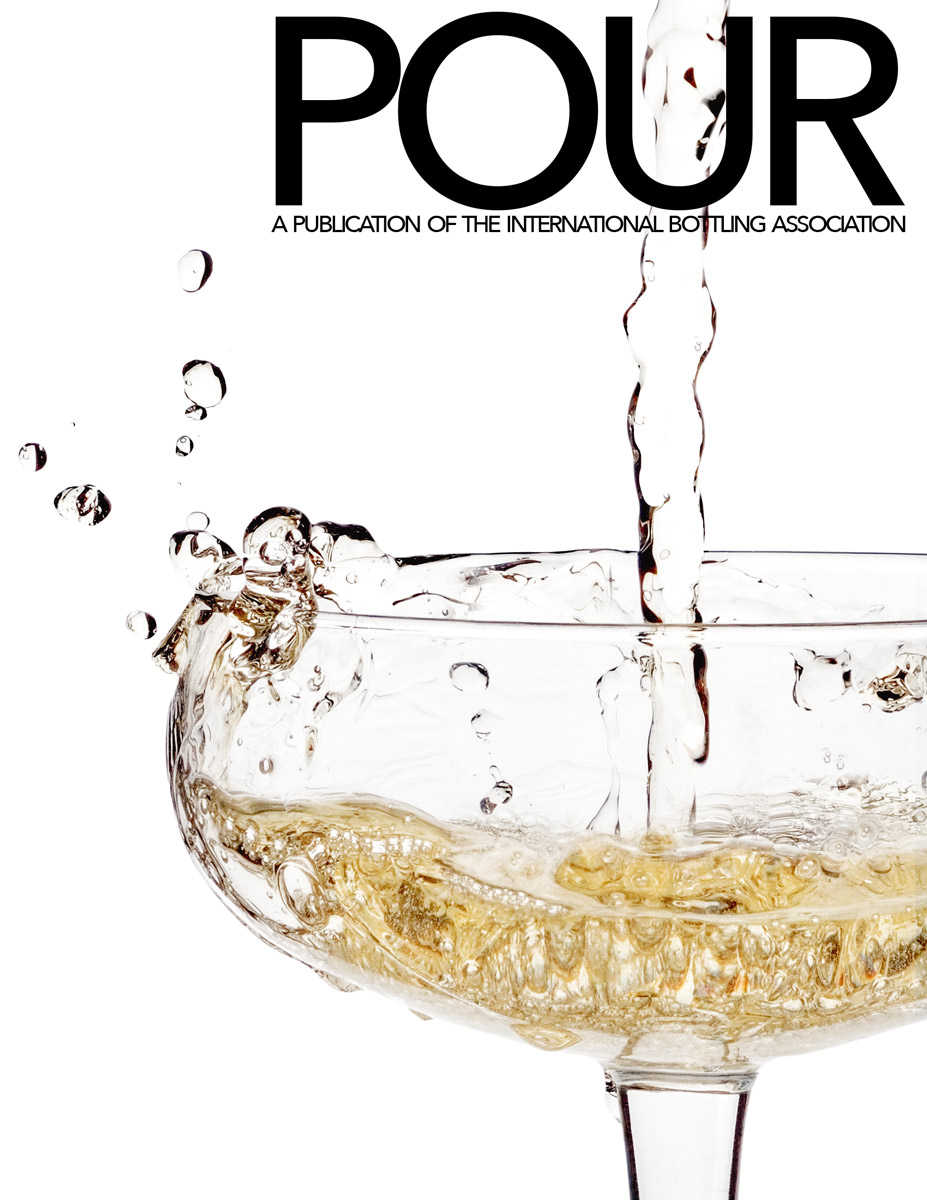
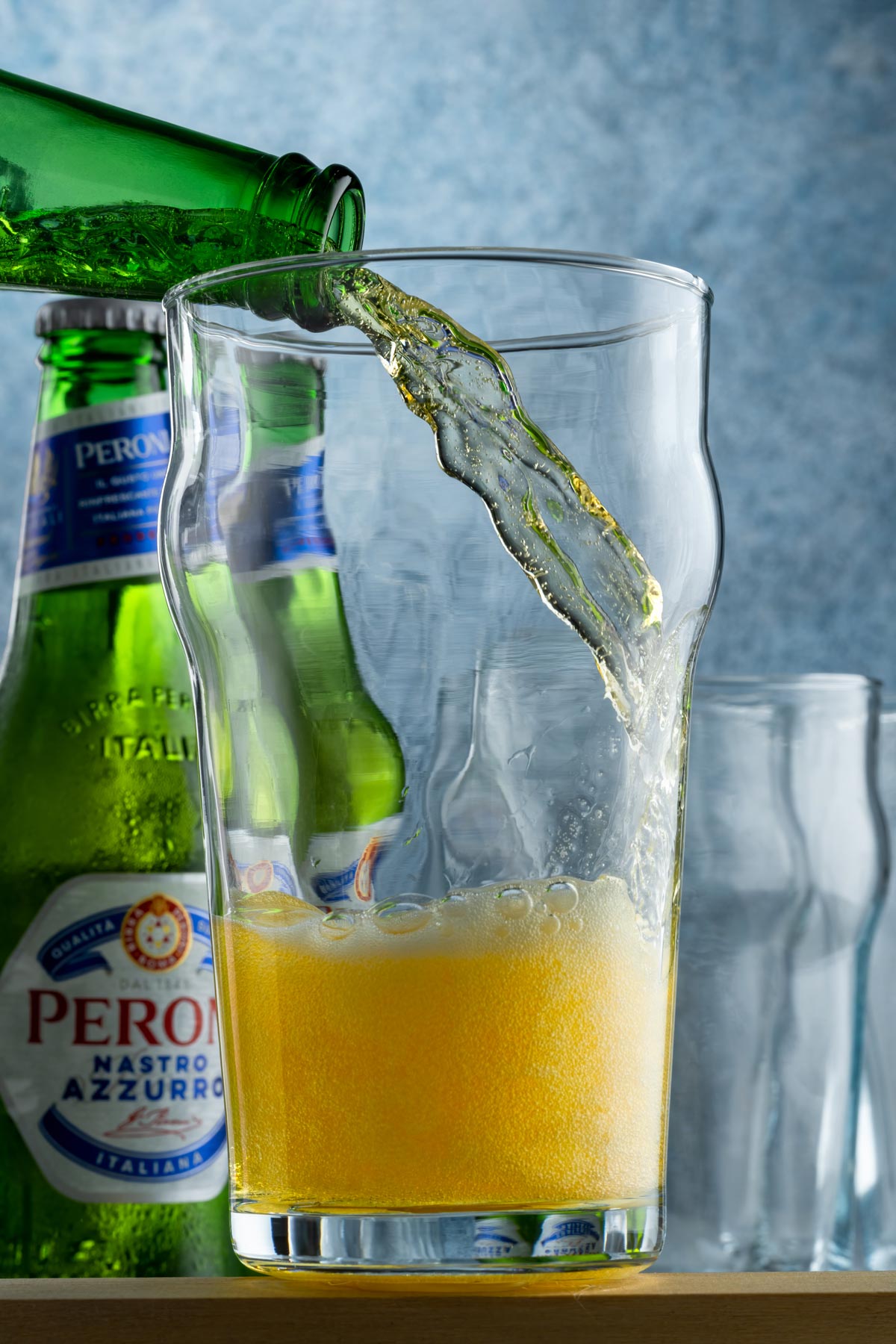
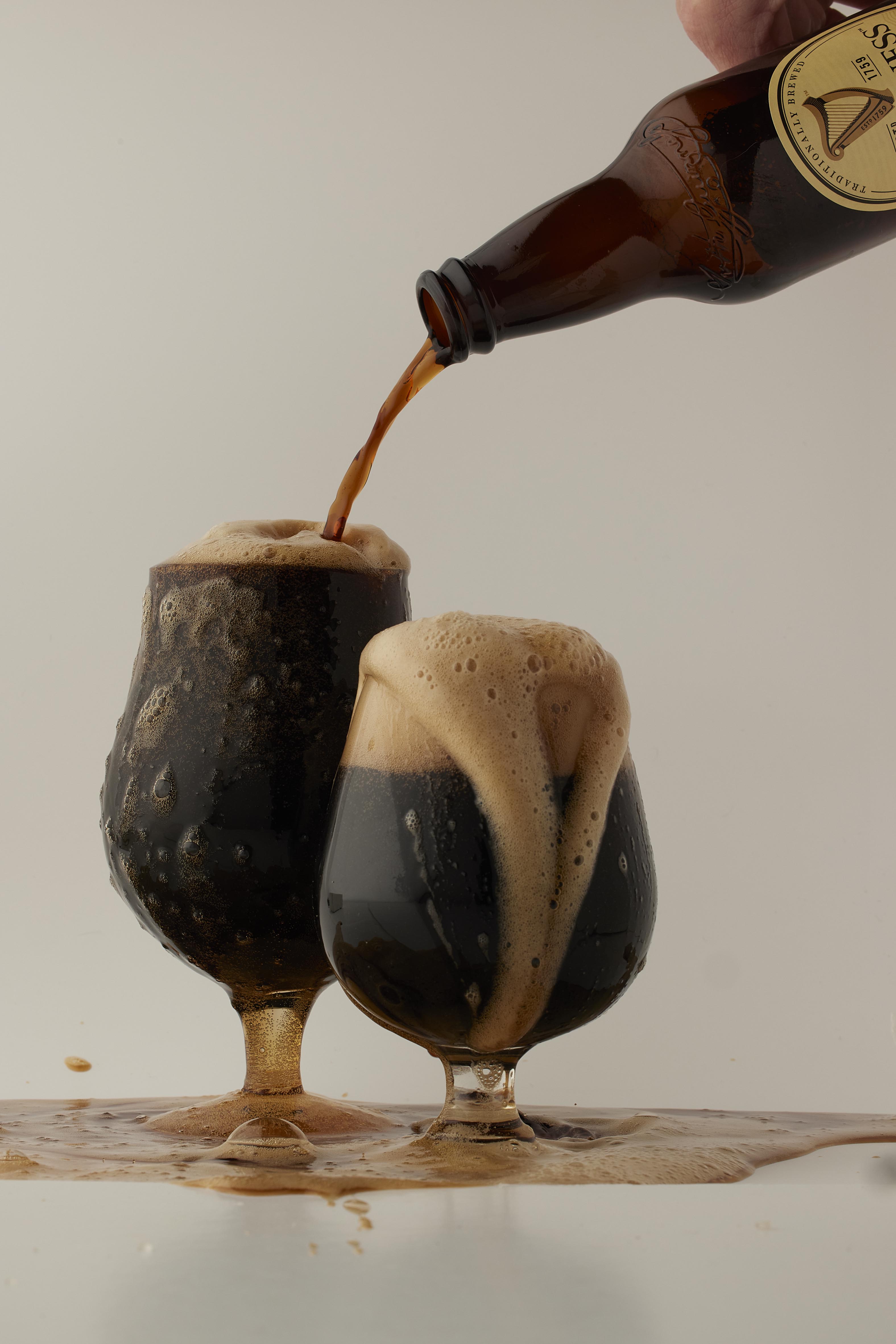
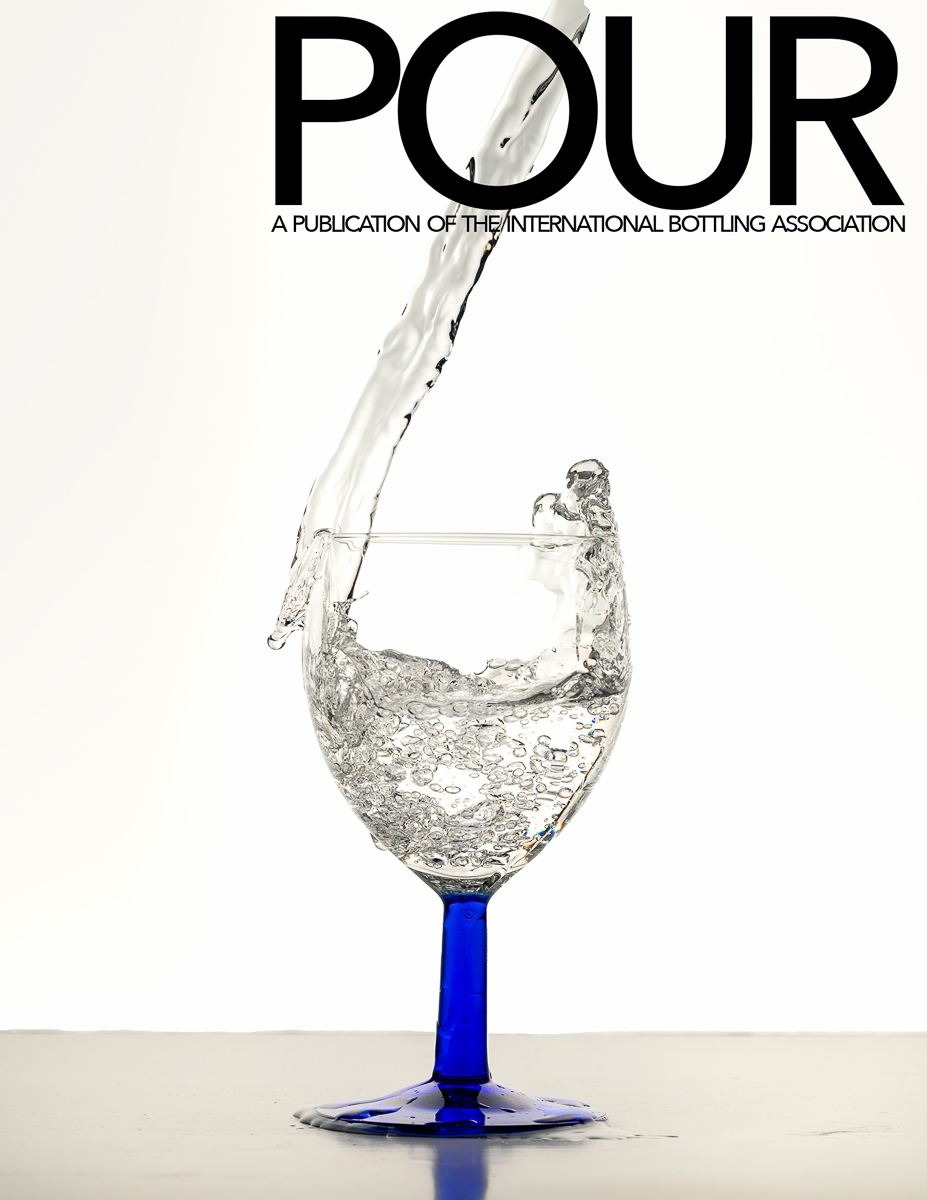
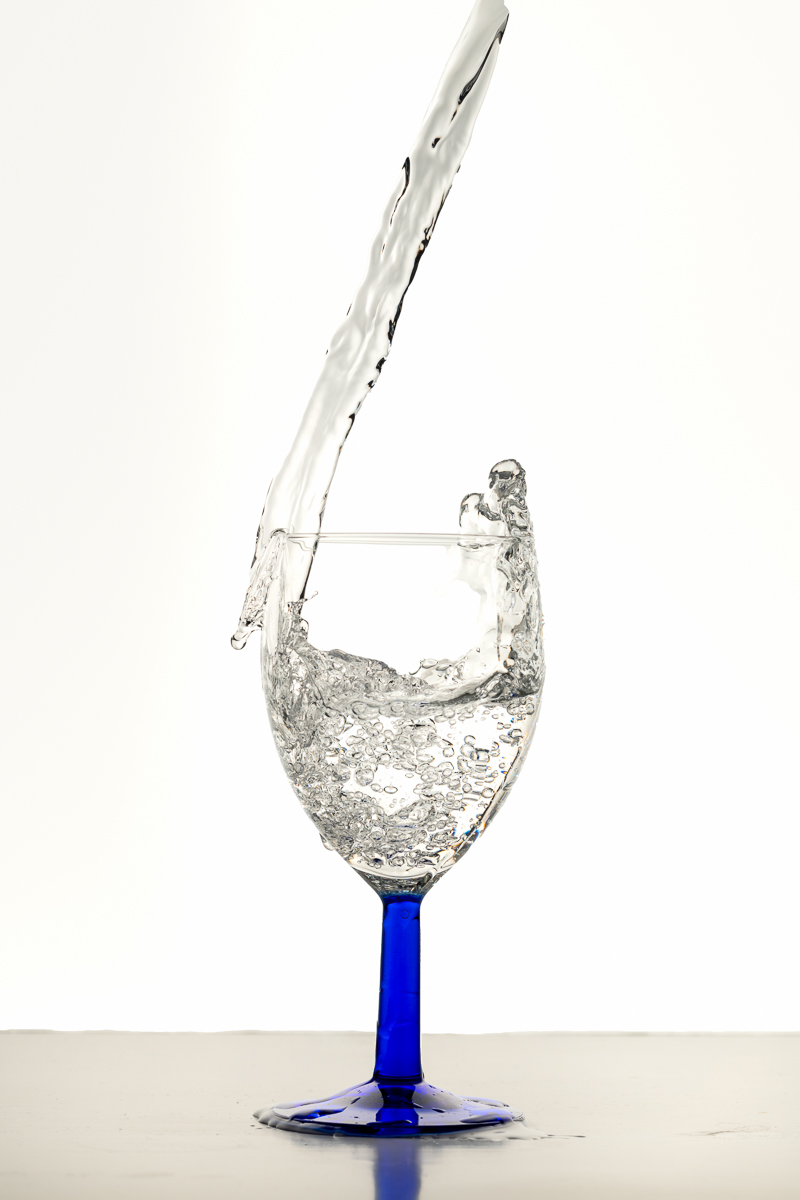
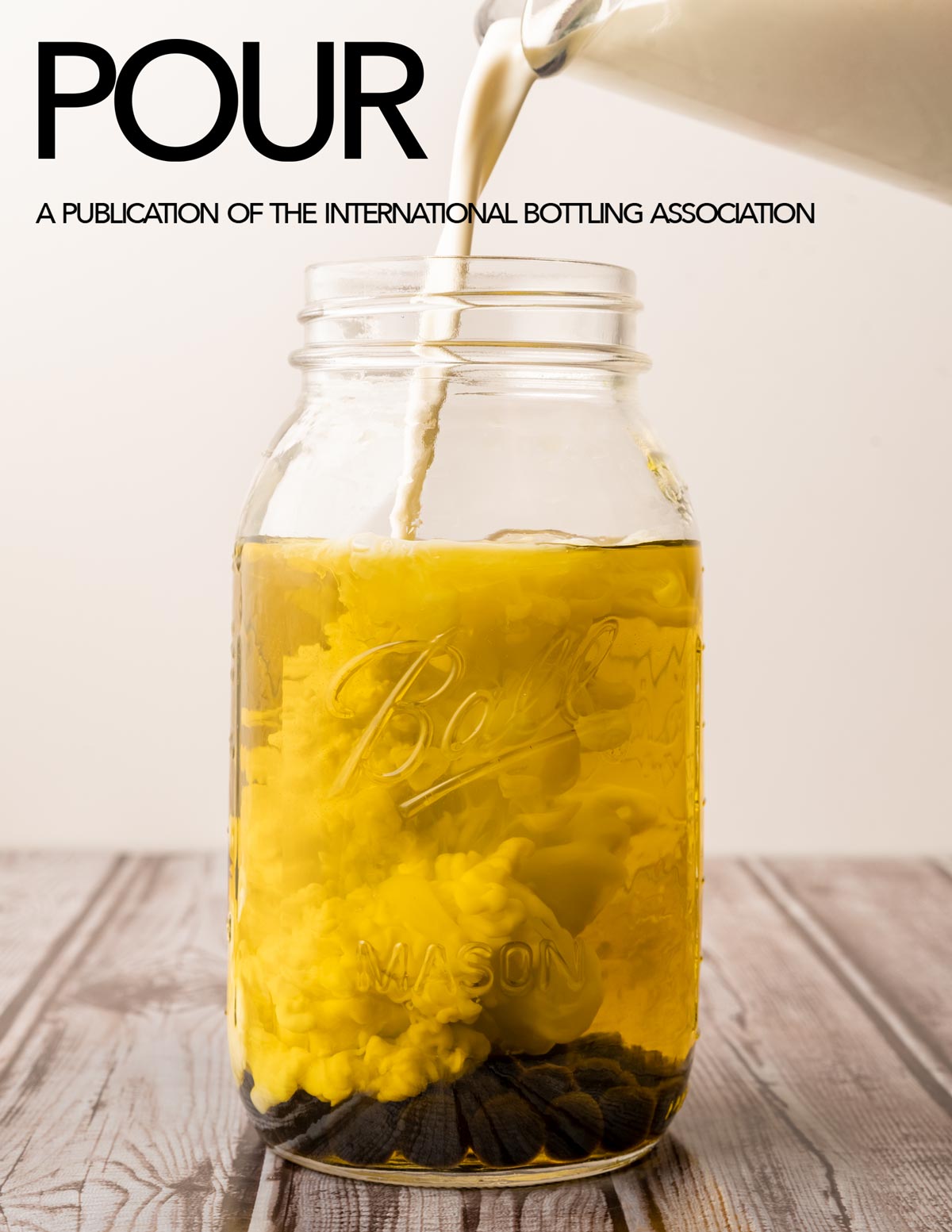
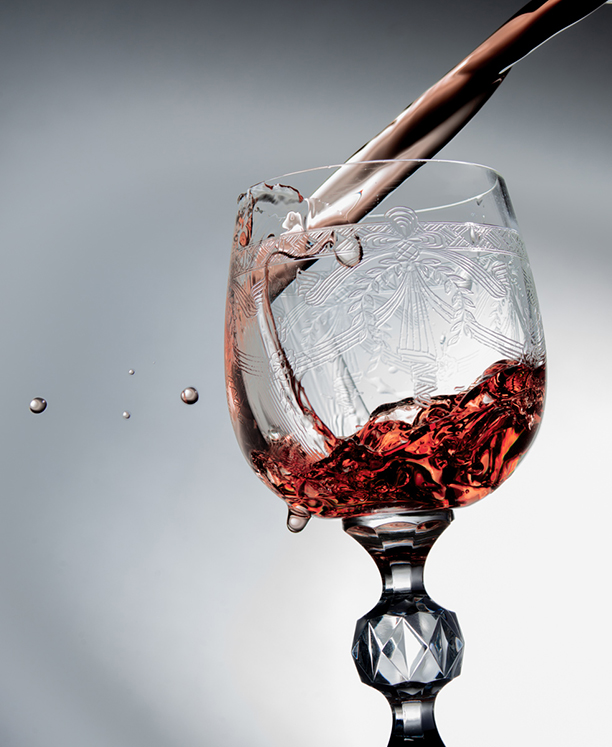
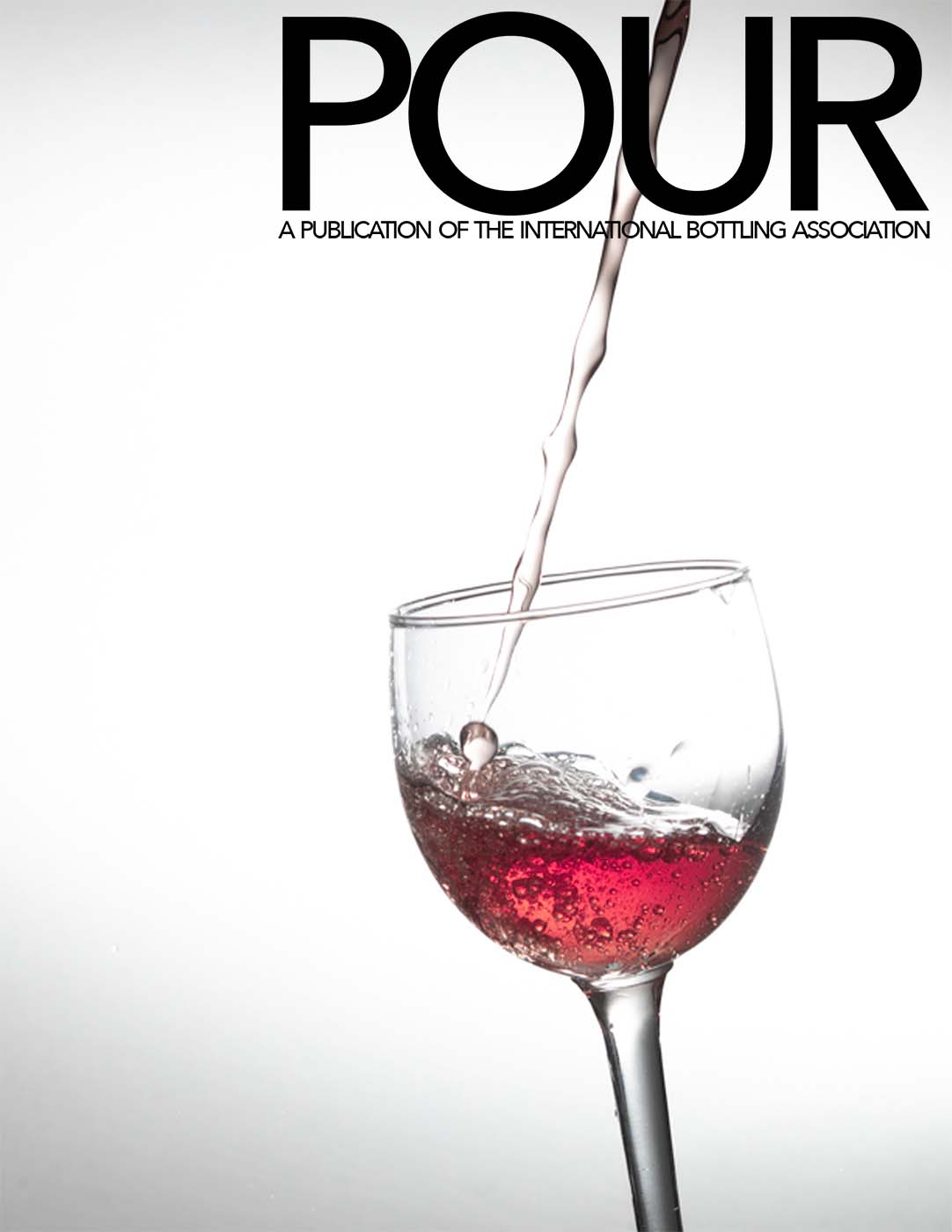
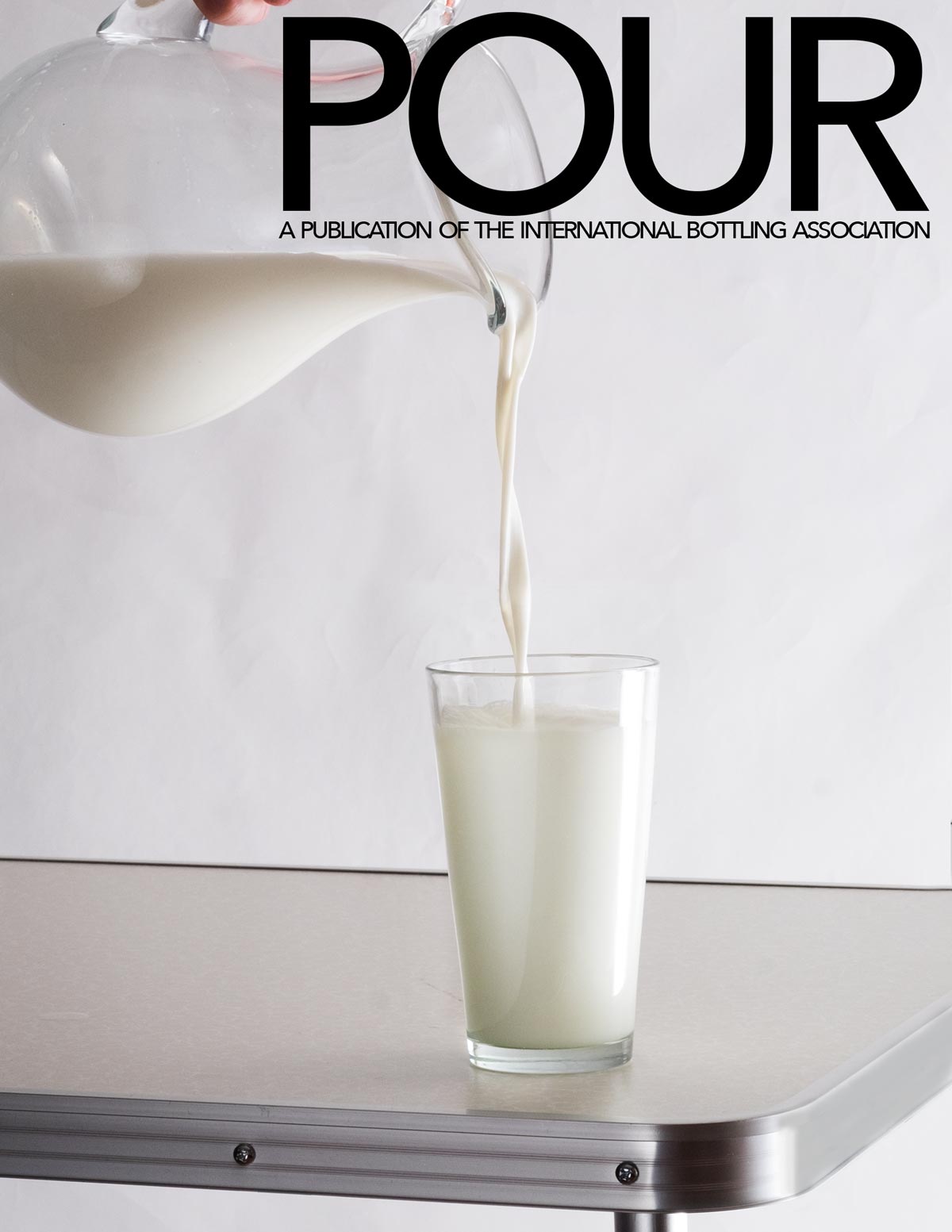
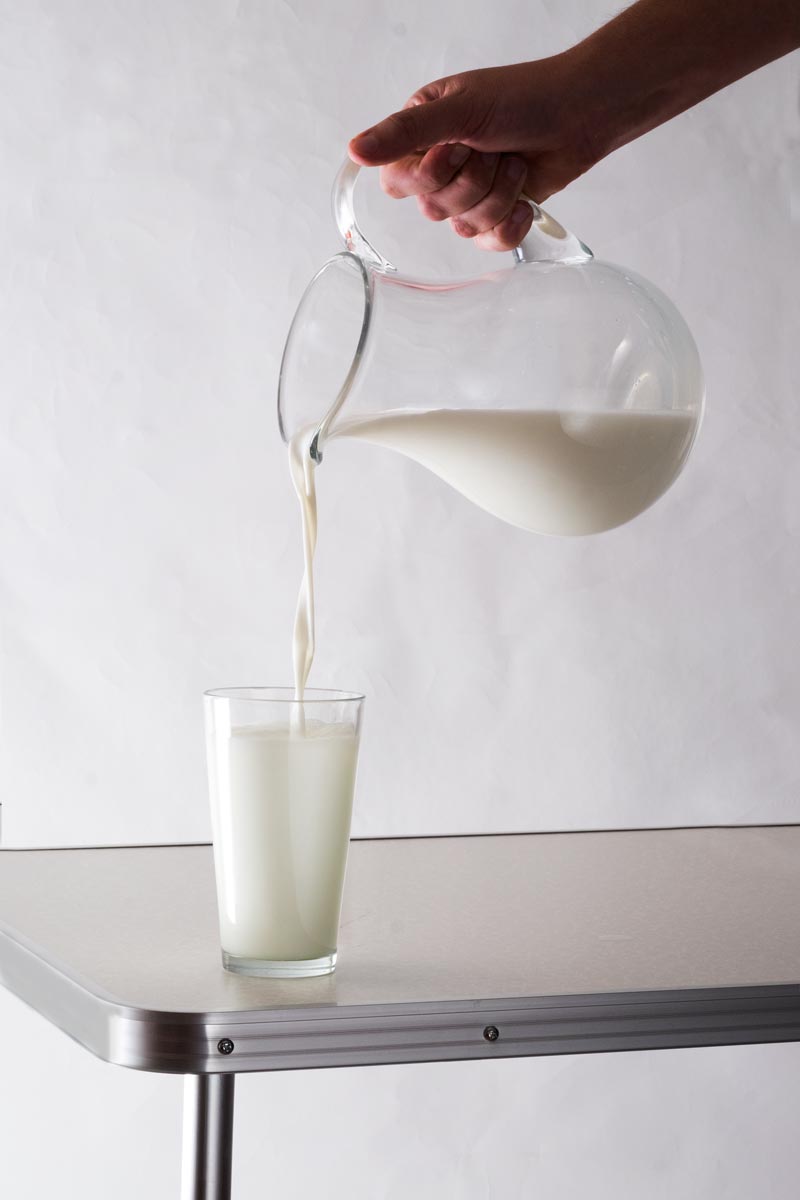
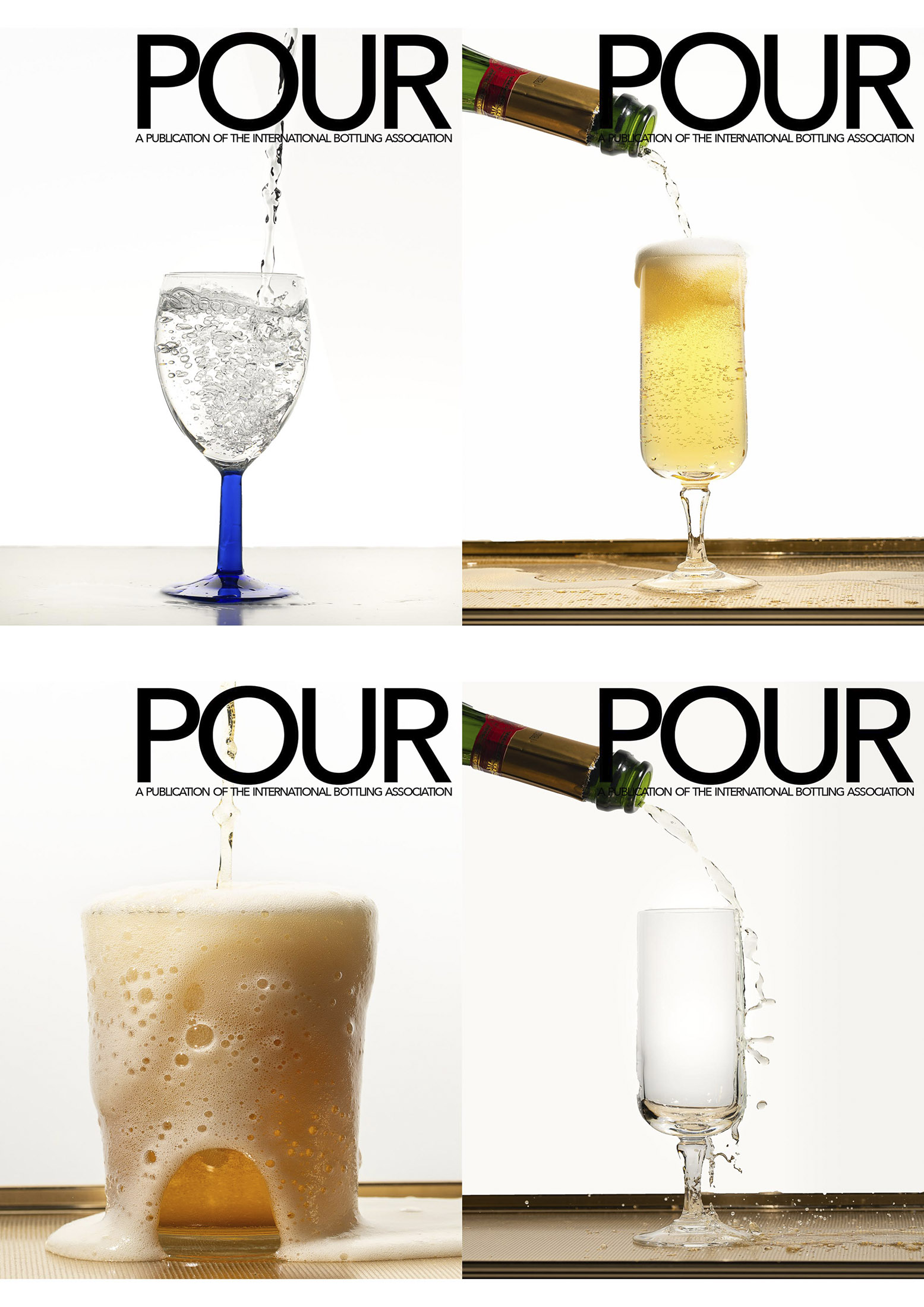
You can use beer, or wine, or lemonade, or root beer, or ginger ale… Whatever you want to pour. The brief: A close-up of a pour shot… it can be from oblique to the camera to straight over top. It must show an interesting ‘splash’ or something interesting in the glass as it is pouring in. Props include a bottle to pour from, a can, or a container, and a glass/goblet/container to be poured into.
We must see the color of the liquid being poured.
- We must see the pour into the container.
- The background must remain uncluttered.
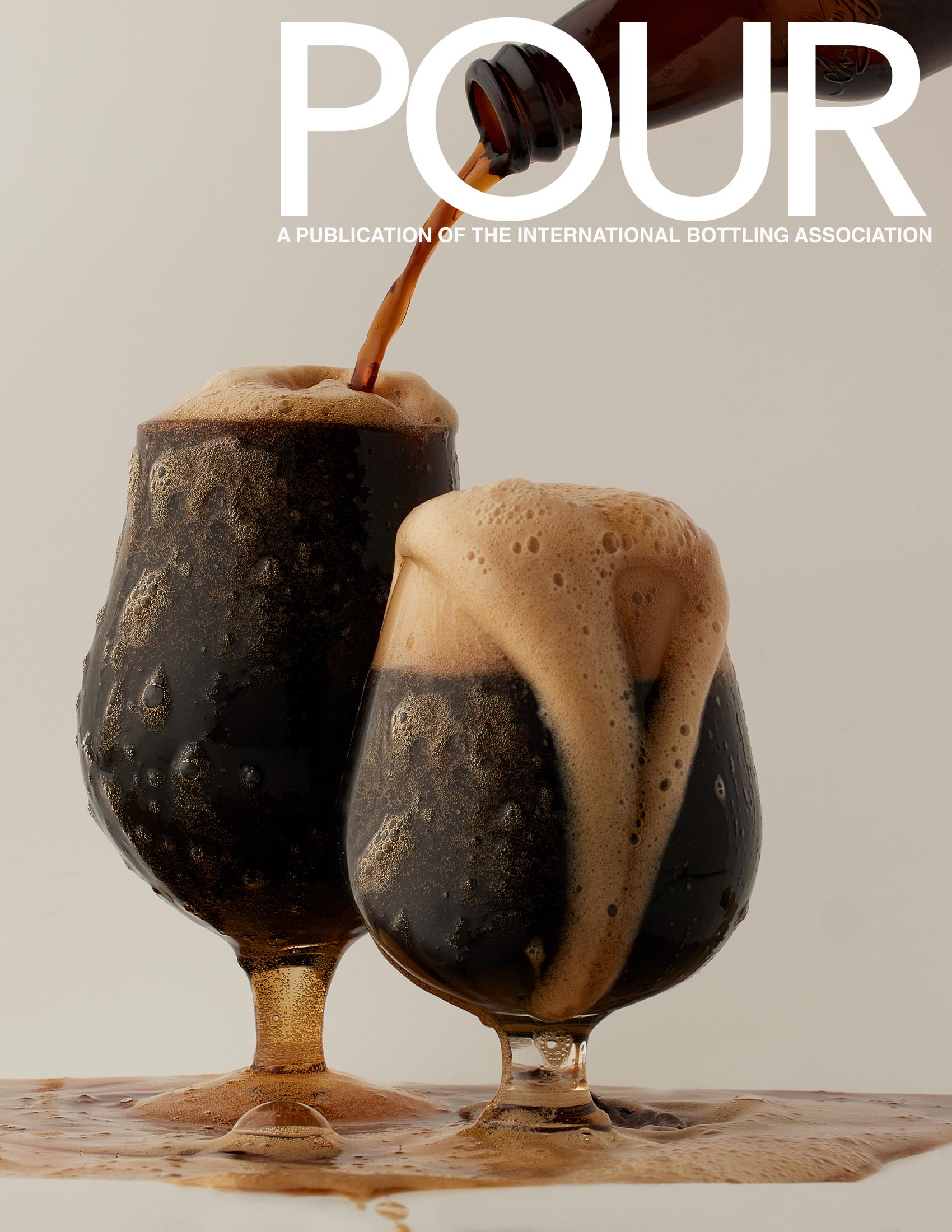
- The masthead of the magazine must be easily seen.
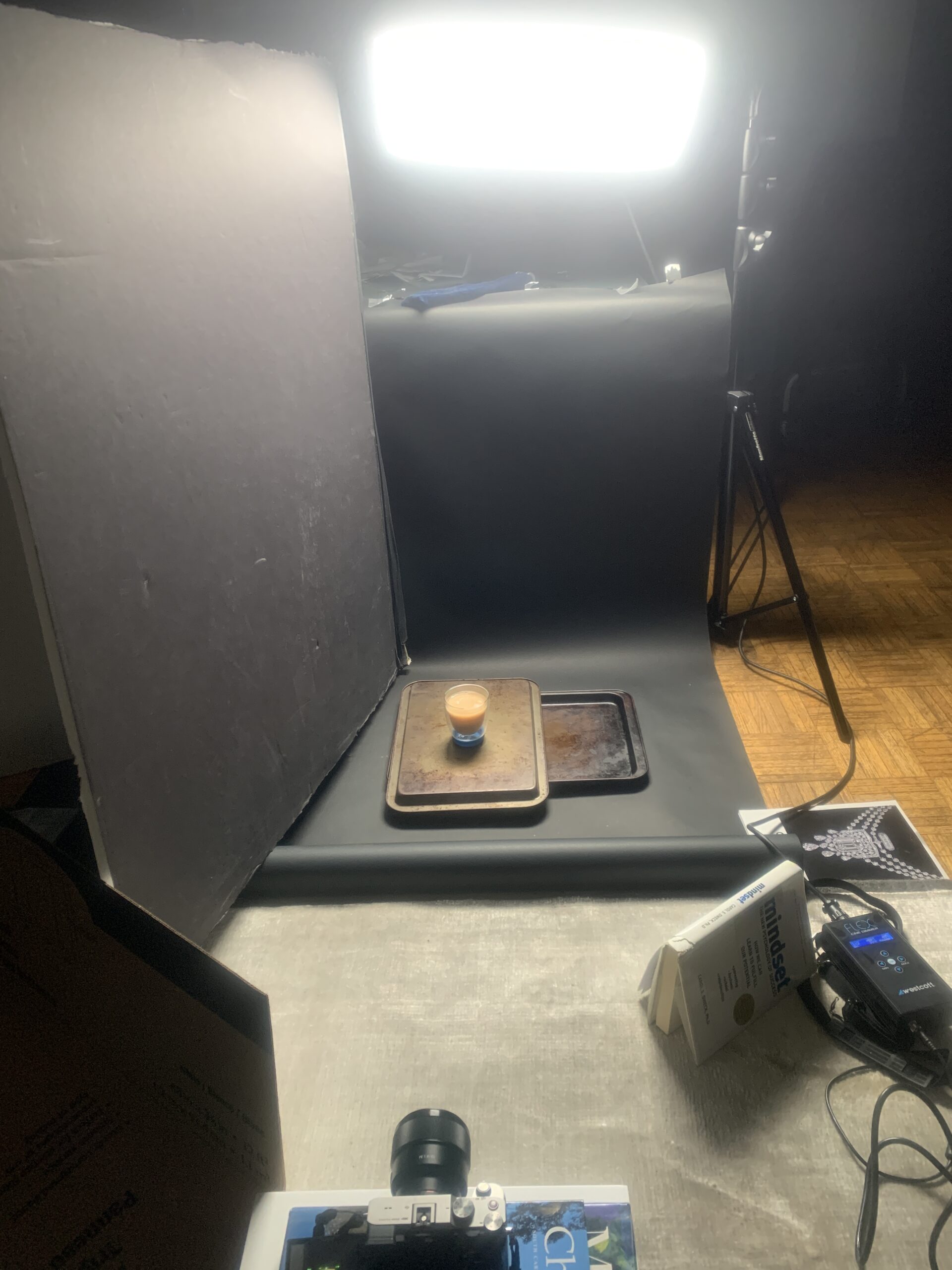
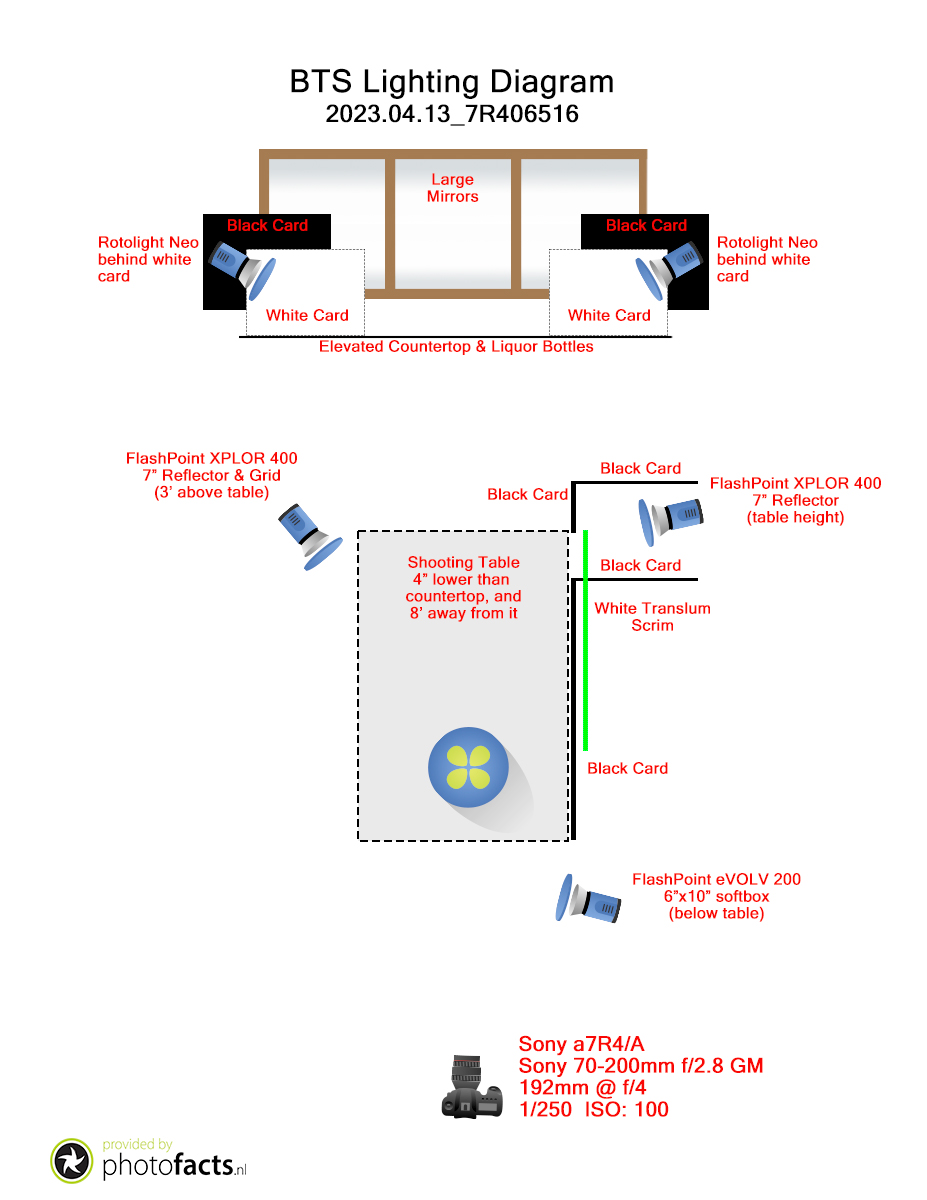
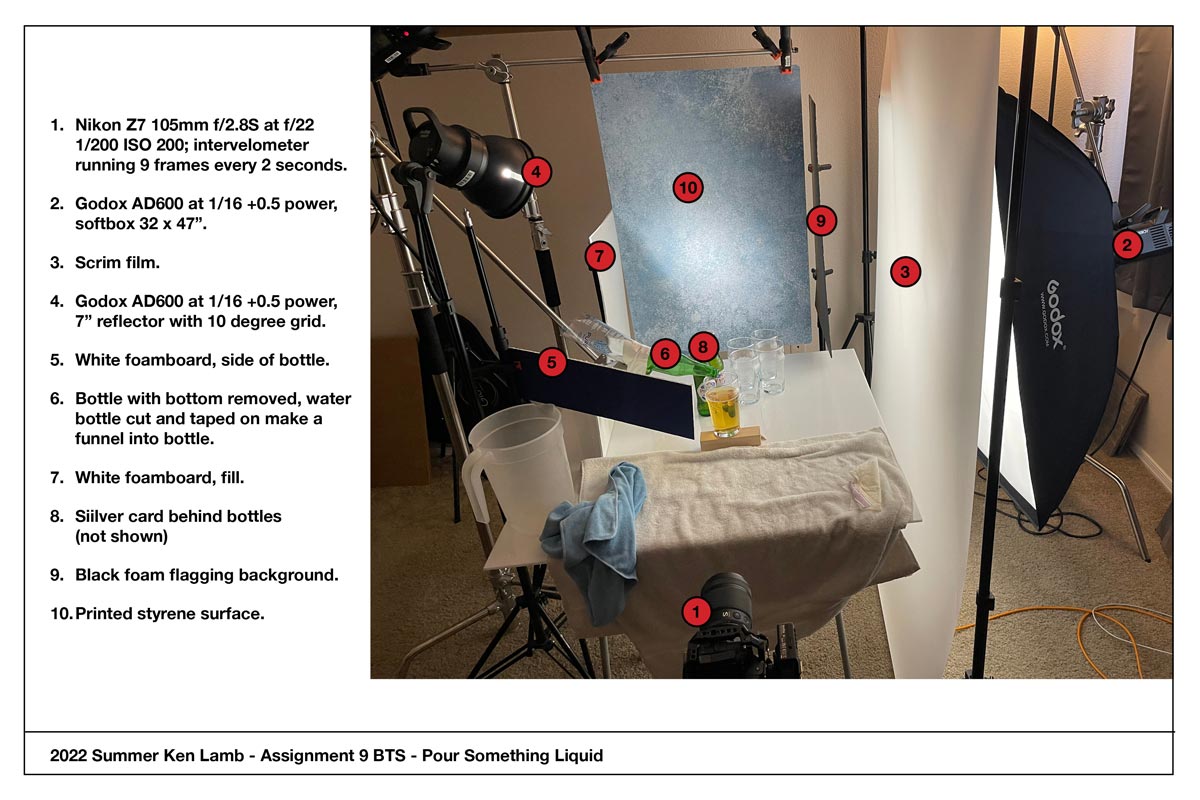
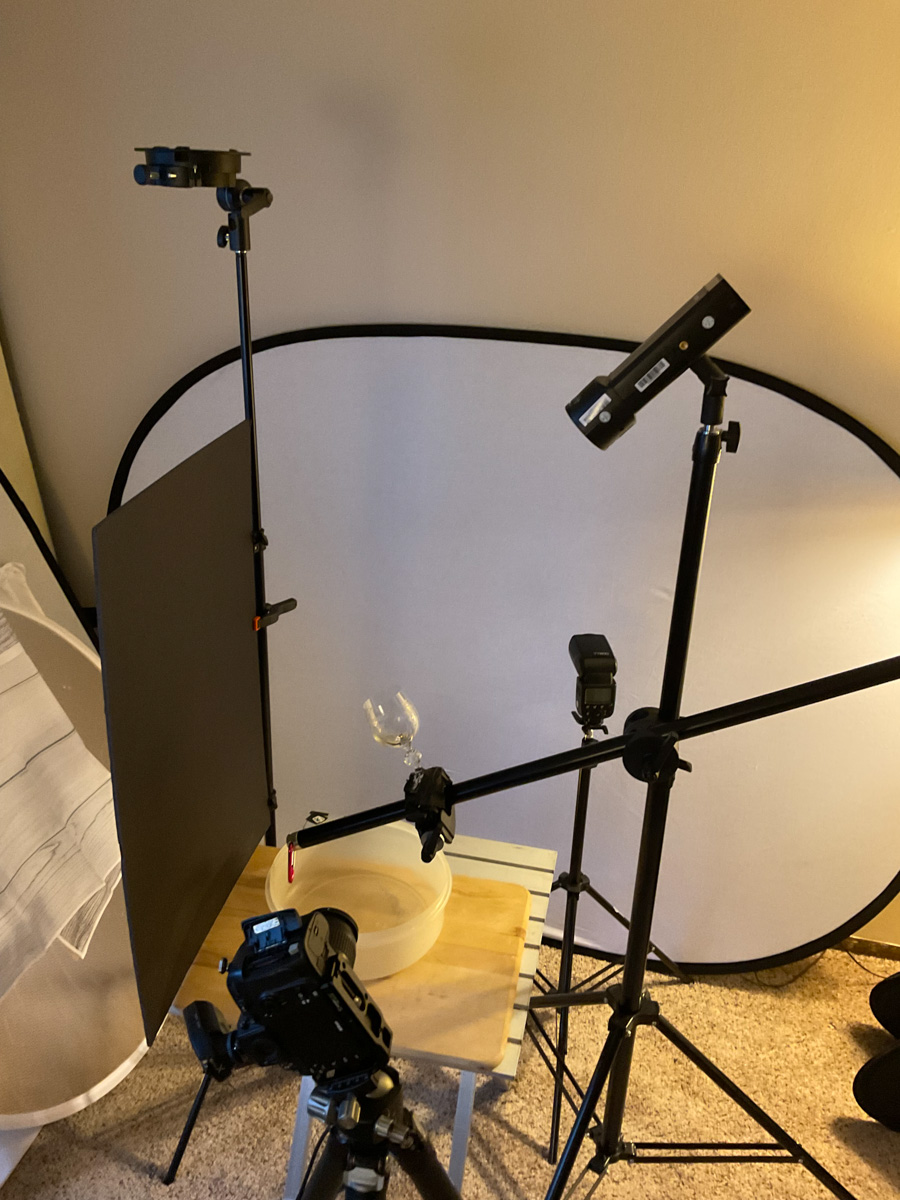
Lighting Cues: Often to light something pouring, we need some backlight. Liquid rarely looks good when it is front-lit. We lose the liquidity of it, as well as the inherent color – or at least the perceived color of it – with front light. Whether window or strobe, make sure the light is coming through the liquid.
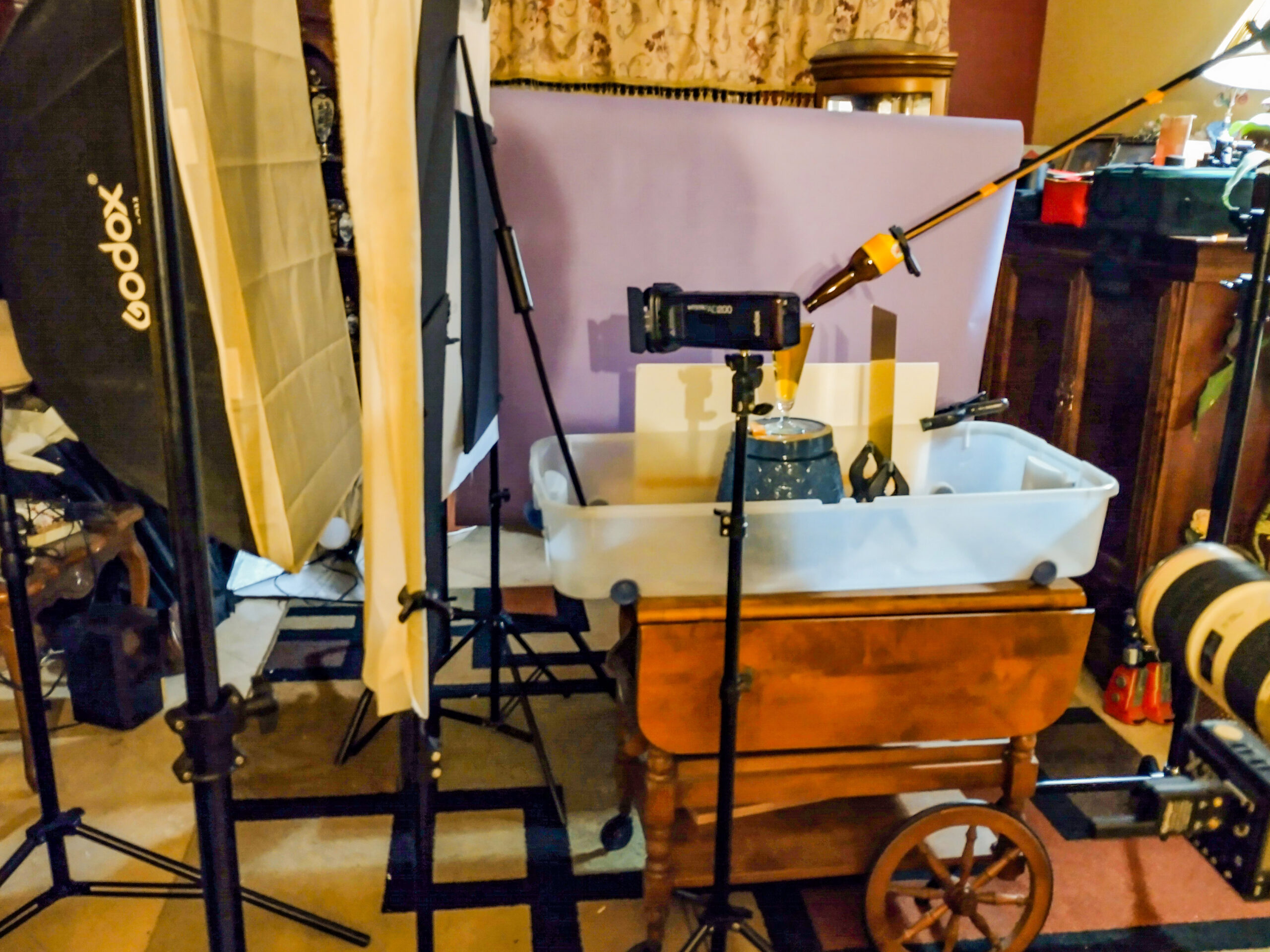
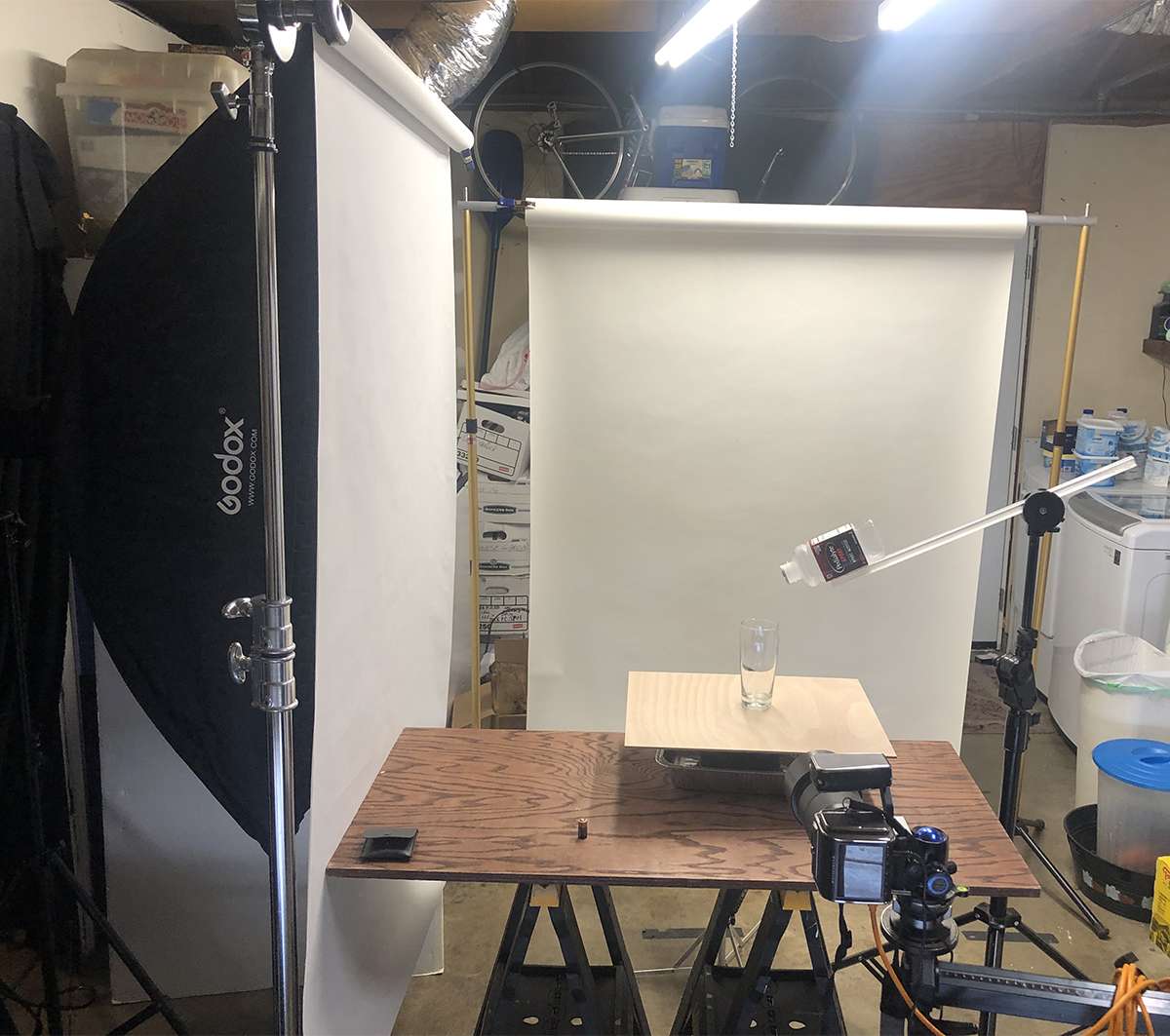
Shooting Cues: One way to get a perfect pour is to mount a bottle with no bottom on it. Take a wine bottle and cut off the bottom of it with a glass cutter. Be very careful to do this without having a sharp edge that can cut your hands. Put some masking or gaffers tape along the sharp edge if you have no way to dull it. Mount the bottle with the spout coming into the frame at the exact point you want it to be, and pour the liquid in from the backside of the open bottle.
You can use Gaffers tape to mount the bottle to a stand or boom if you wish… be creative. If mounting a bottle or can is not going to work, then you must have something to cue you for the pour to make sure the can or bottle is not too close to the glass or out of the frame. I do want to see the vessel pouring as well as what it is being poured into.
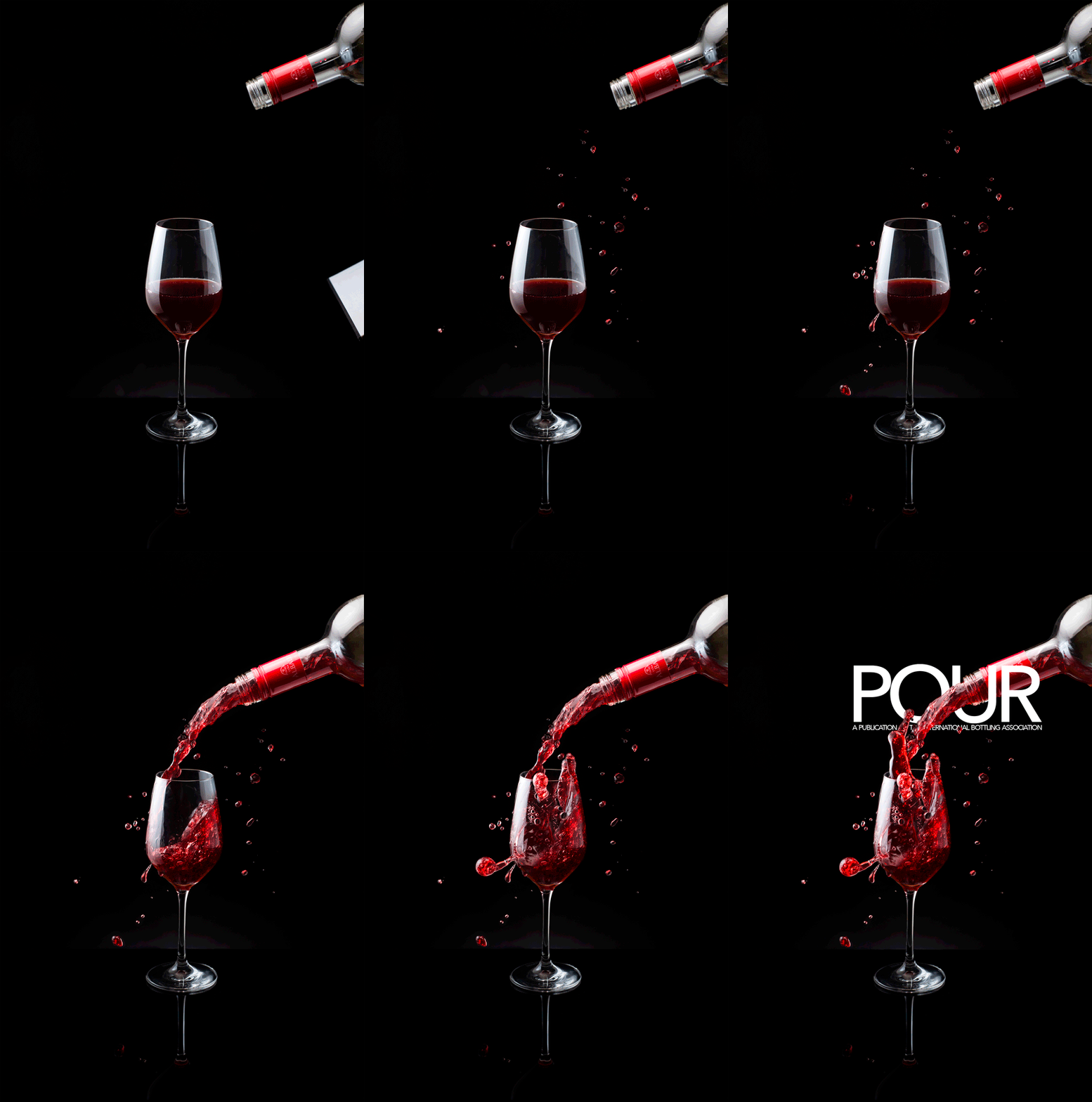
Here is a whole page of beer shots for you to examine. Notice the lighting. Here is a page of wine pouring shots as well. And for the non-alcoholic approach, here is soda being poured as well.
Do not copy. Look, see and learn… then do something fantastic. It will be going on the cover of a magazine.
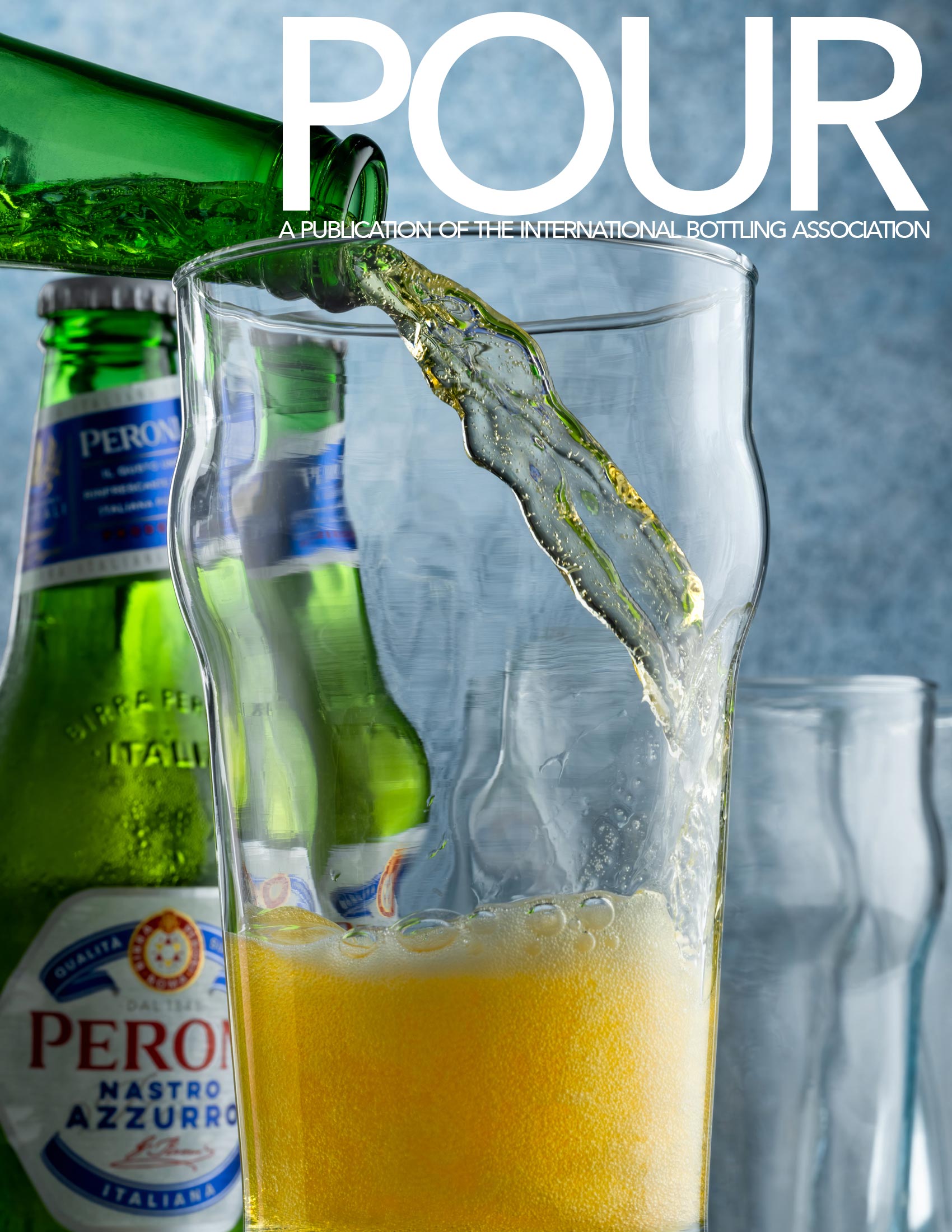
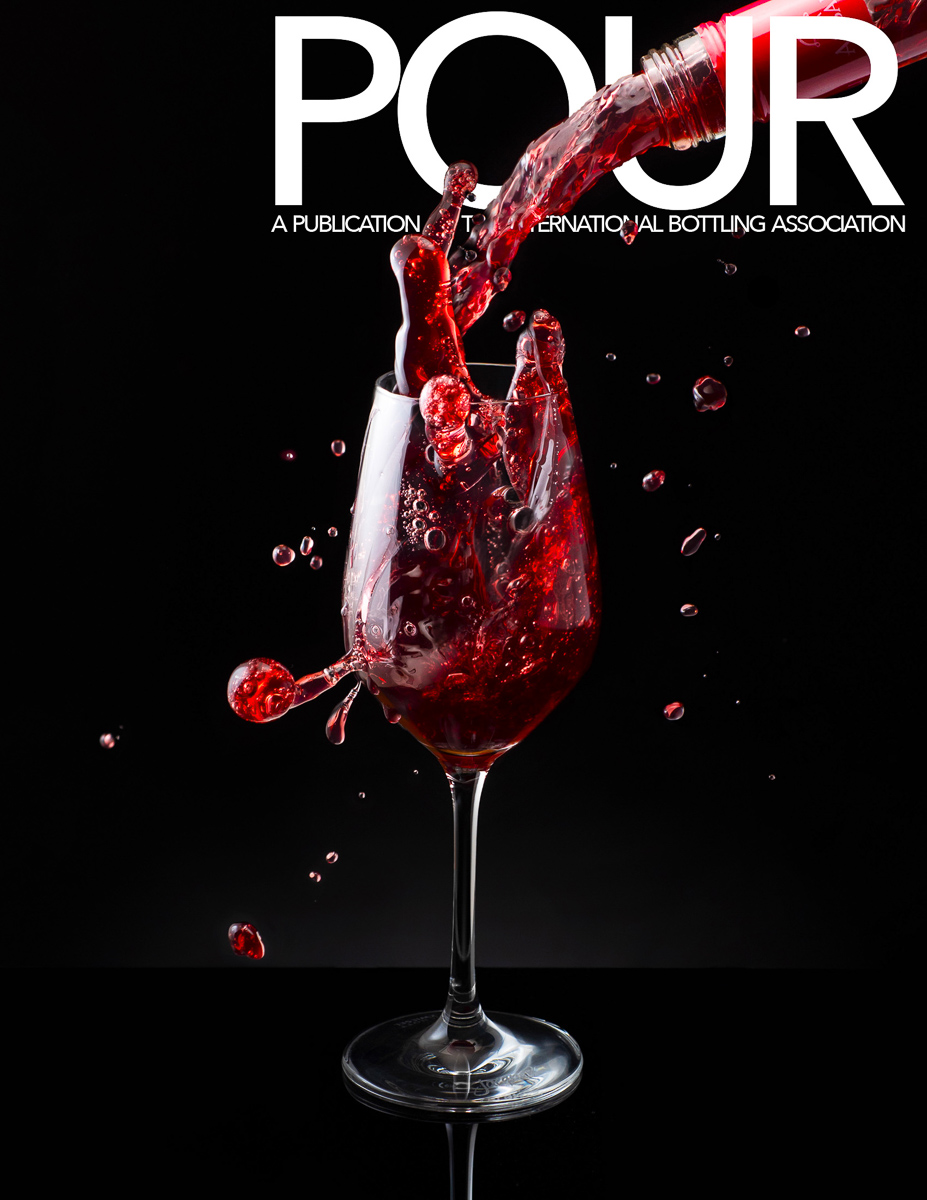
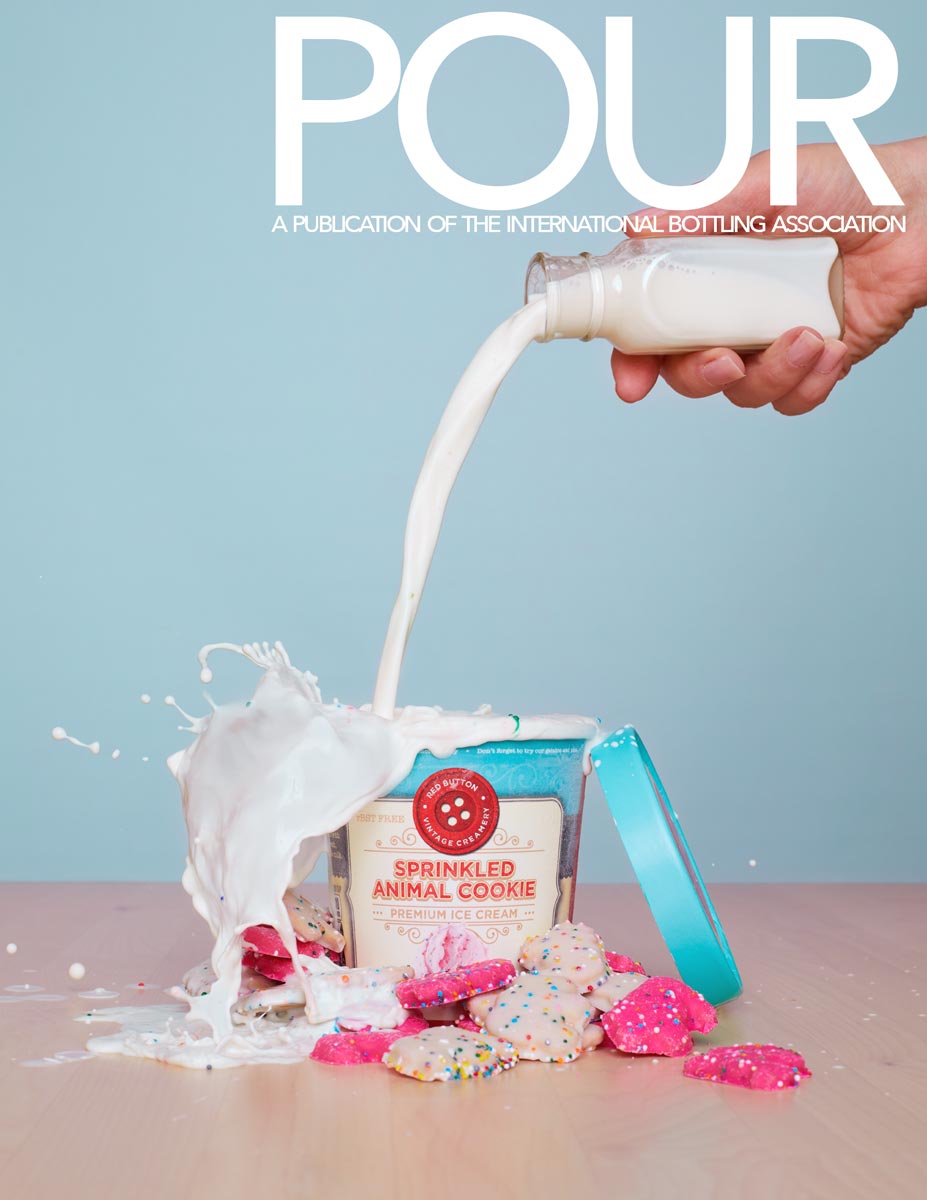
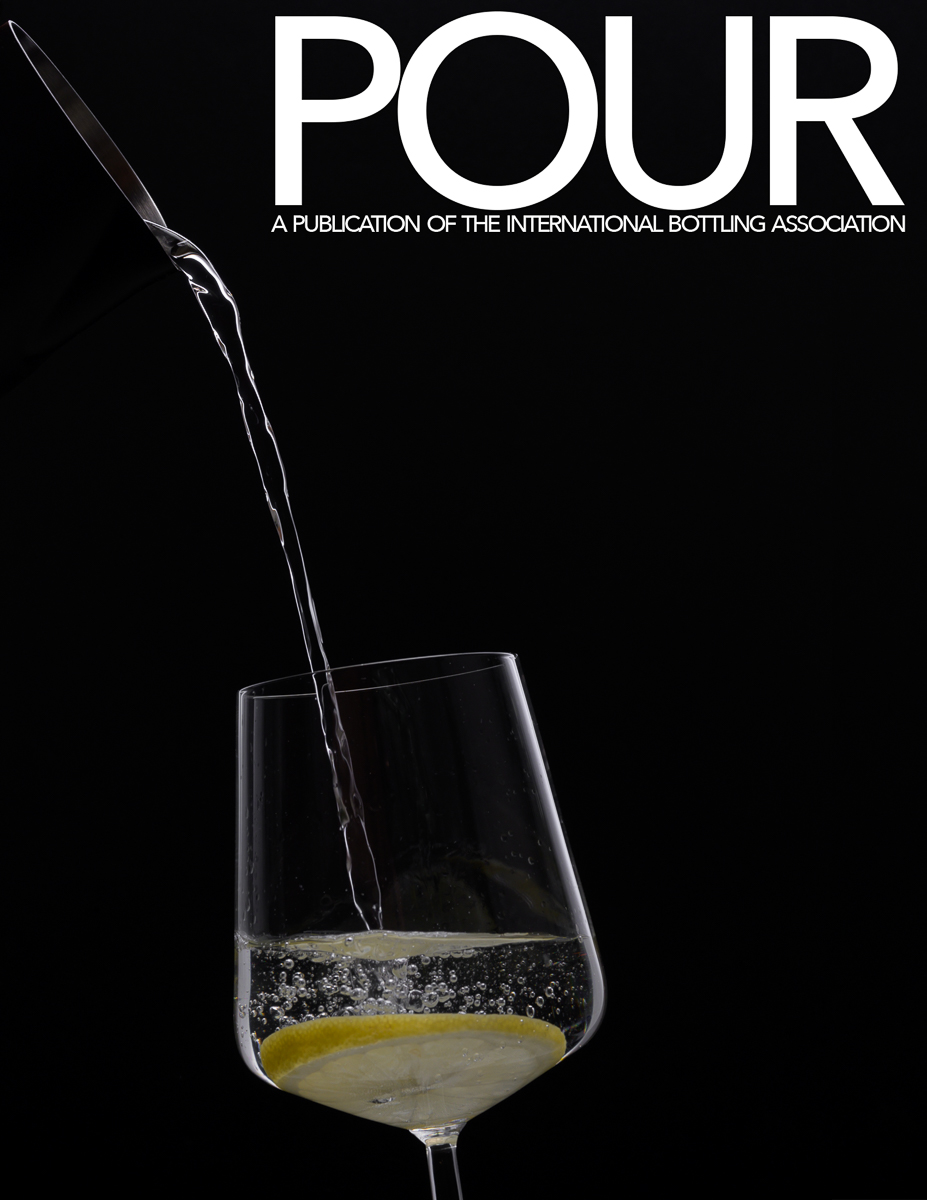
The layout is included here. POUR-COVER.psd NOTE: IMPORTANT.
POUR-COVER.psd
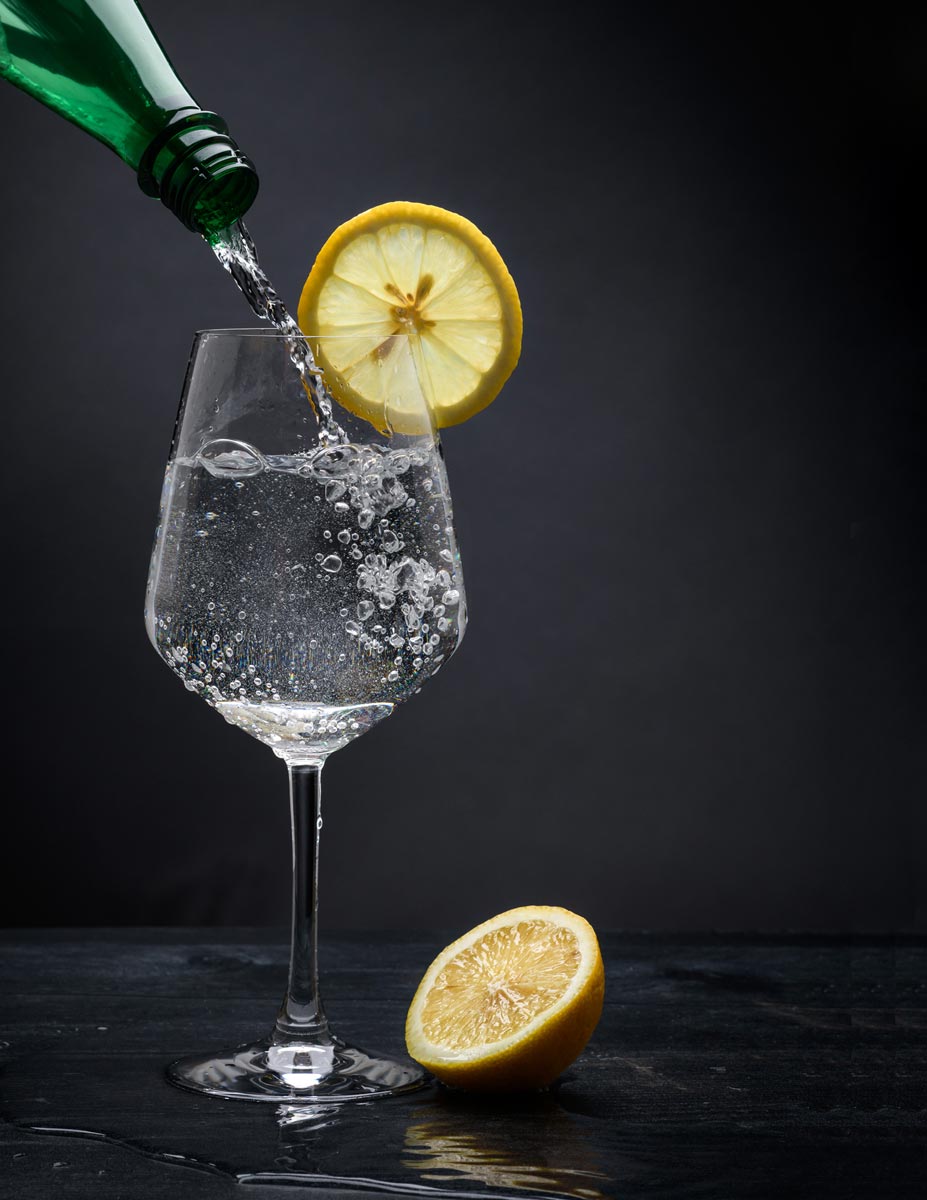
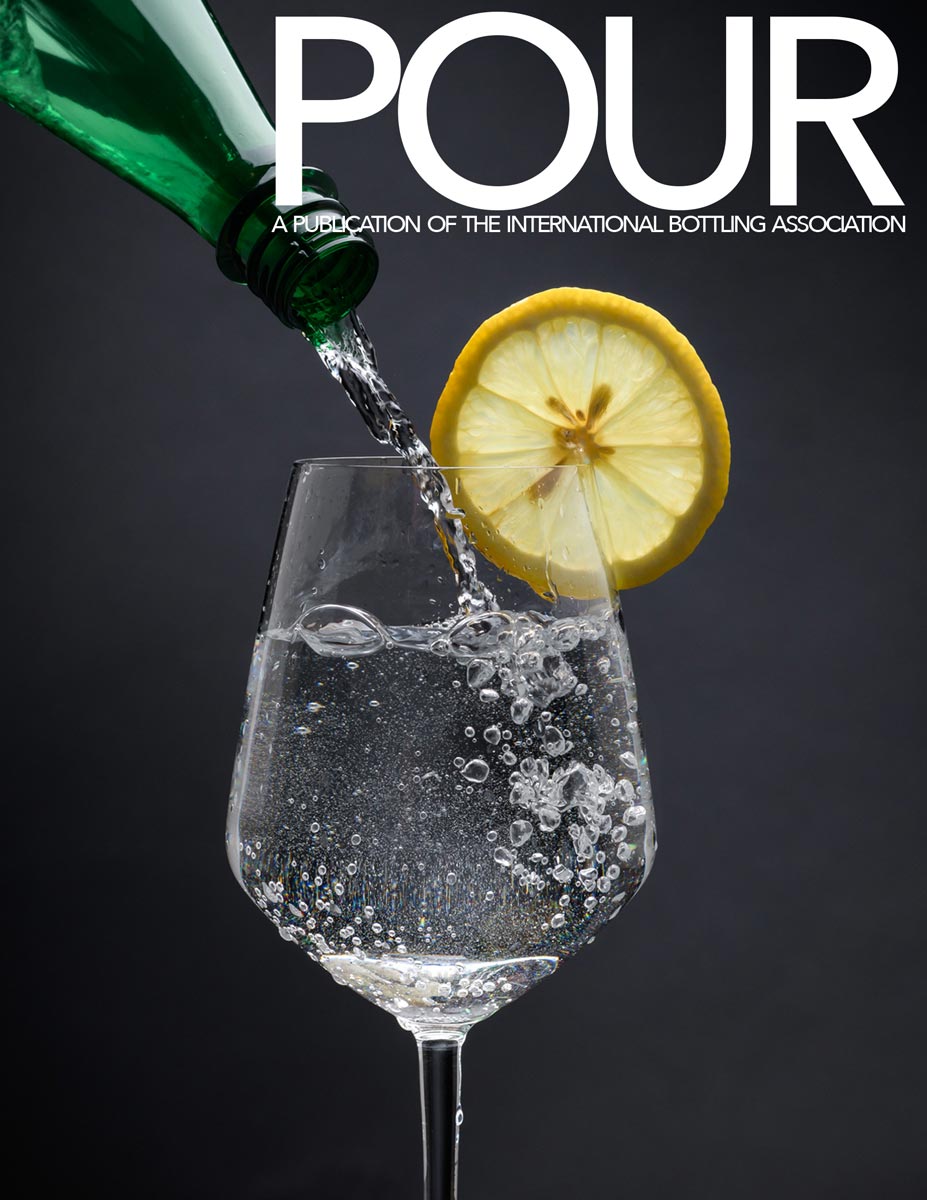
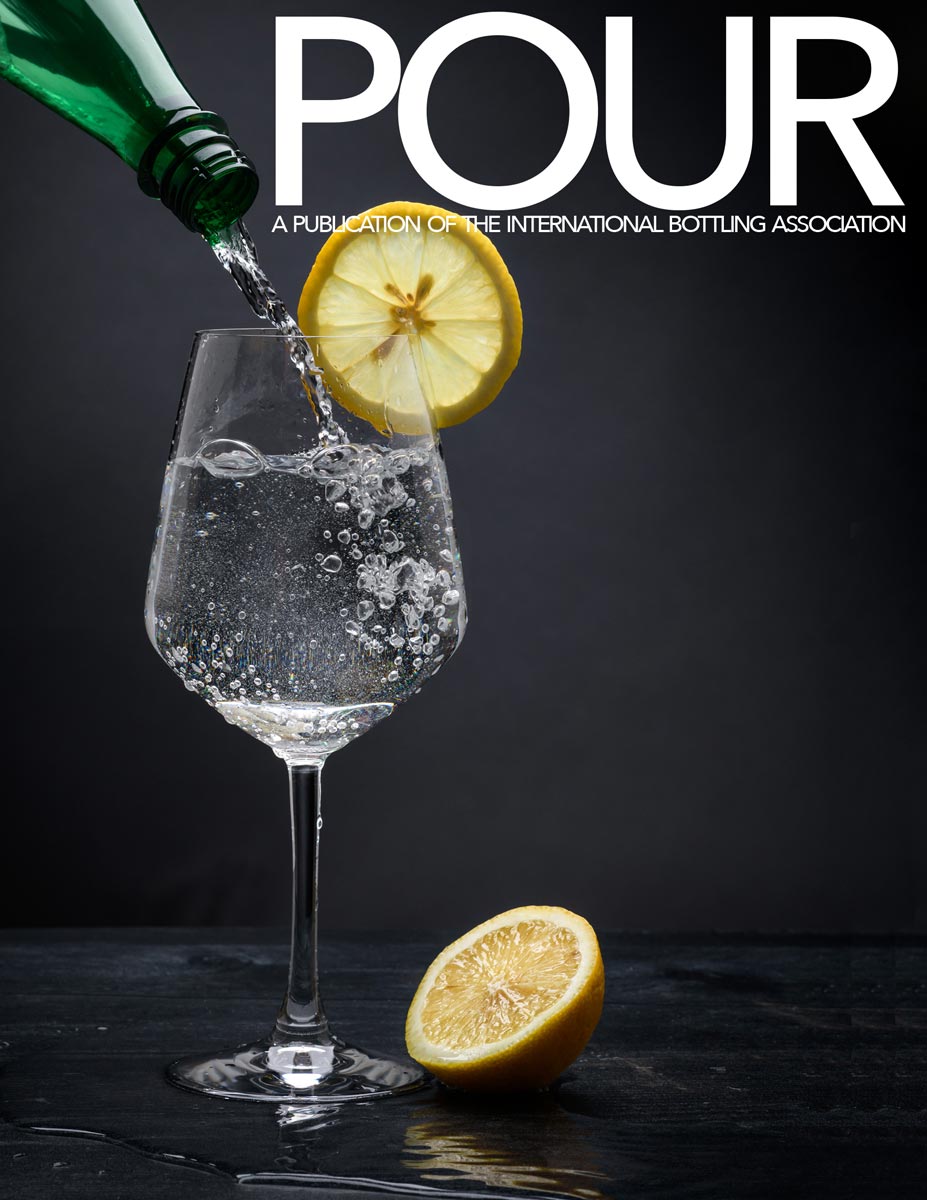
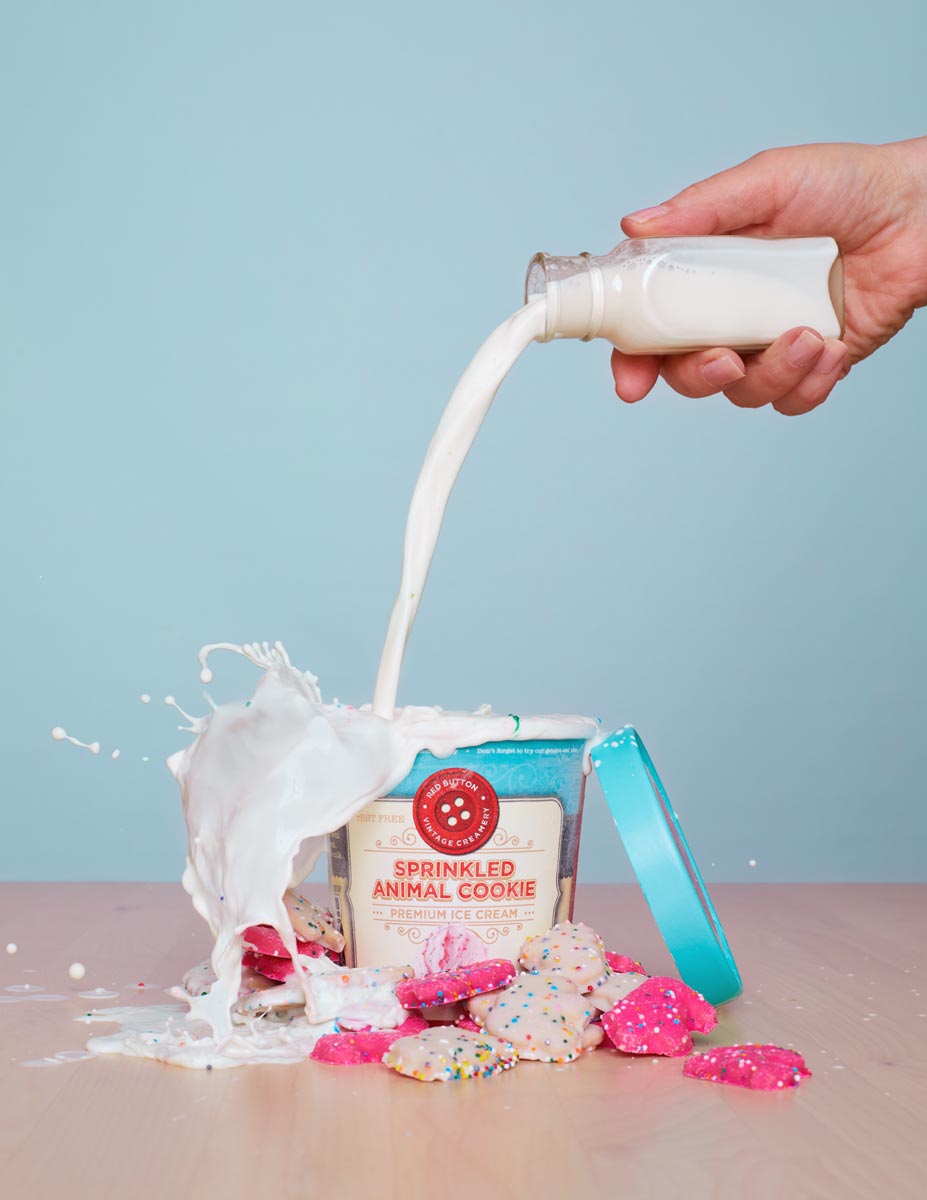
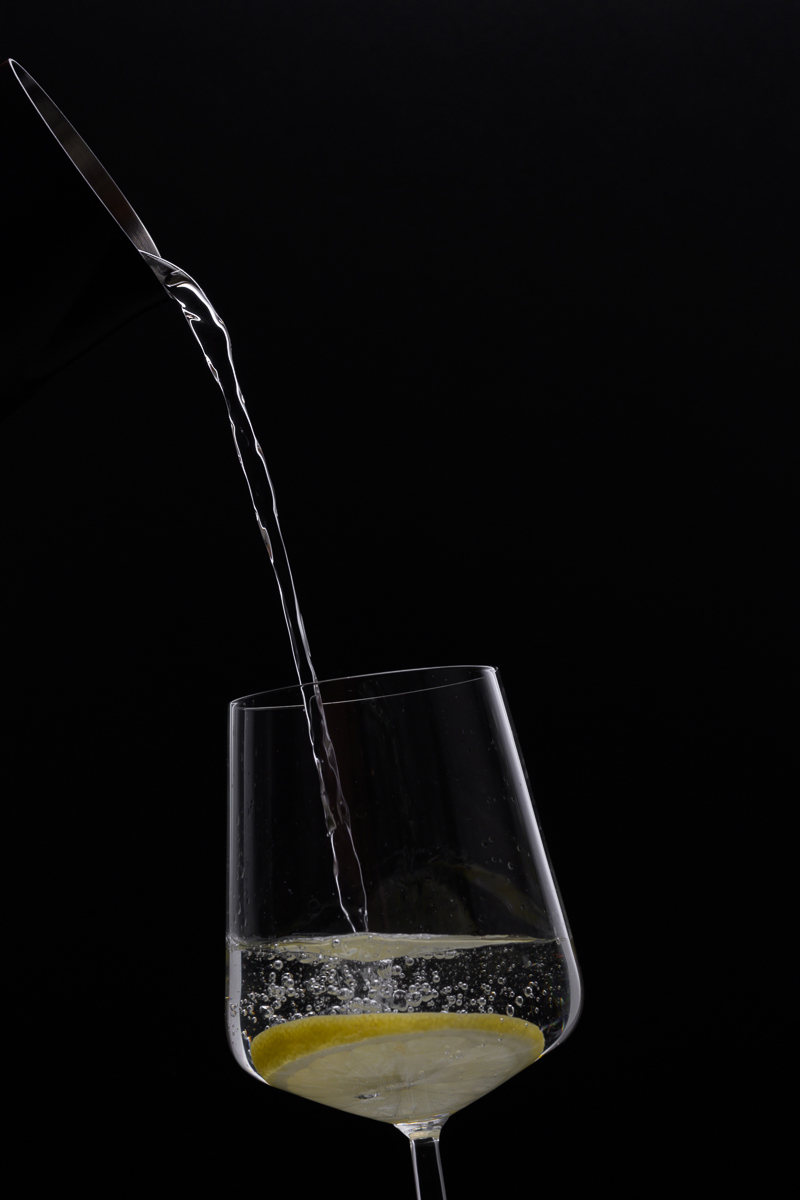
PLEASE UPLOAD THE LAYOUT SHOT AND THE ORIGINAL SHOT WITHOUT LAYOUT.
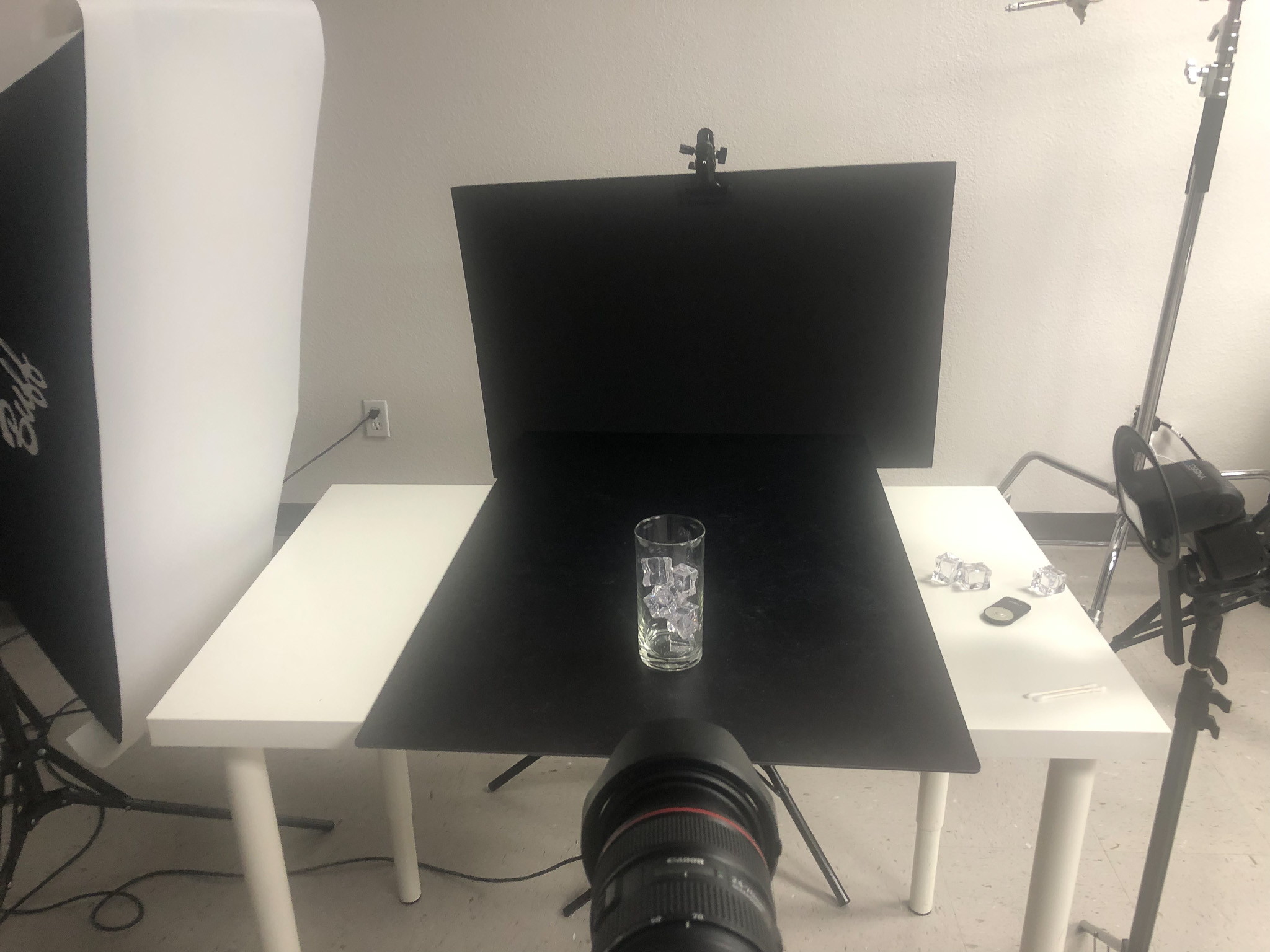
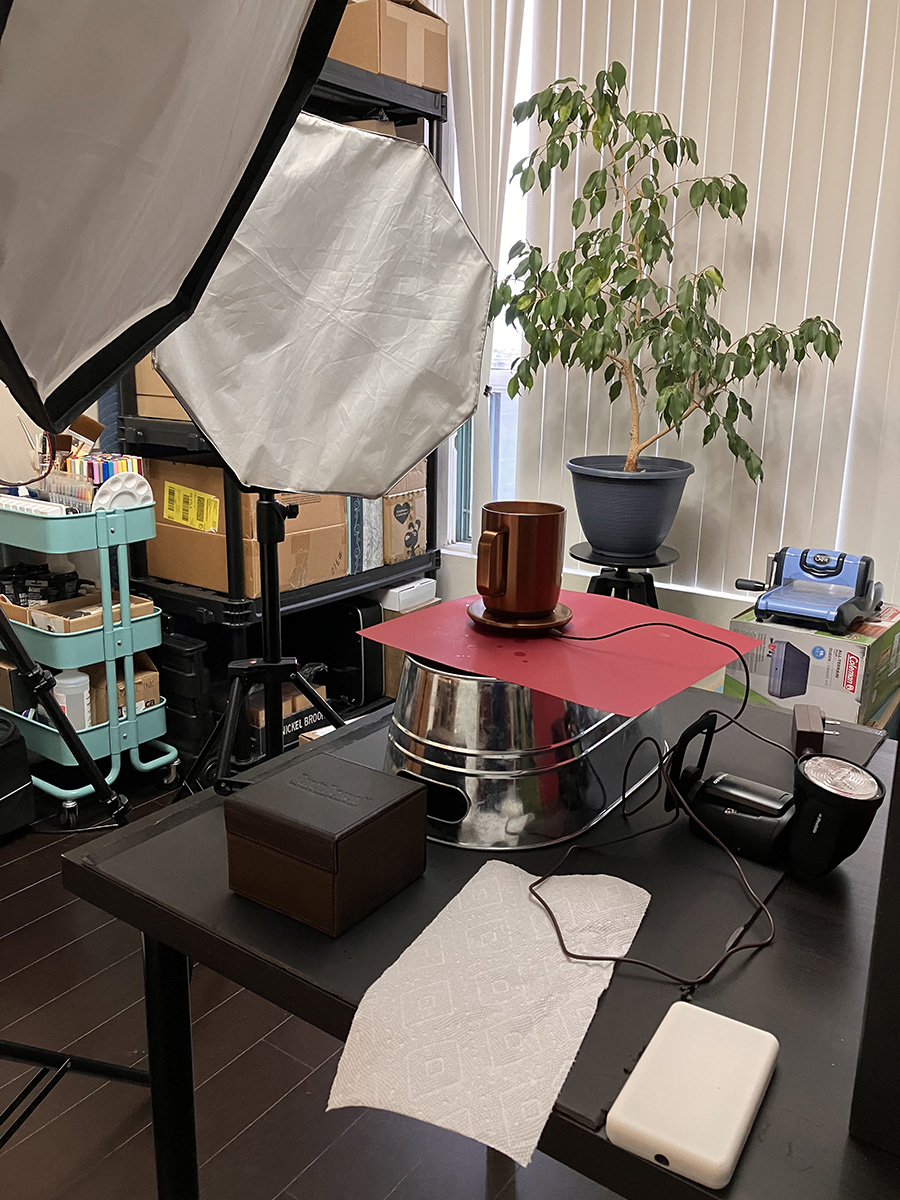
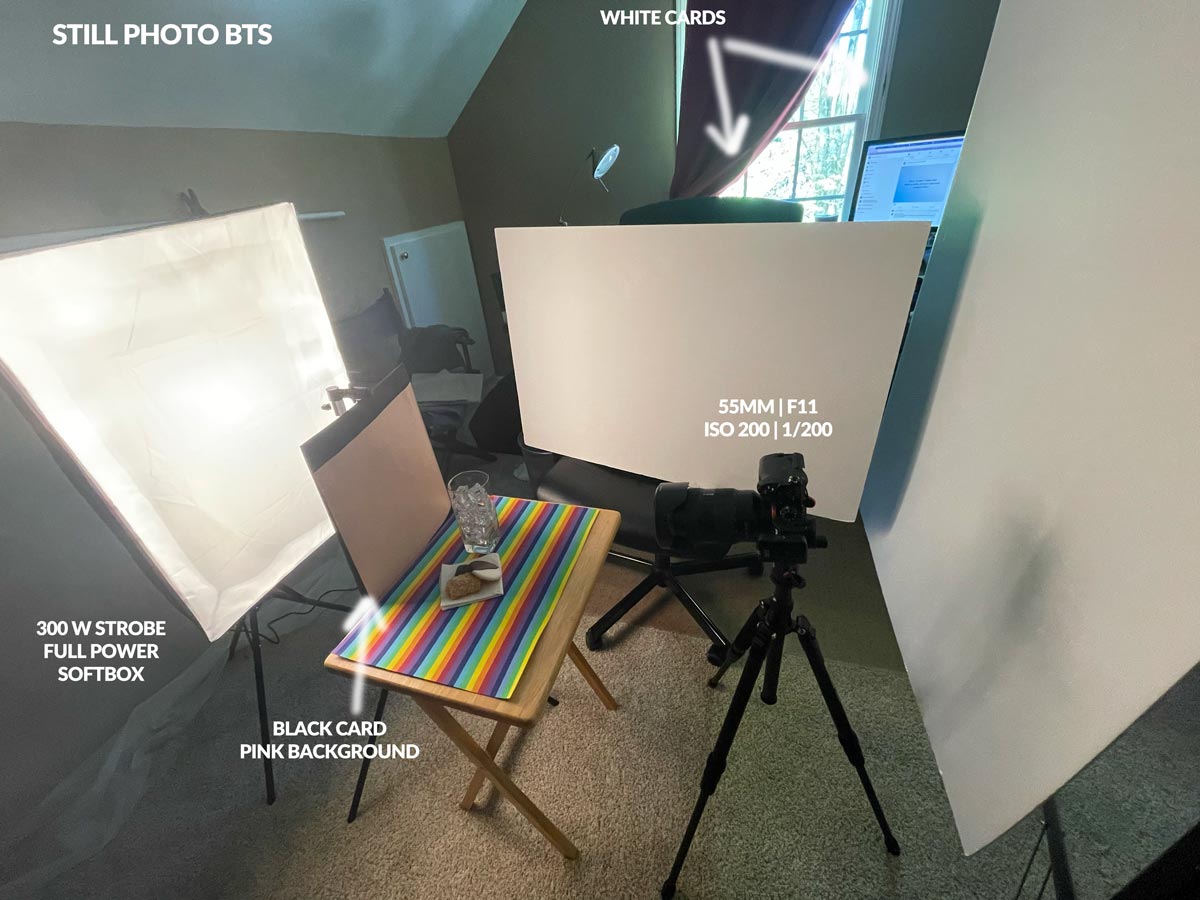
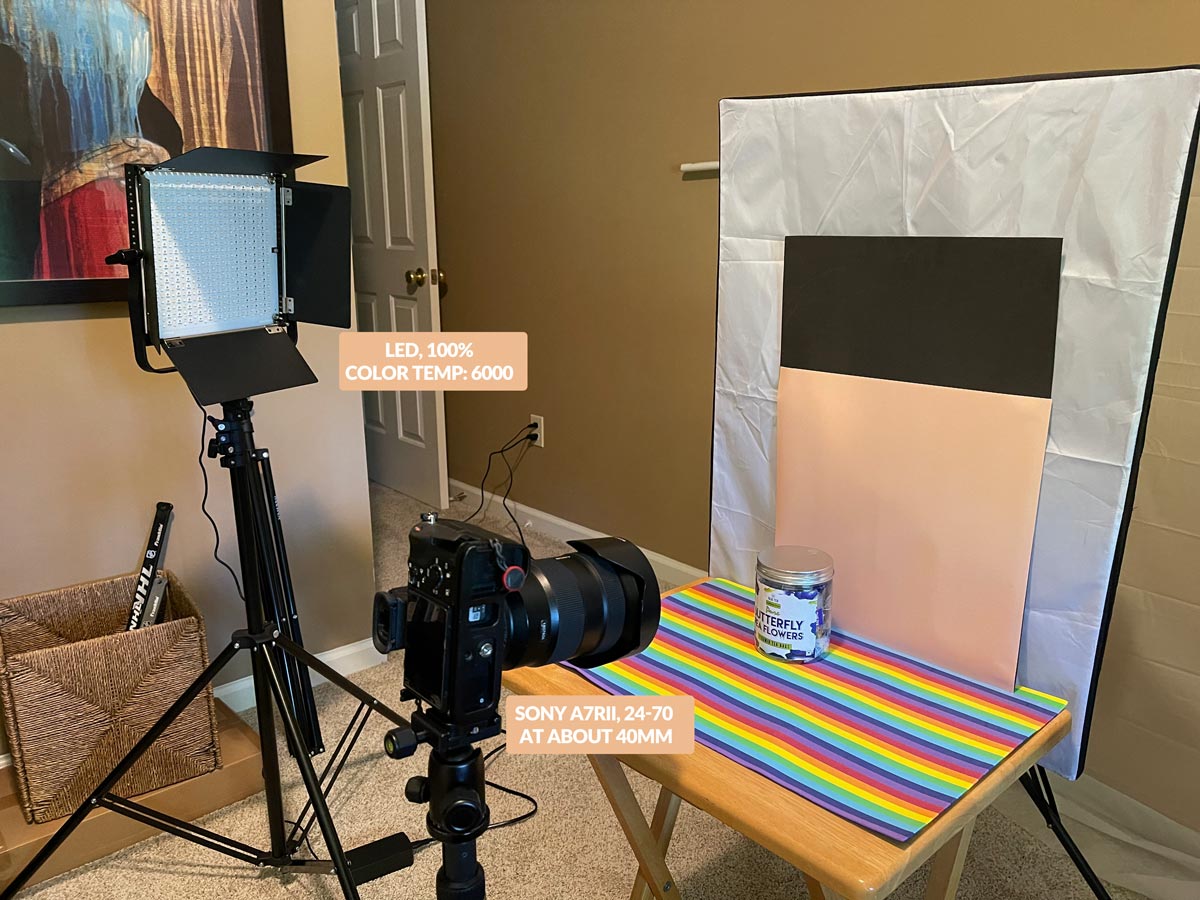
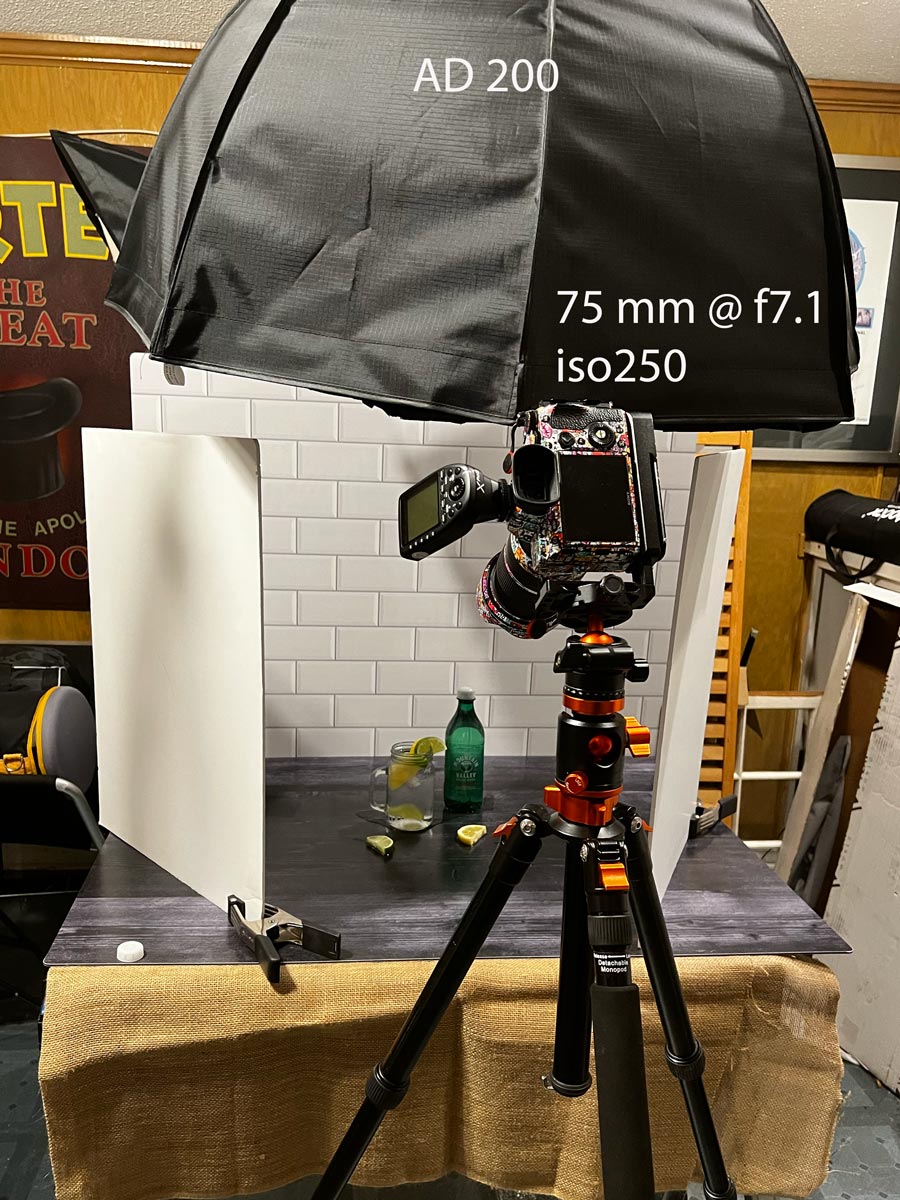
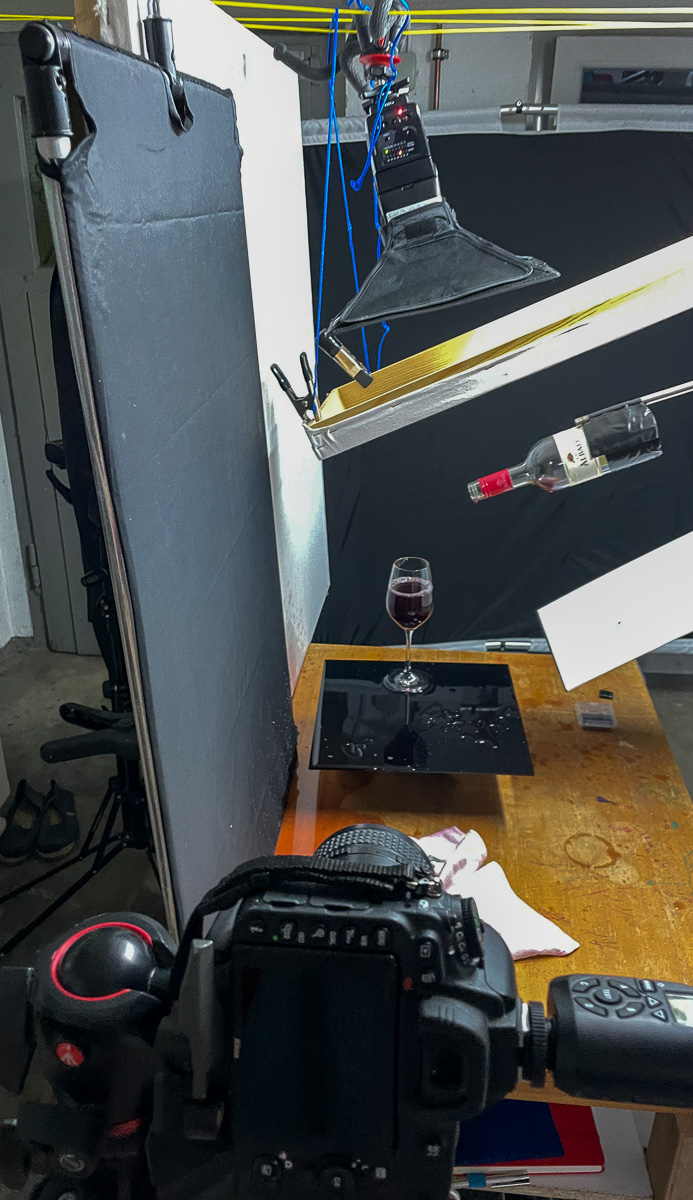
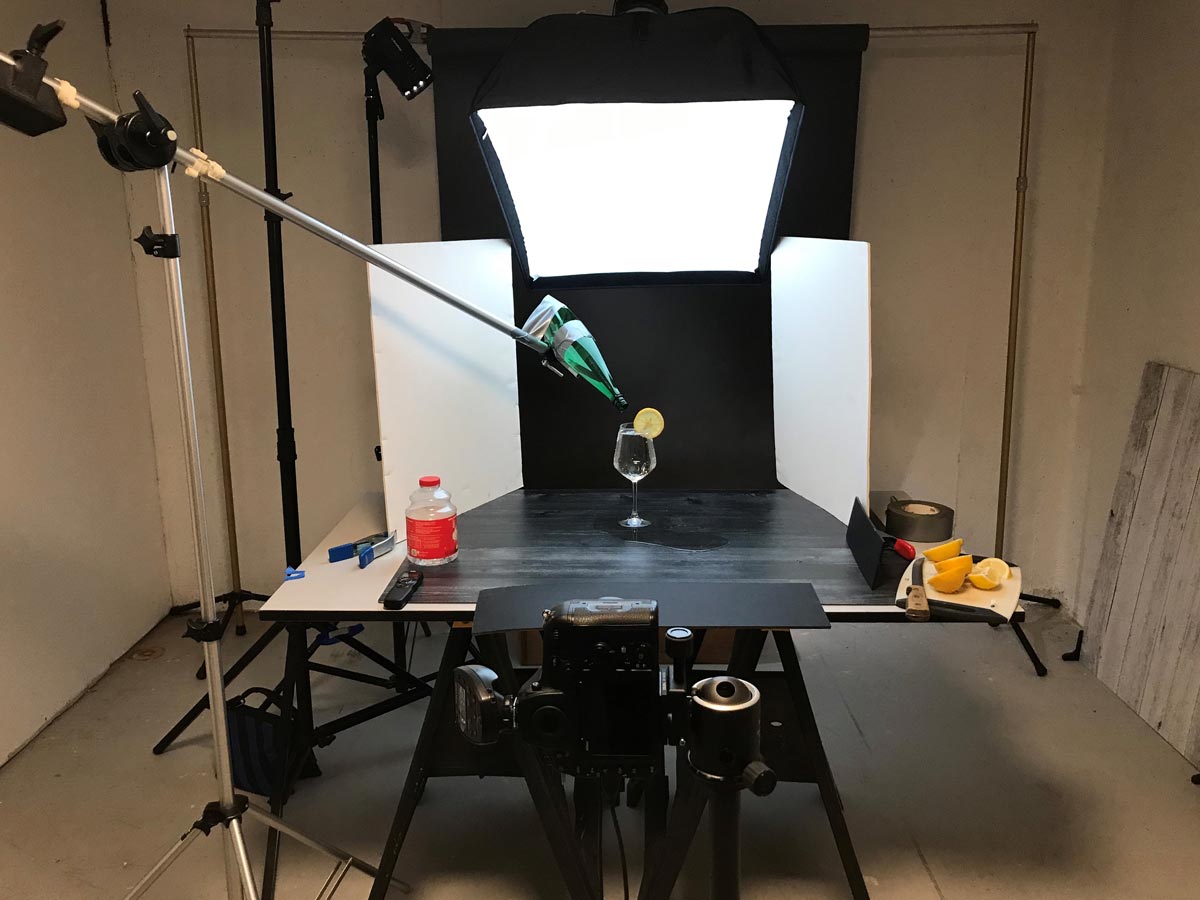
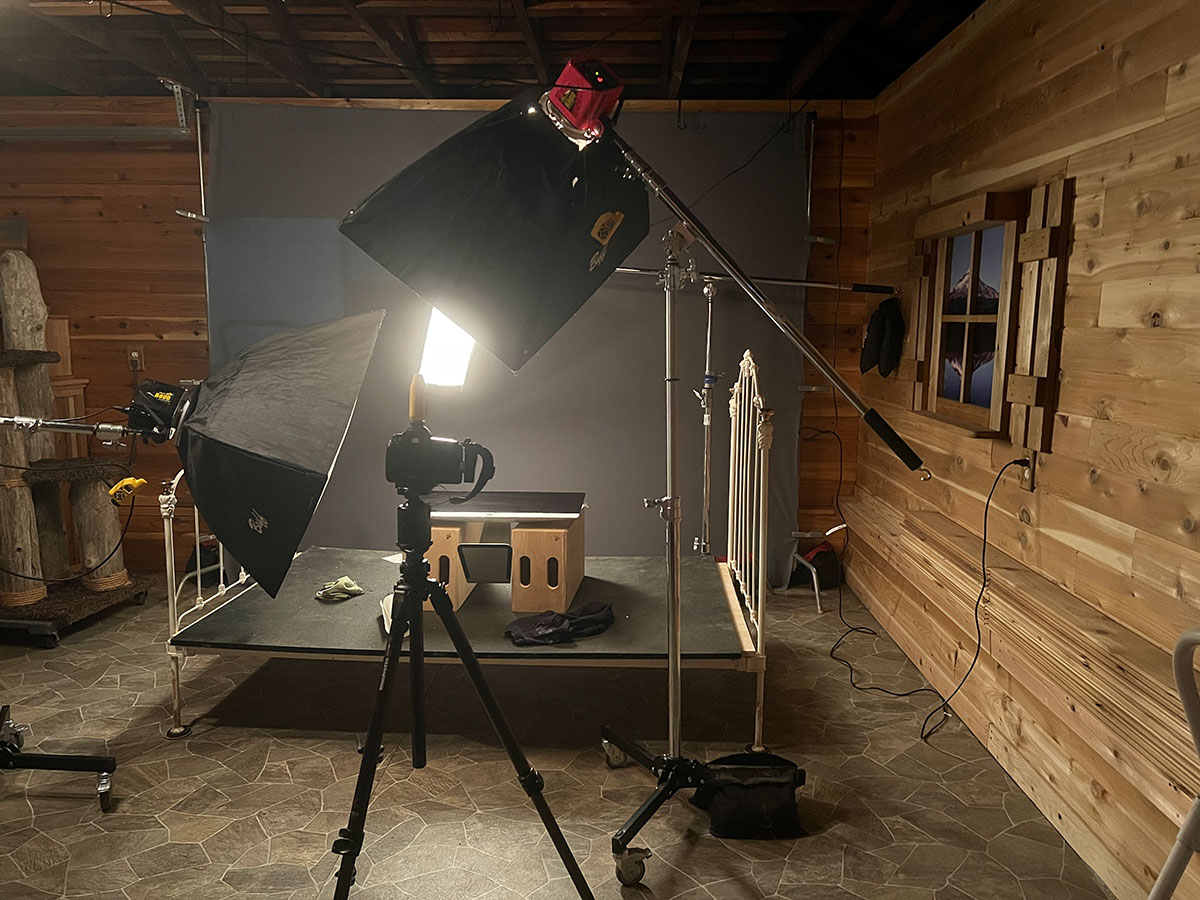
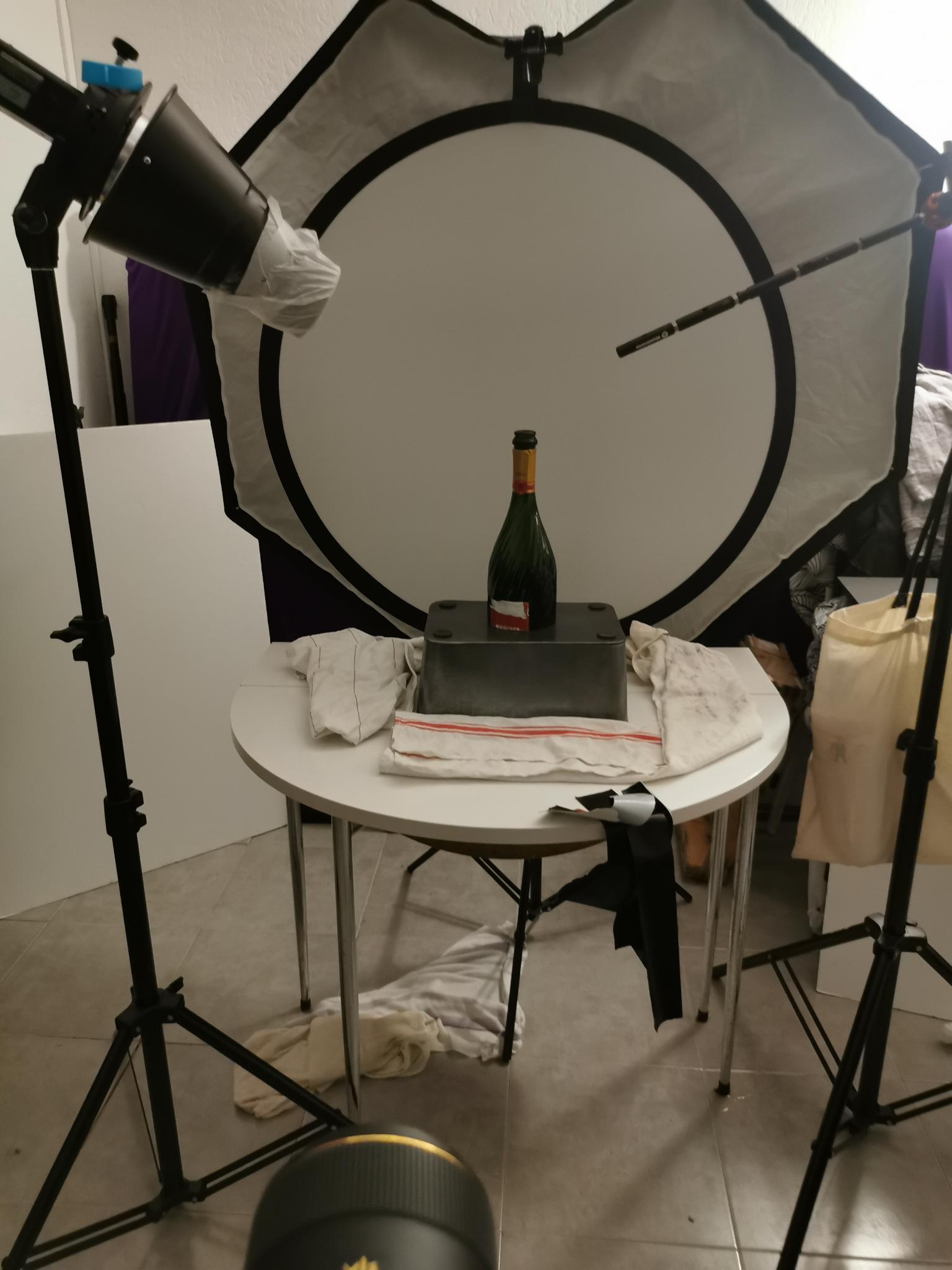
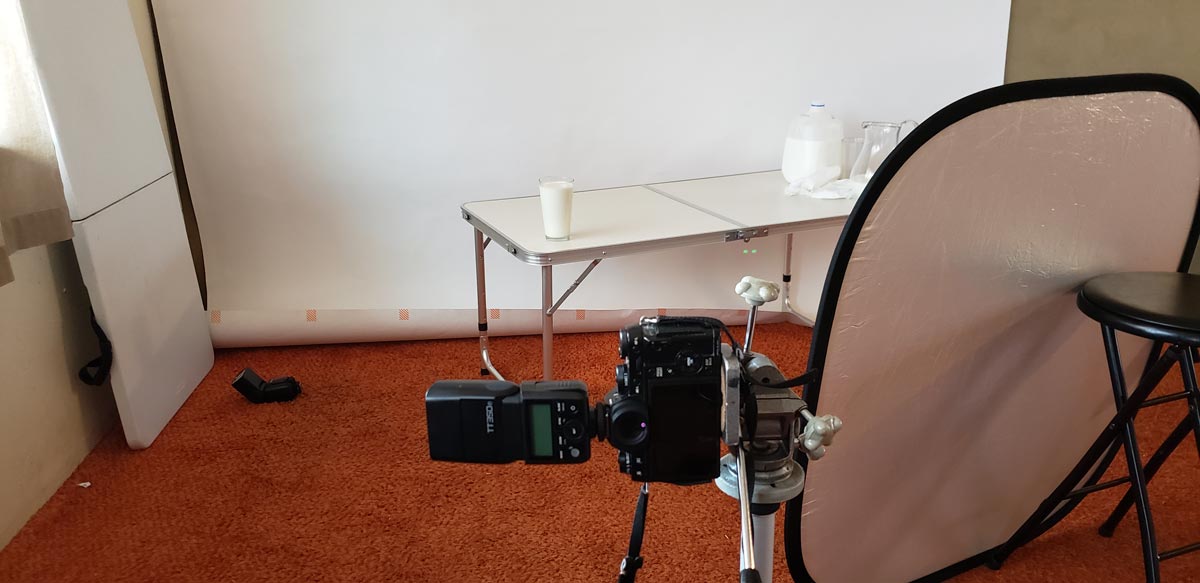
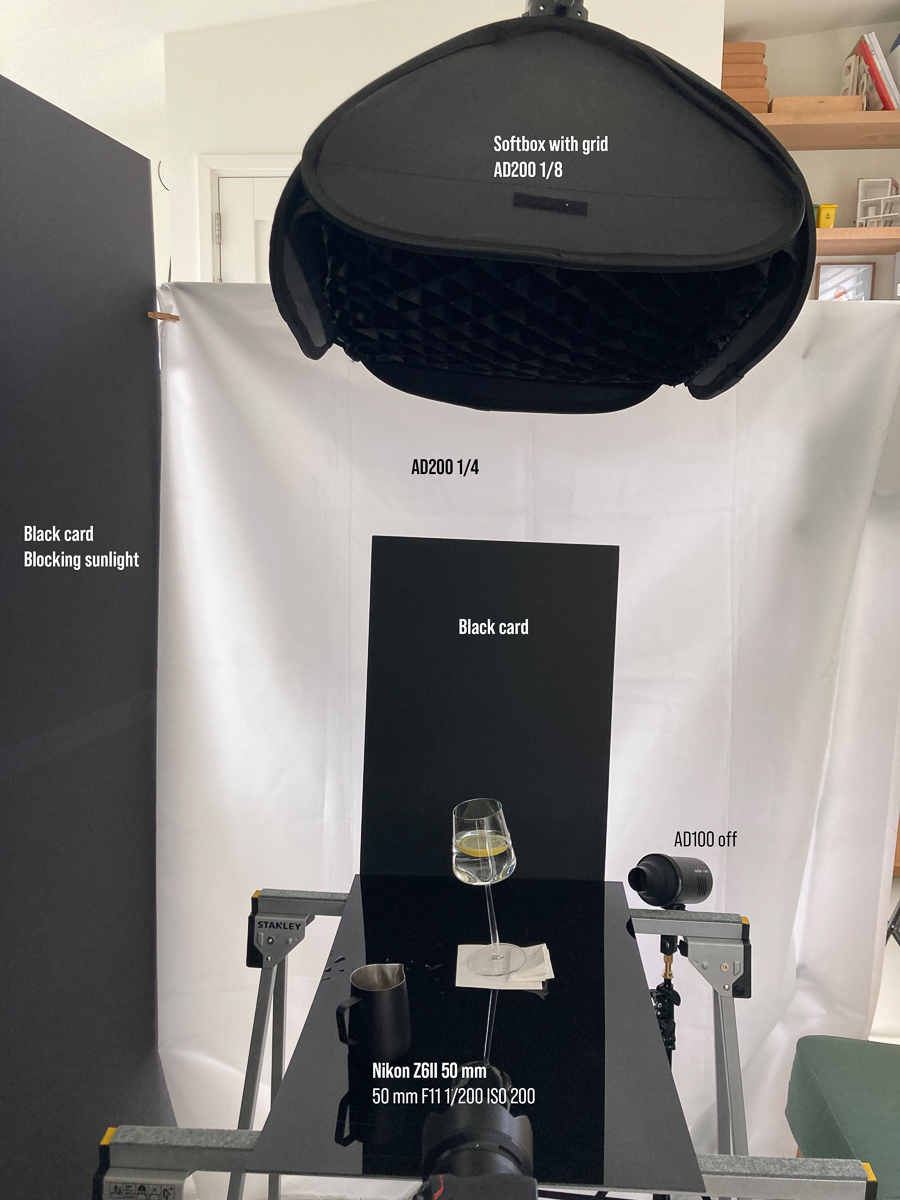
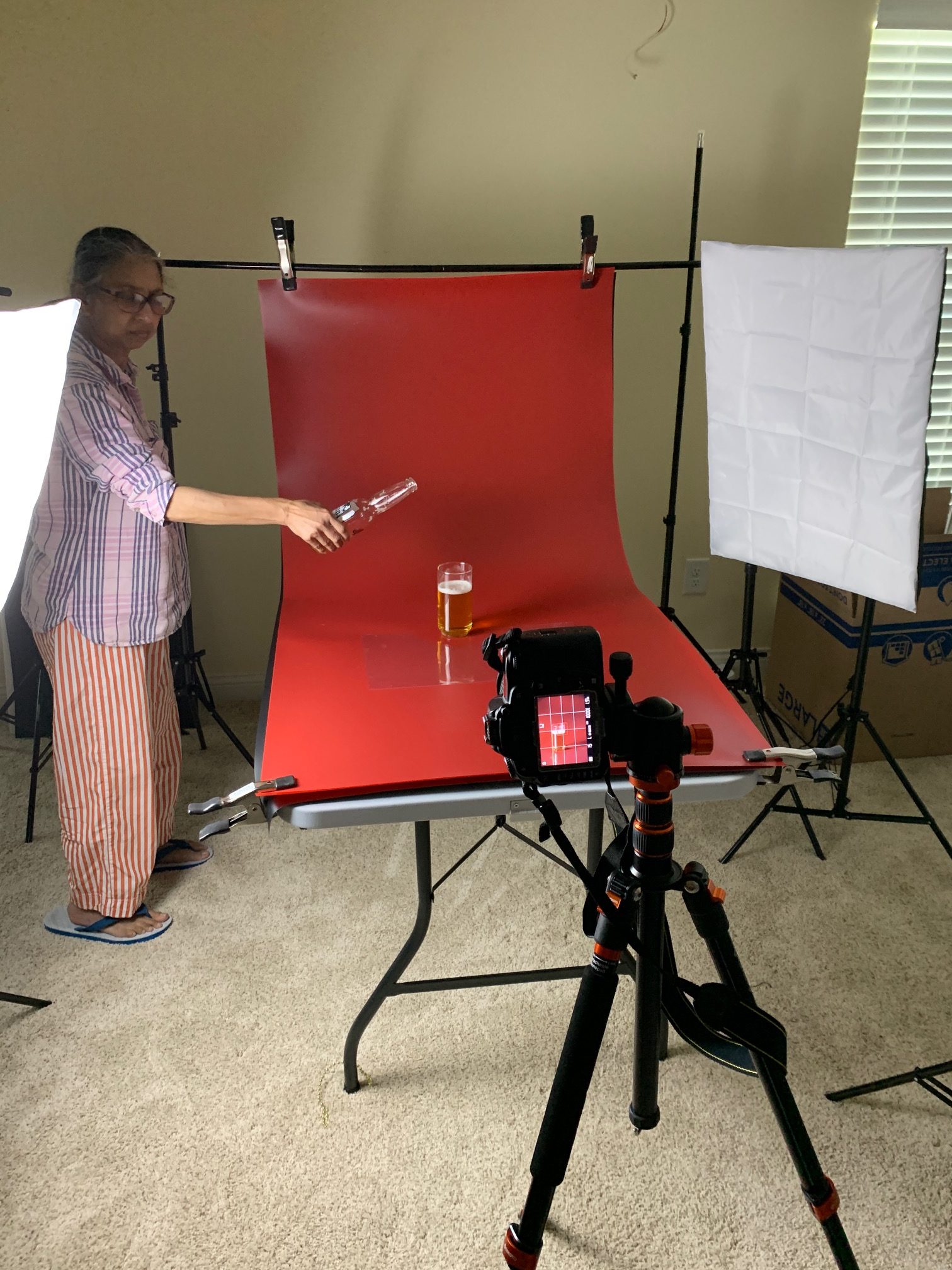
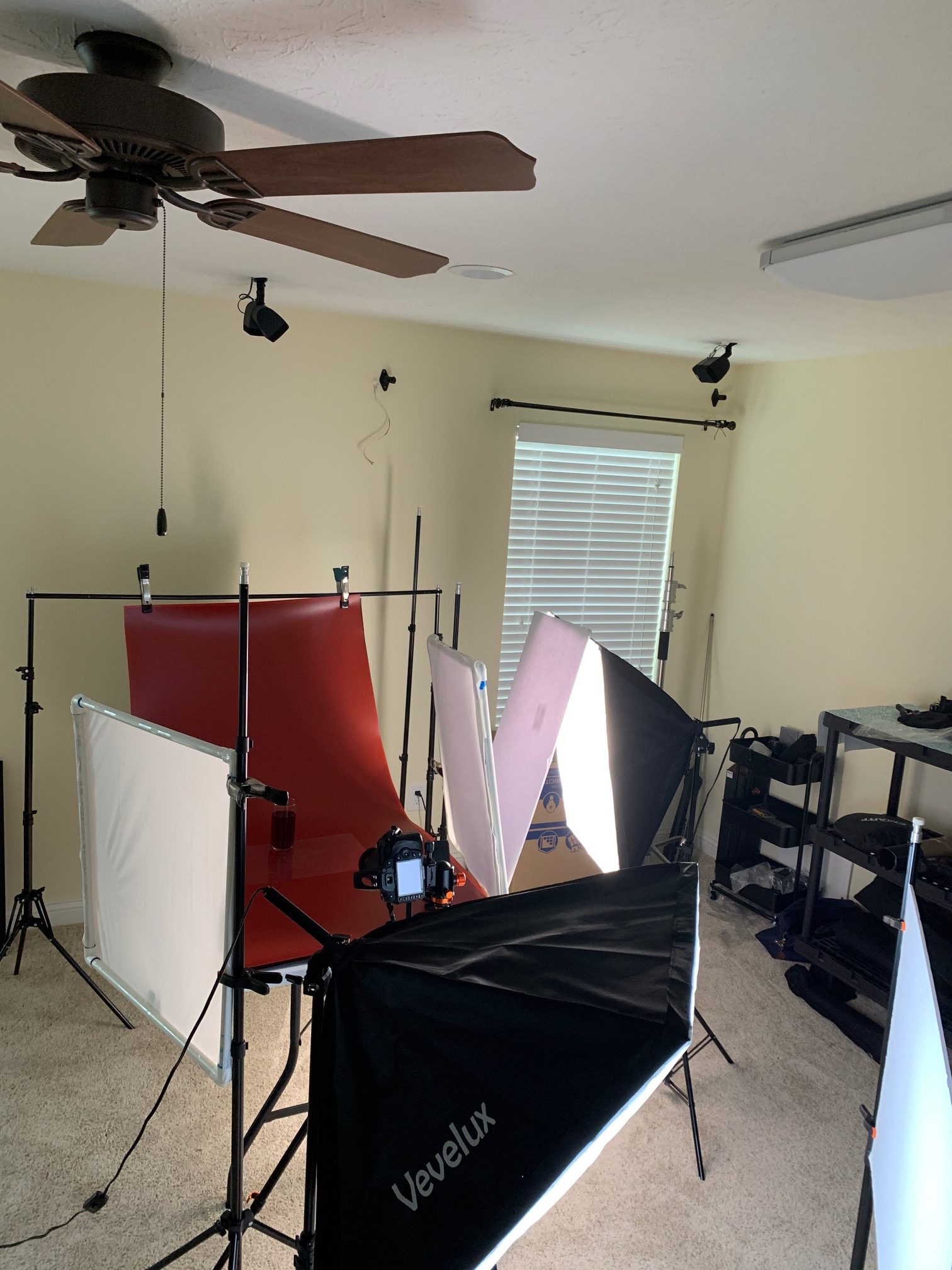
And a BTS shot as well, of course.
IMPORTANT VIDEOS
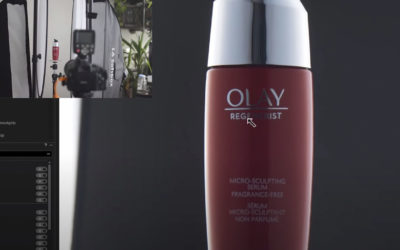
SHOOTING REFLECTIVE PRODUCT
I would say that doing a better job of lighting the label or getting a frame with the label lit would be another way of doing this, but take a look at how this photographer does the post on a relatively easy product shot. Attention to detail is one of the most...
VIDEO
PHOTOGRAPHIC INFO
PHOTOGRAPHIC INFO
APRIL 2023
OCTOBER 2020
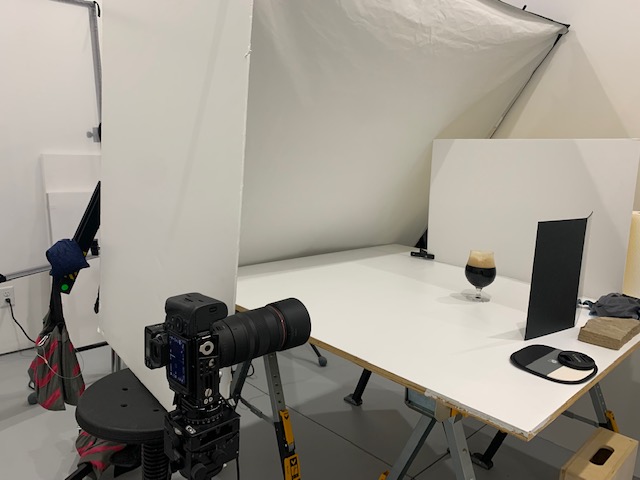
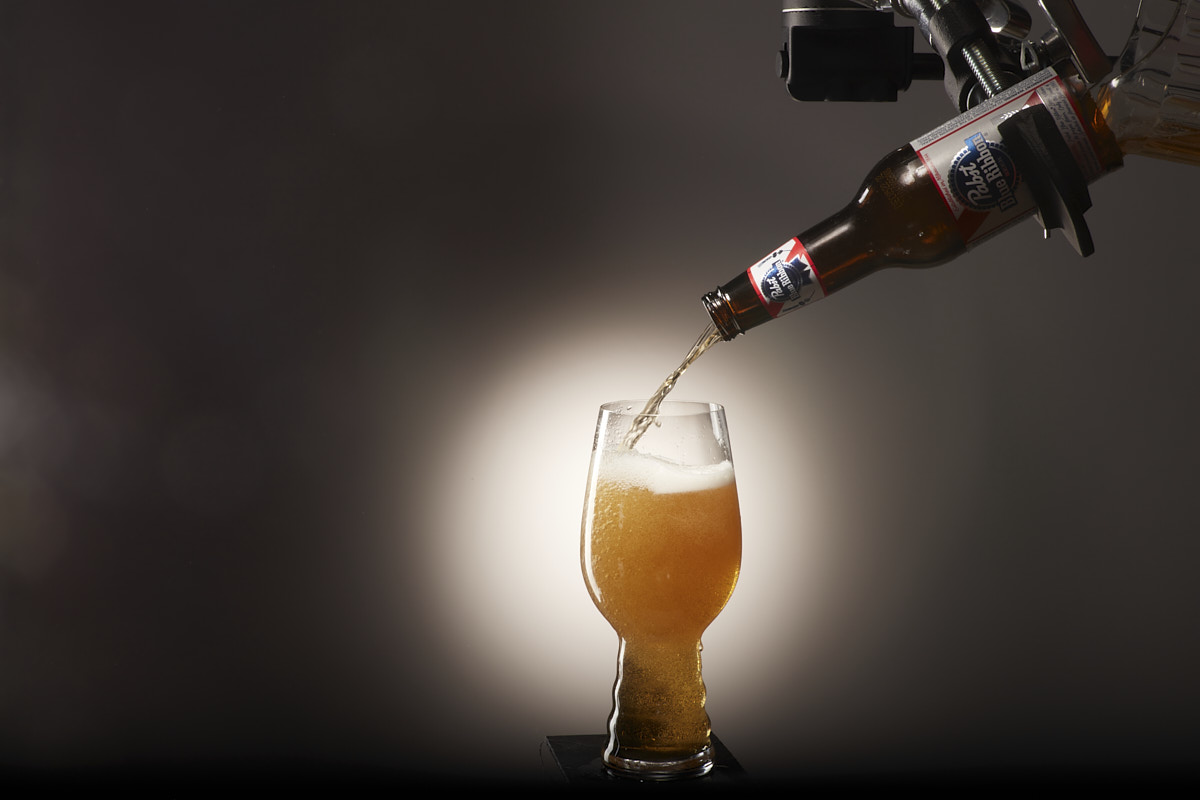
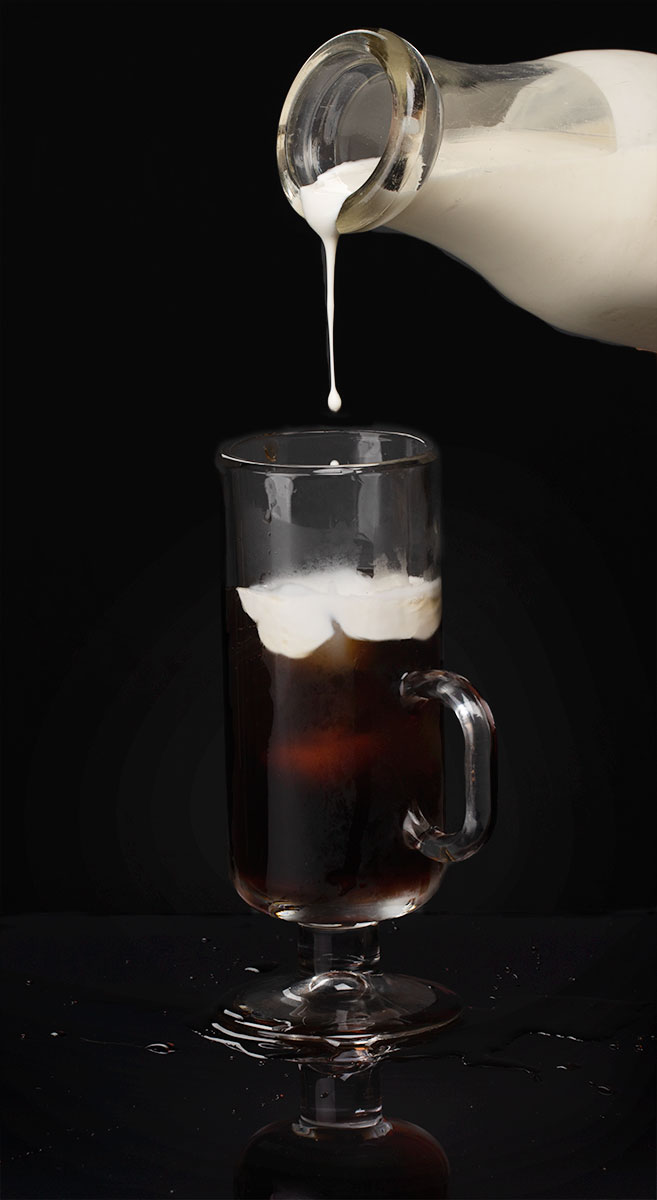
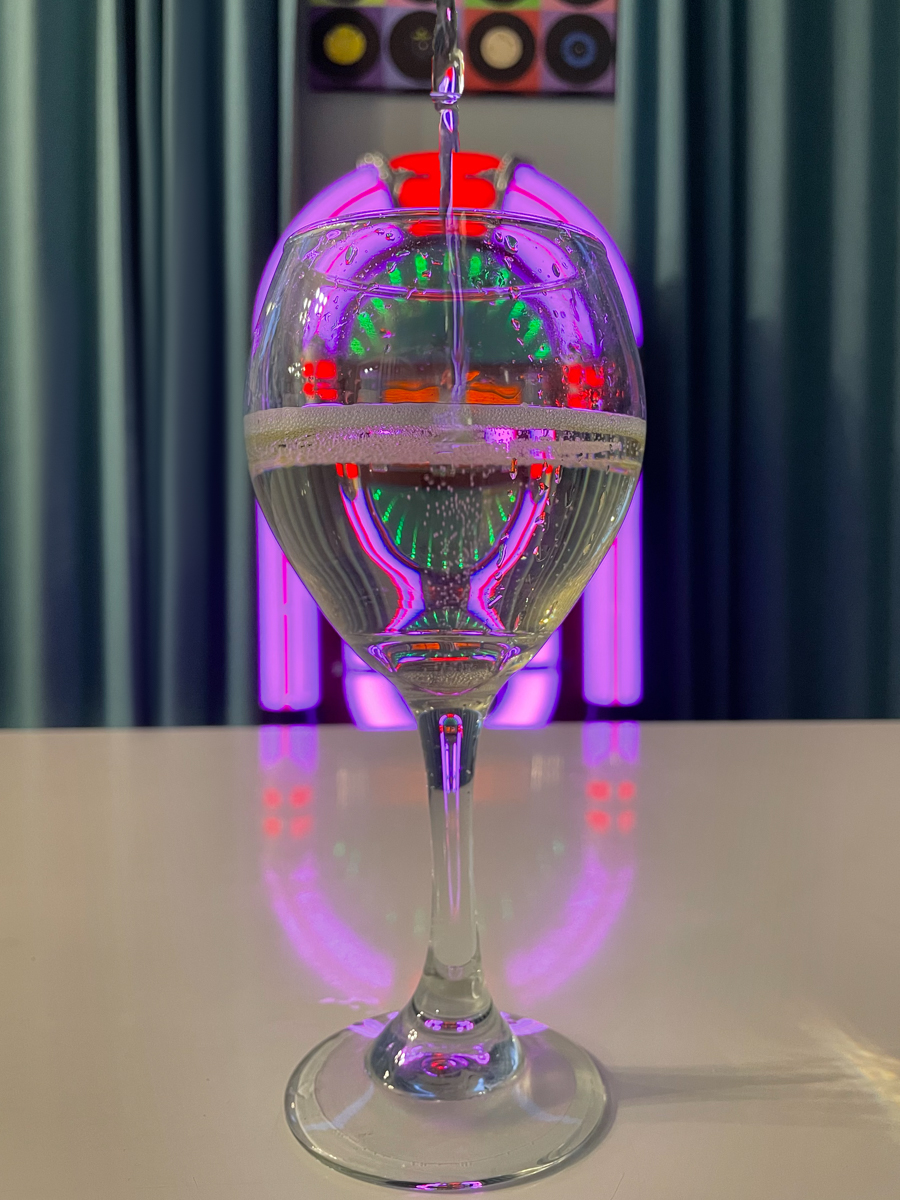
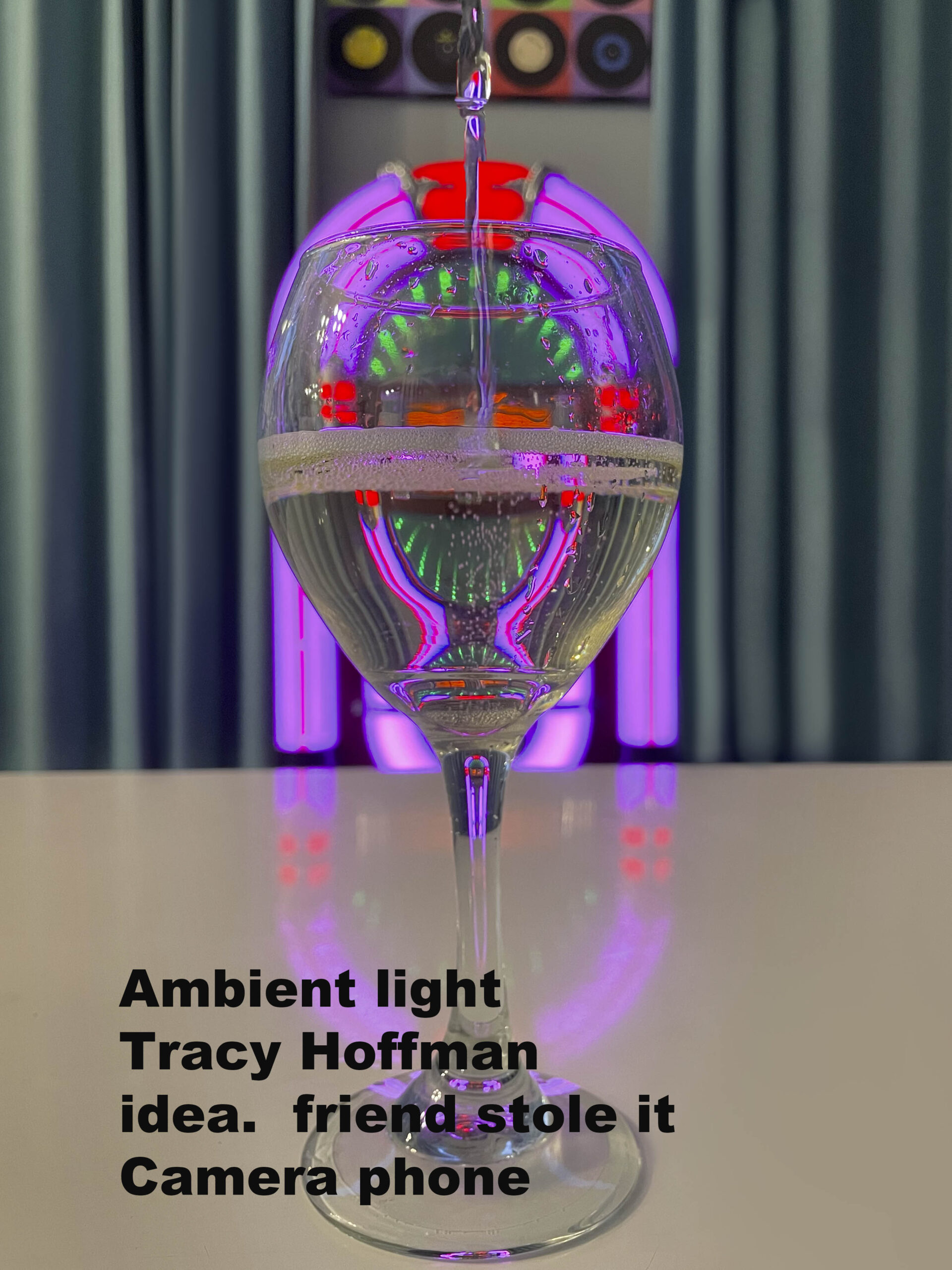
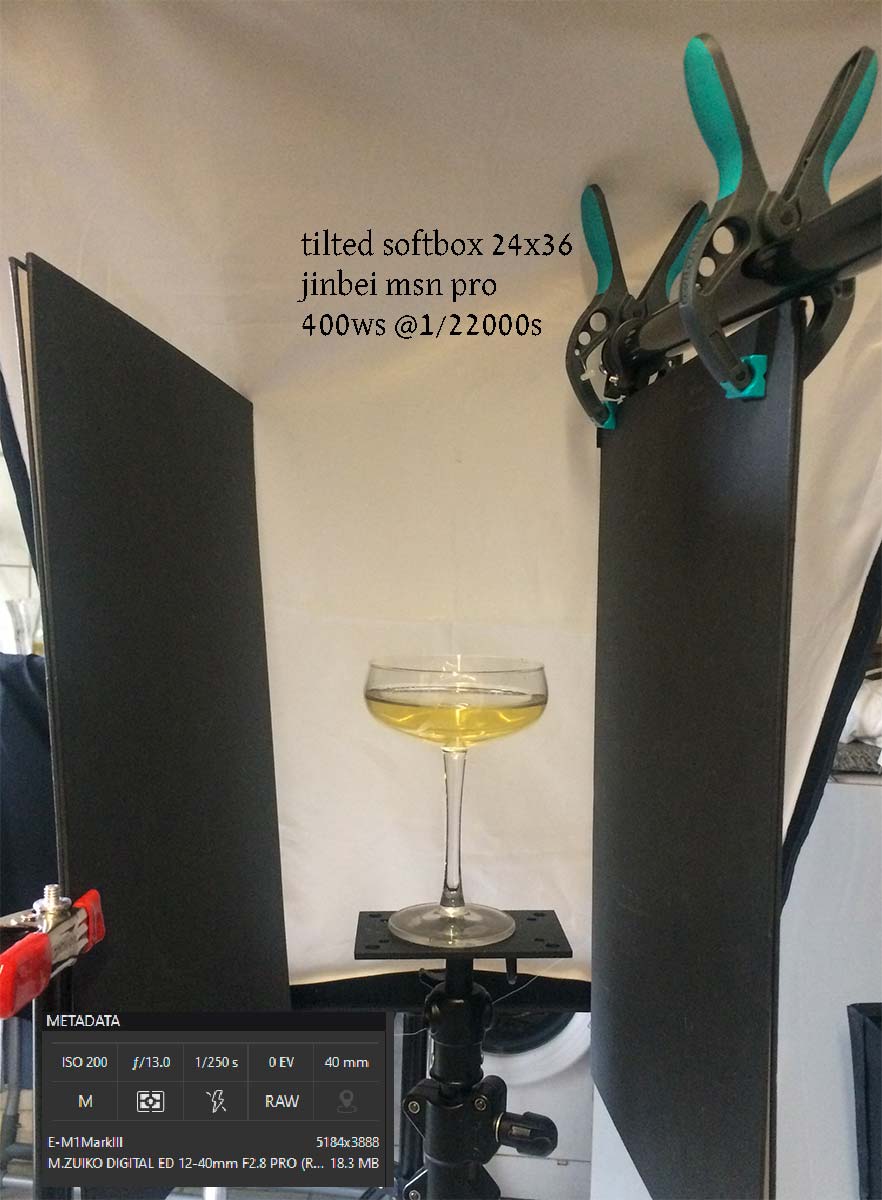
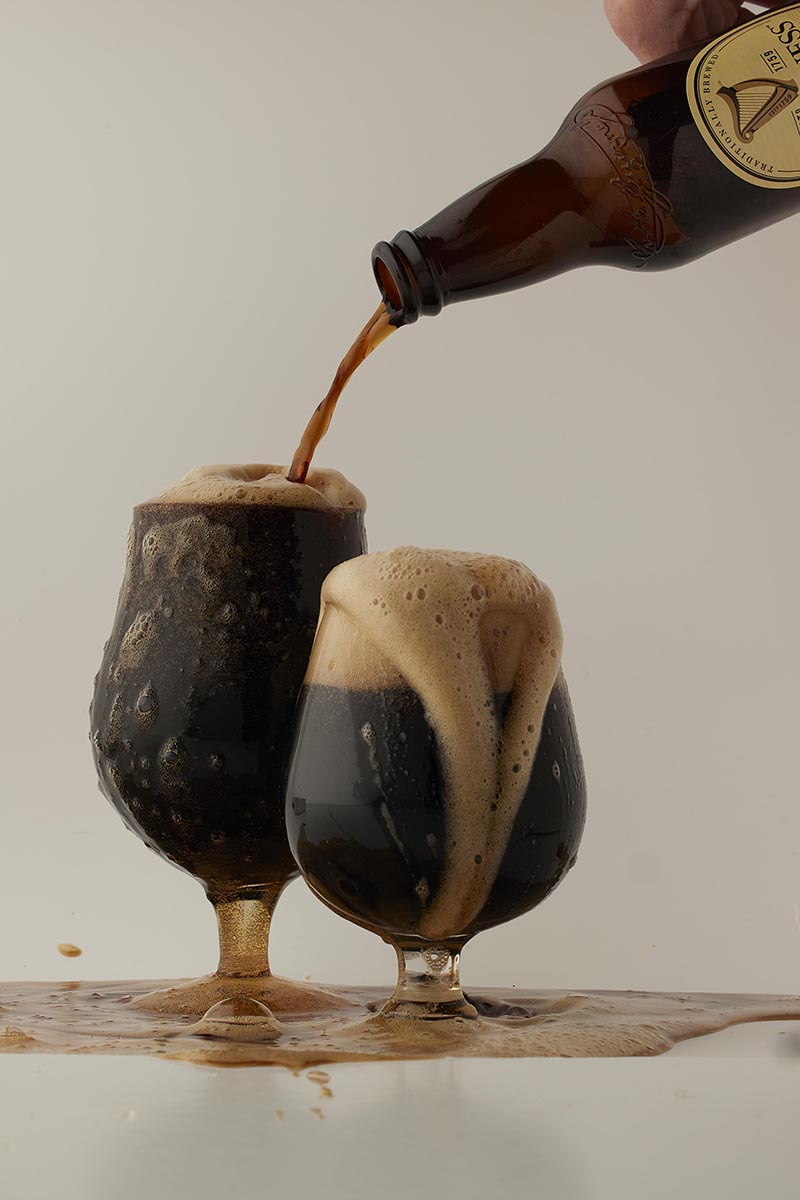
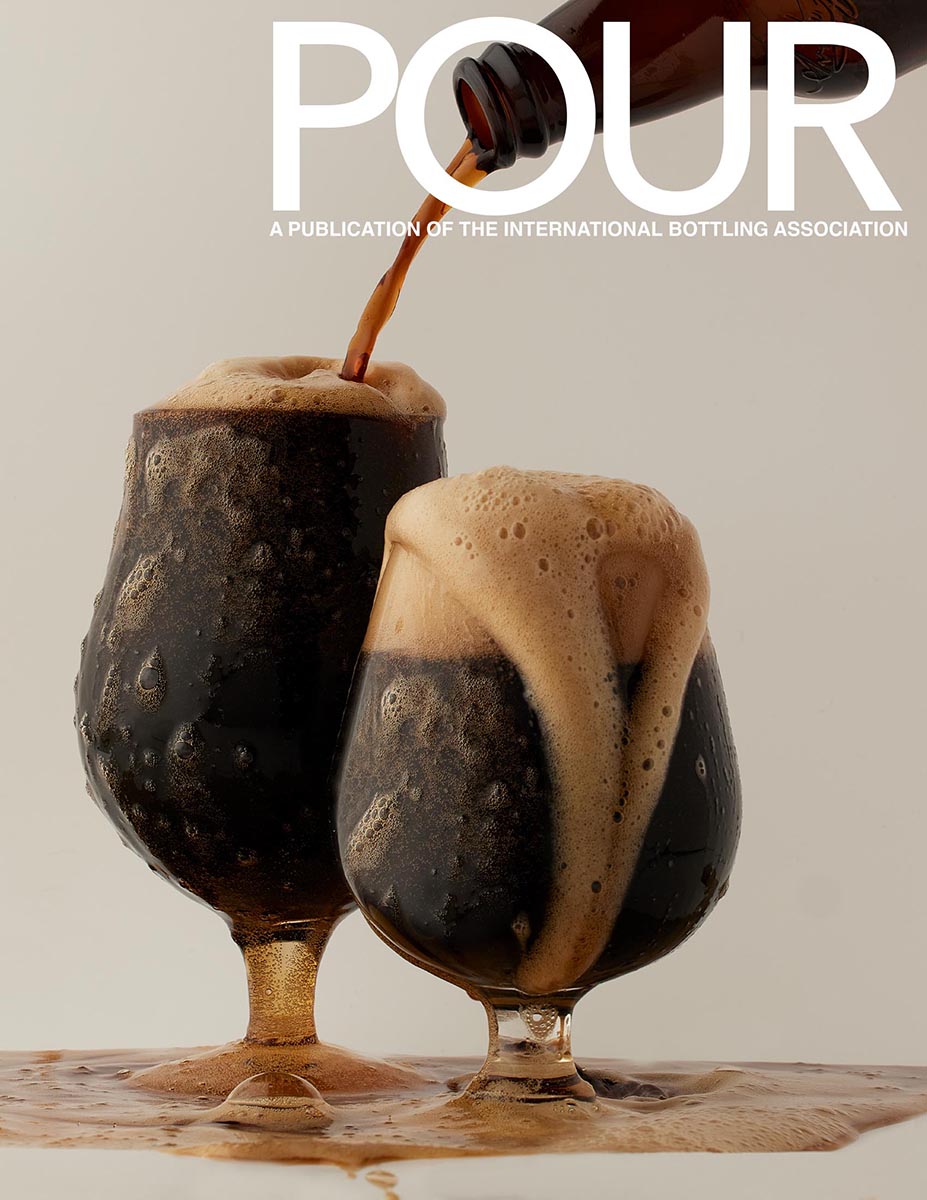
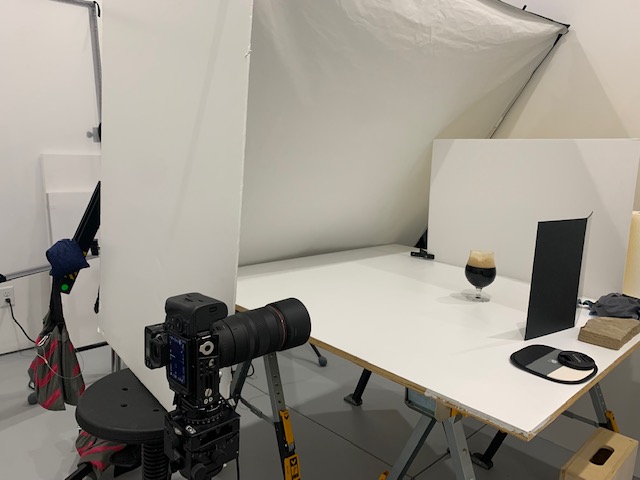
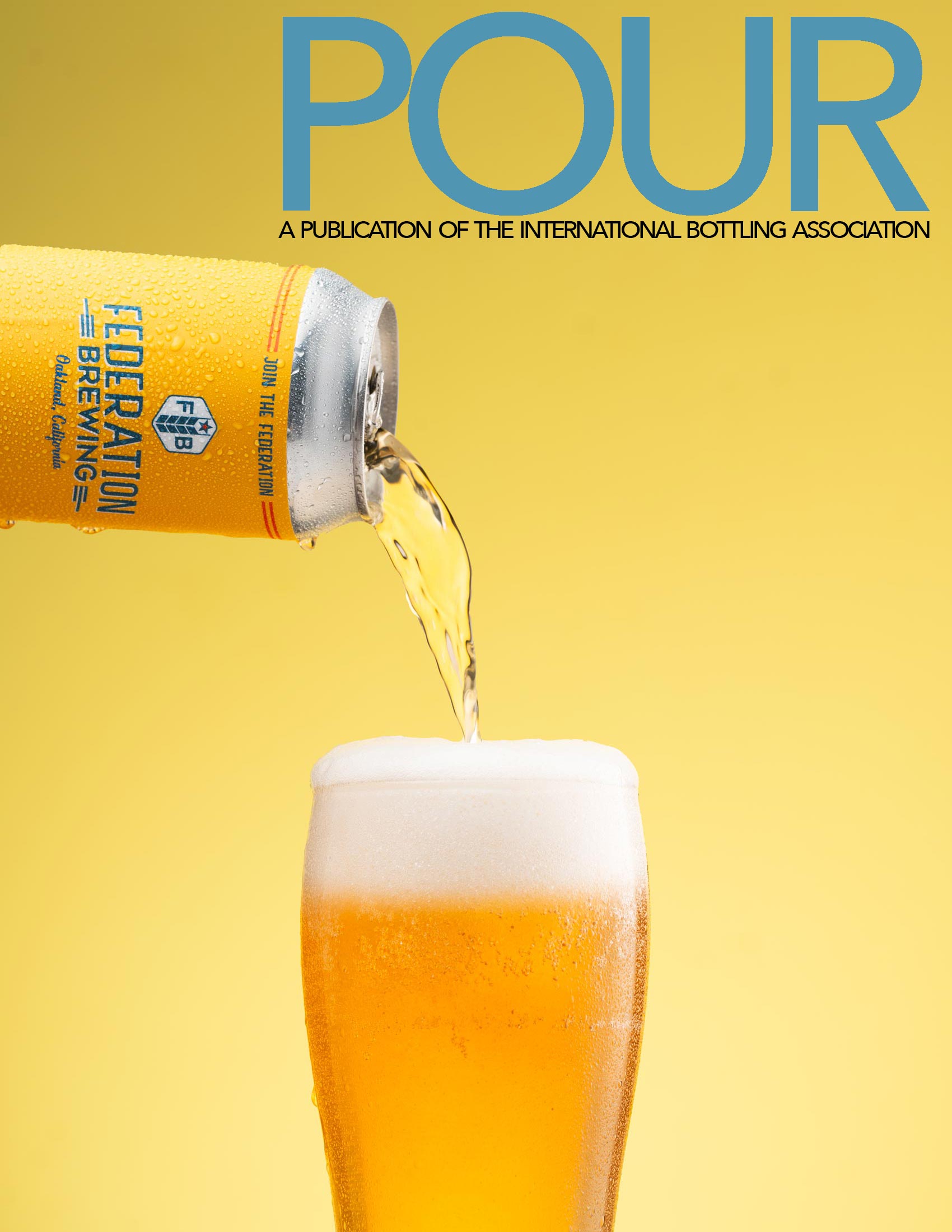
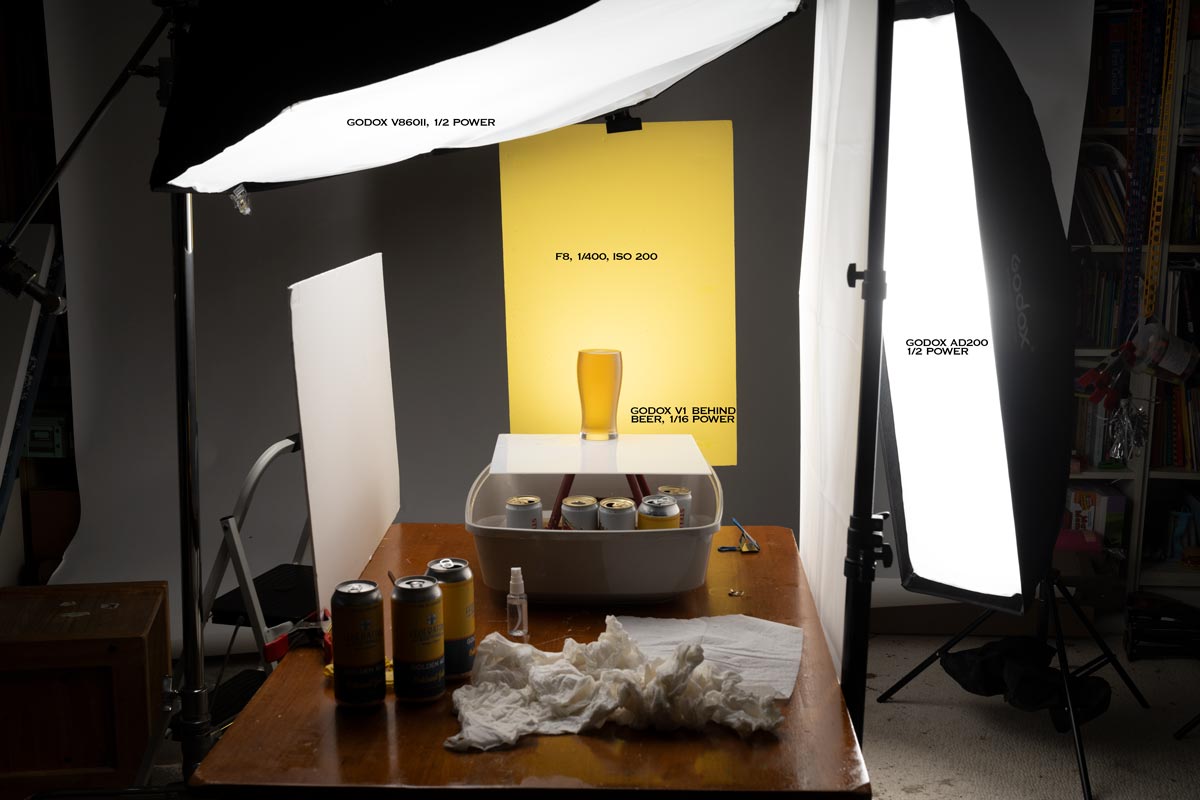
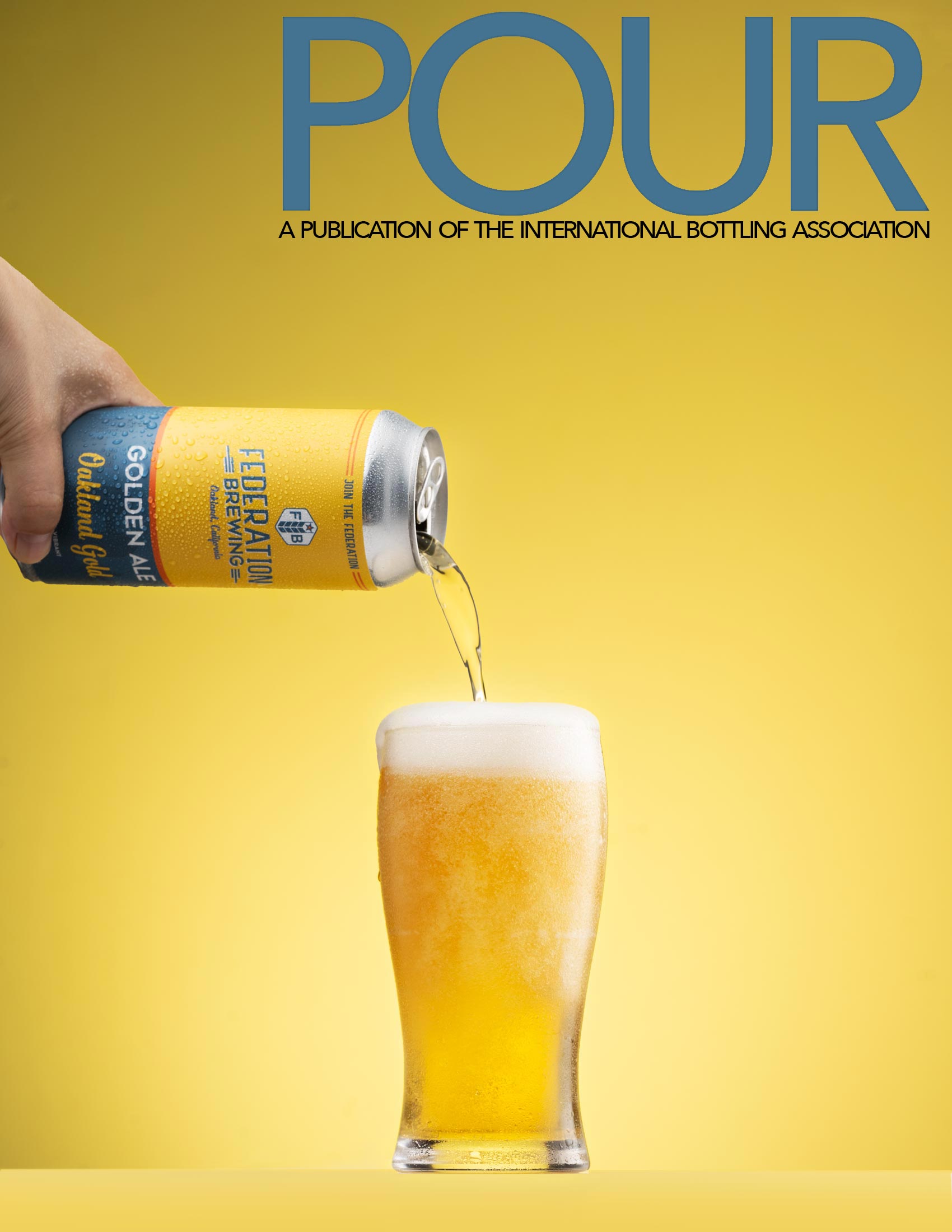
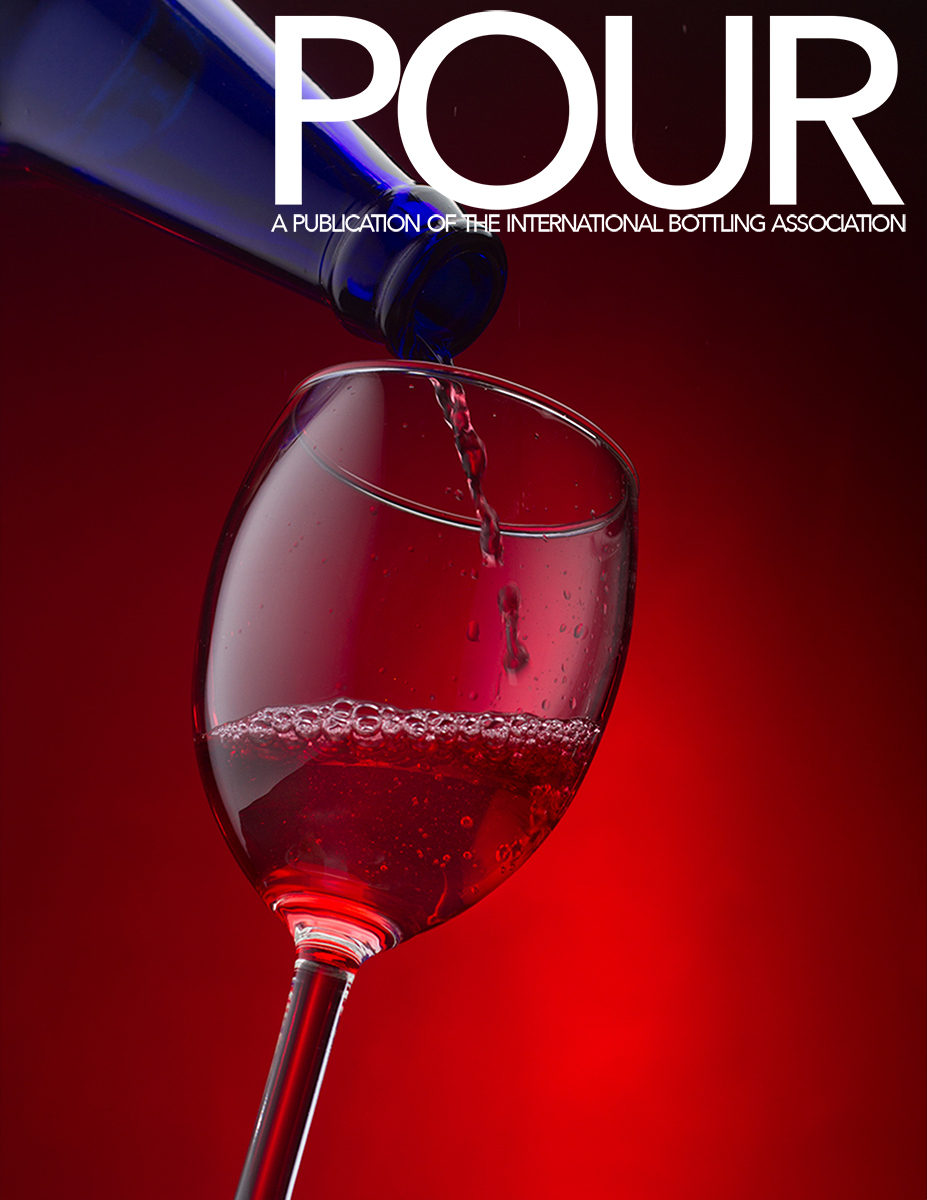
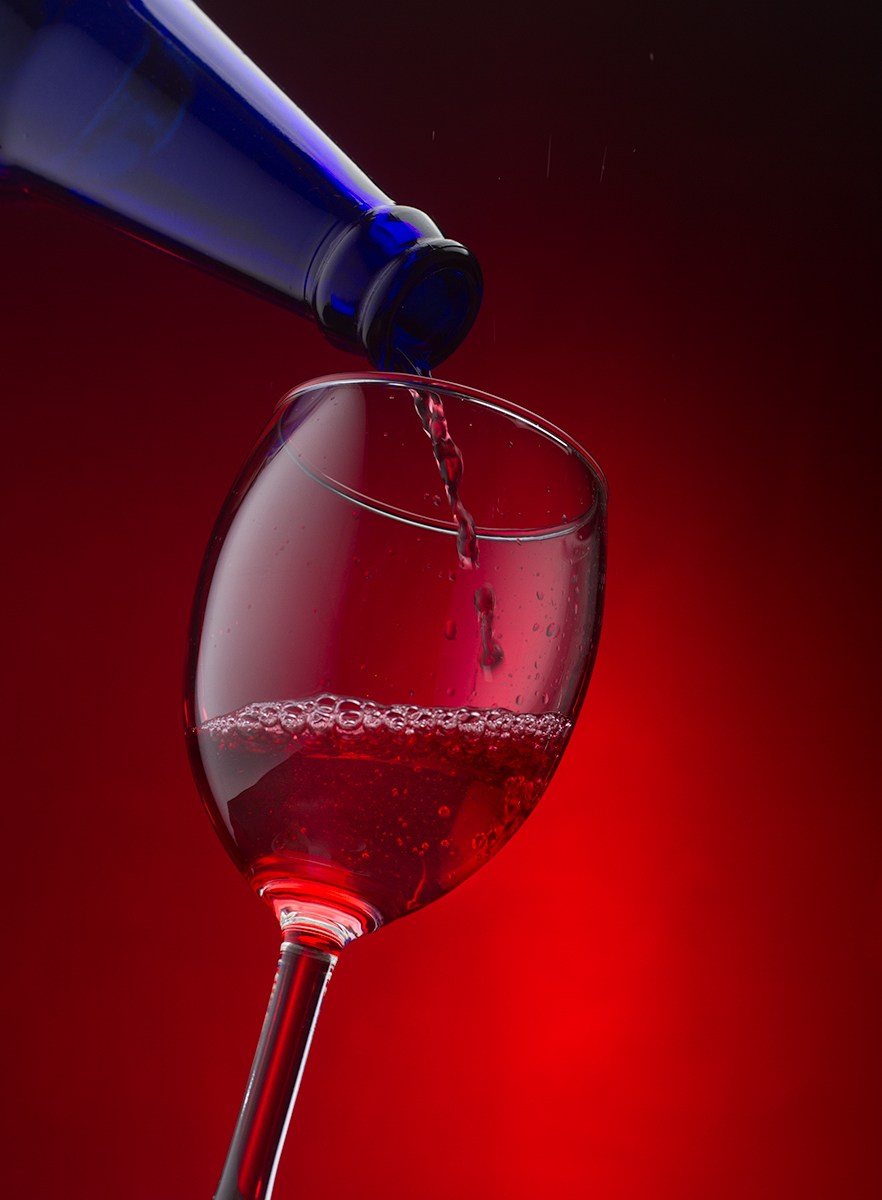
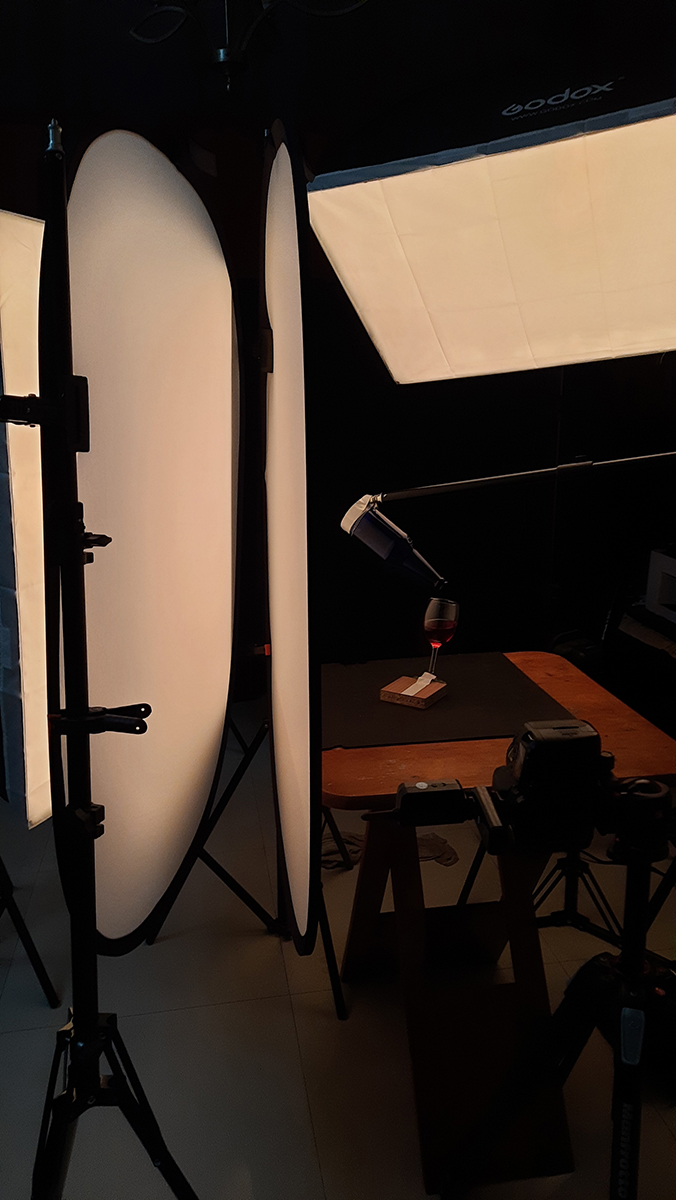
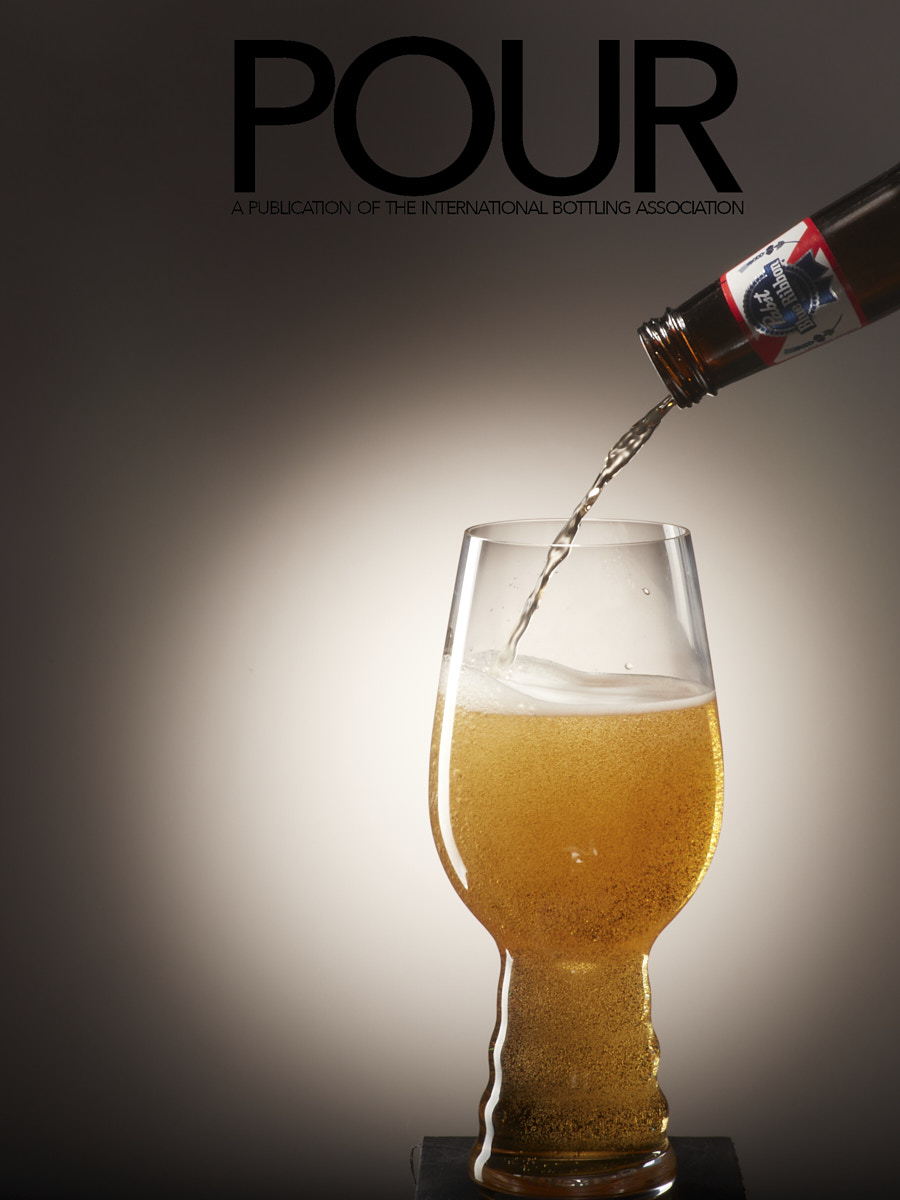
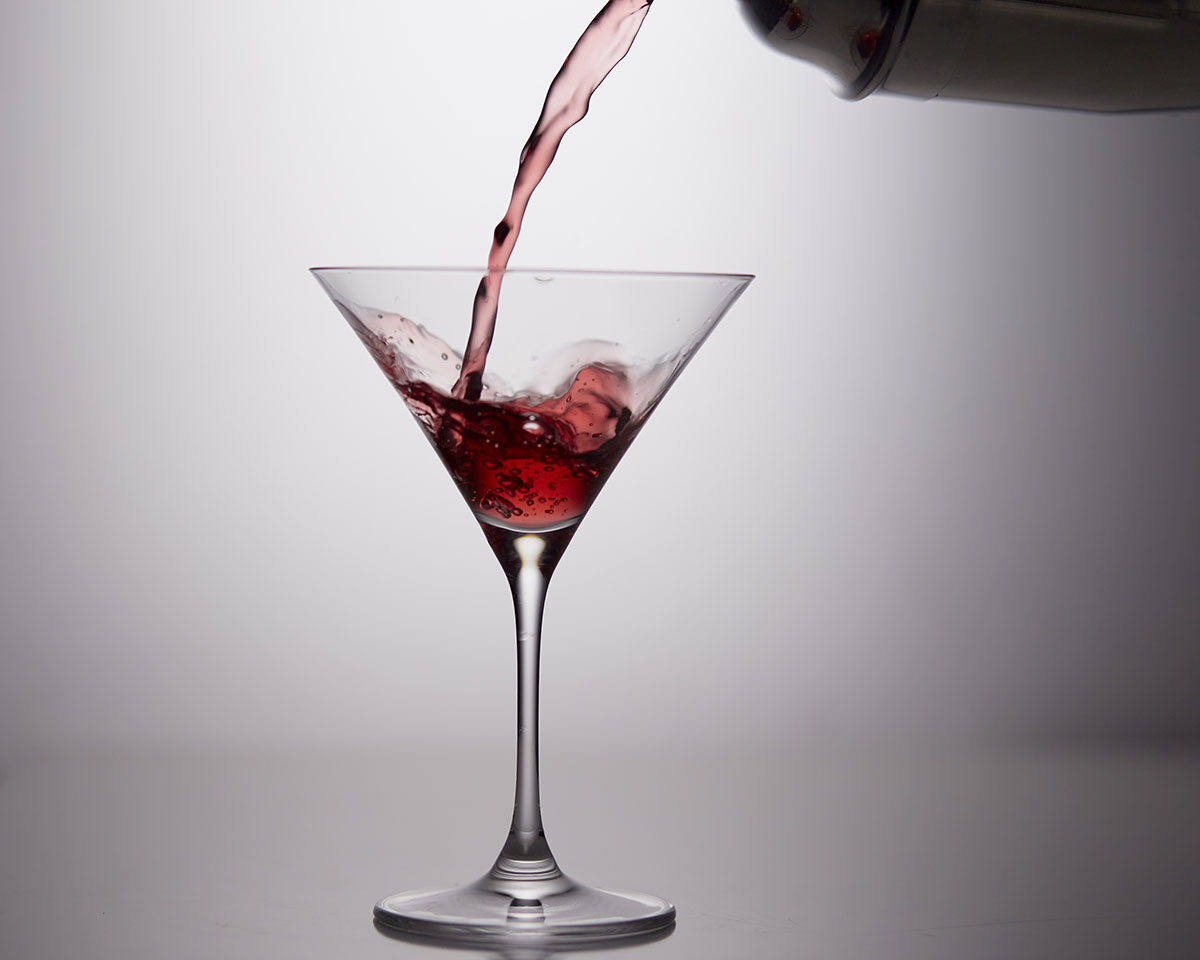
PREVIOUS STUDENT WORK FOR INSPIRATION
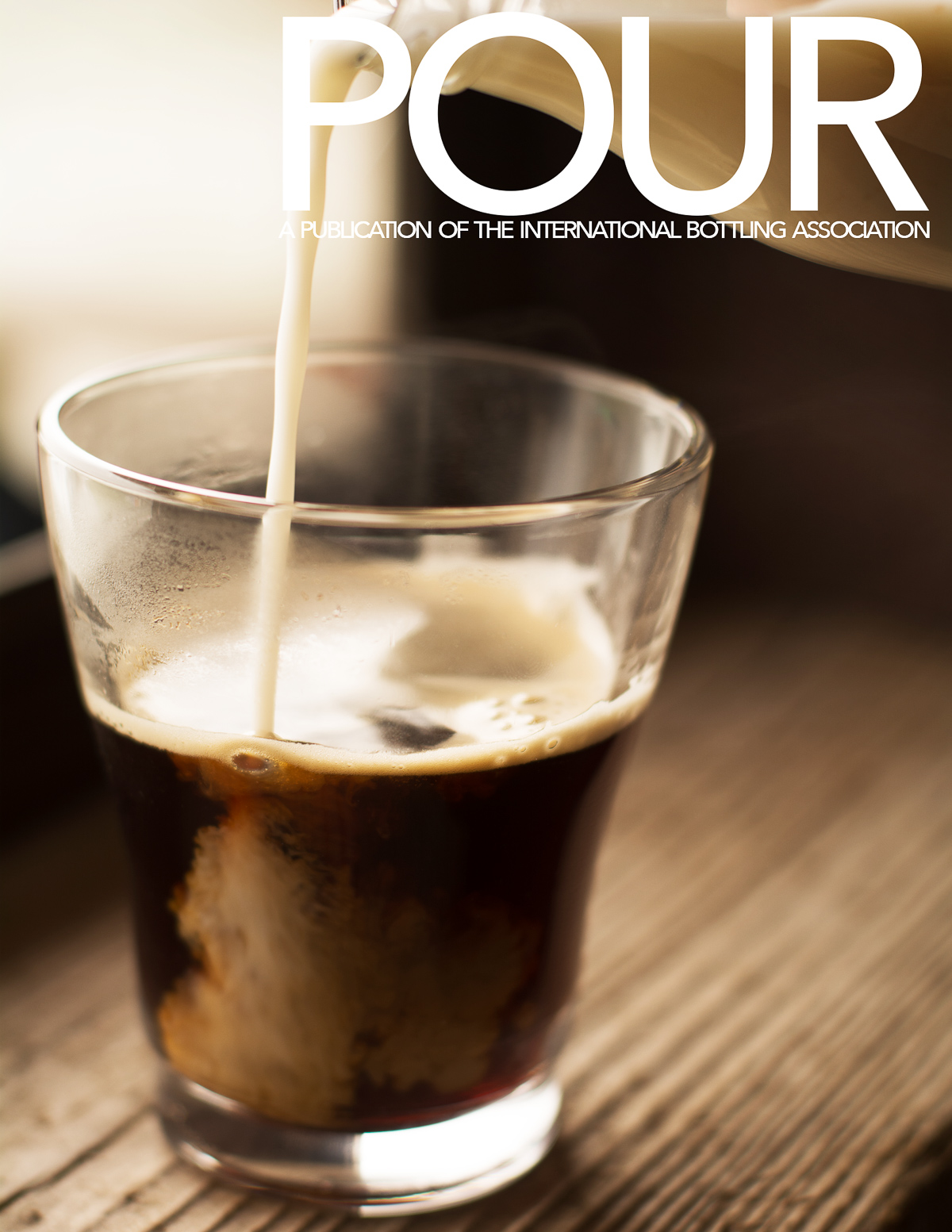
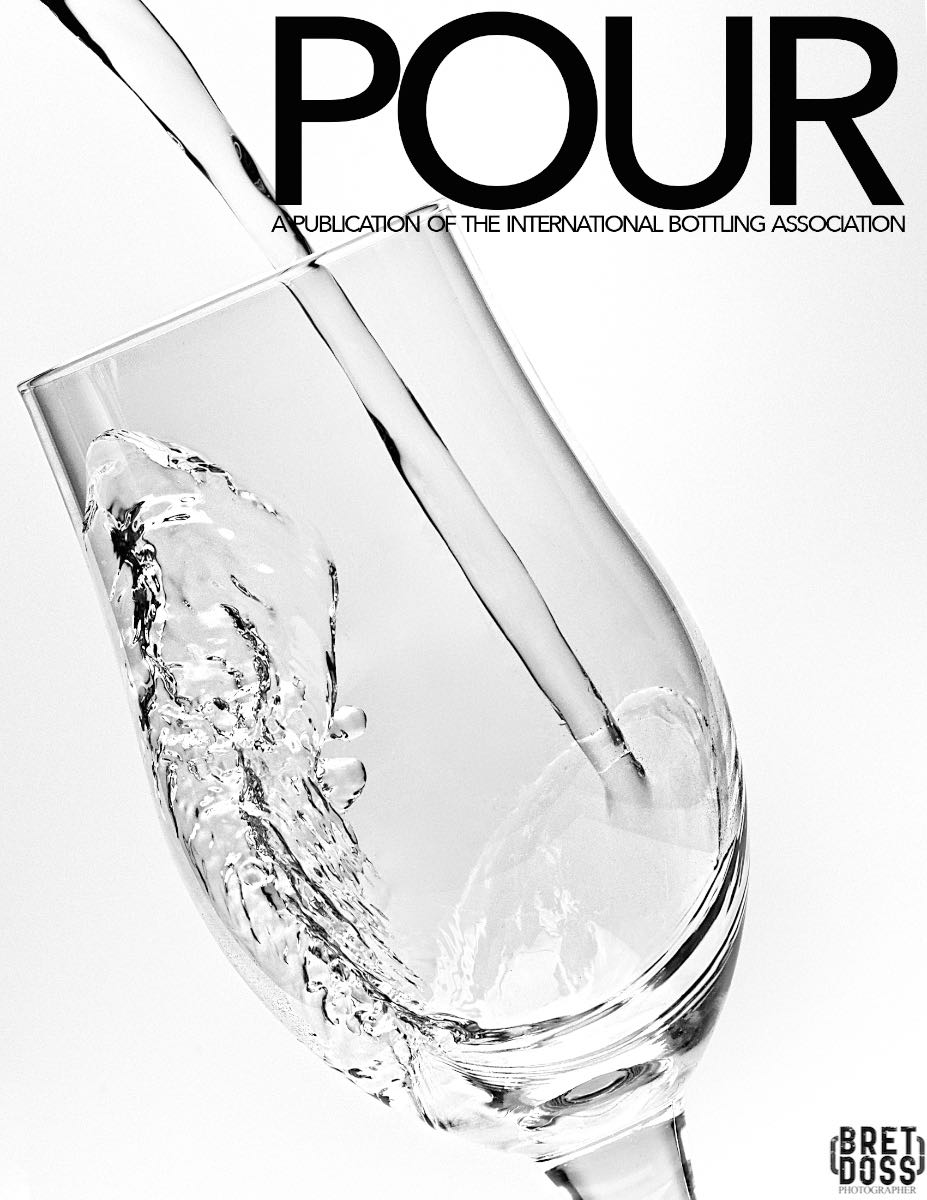
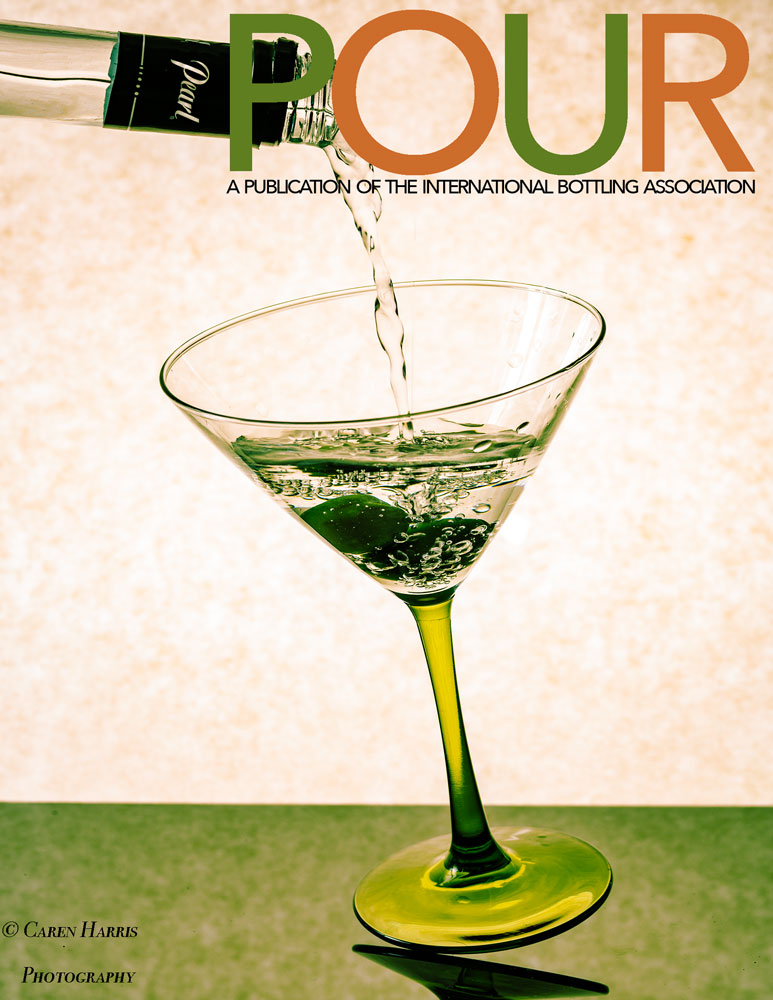
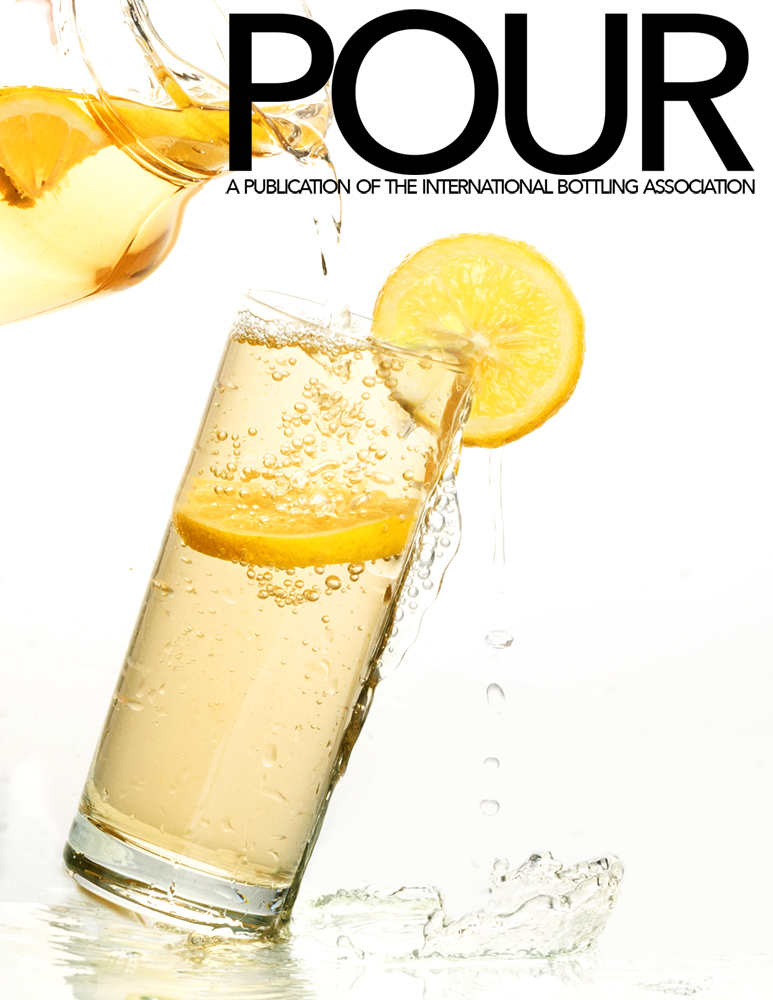


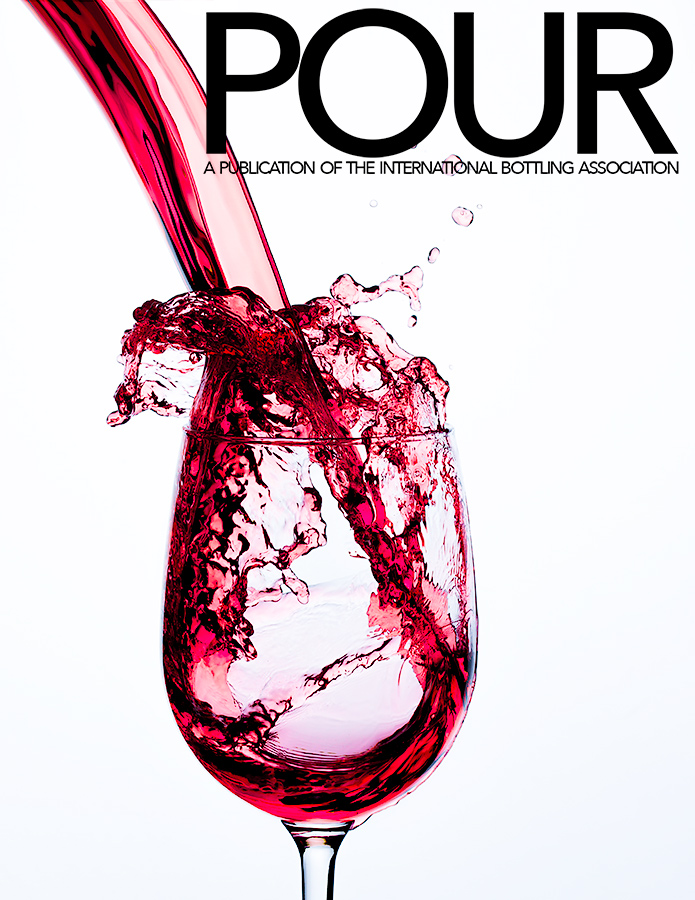

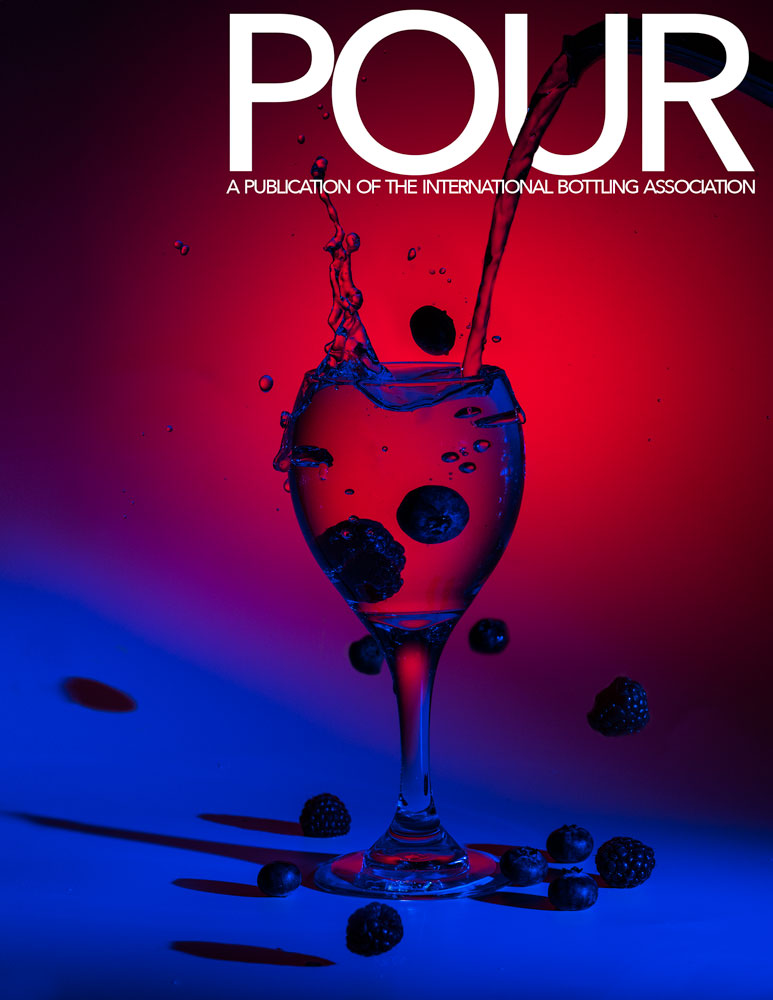

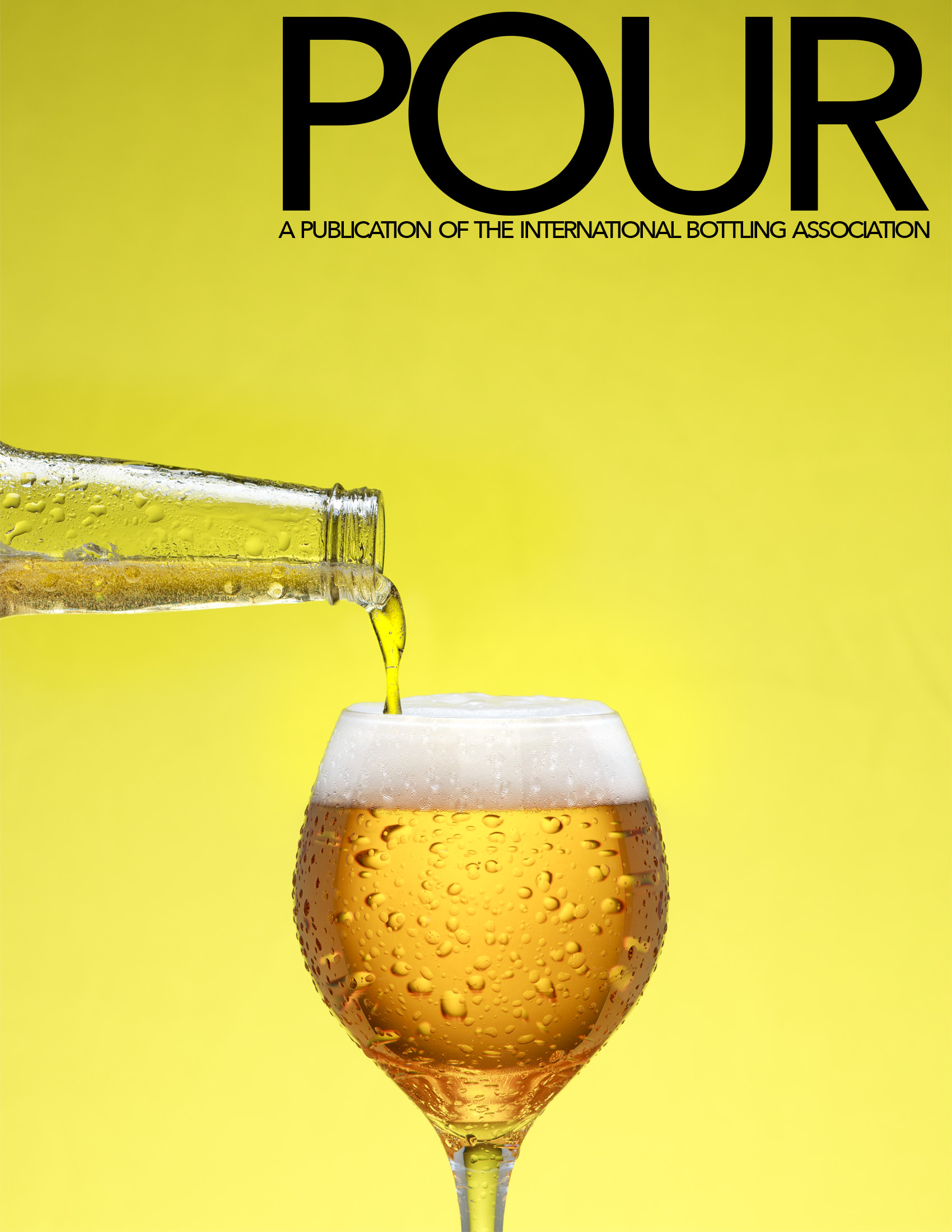
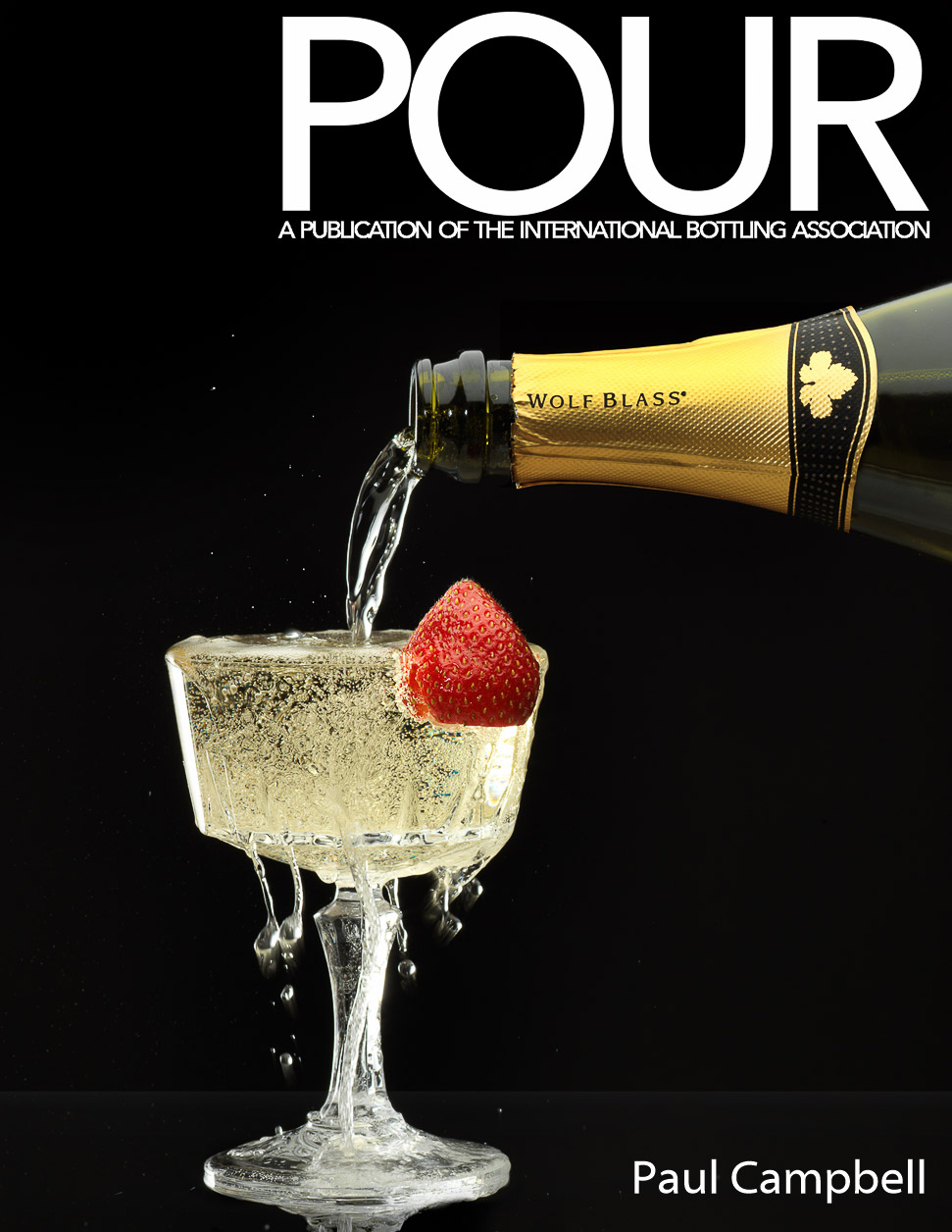
APRIL 2022
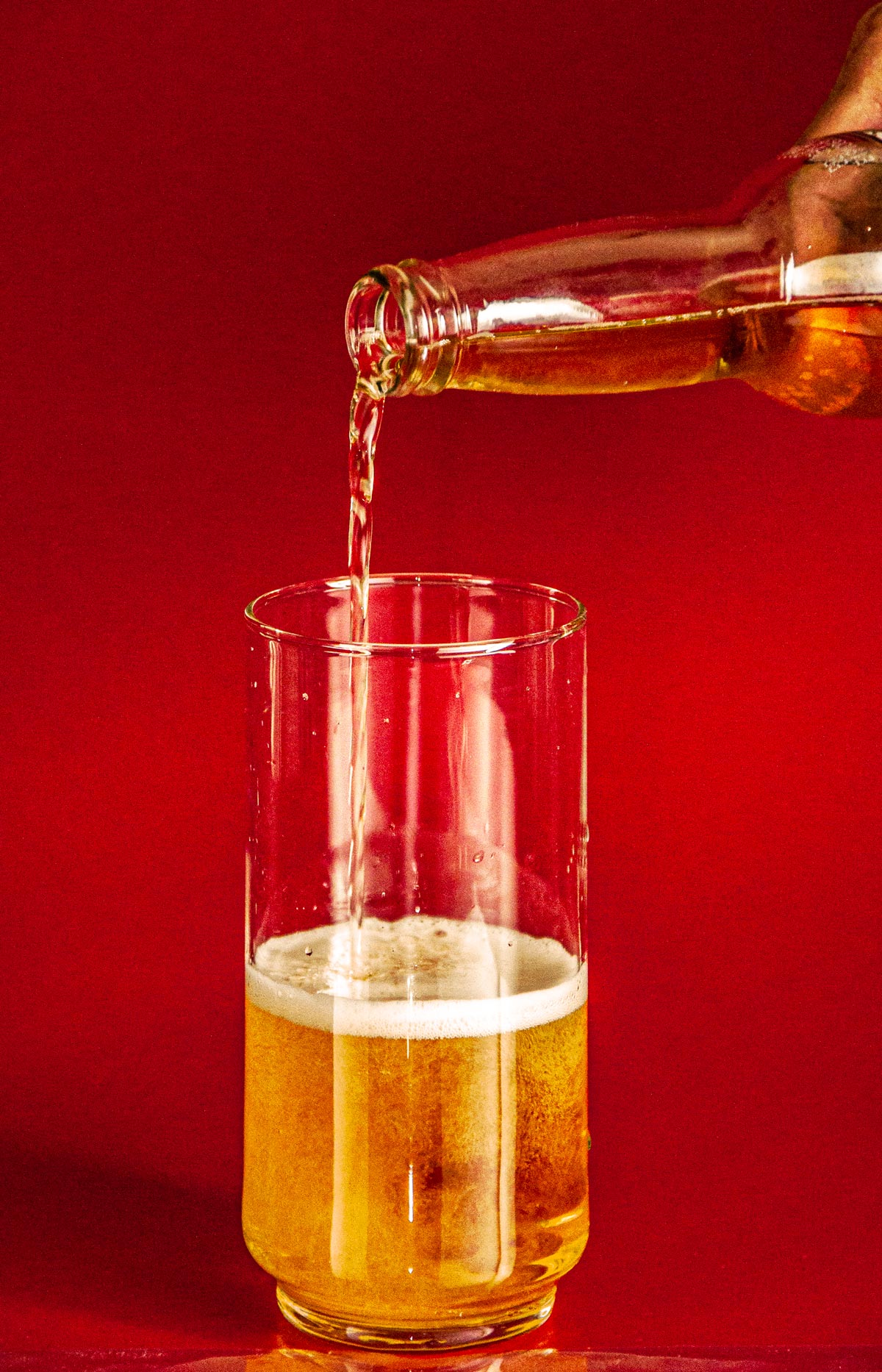
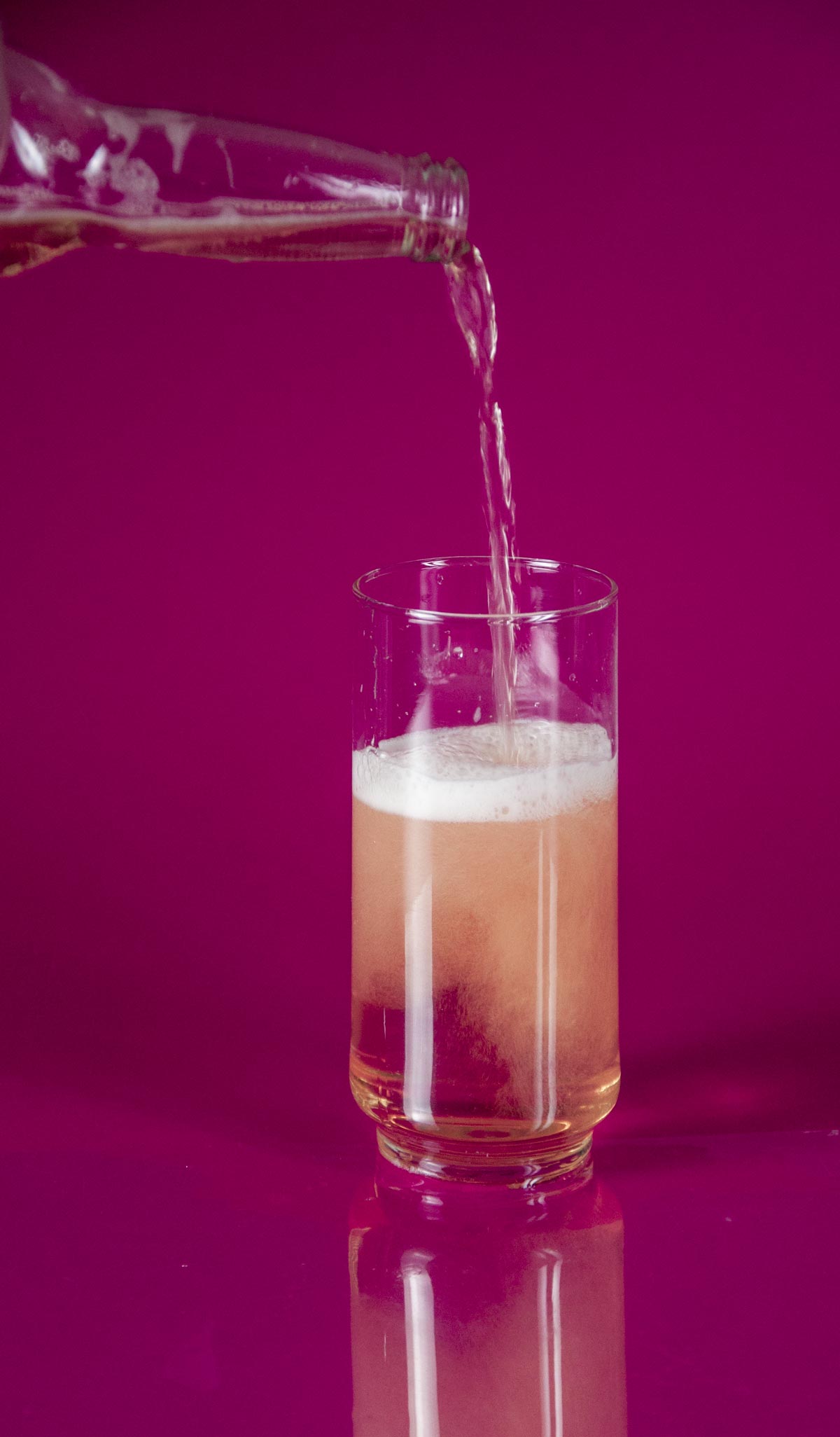
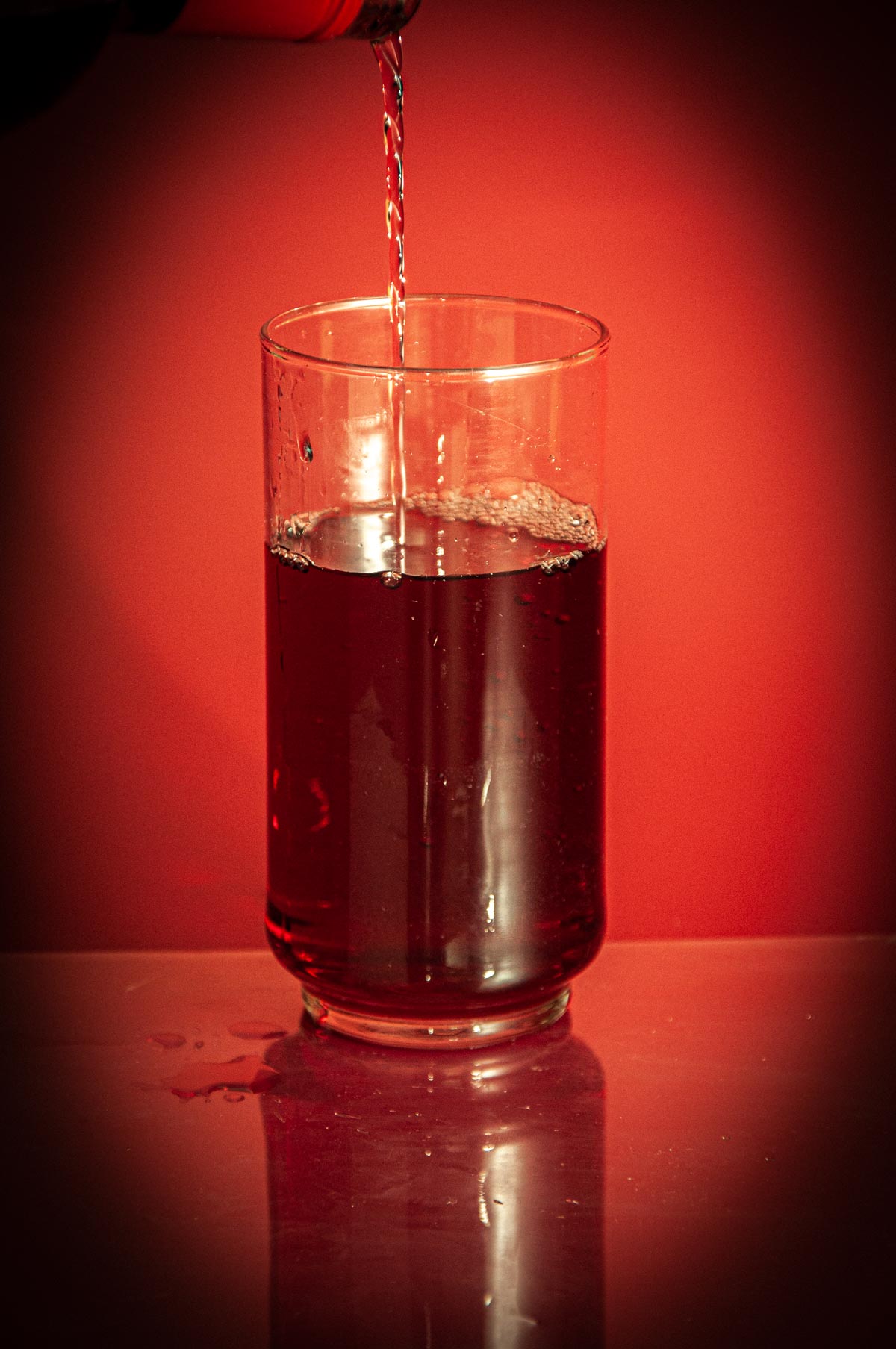
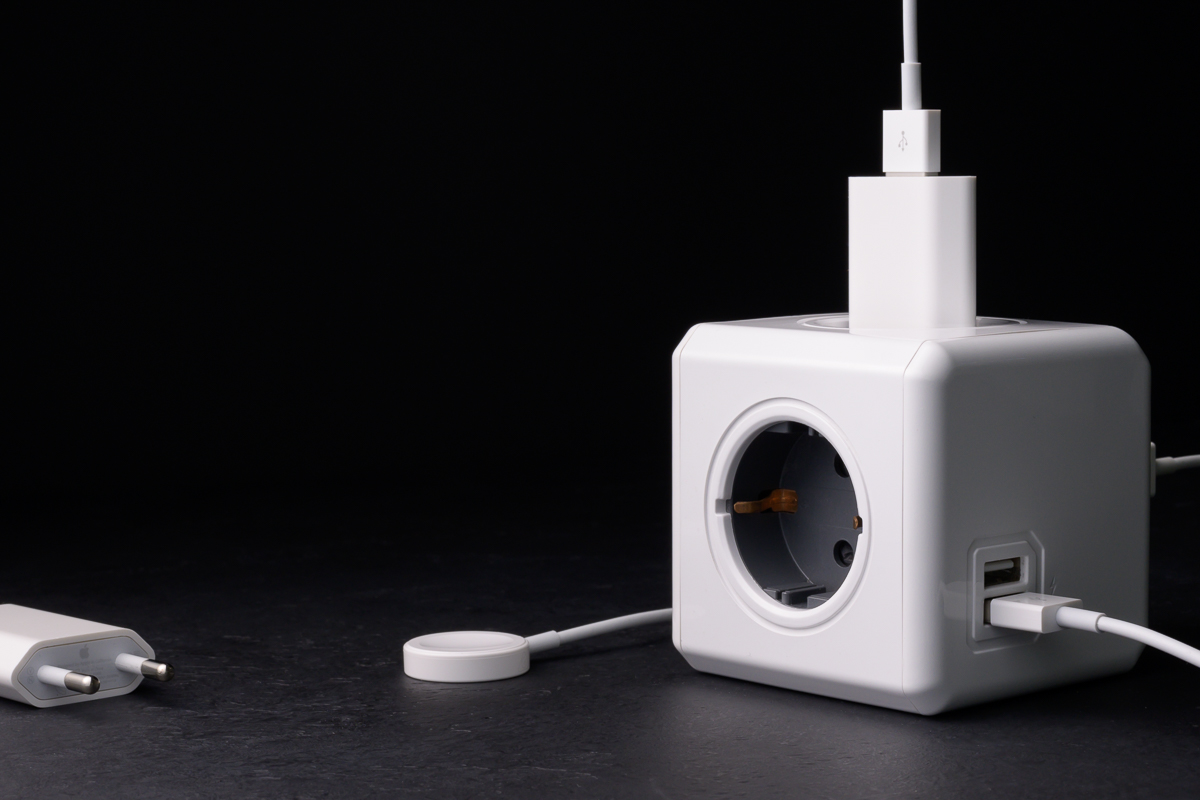
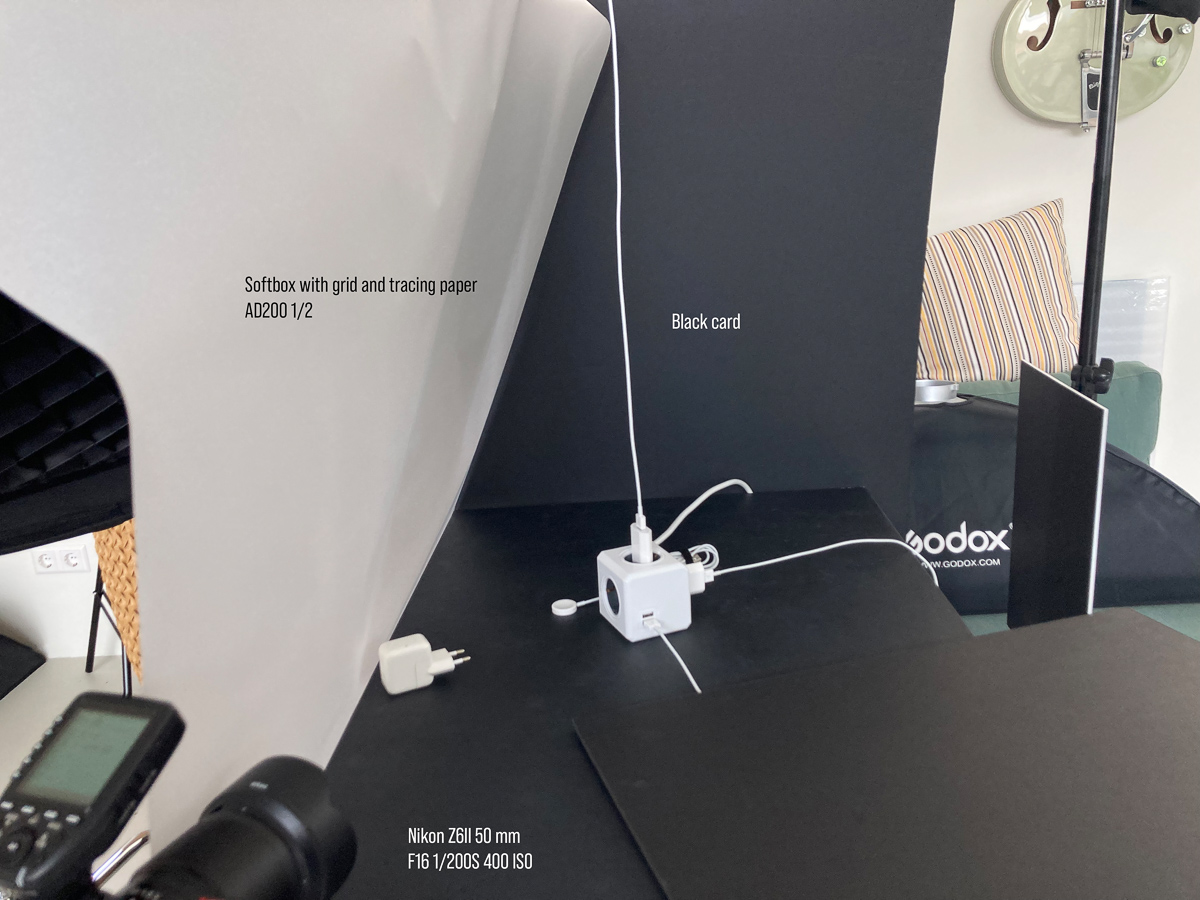
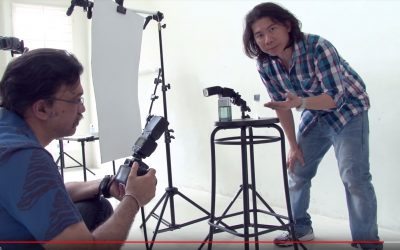
“CLINIQUE” STYLE COSMETICS SHOOT
"Clinique" style cosmetics shoot. https://www.youtube.com/watch?v=rFkvwCUiSIw
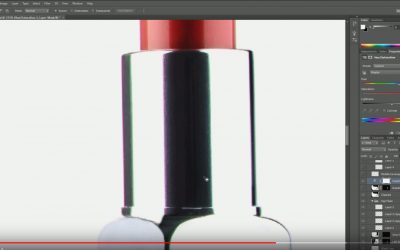
PHOTOGRAPHING COSMETICS: ONE STYLE
Short tutorial on one photographer's style of working with cosmetics. https://www.youtube.com/watch?v=wjeEI2EVge4
MAKING SELECTIONS IN PHOTOSHOP (THIS IS COOL)
A very smart tutorial on using sliders to help make selections smoother. https://www.youtube.com/watch?v=oHfGDfbXdT4
WHO KNEW A SHINY BOWL COULD BE SO DIFFICULT?
But they are. This is a well thought out video on how intricate you must be with your lighting to show a simple silver bowl https://www.youtube.com/watch?v=-M_H9Sah2UY
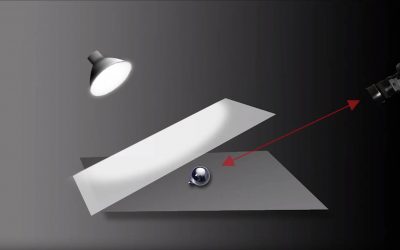
SHINY OBJECTS: SPHERES
Well done tutorial on lighting metal and round objects. https://www.youtube.com/watch?v=-M_H9Sah2UY
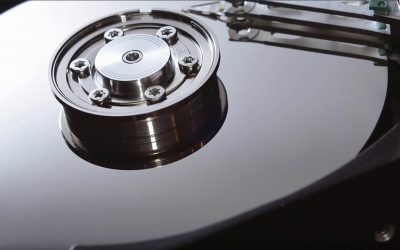
SHINYS OBJECTS WITH SIMPLEST LIGHTING TOOLS
I am a big fan of using reflected boards for lighting shiny surfaces. This is a very nice tutorial on how to use boards and small lights to delicately carve a soft light. https://www.youtube.com/watch?v=CfQoftGuiOU
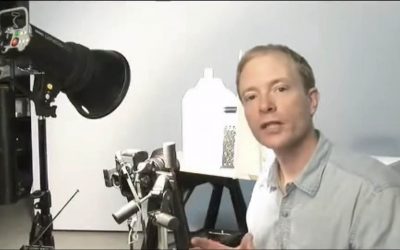
PHOTOGRAPHING SHINY OBJECTS
This is a nice little tutorial showing angle of incidence / angle of reflection and how to use that law of physics in designing your light. https://www.youtube.com/watch?v=C8HNBcu3Hig
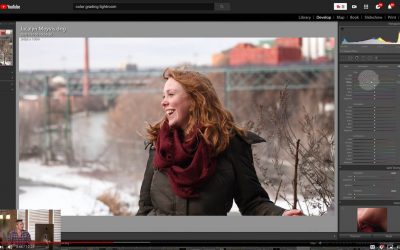
COLOR GRADING IN LIGHTROOM
Another easy to follow tutorial on color grading only this time using Lightroom. This is a great way to work a color pallet into your style. https://www.youtube.com/watch?v=BWKQkjLo_lo
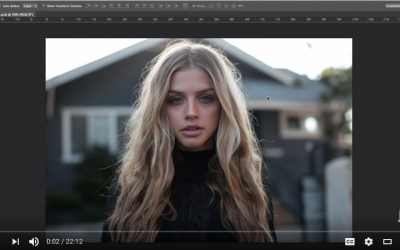
COLOR GRADING USING PHOTOSHOP LUTS
Another fun way to work with the color in your images. https://www.youtube.com/watch?v=nqHYdcXKD4c
Still Life Tips (CL Class)
Here are some ideas for creating light modifiers and what they do. https://www.youtube.com/watch?v=7Hwu6g7L6vE&t=1129s
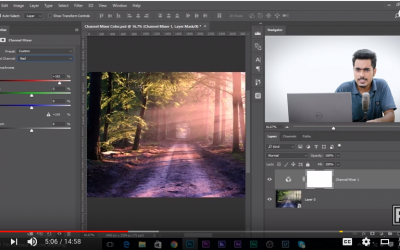
Color Grading: A Simple Method
Sometimes the color we get is not the color we want. Color can help 'sell' the concept. It can lead us emotionally. And it can make the most mundane seem more mysterious. Here is how you can color grade in Photoshop. https://www.youtube.com/watch?v=NhLXYGXaPe0
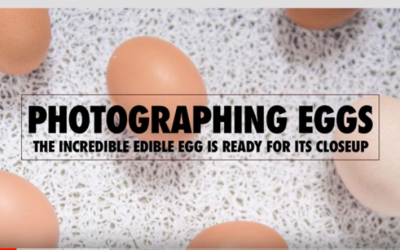
Photographing Eggs
A breakdown of some egg shots we did in class a while ago. https://www.youtube.com/watch?v=EBi5DGFxuww