
ASSIGNMENT: A POUR SHOT
THE POUR SHOT
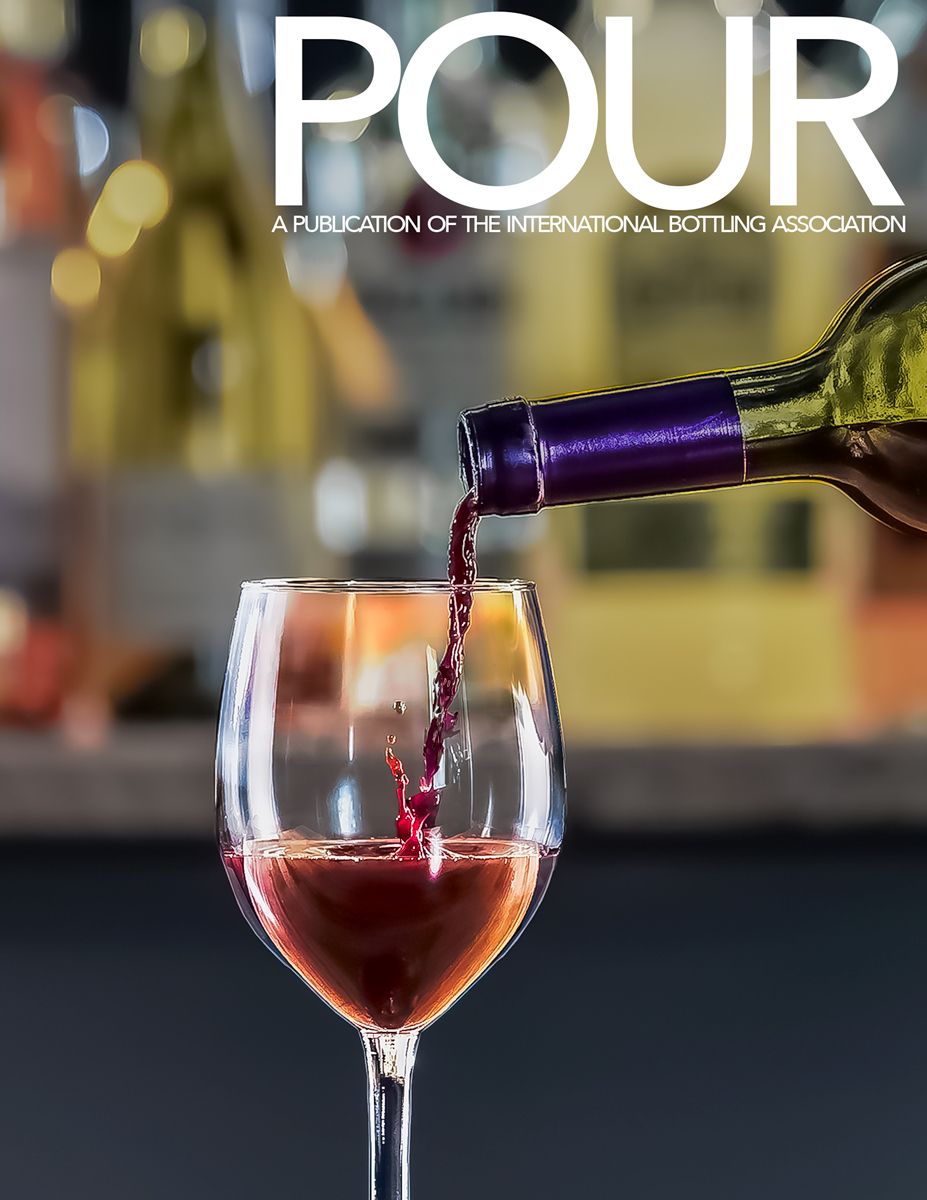
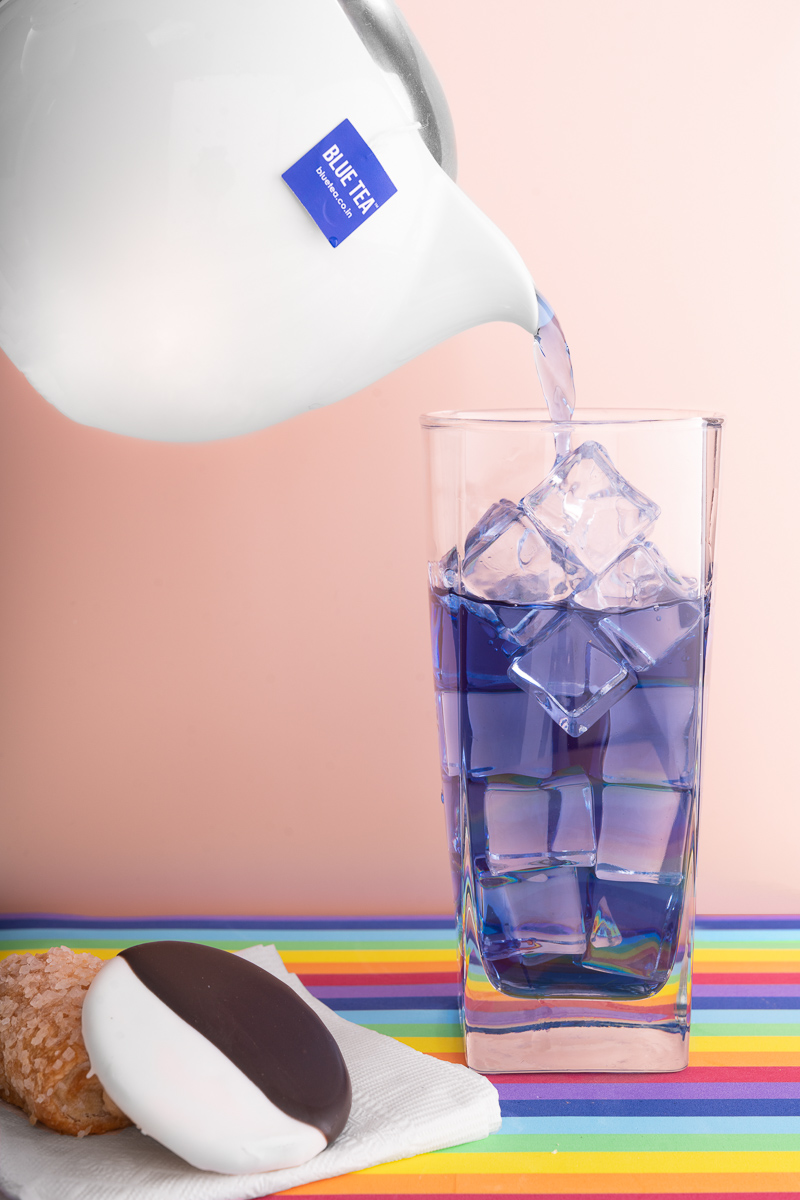
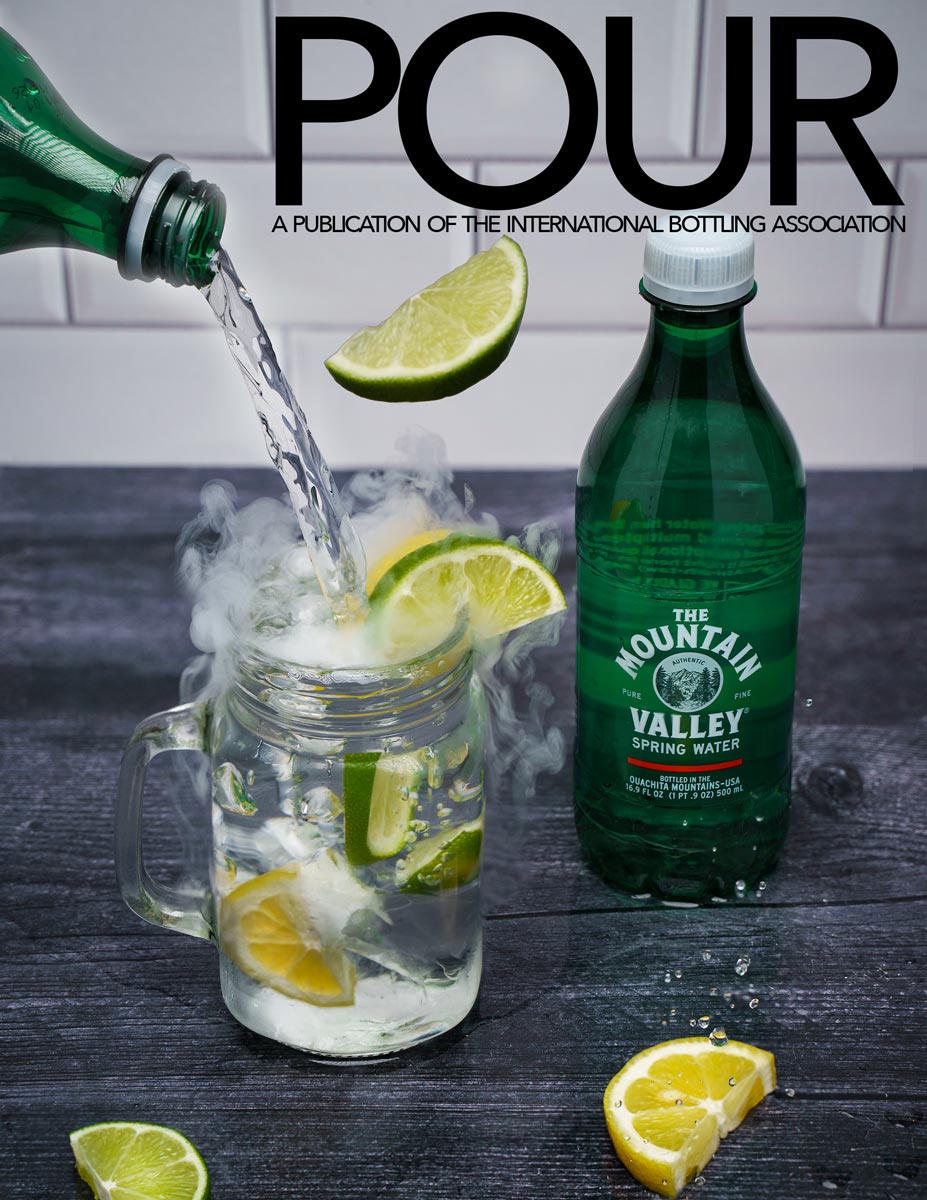
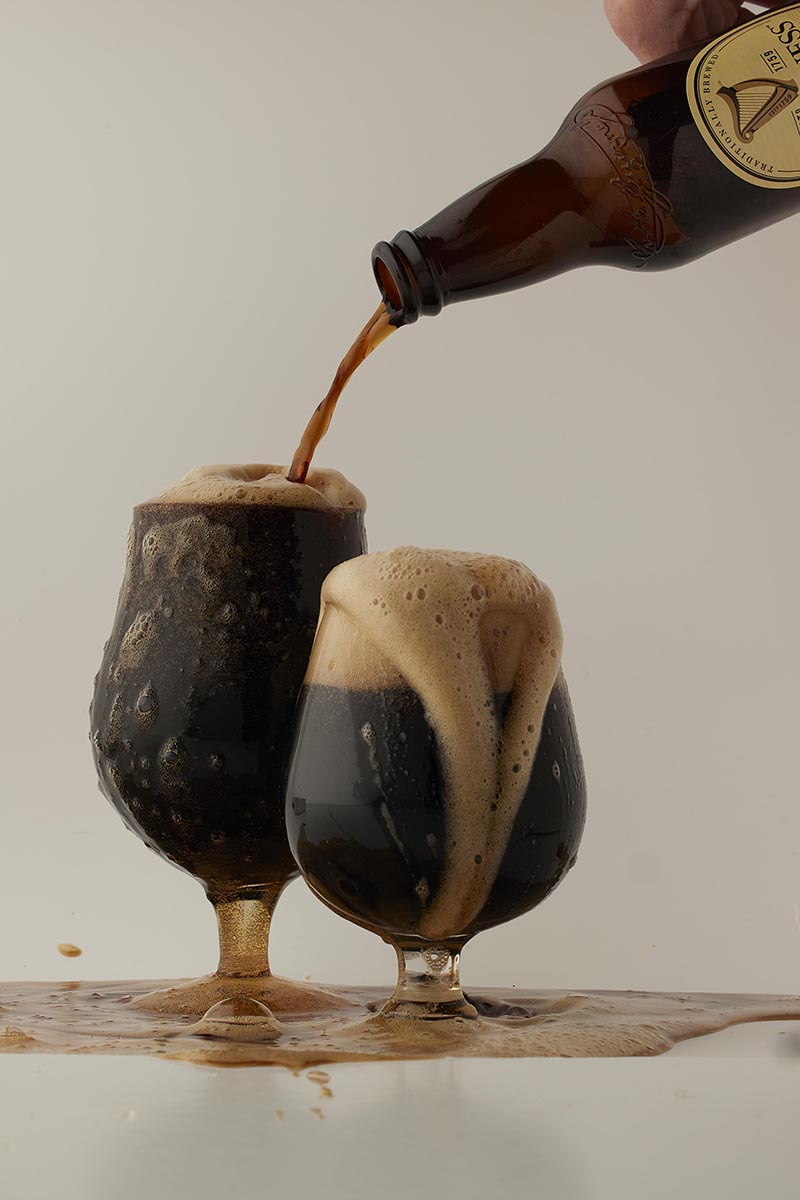
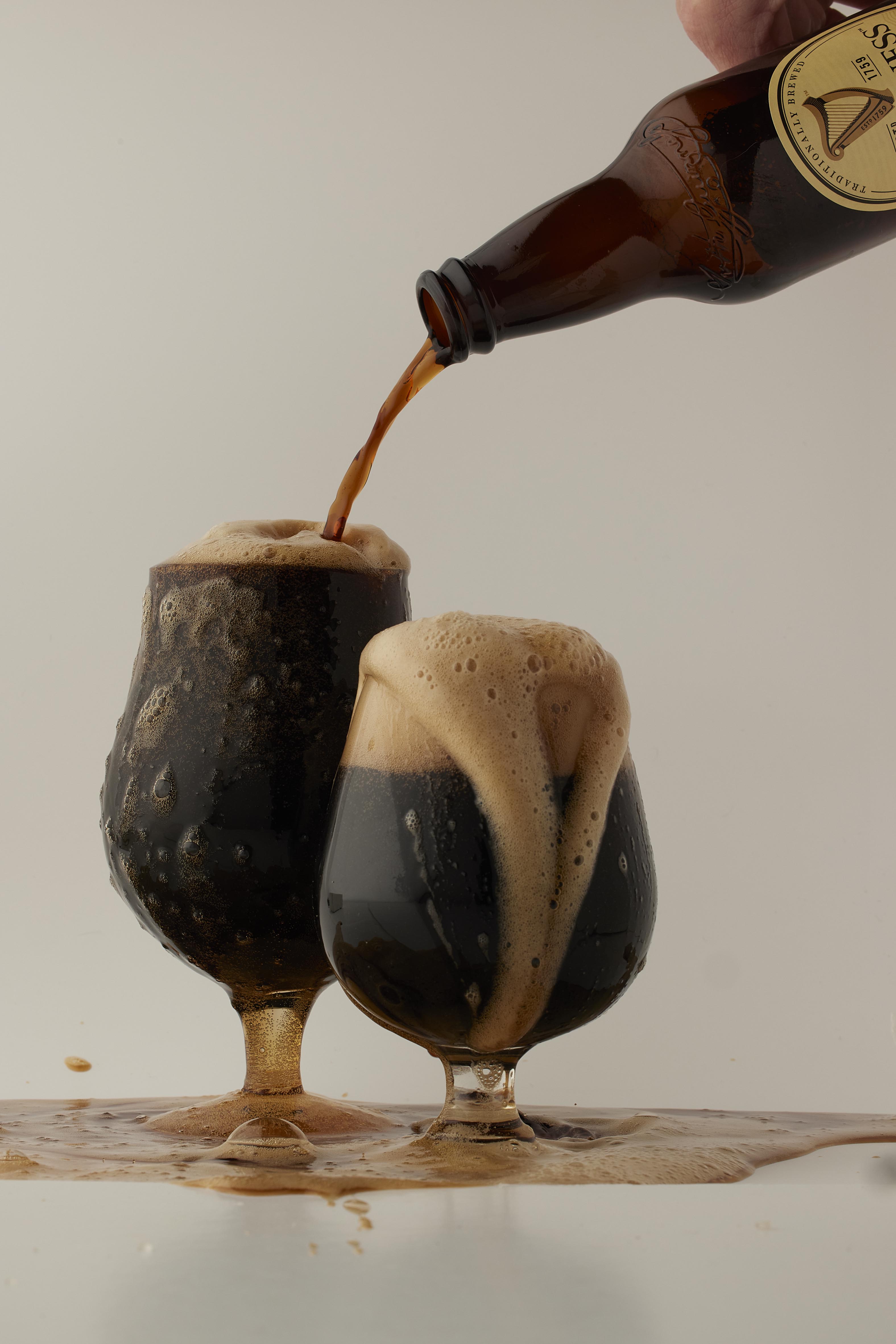
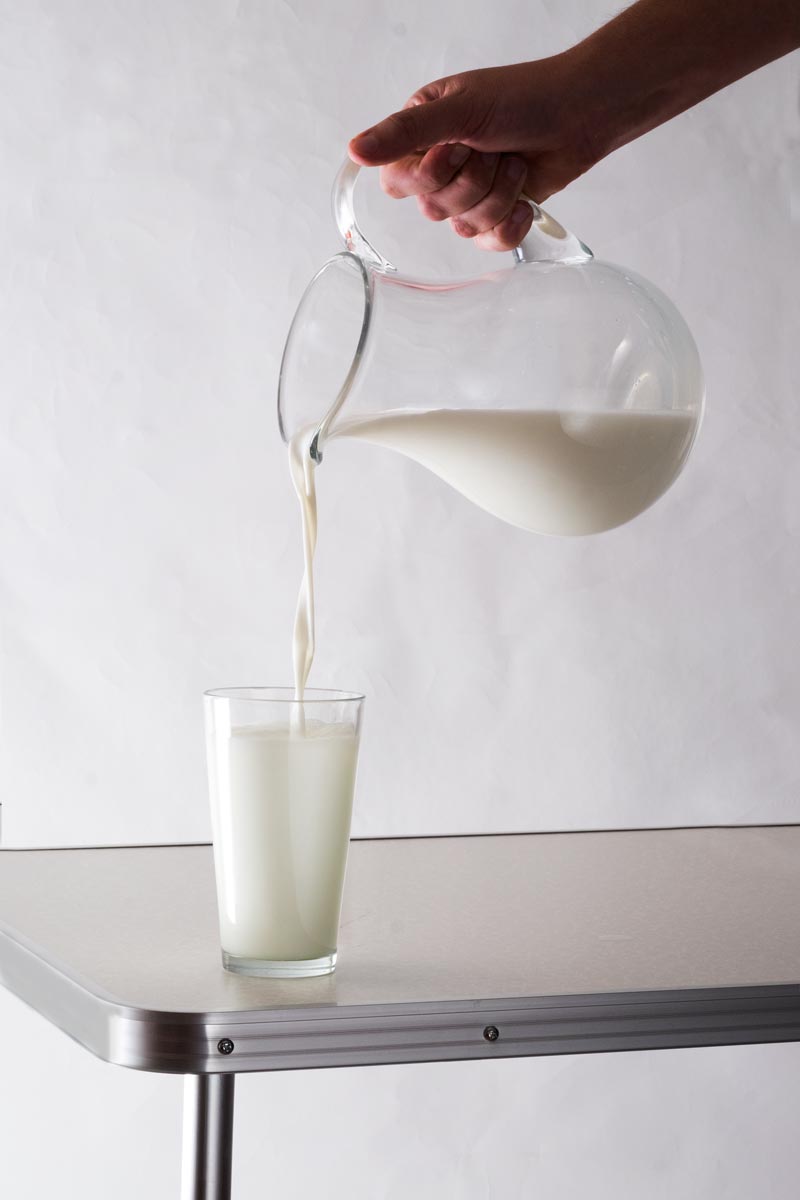
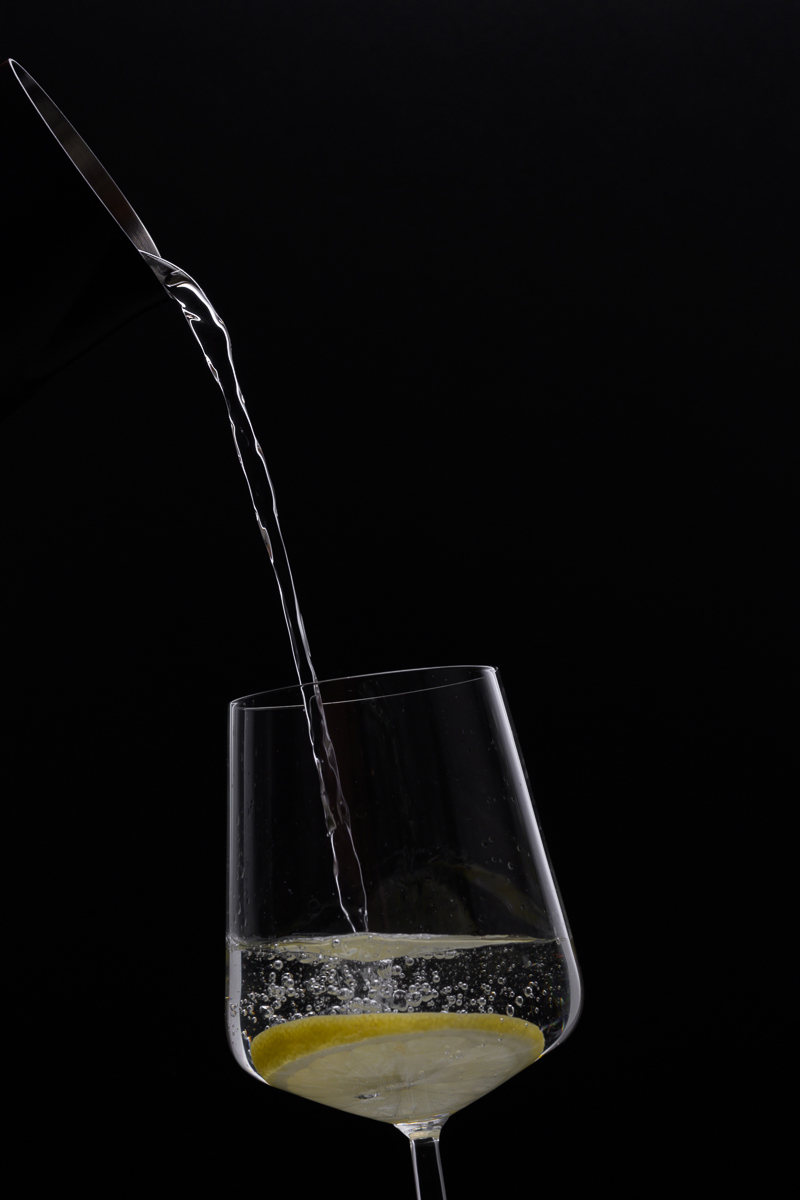
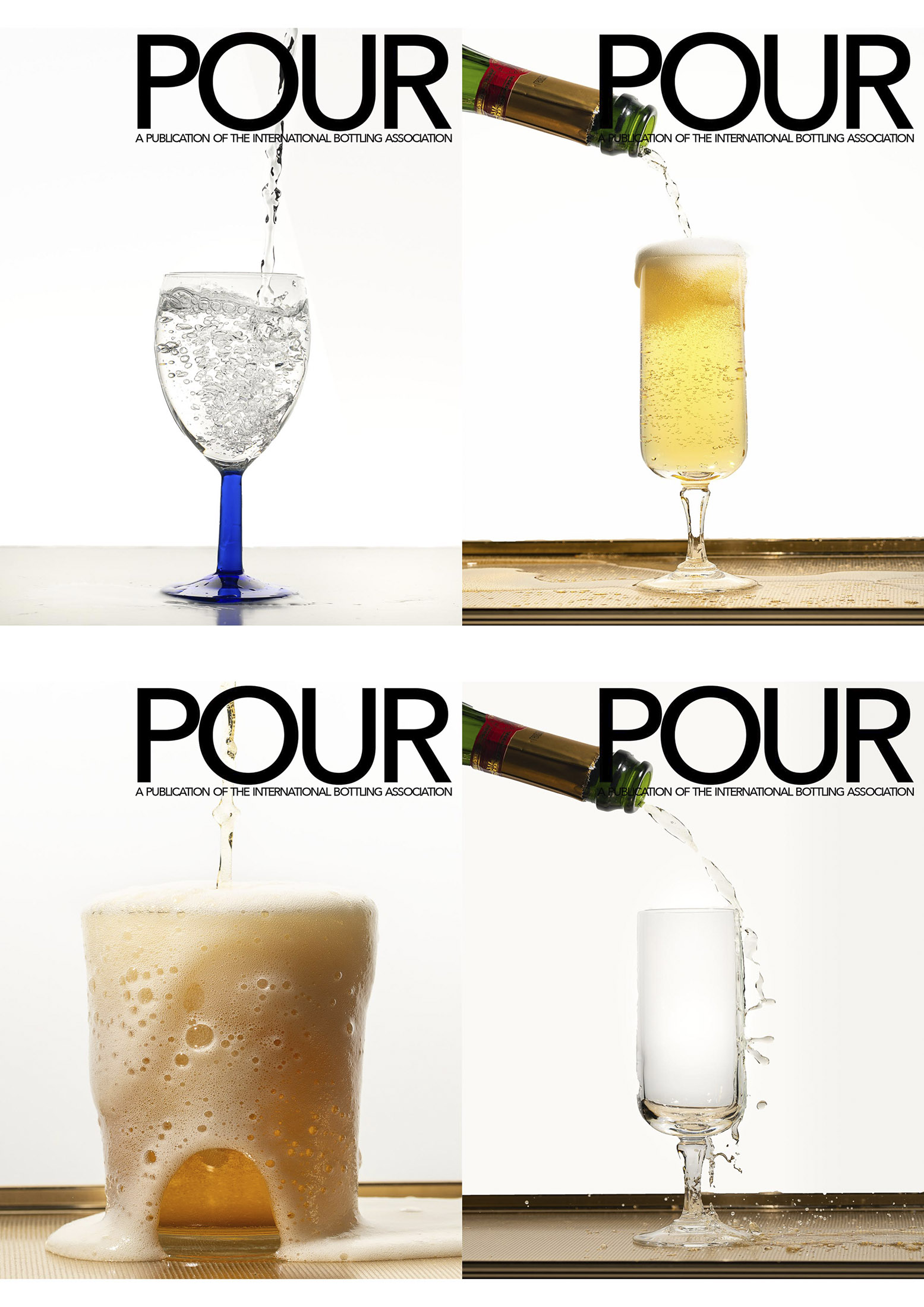
You can use beer, or wine, or lemonade, or root beer, or ginger ale… Whatever you want to pour. The brief: A close-up of a pour shot… it can be from oblique to the camera to straight over top. It must show an interesting ‘splash’ or something interesting in the glass as it is pouring in. Props include a bottle to pour from, a can, or a container, and a glass/goblet/container to be poured into.
We must see the color of the liquid being poured.
- We must see the pour into the container.
- The background must remain uncluttered.
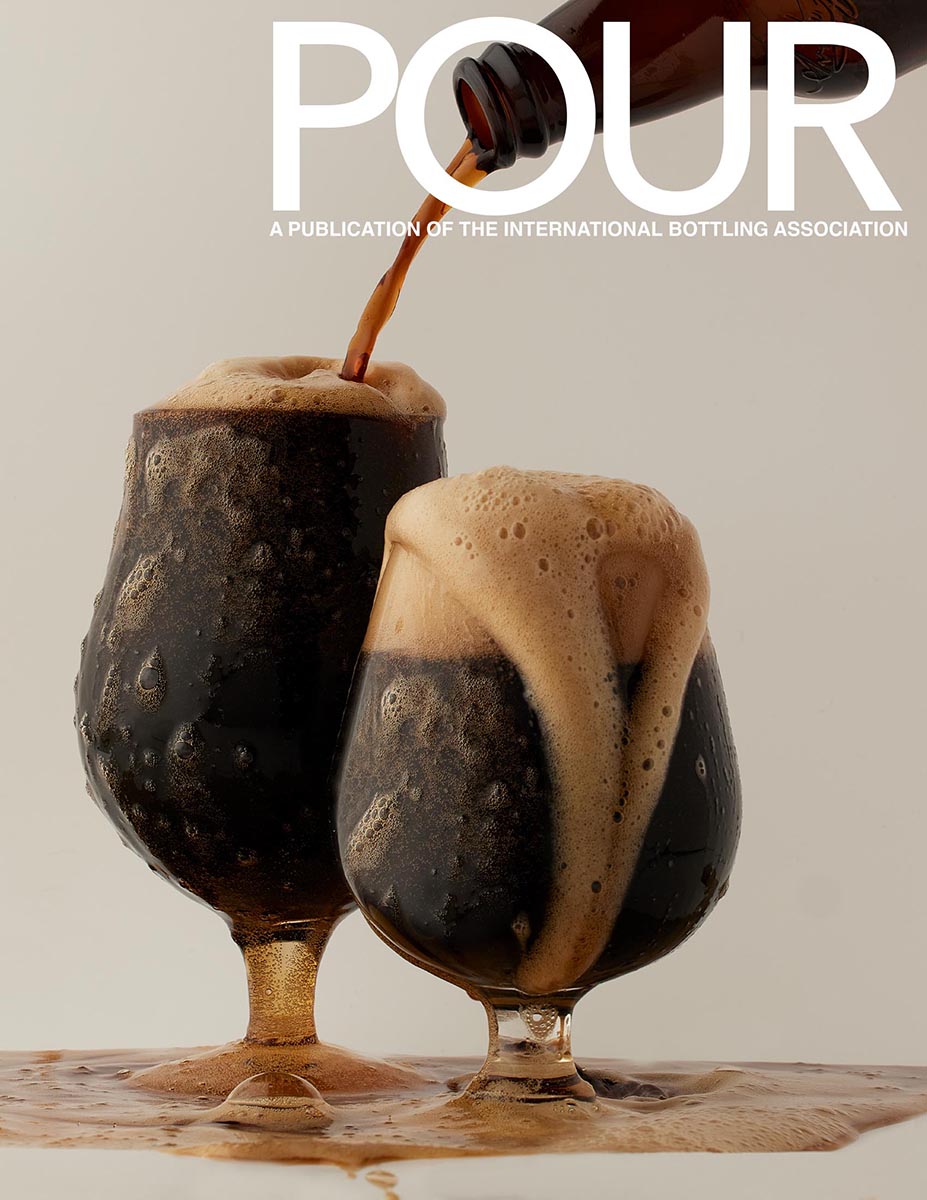
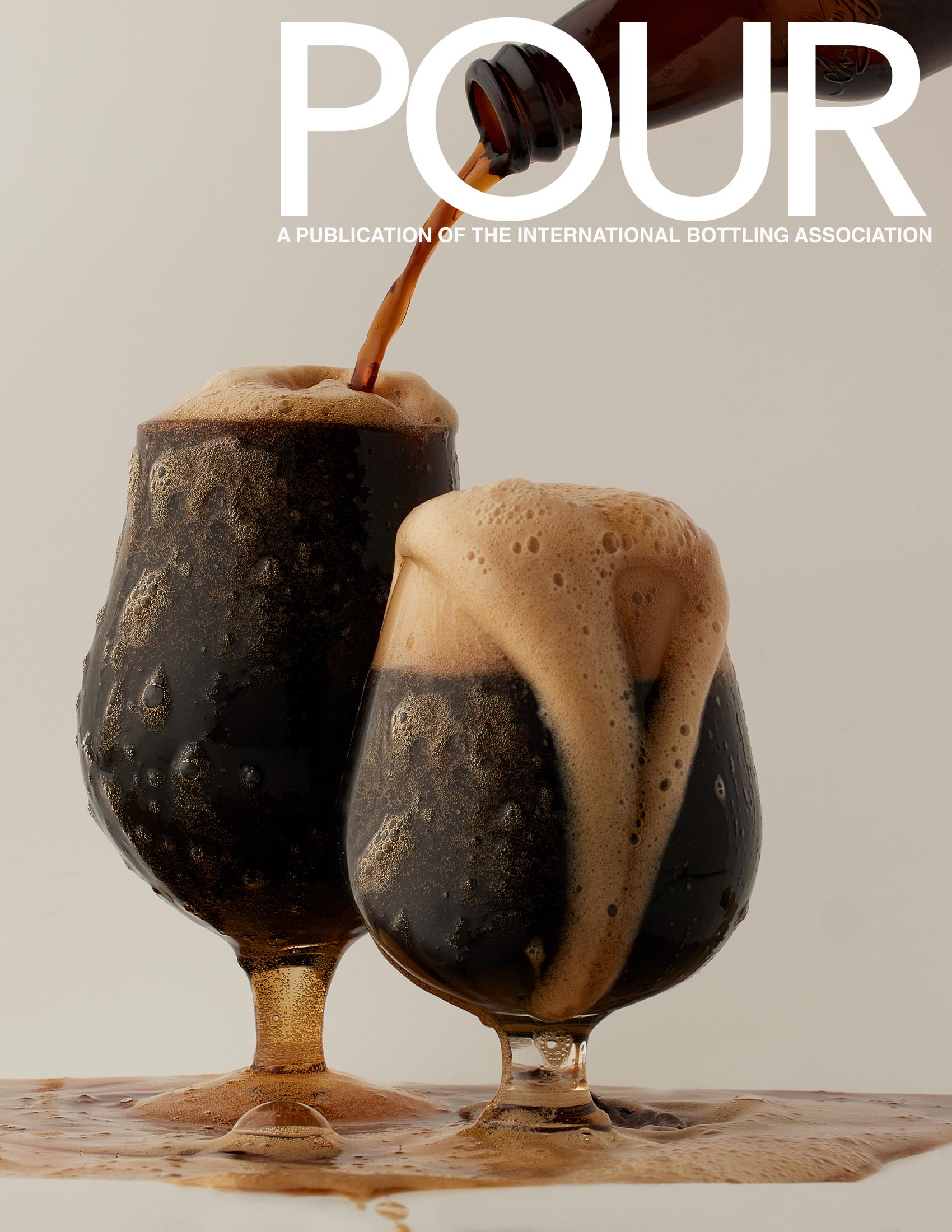
- The masthead of the magazine must be easily seen.
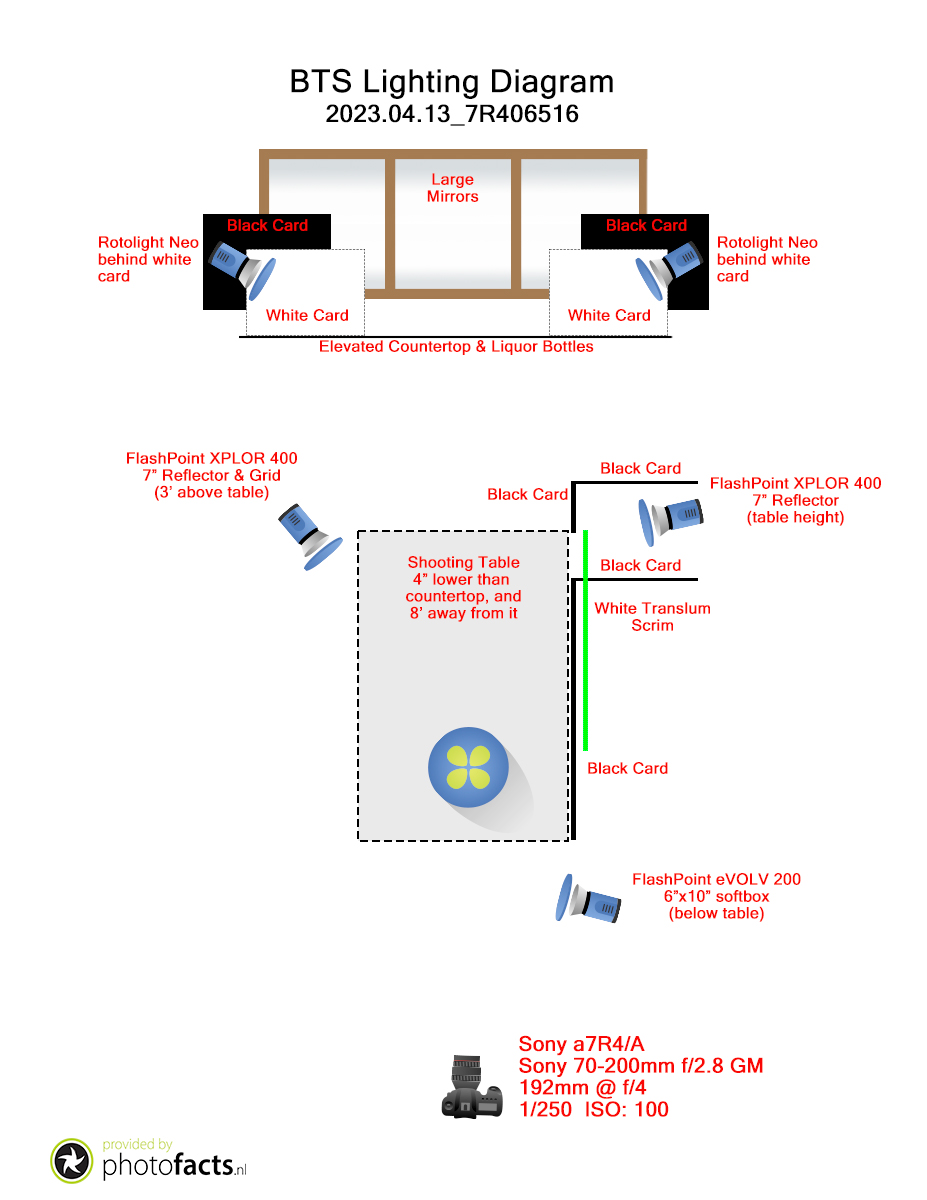
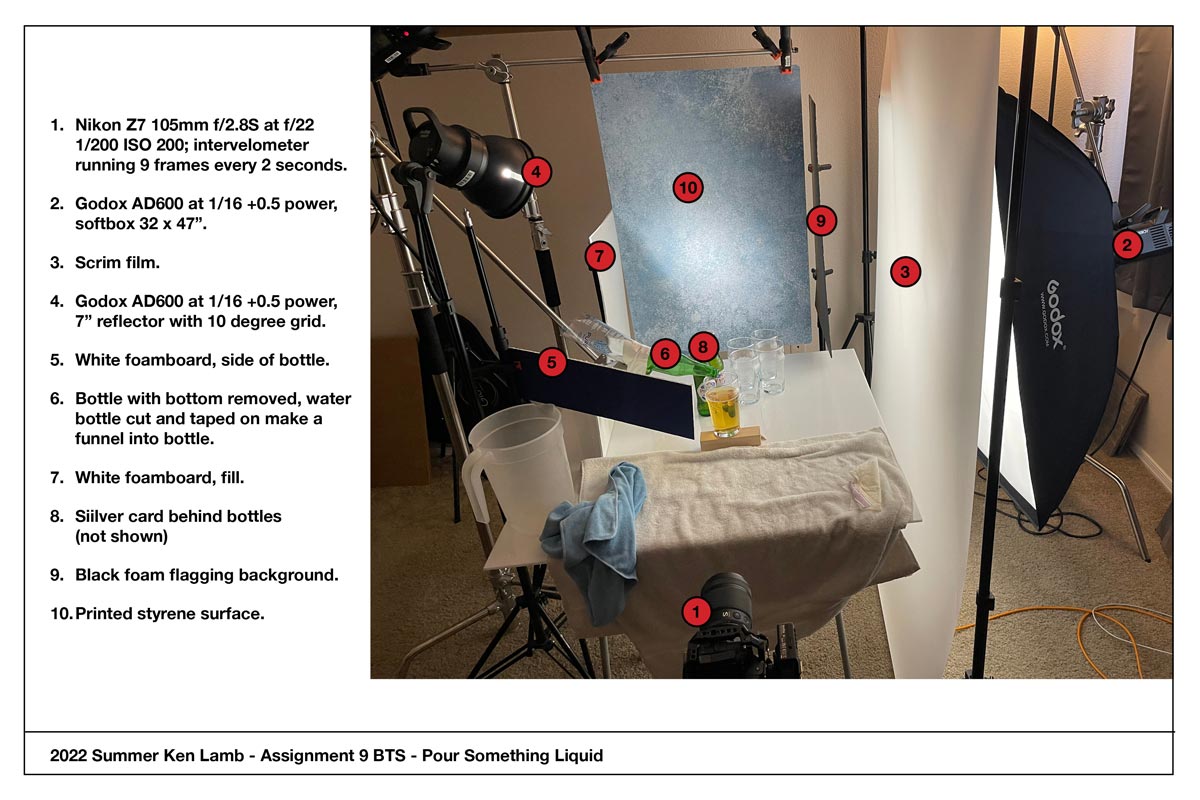
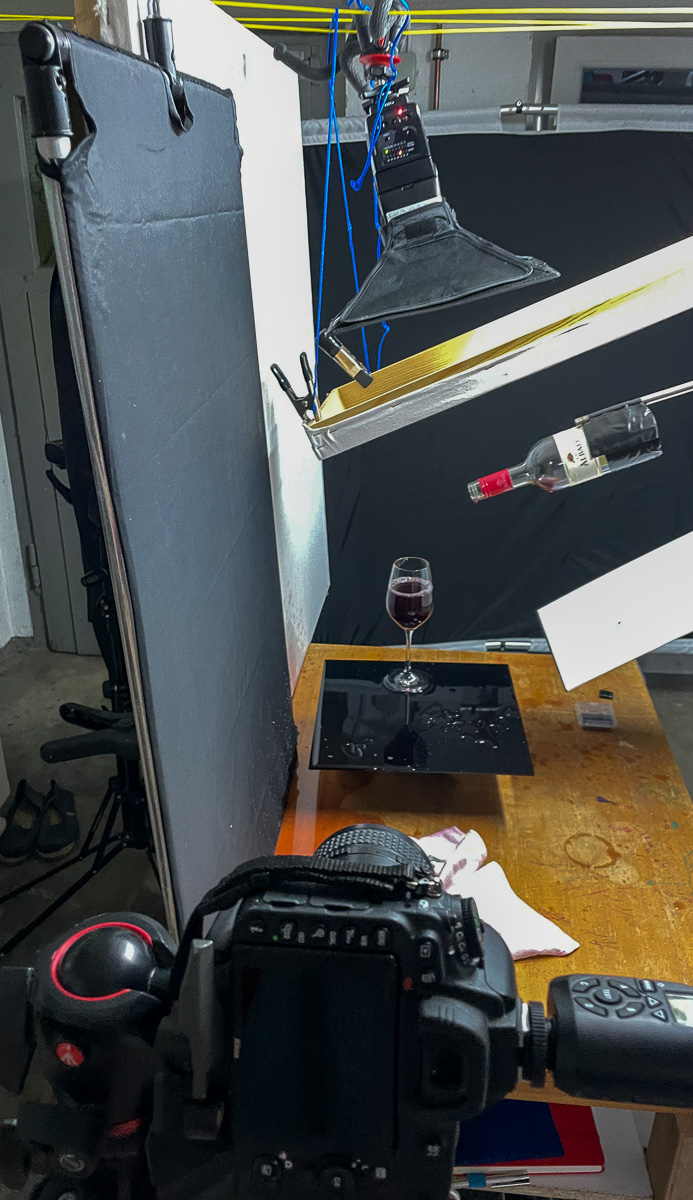
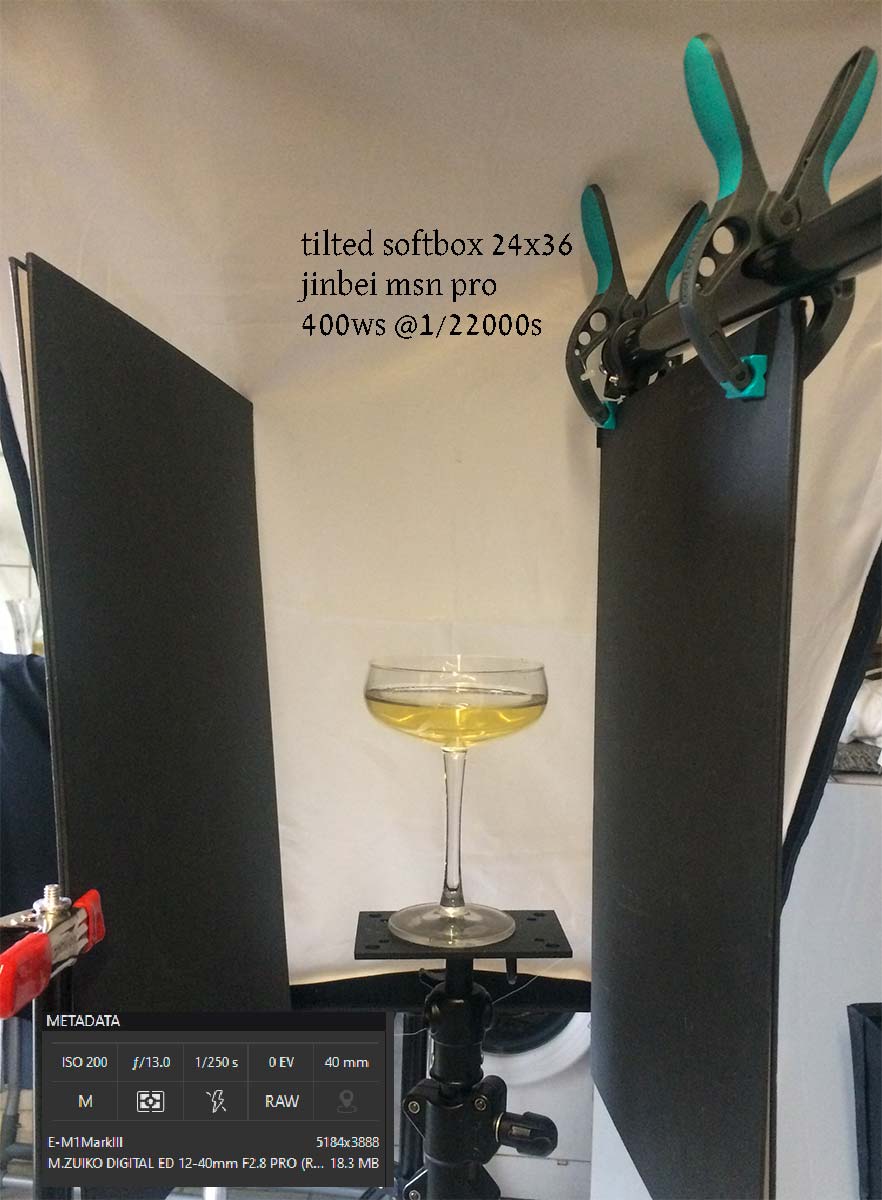
Lighting Cues: Often to light something pouring, we need some backlight. Liquid rarely looks good when it is front-lit. We lose the liquidity of it, as well as the inherent color – or at least the perceived color of it – with front light. Whether window or strobe, make sure the light is coming through the liquid.
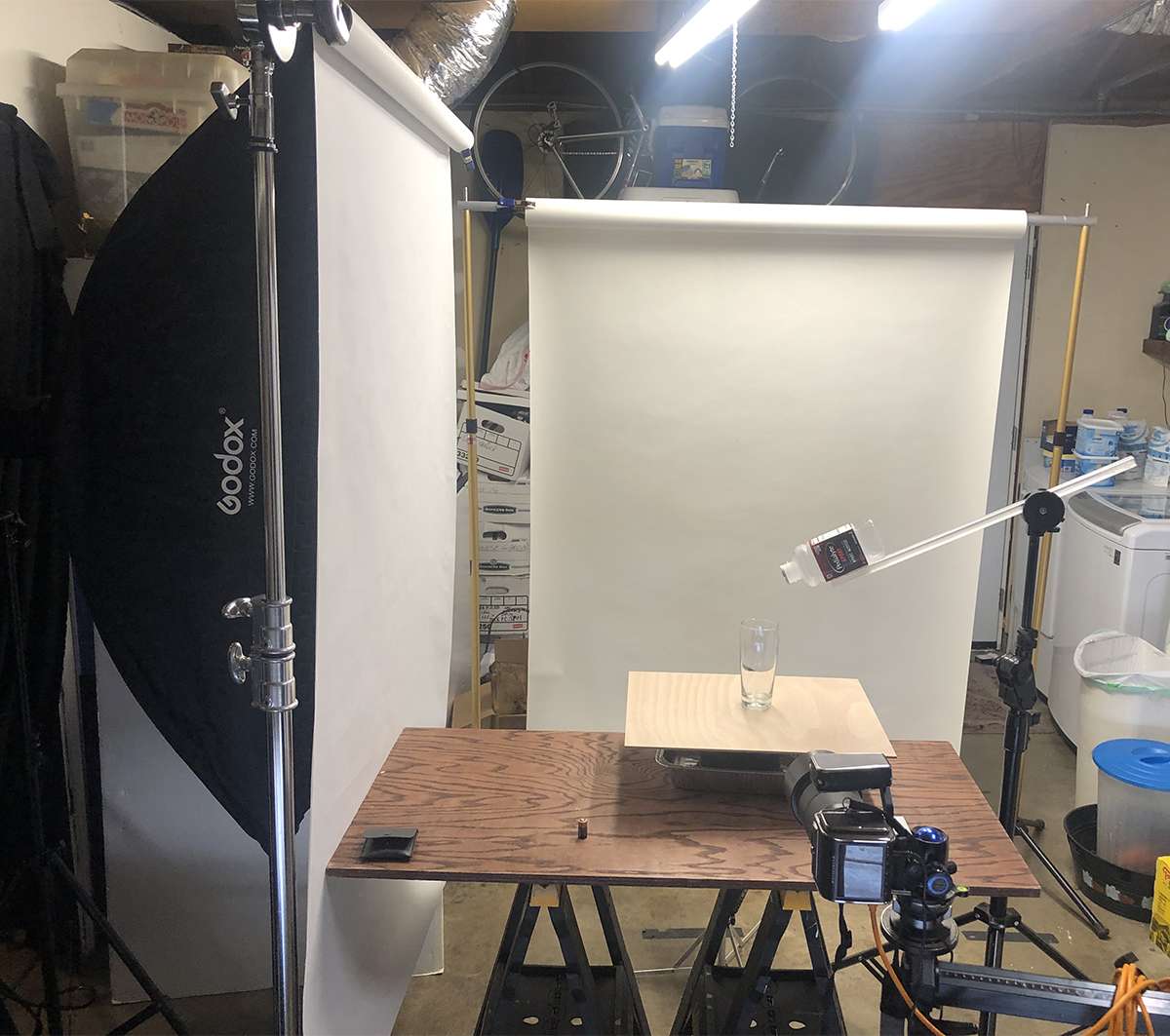
Shooting Cues: One way to get a perfect pour is to mount a bottle with no bottom on it. Take a wine bottle and cut off the bottom of it with a glass cutter. Be very careful to do this without having a sharp edge that can cut your hands. Put some masking or gaffers tape along the sharp edge if you have no way to dull it. Mount the bottle with the spout coming into the frame at the exact point you want it to be, and pour the liquid in from the backside of the open bottle.
You can use Gaffers tape to mount the bottle to a stand or boom if you wish… be creative. If mounting a bottle or can is not going to work, then you must have something to cue you for the pour to make sure the can or bottle is not too close to the glass or out of the frame. I do want to see the vessel pouring as well as what it is being poured into.
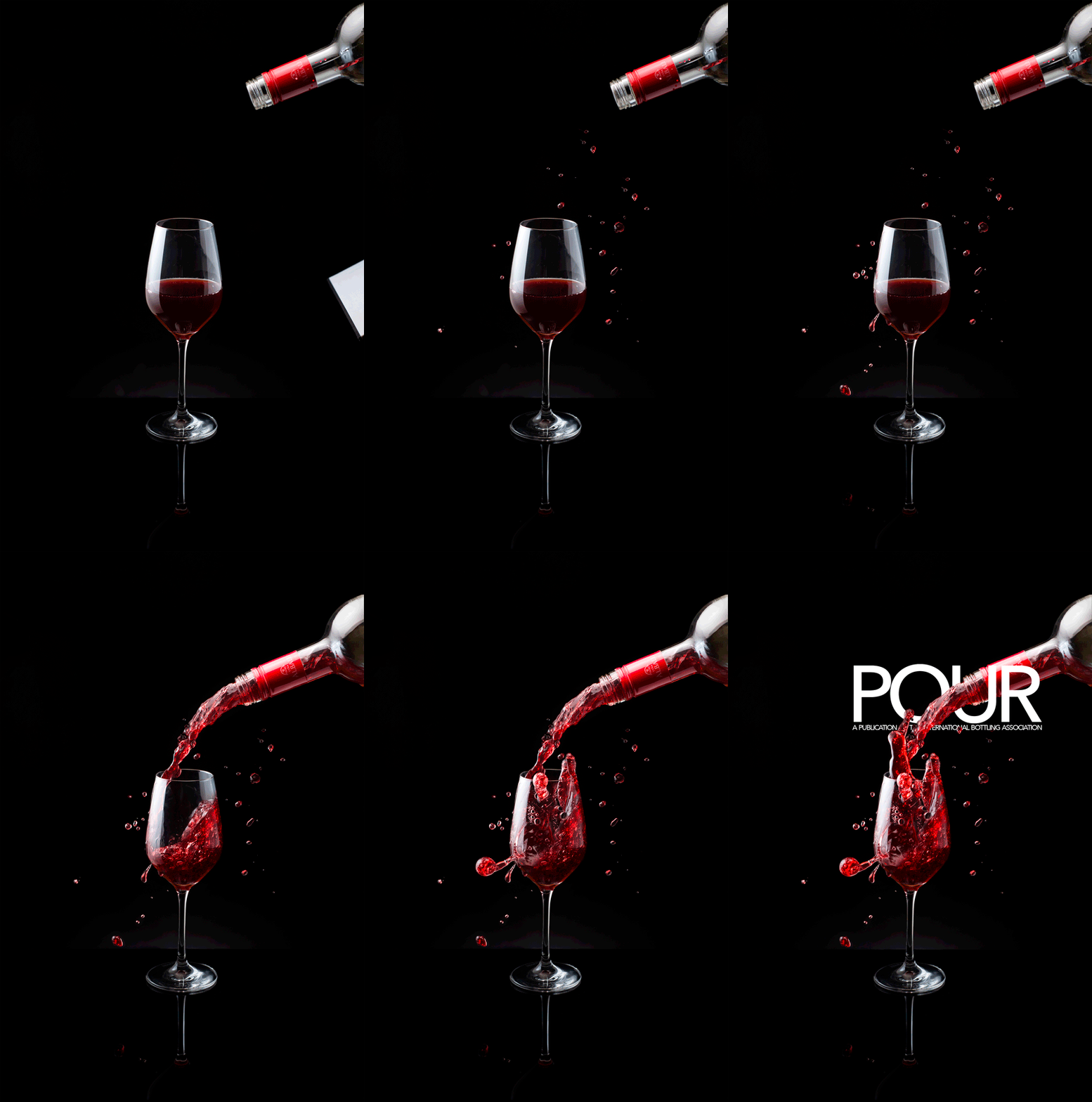
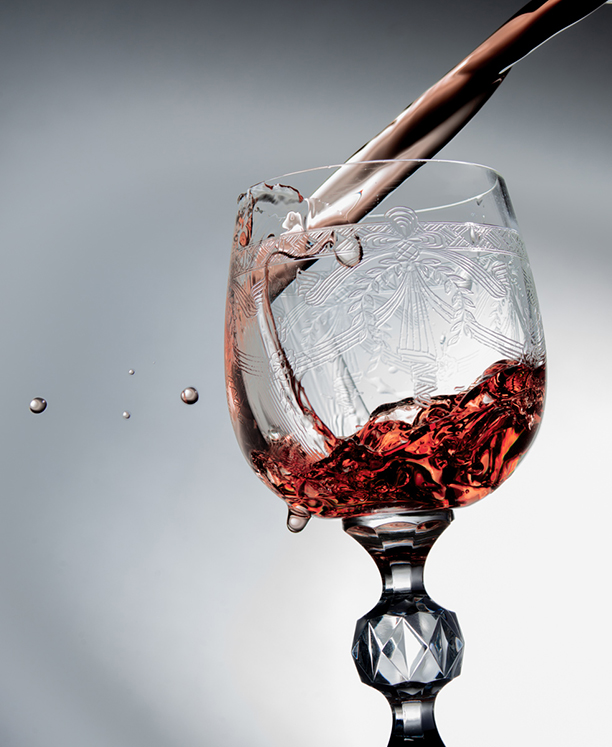
Here is a whole page of beer shots for you to examine. Notice the lighting. Here is a page of wine pouring shots as well. And for the non-alcoholic approach, here is soda being poured as well.
Do not copy. Look, see and learn… then do something fantastic. It will be going on the cover of a magazine.
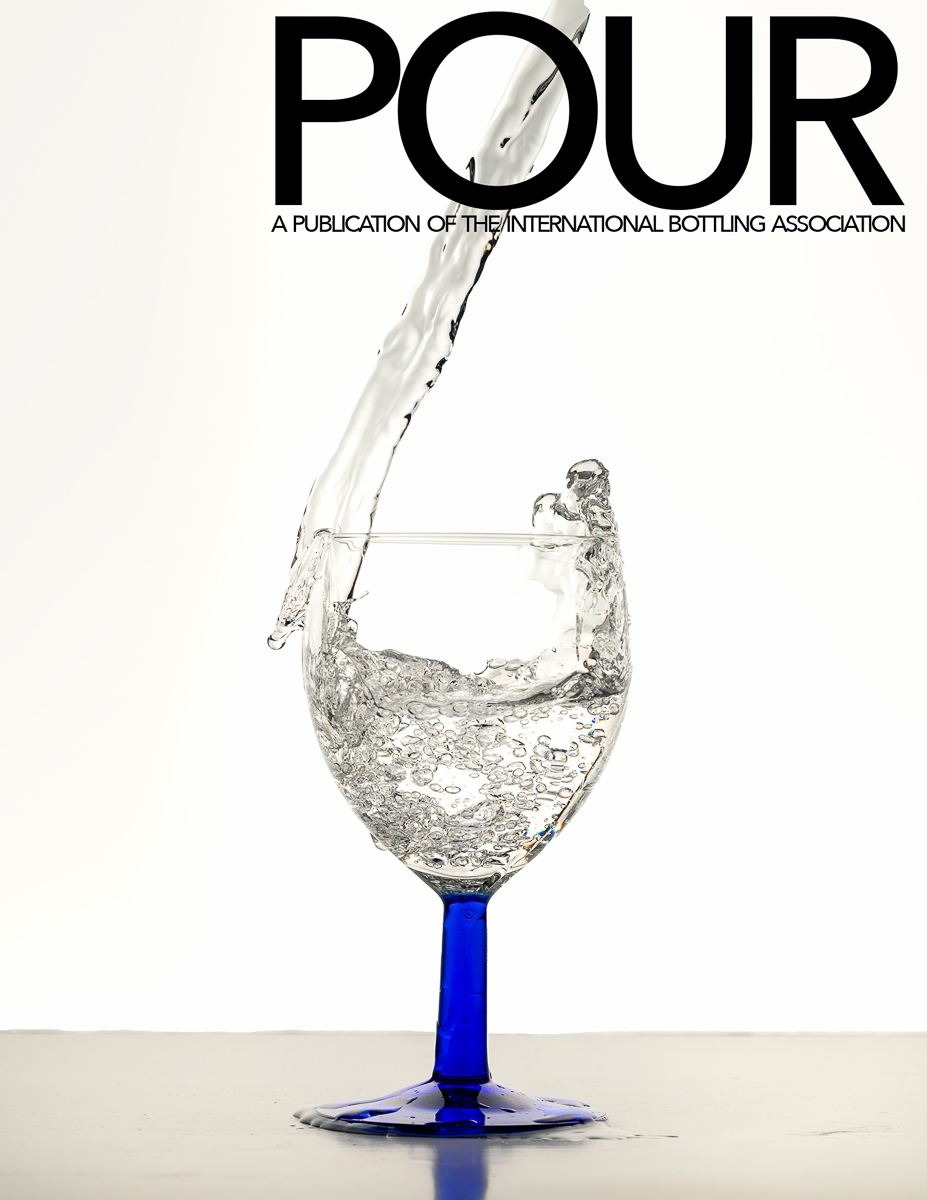
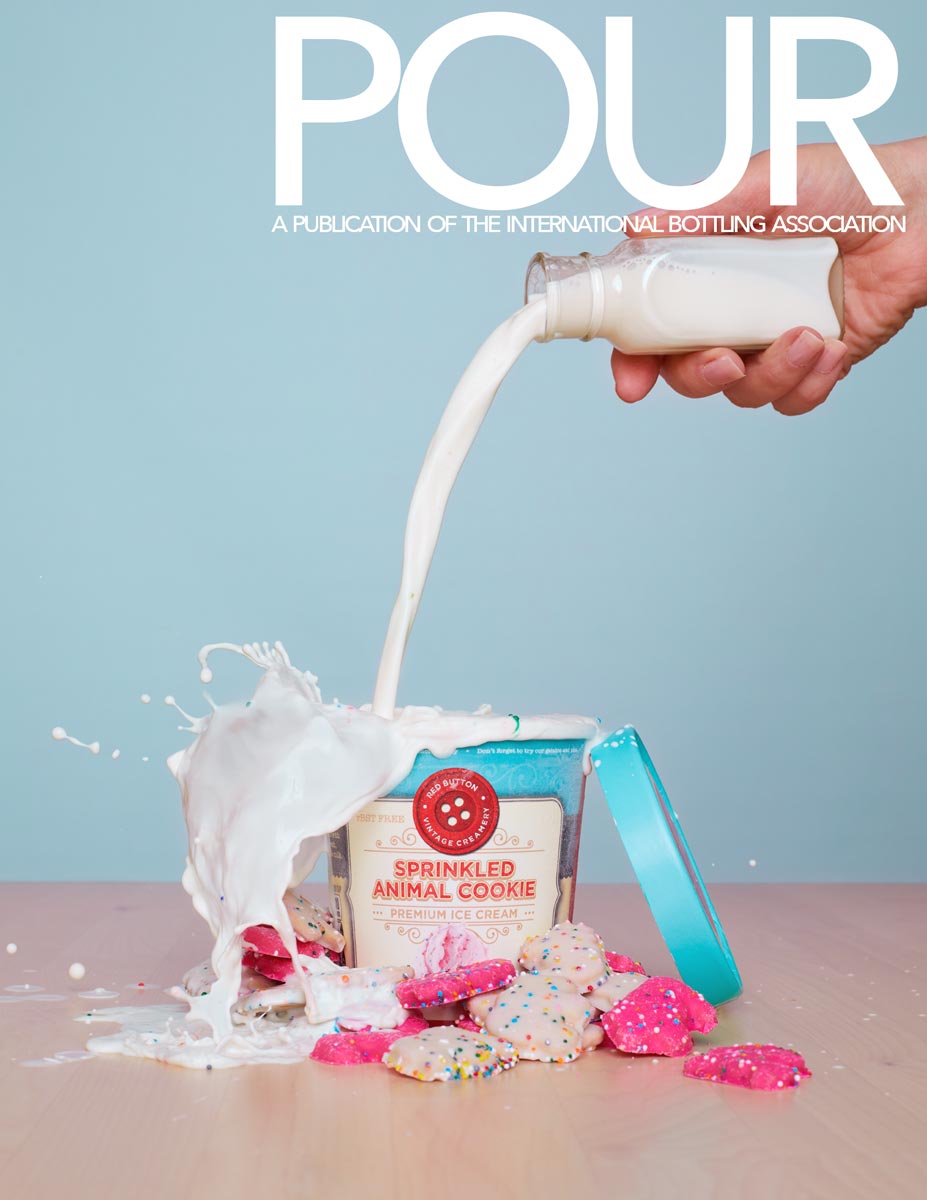
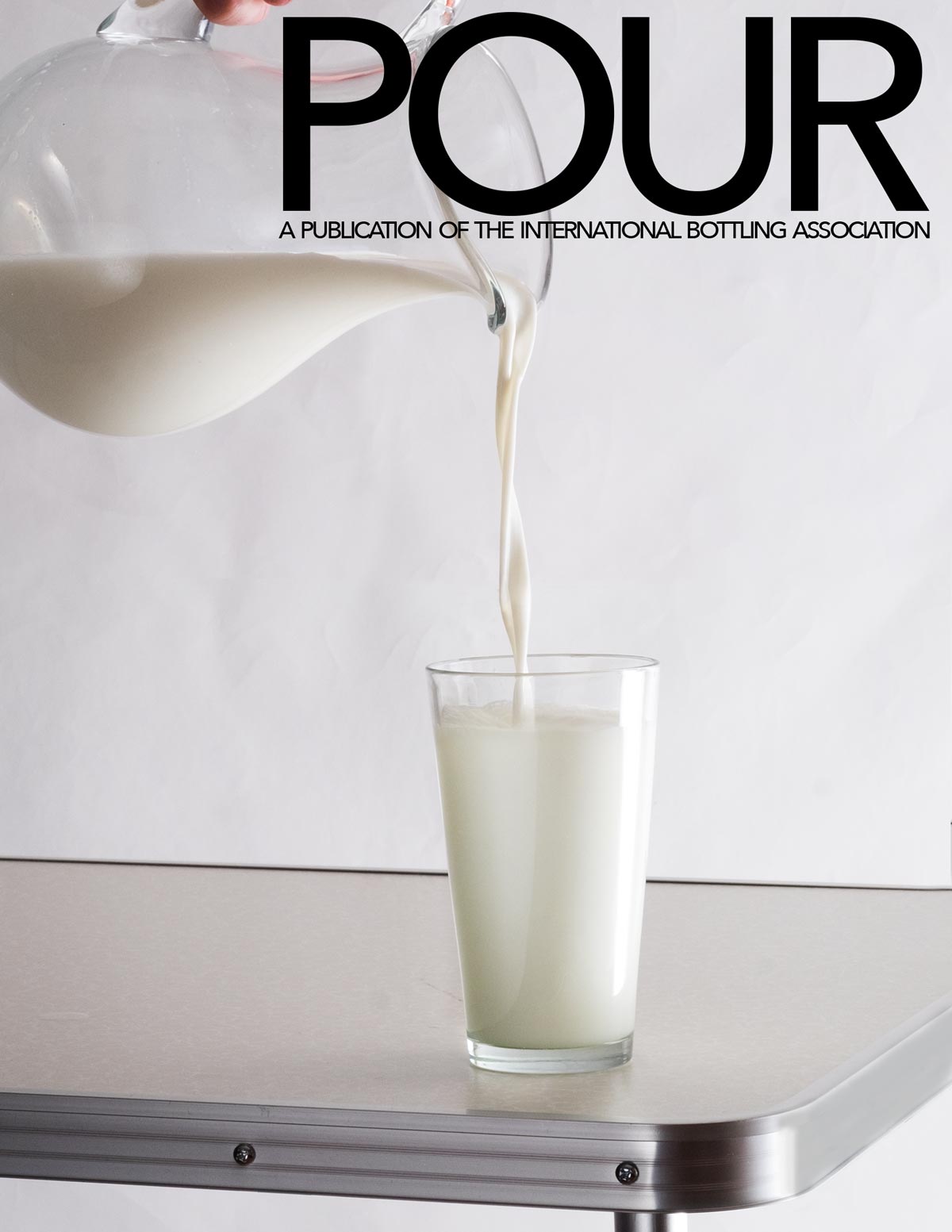
The layout is included here. POUR-COVER.psd NOTE: IMPORTANT.
POUR-COVER.psd
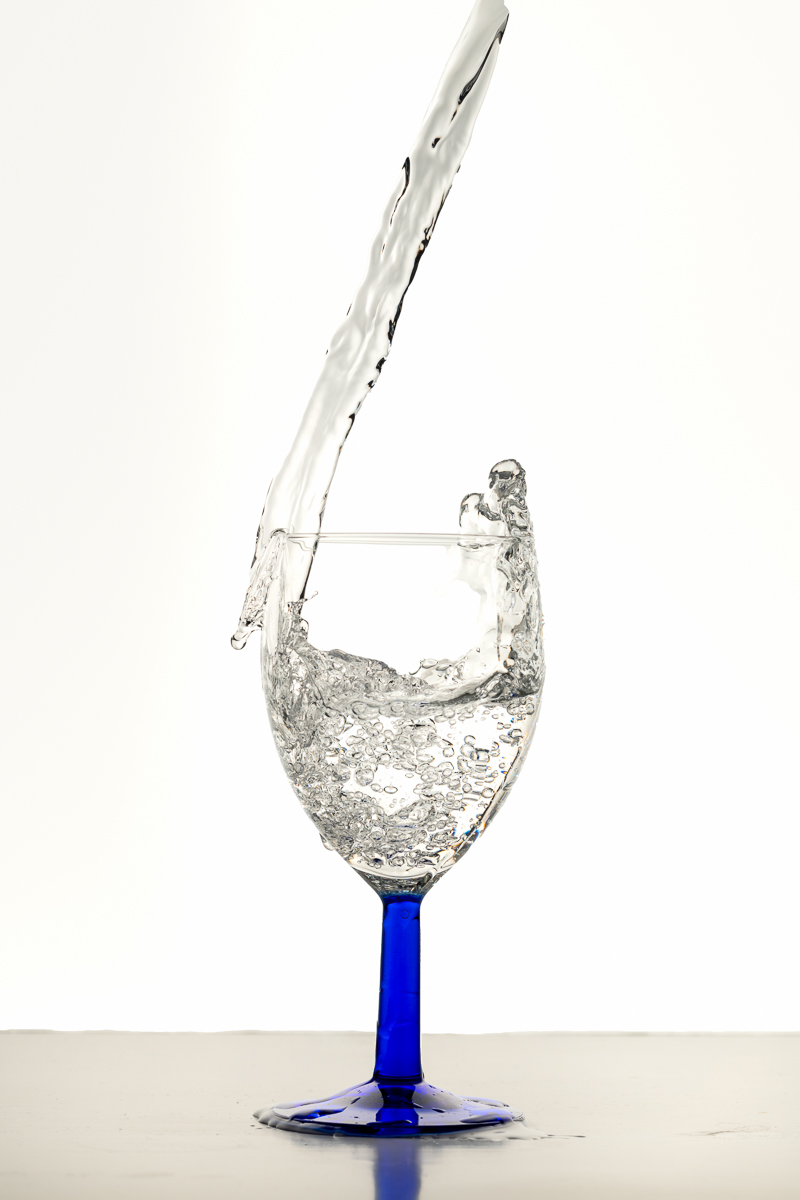
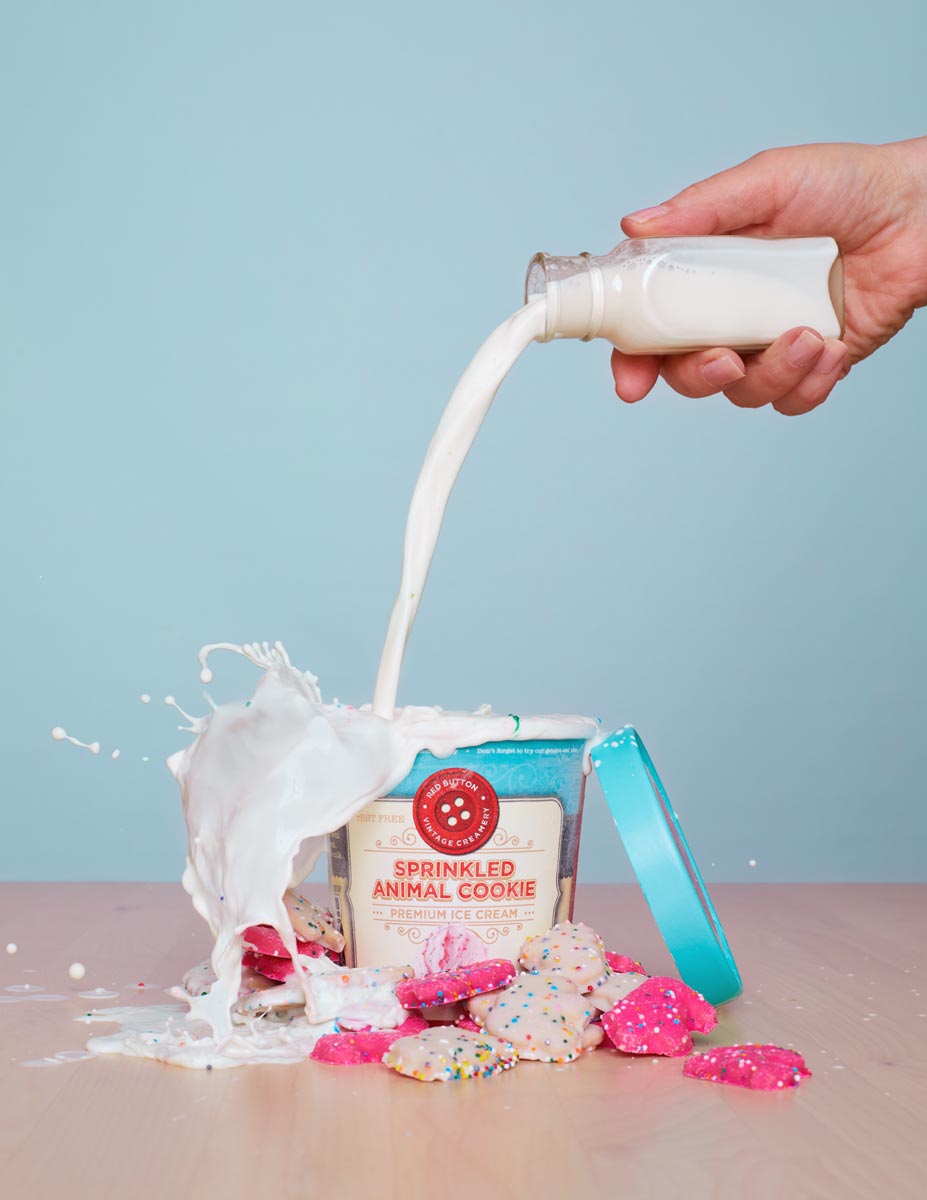
PLEASE UPLOAD THE LAYOUT SHOT AND THE ORIGINAL SHOT WITHOUT LAYOUT.
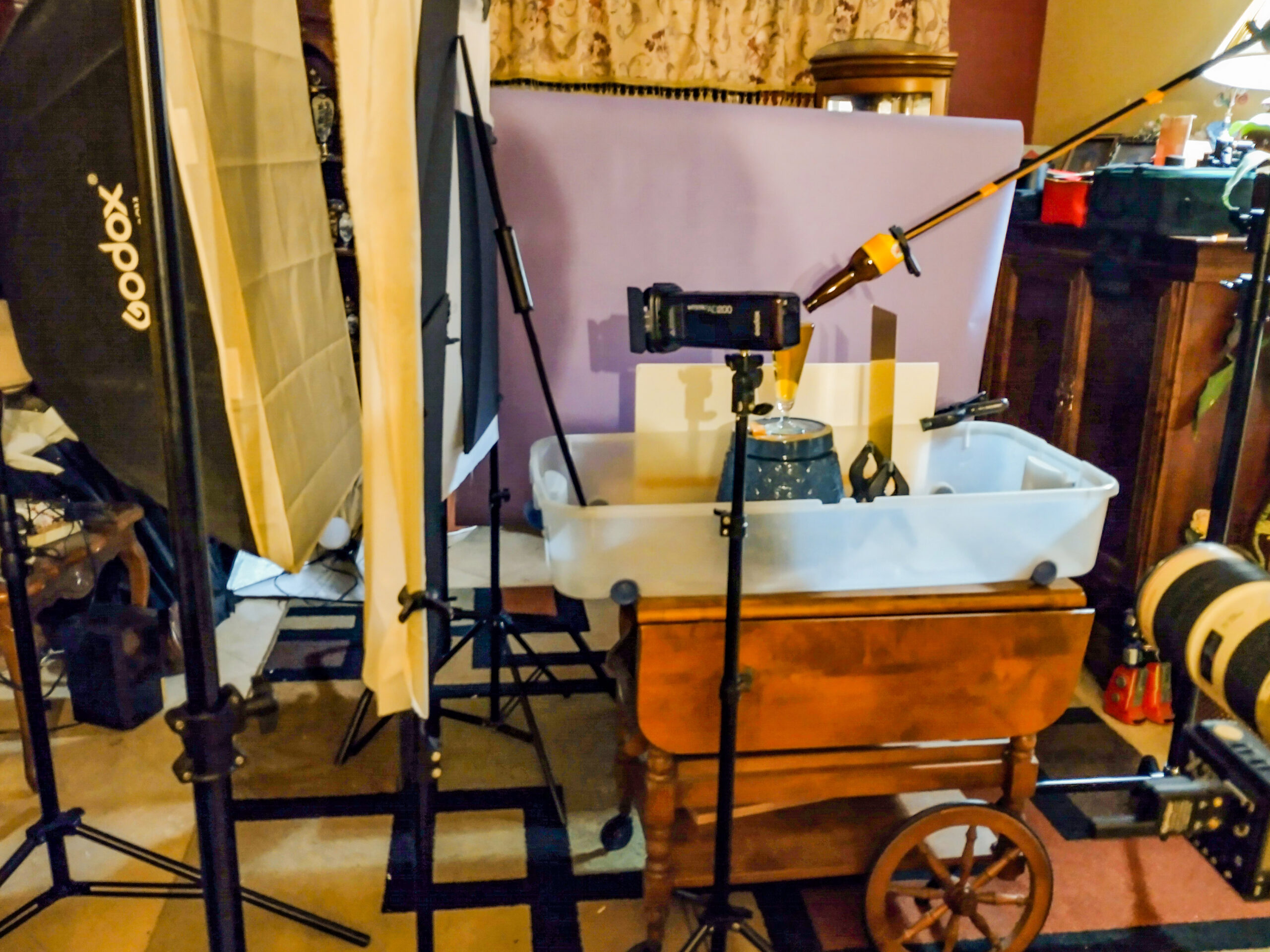
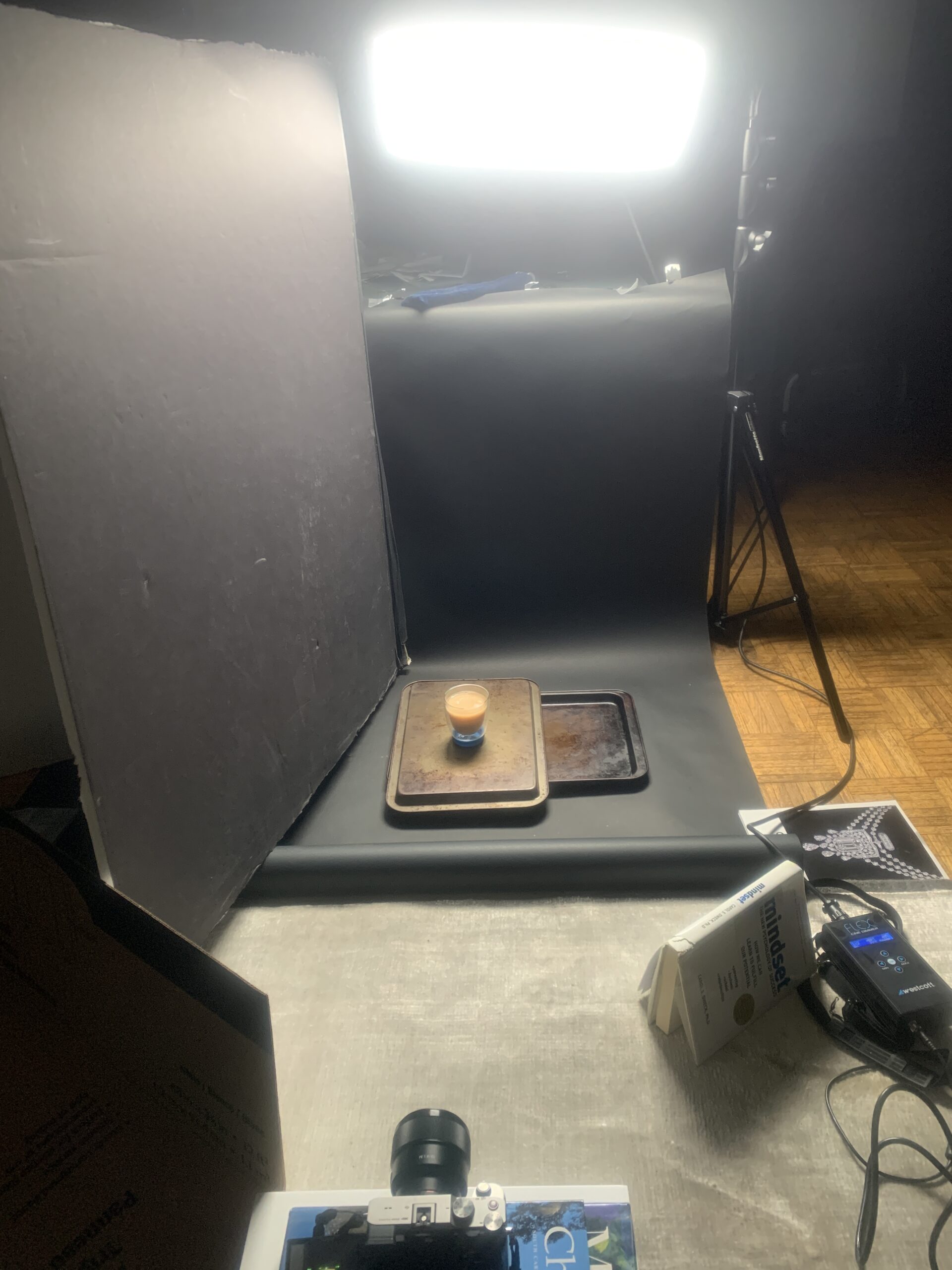
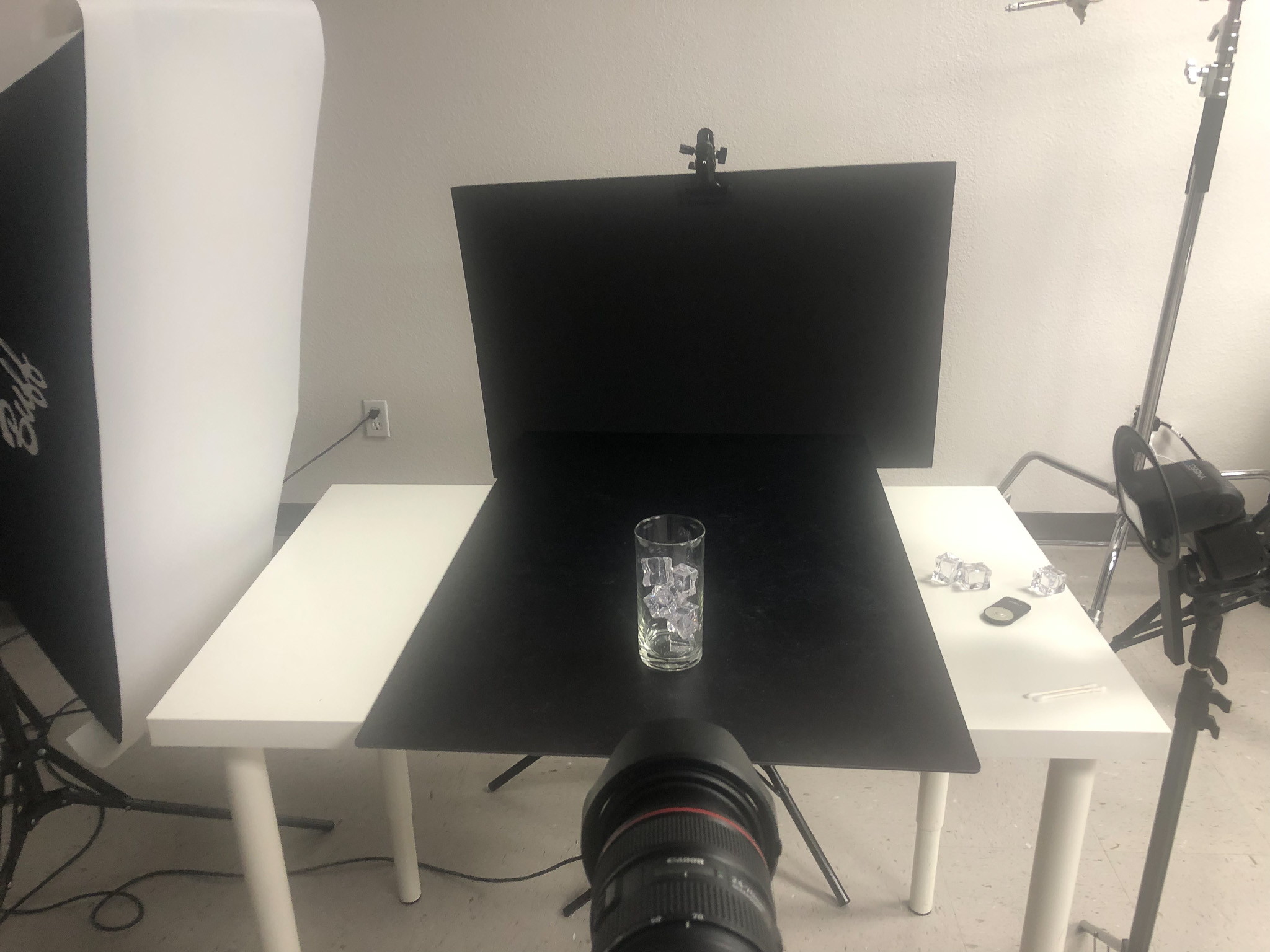
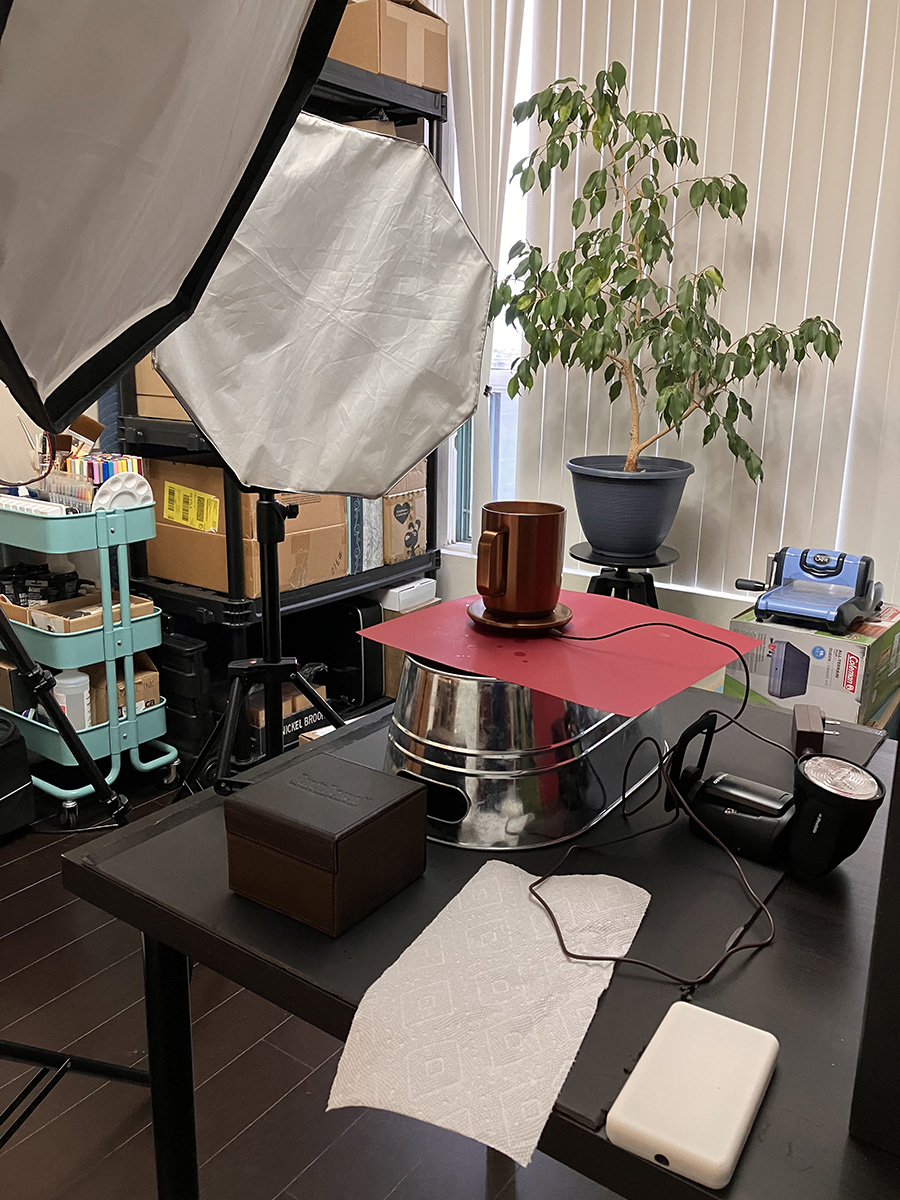
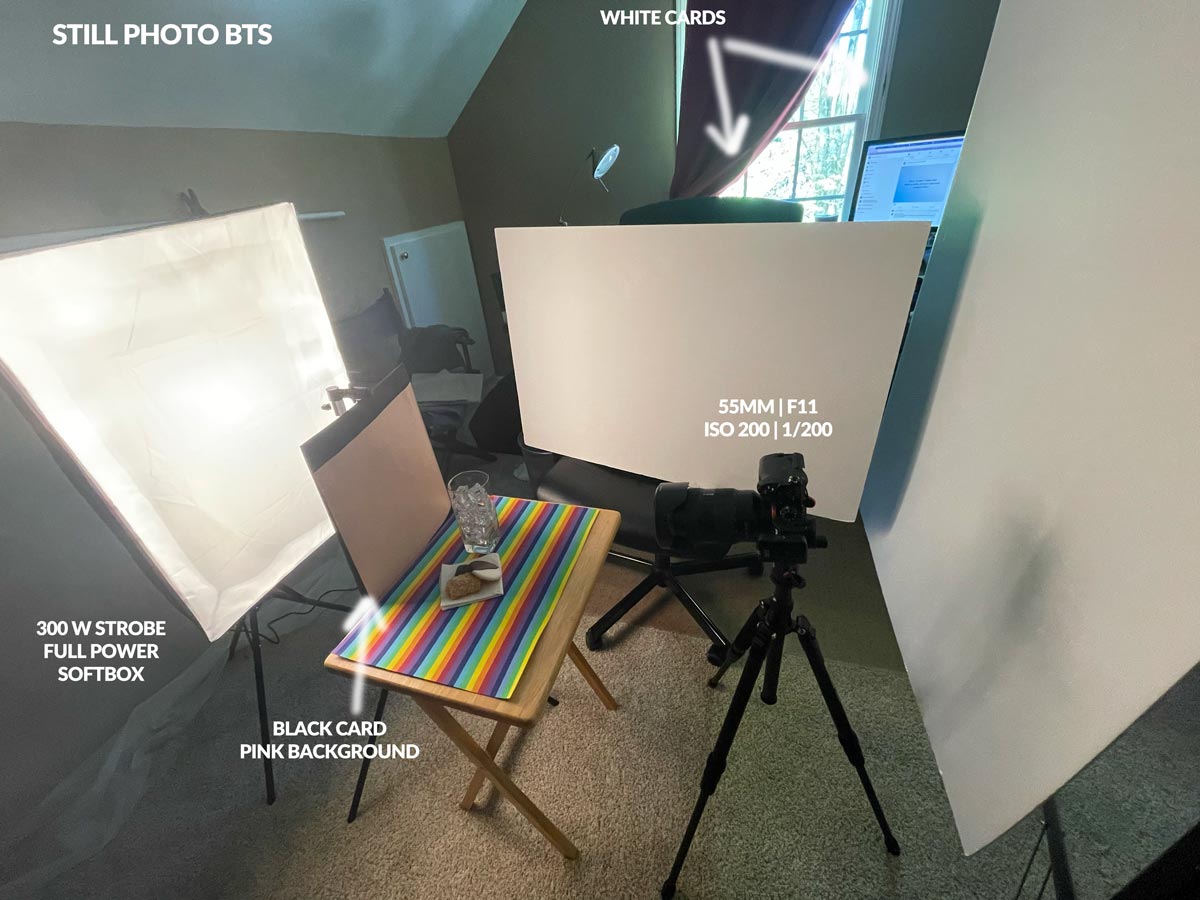
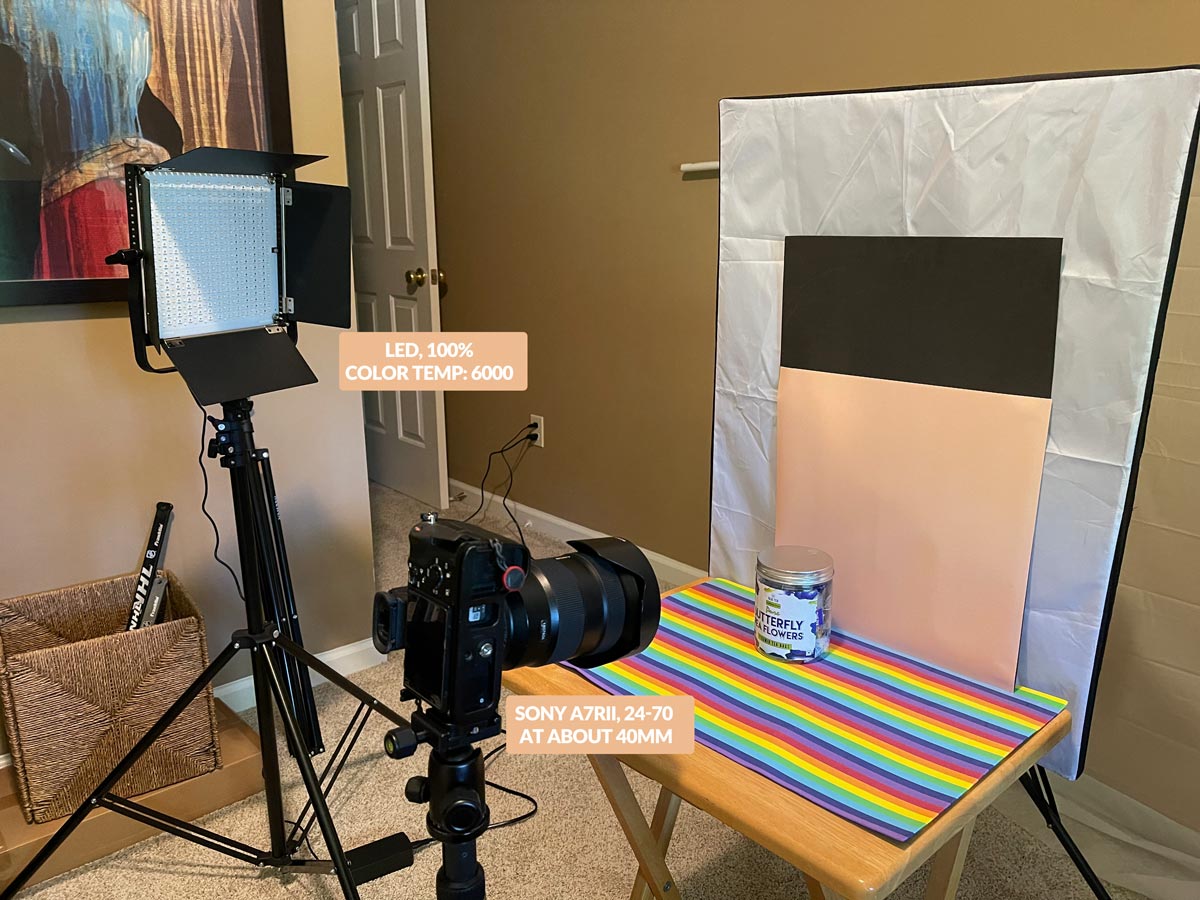
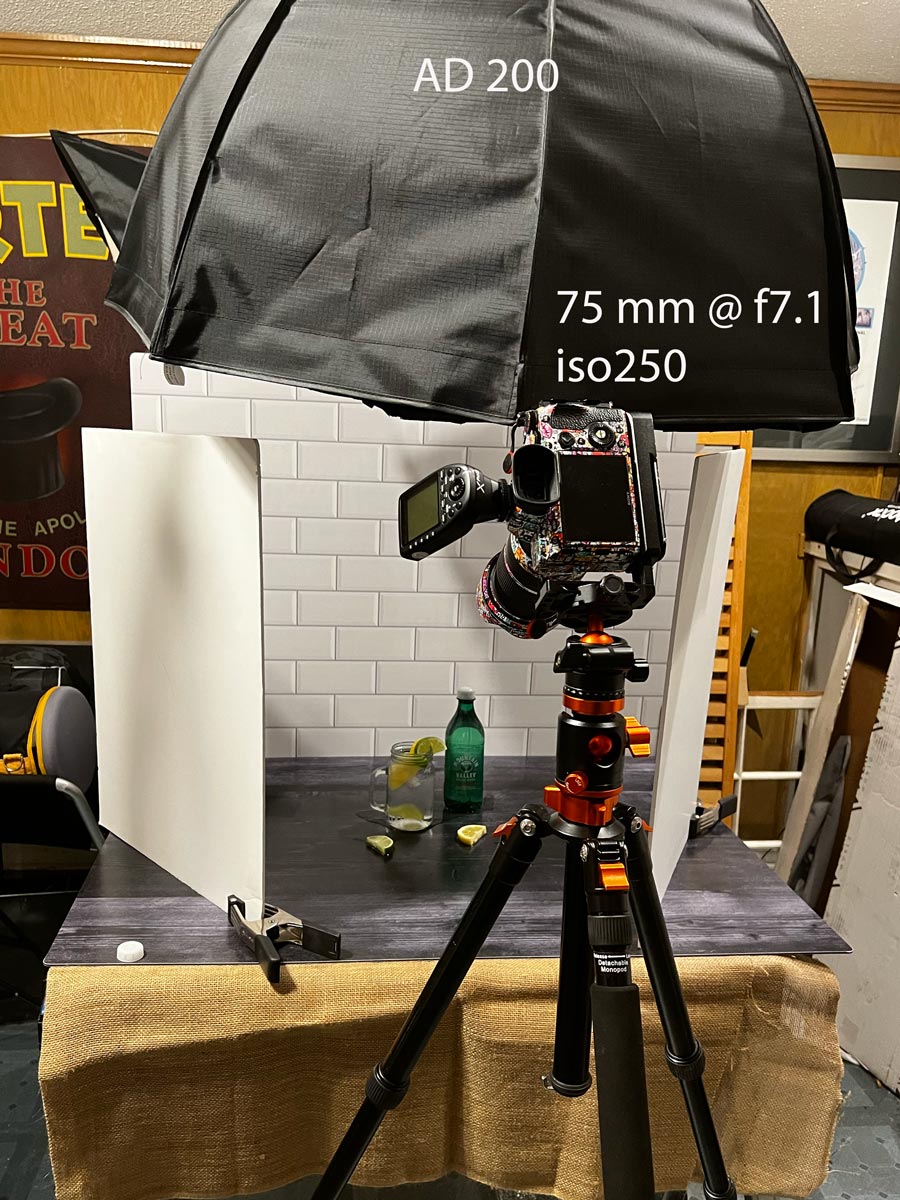
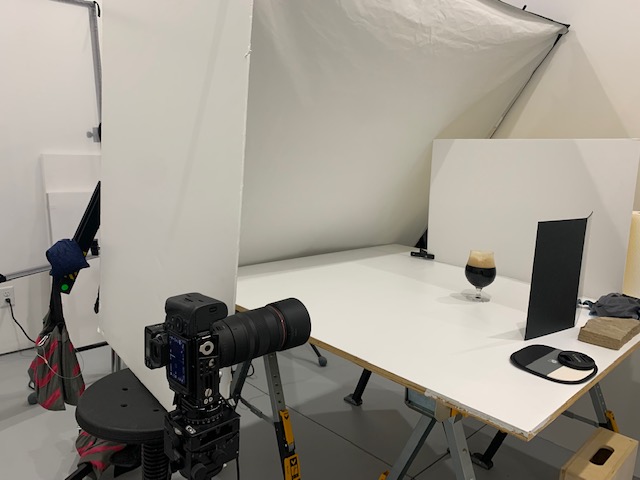
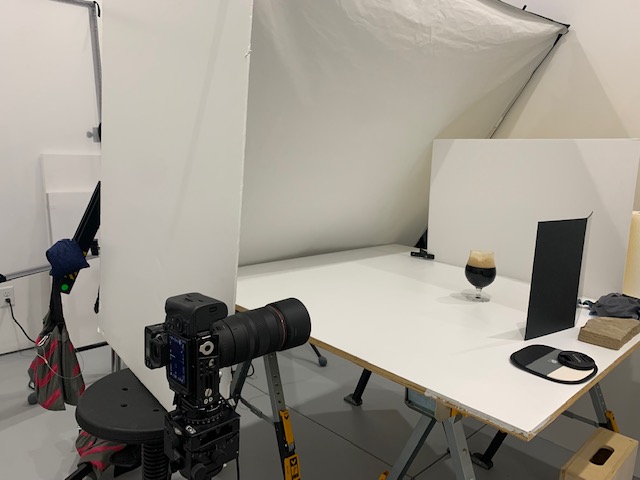
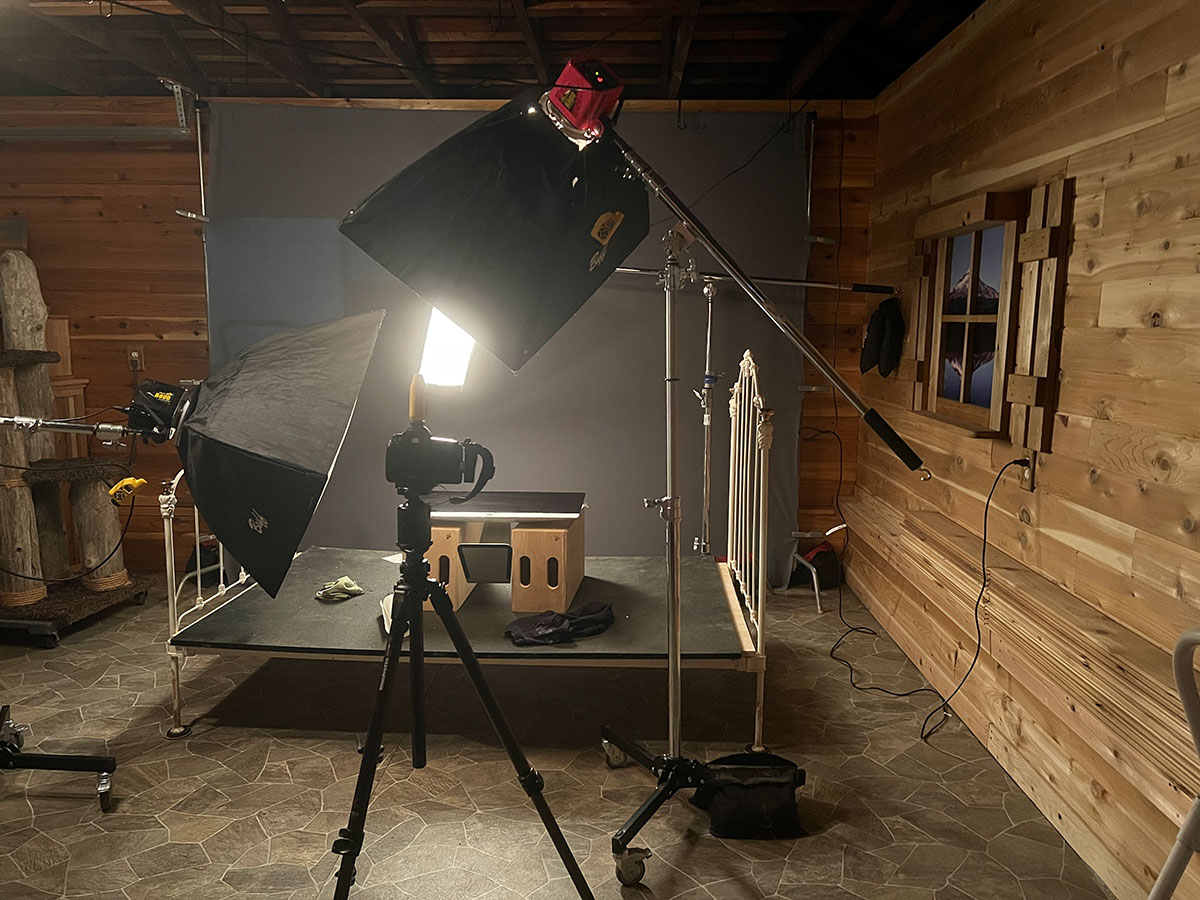
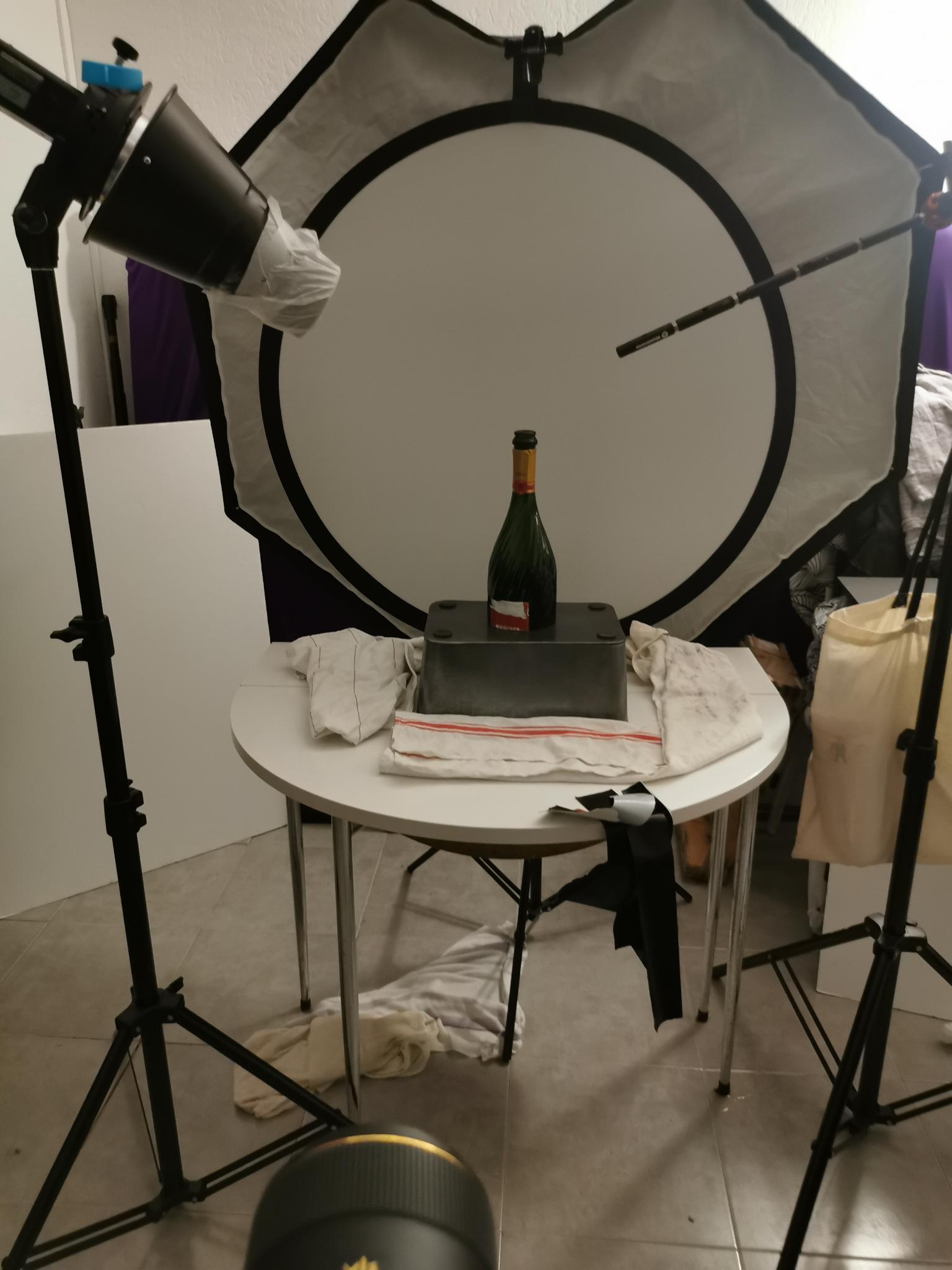
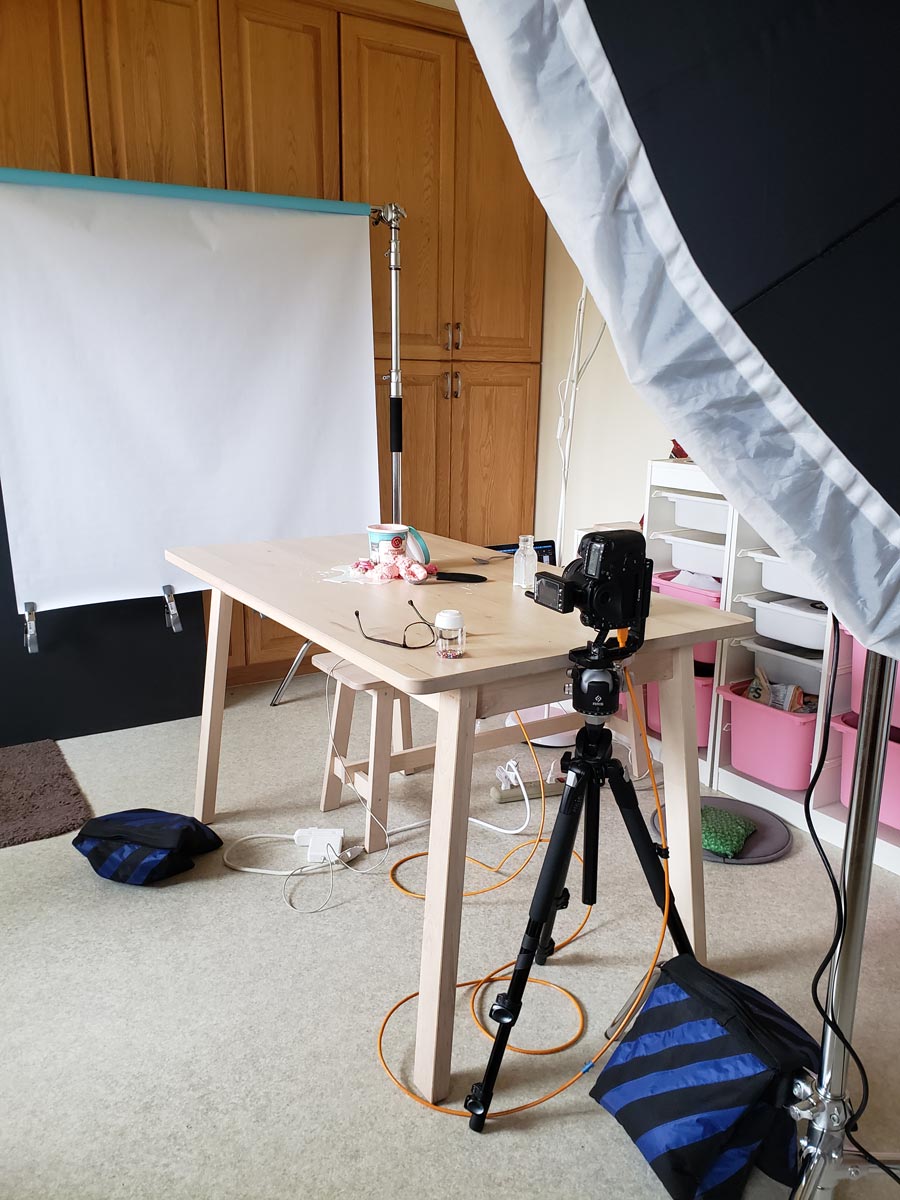
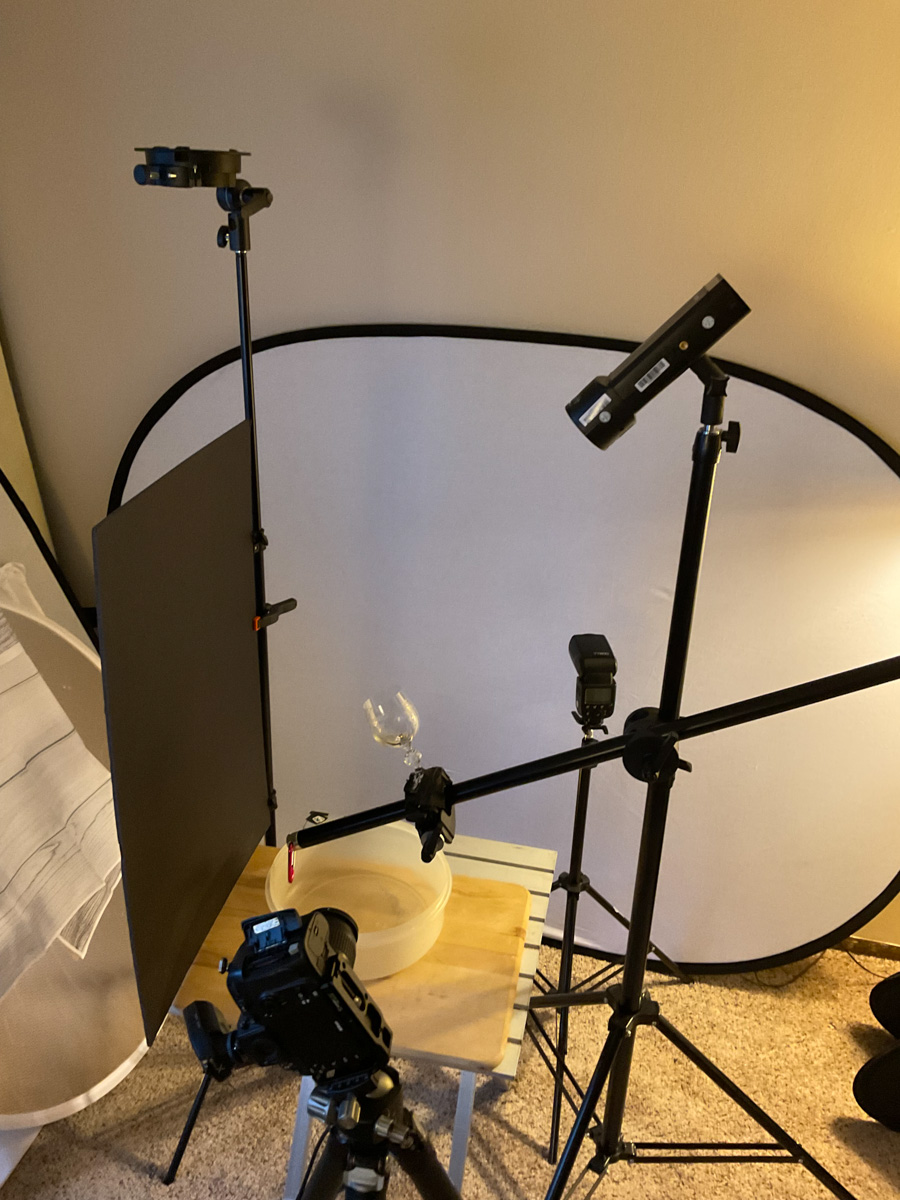
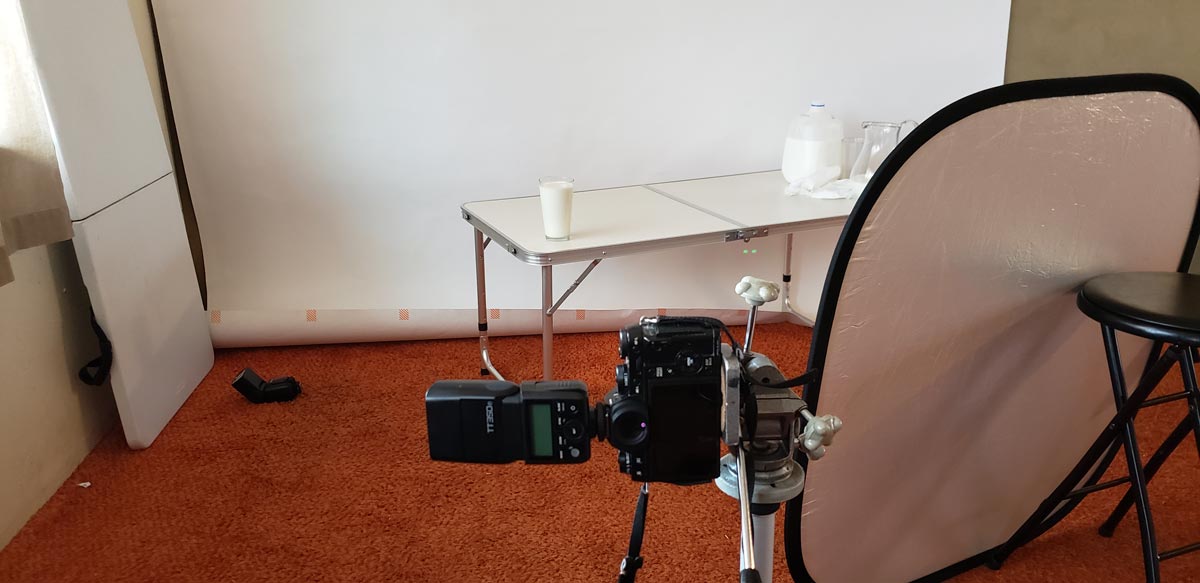
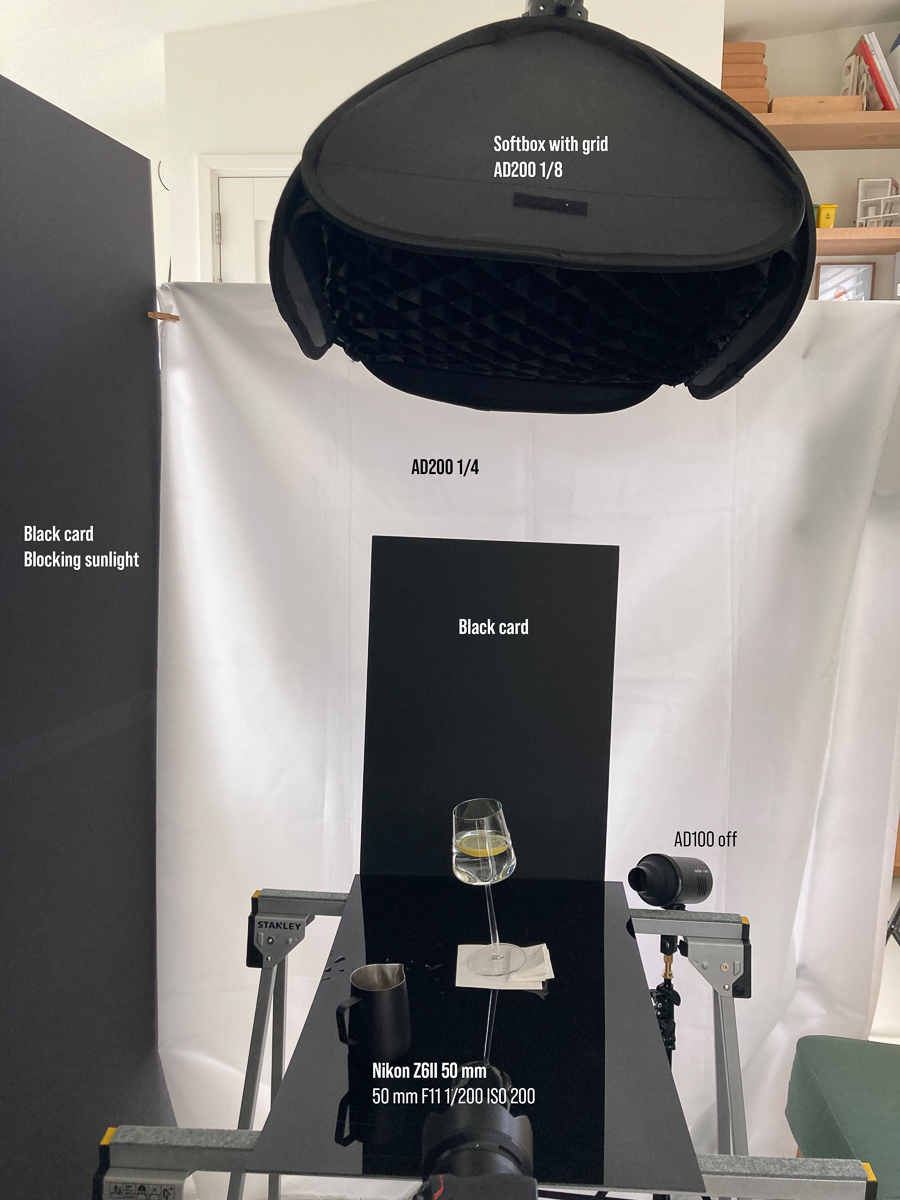
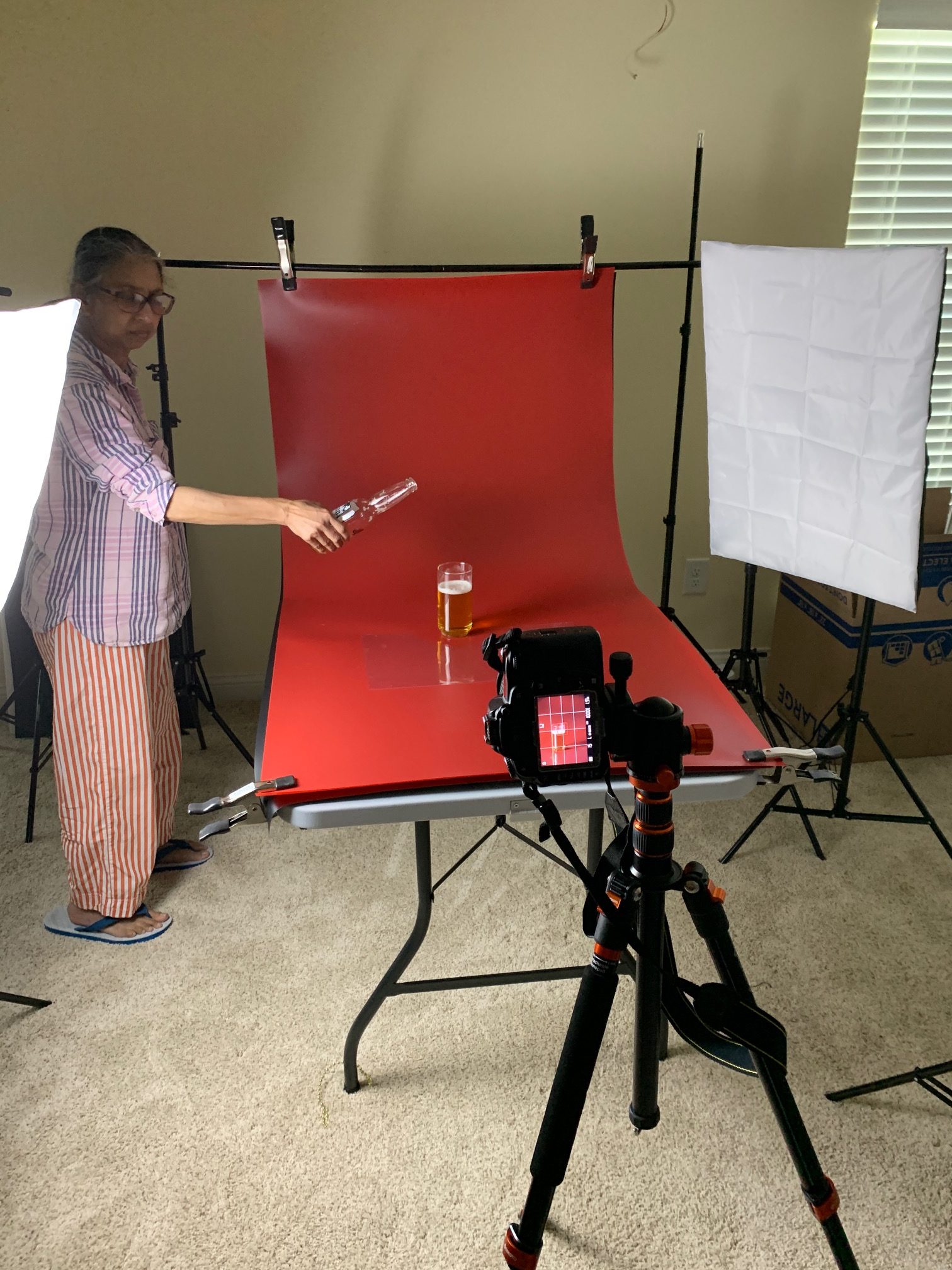
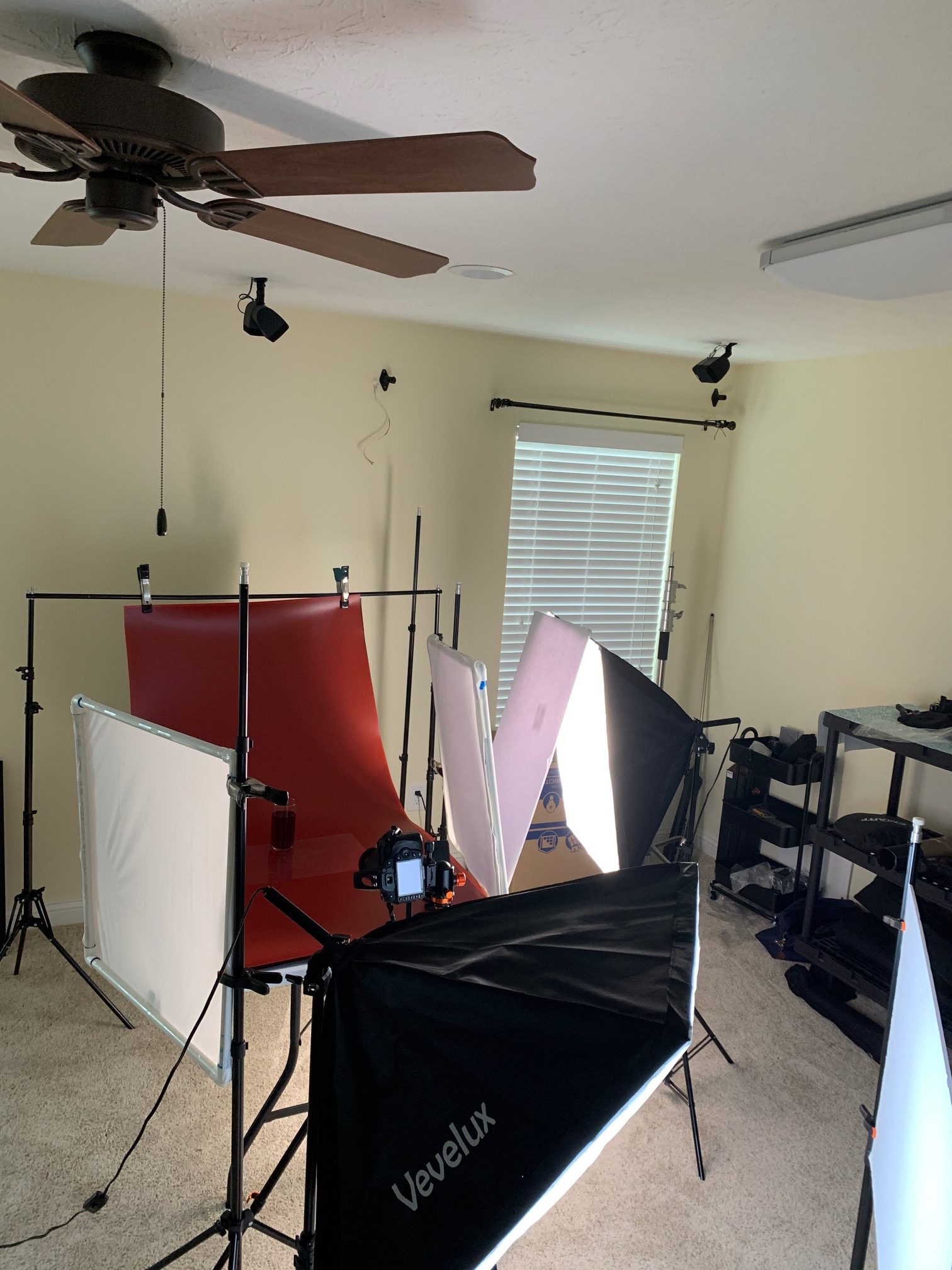
And a BTS shot as well, of course.
VIDEO
PHOTOGRAPHIC INFO
PHOTOGRAPHIC INFO
APRIL 2023








OCTOBER 2020
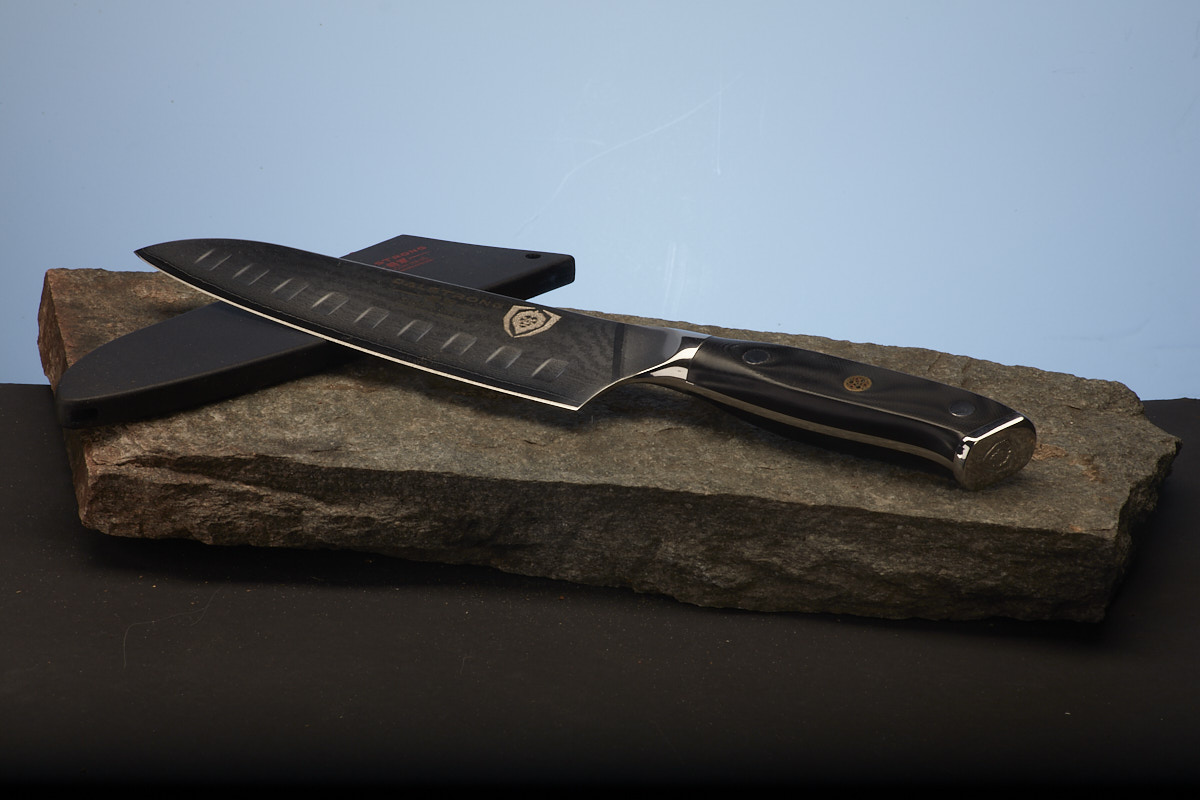





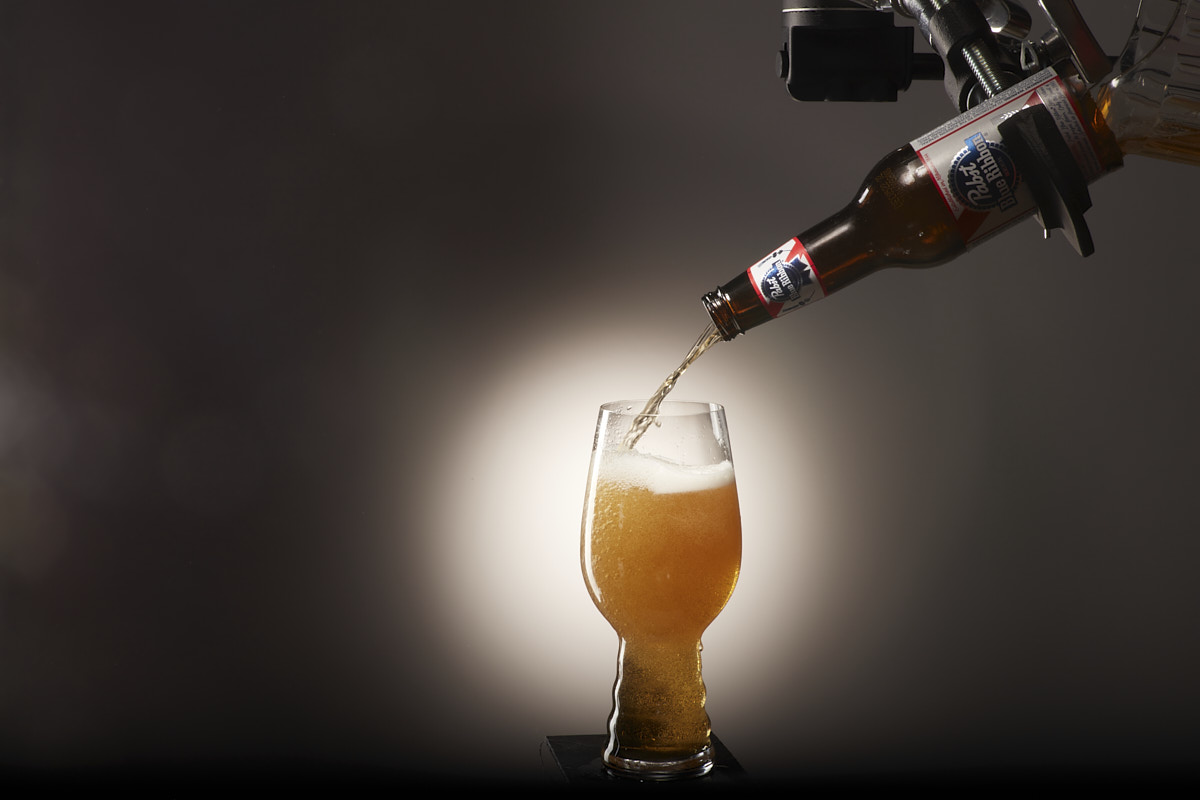
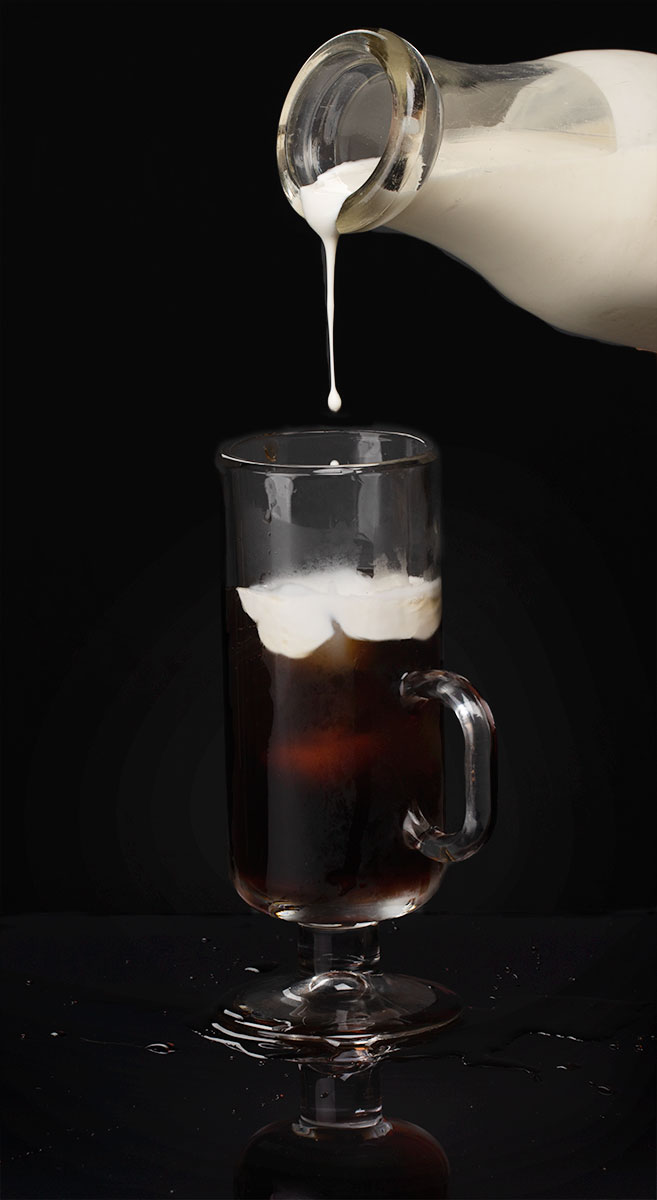
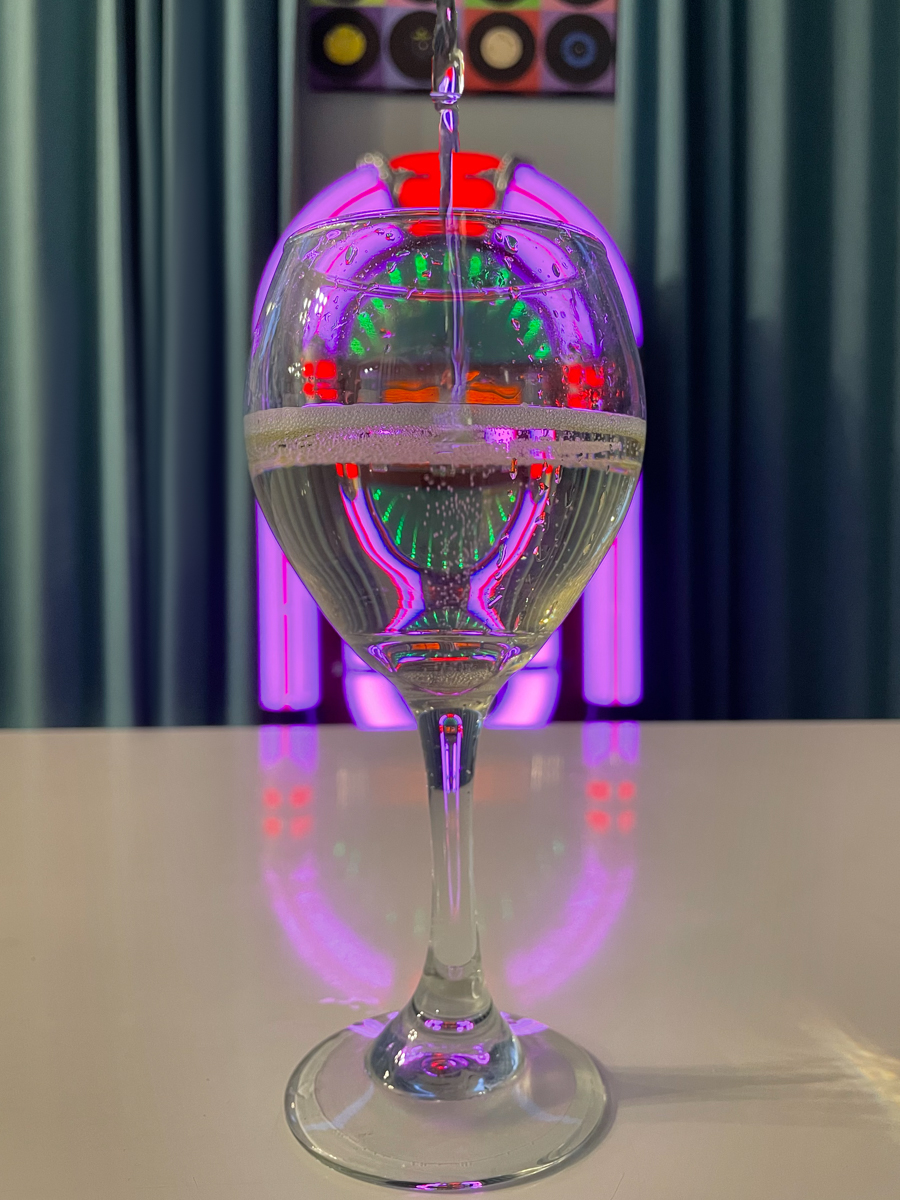
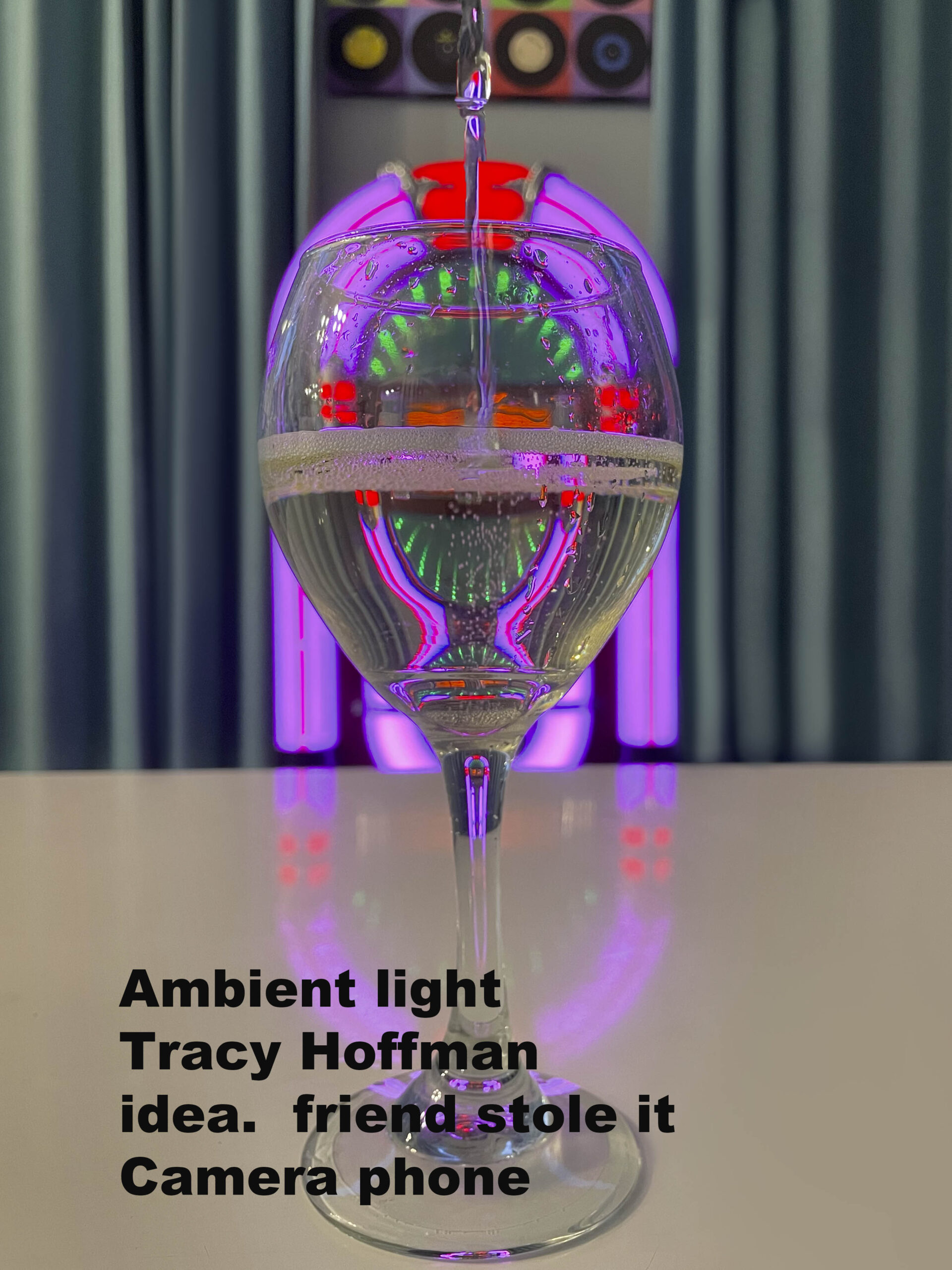
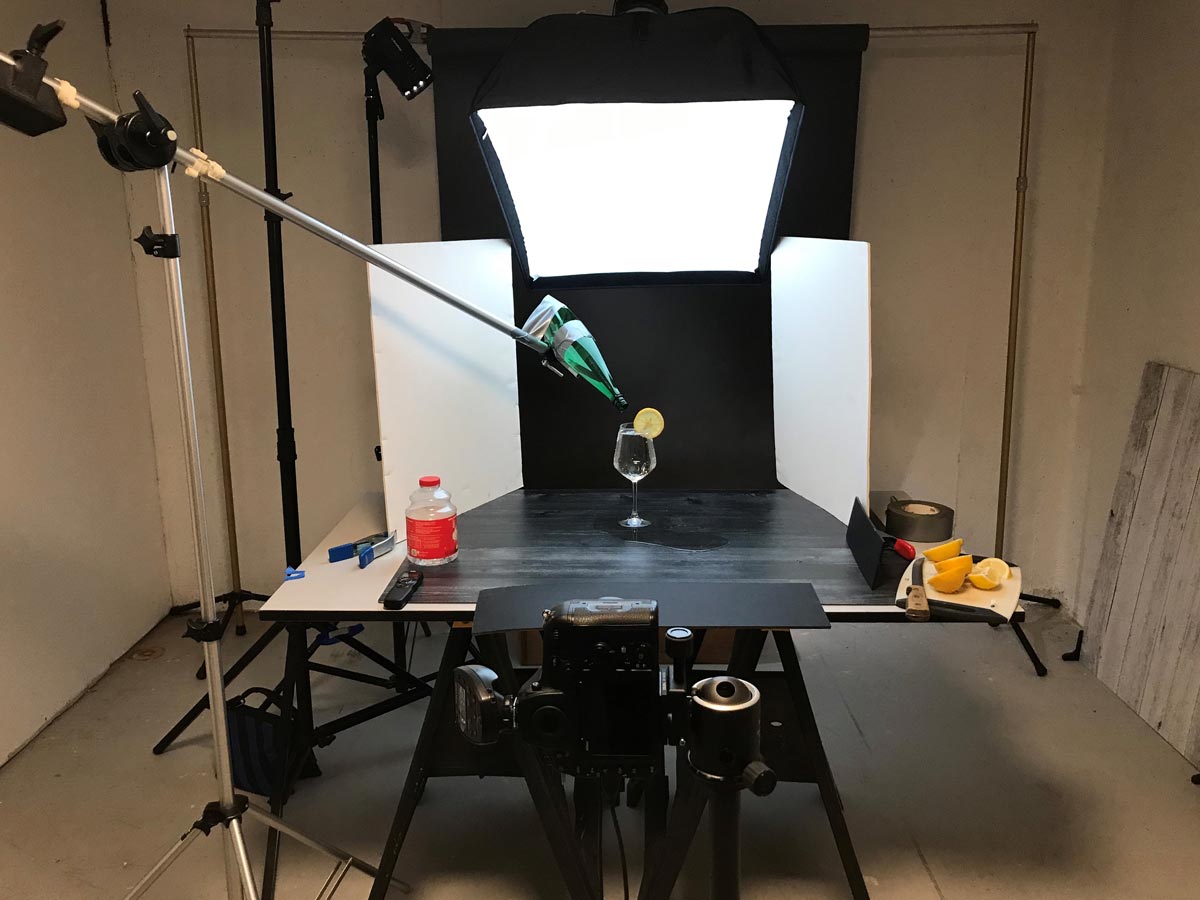
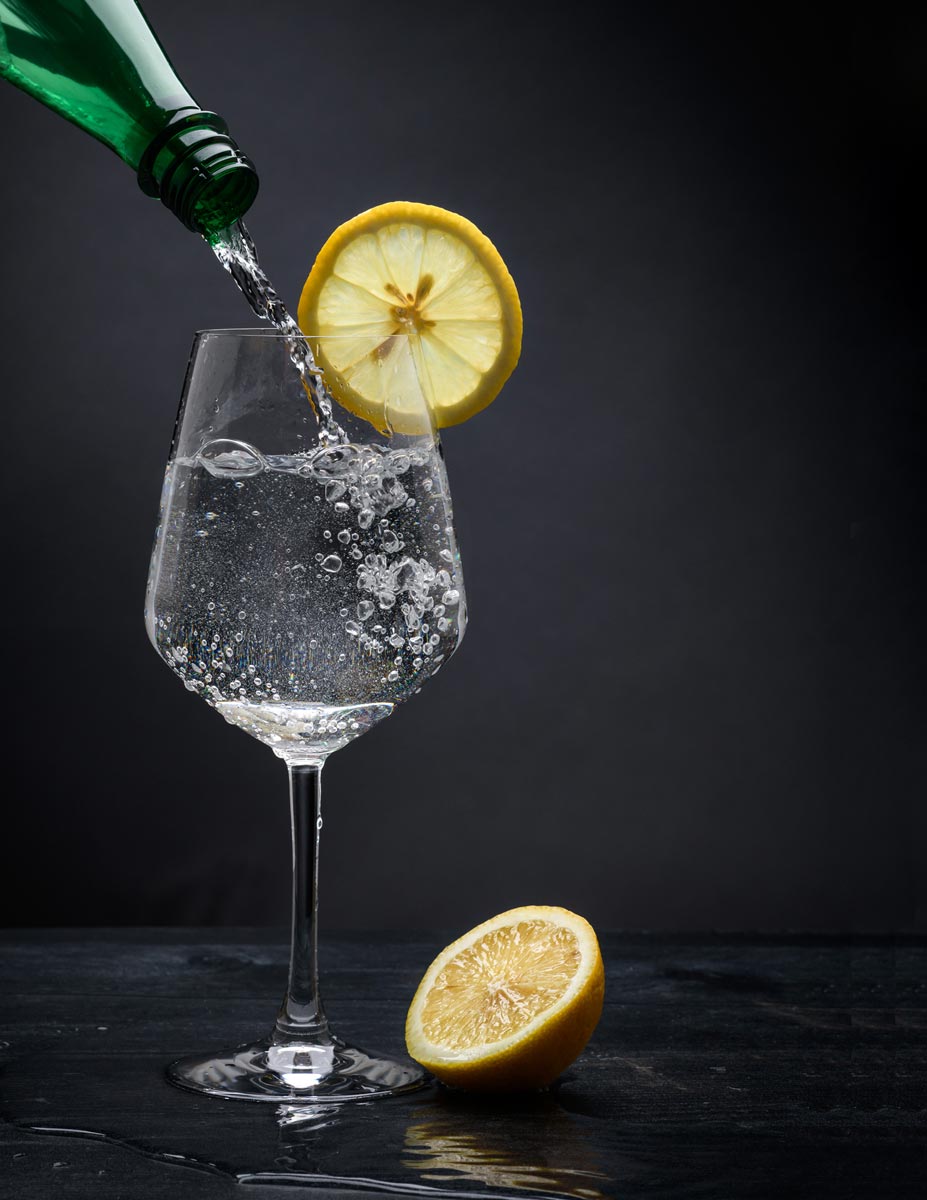



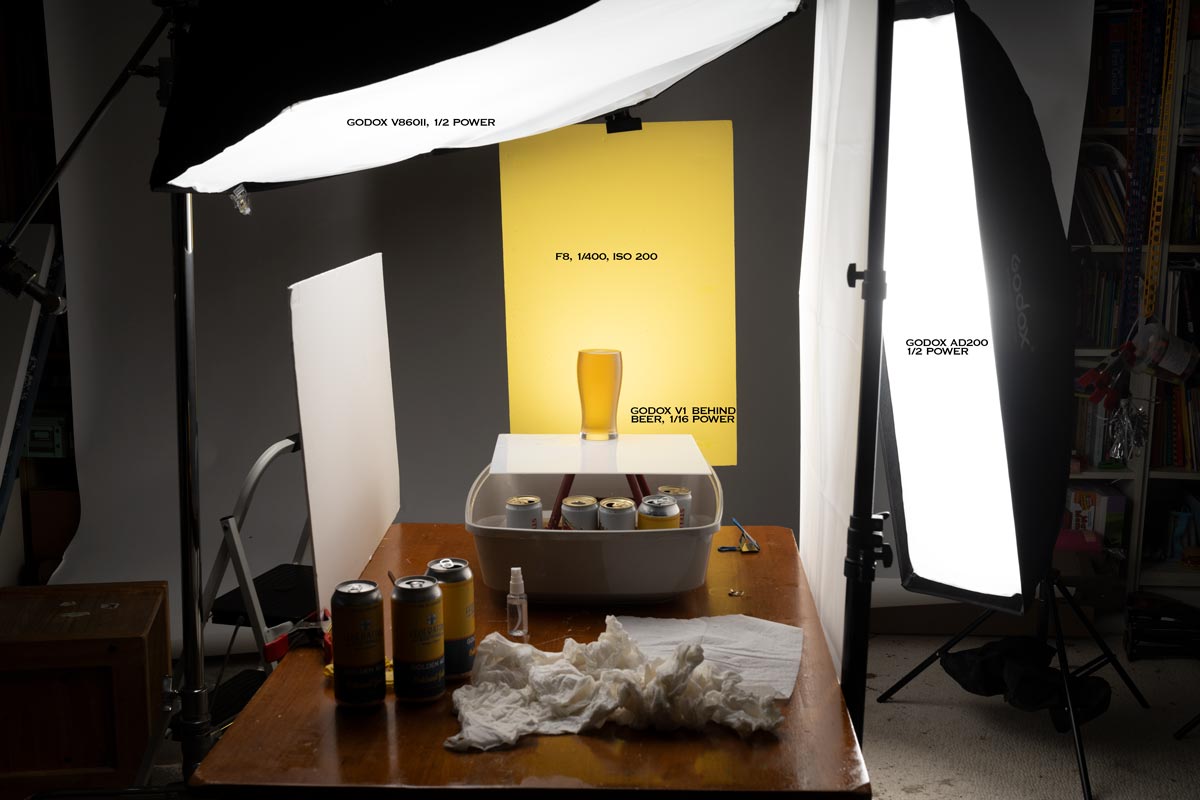


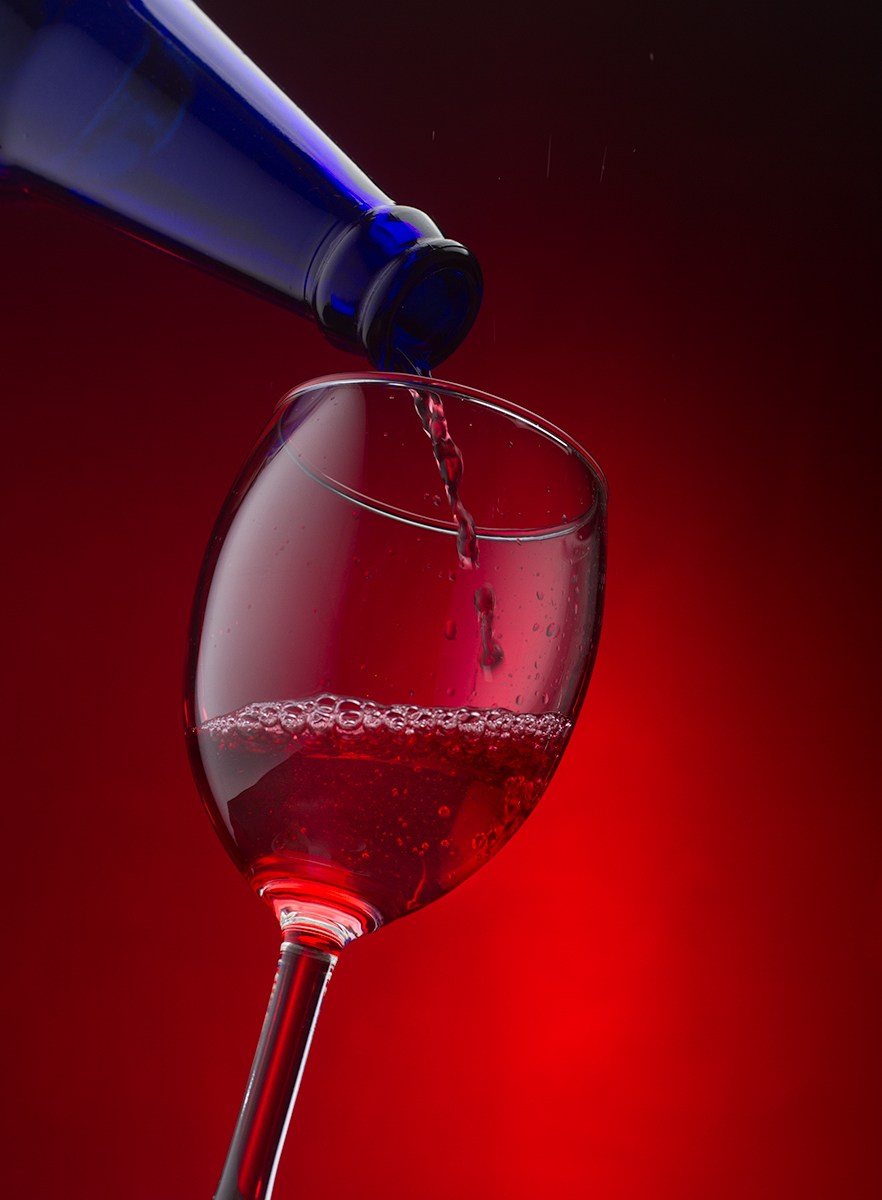
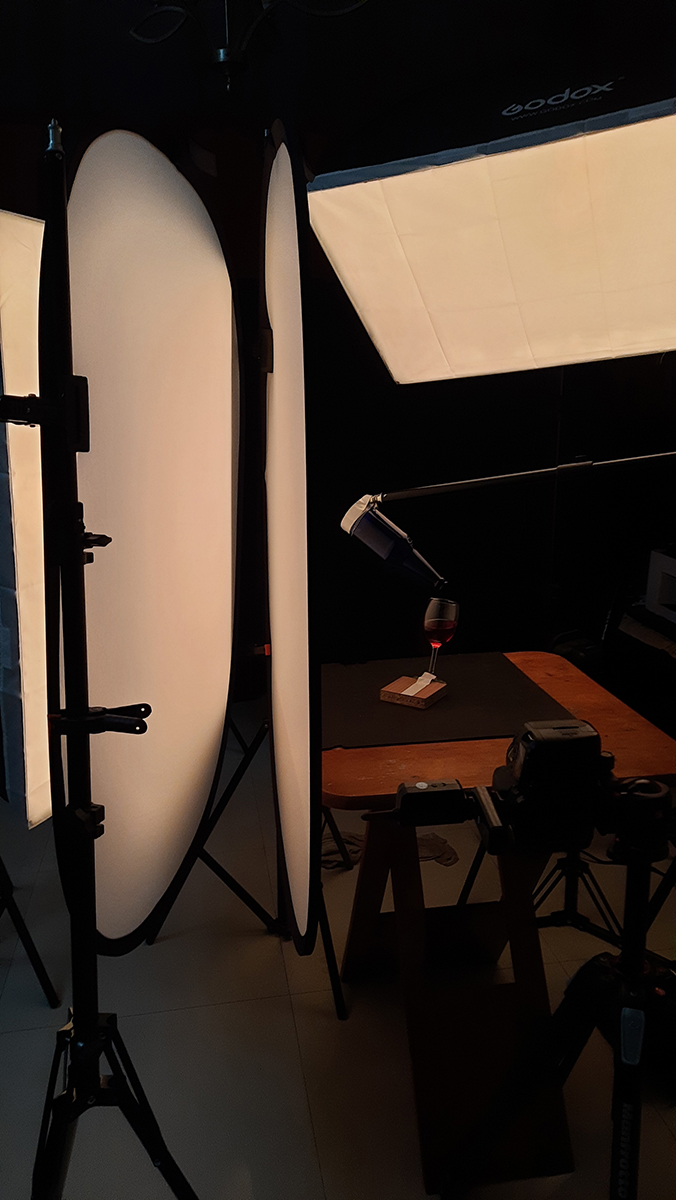

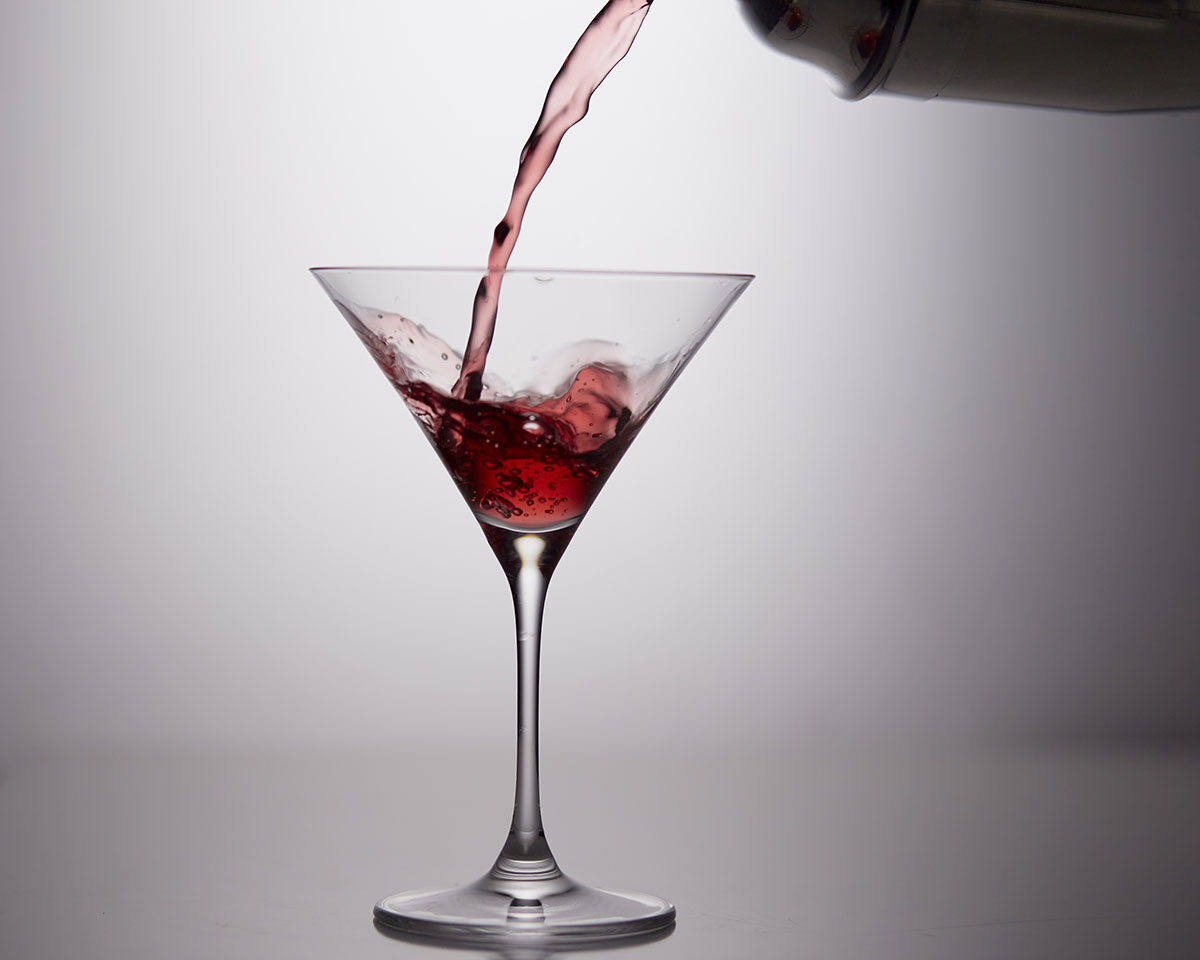
PREVIOUS STUDENT WORK FOR INSPIRATION












APRIL 2022

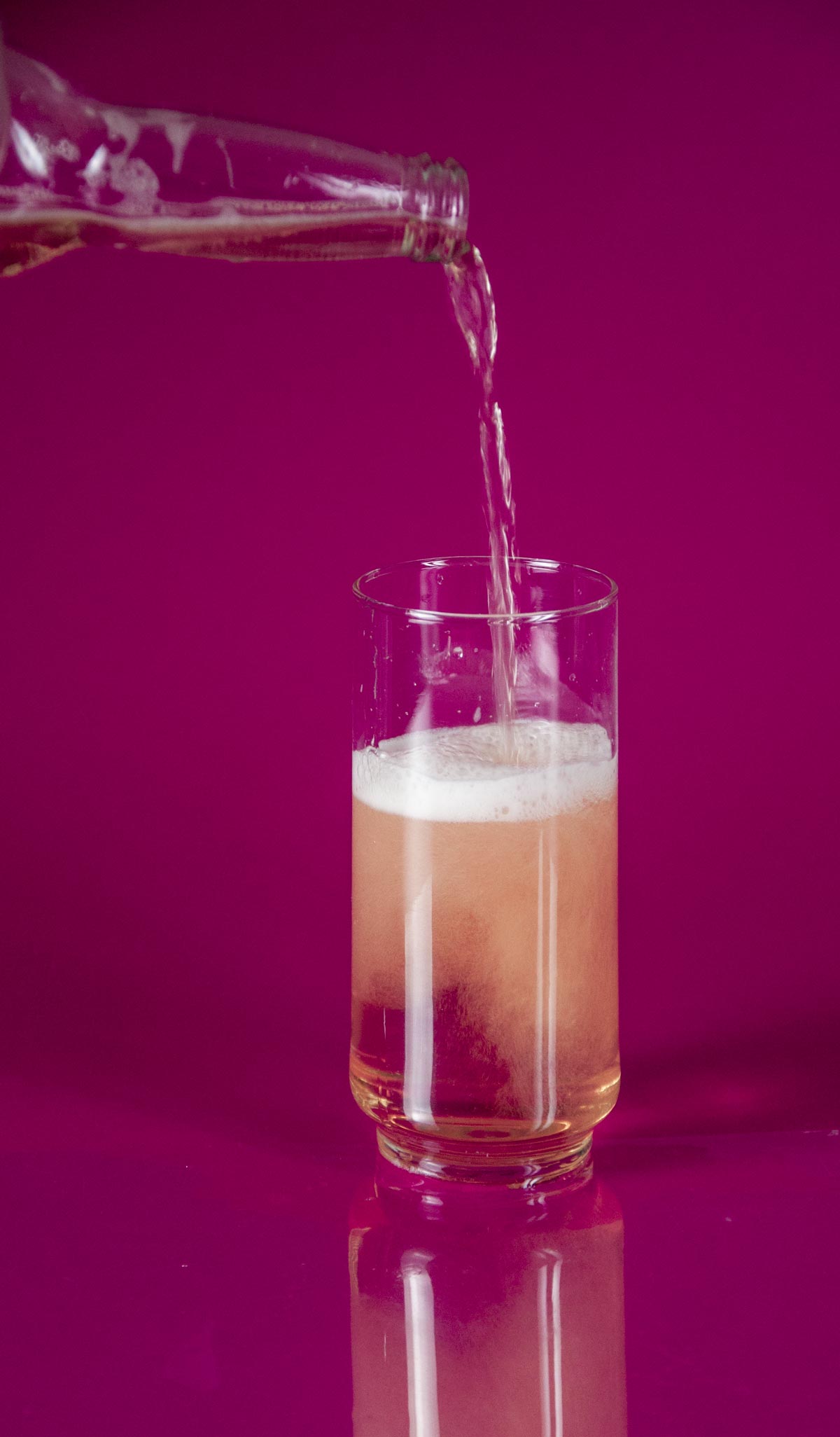
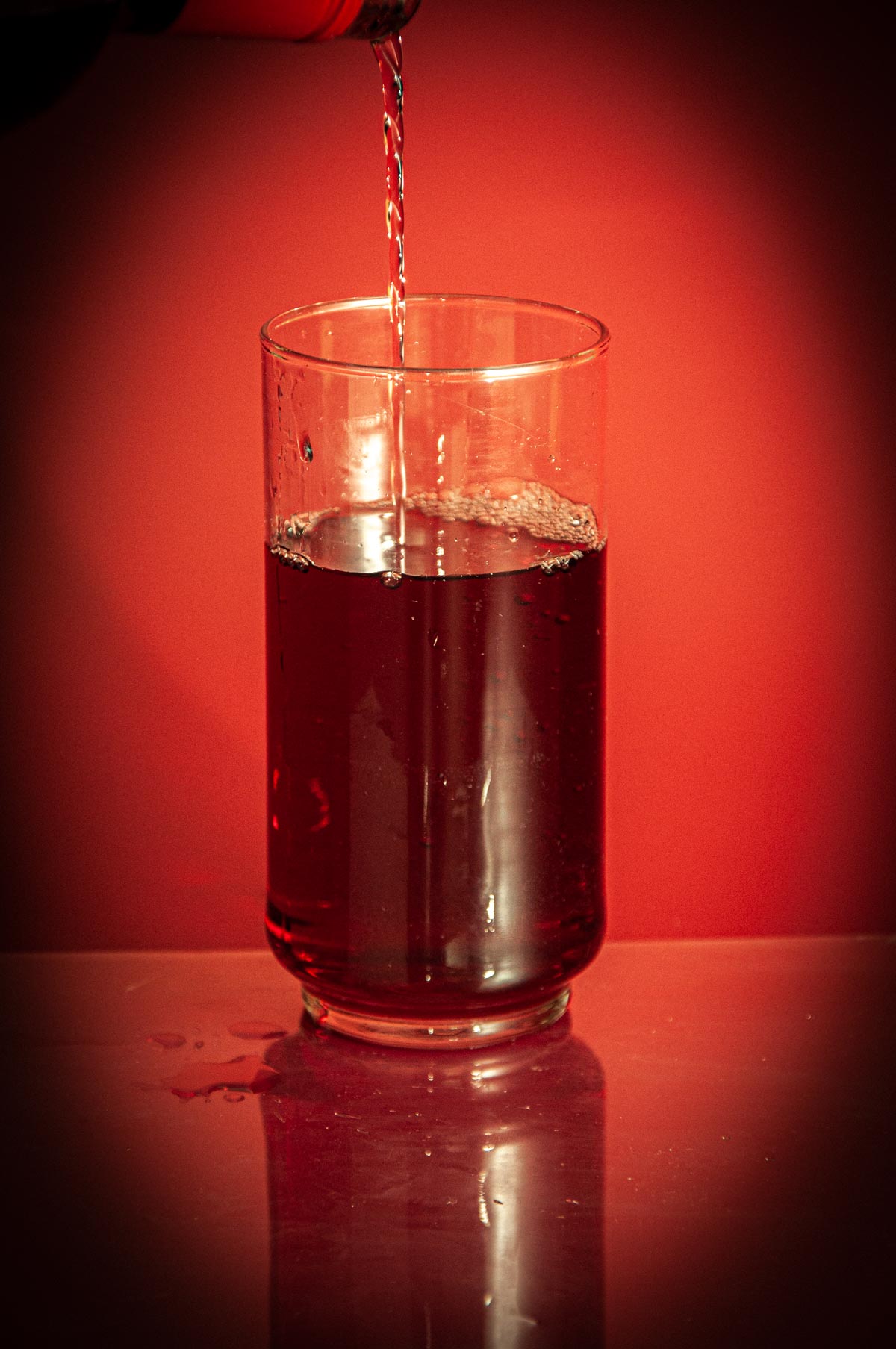



NIK is Going Away: Alternatives Abound
REPORTS OF NIK NO LONGER WORKING IN MAC HIGH SIERRA [EDIT - November 1, 2017] It looks like NIK is being saved by another company. DXO has purchased it and it will become part of their package offering. However, the next update will still be a free version....
Webinar Information: Week of August
We will be using the current GoToWebinar meeting times this week. Friday morning, Friday Advanced, Saturday morning, Saturday Advanced. Use current links. The 2017 group will have these two workshops: Saturday Morning Saturday Afternoon
Attention All Students: August Info
Before I head out on this mad adventure, I want to give everyone a heads up on how August is going to work. I have posted assignments for the entire month of August. I will post further assignments on the weekend of the 12th and 13th to keep us going into September. I...
Four Videos On “Color Grading” in Lightroom
I think you may find these pretty interesting. https://www.youtube.com/watch?v=KPAViswQvCg https://www.youtube.com/watch?v=BWKQkjLo_lo https://www.youtube.com/watch?v=WqvOPNHJWCc https://www.youtube.com/watch?v=lTyU5pCzAsg
The Business Book
I had this linked over at the Facebook Group, but it is important to have it here as well. The Business Book
Understanding Photography in a Social Media World
I was asked to speak at CapturePhotoCon 2017 here in Phoenix, and this is the presentation I gave. This is the slide deck in PDF form. If you have any questions, let me ask in the comments. SOCIAL MEDIA KEYNOTE I also gave a presentation on "Subject Centric Lighting"...
Open Office December 2016
https://www.youtube.com/watch?v=5Uk4YyrxN7E https://www.youtube.com/watch?v=AysWQLSdnbw
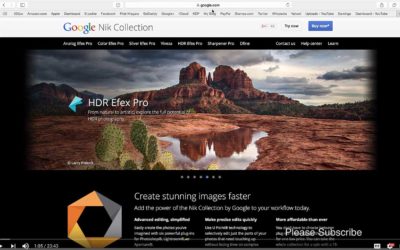
How to Use NIK for Best Practice
This guy takes us through the plugins from start to finish. It is an excellent introduction into using the entire suite (or parts of it) but in an order that makes sense for the way a digital file is made. https://www.youtube.com/watch?v=gikVjBnpTRQ This is a nice...

WEBINAR: ‘Open Office’ November 17, 2016
https://youtu.be/kSFKMrBkfoI
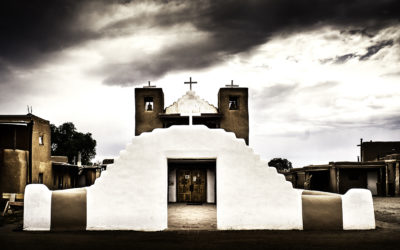
Office Hours: November 1, 2016
https://www.youtube.com/watch?v=sovraF5cfd4
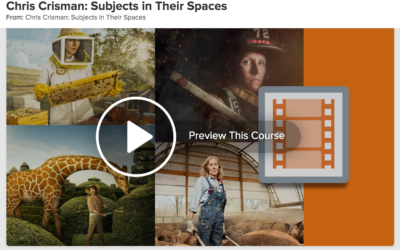
Chris Crisman on Composition and Portraiture
How does a photographer grow his business while staying true to his passion? Internationally recognized photographer Chris Crisman explains how he balances his commercial work with more personal, environmental portraits, like his Women's Work series. LINK to Lynda.com...
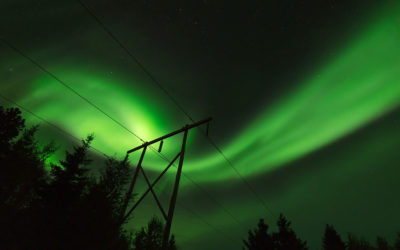
OFFICE HOURS: NOVEMBER 1, 2016
PLEASE REGISTER HERE. Bring questions, comments, images to discuss. This is an open forum, there is no presentation from me. I am here to answer questions, lead discussions of your topics.